Best Note Organization App for Writers (2026): 5 Picks Checked on Vendor Pages
Searching for the best note organization app for writers? Here are 5 options with prices and free plans. Every tool lists pros and cons. Updated November 2026.
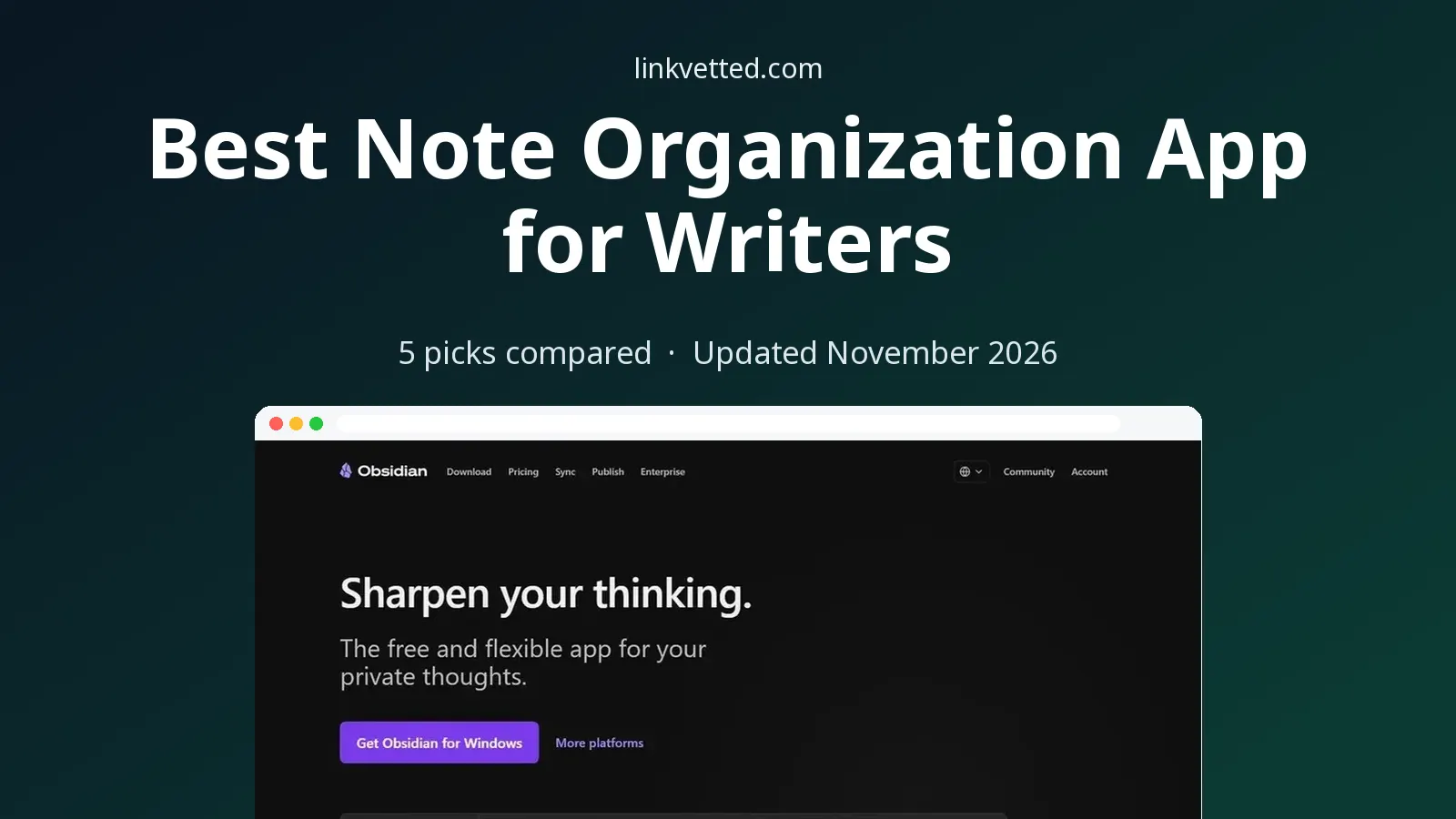
- Editor's choice
 Obsidian
Private, linked notes for deep thinking
Starts at$4 per user per monthVisit obsidian.mdFull review - Great alternative
 Ulysses
Focused long-form writing and document management
Starts at$39.99 a yearVisit ulysses.appFull review - Also consider
 Evernote
Capturing and prioritizing ideas and projects
Starts atSee websiteVisit evernote.comFull review
Direct answer
For private, linked notes for deep thinking, Obsidian is where this list starts. Listed starting prices: Obsidian from $4 per user per month, Ulysses from $39.99 a year and Notion from $10 per member per month. Look at Ulysses for focused long-form writing and document management, and at Evernote for capturing and prioritizing ideas and projects. The remaining 2 options are covered below with prices and limits.
TL;DR:
- Obsidian takes the first slot, best suited to private, linked notes for deep thinking.
- Free plans exist at 3 of 5 tools (Obsidian, Evernote, Notion).
- Obsidian has the lowest monthly starting price in this list: $4 per user per month.
- Notion fits writers building a connected workspace.
- Before buying Ulysses, weigh this: narrower note organization than general apps.
Last checked November 2026. Prices and plan details were read from the vendors' own pages in November 2026; vendors change plans often, so confirm the current price on the vendor site before you buy.
Quick comparison
| Tool | Best for | Starts at | Free plan? | |
|---|---|---|---|---|
| Obsidian | Private, linked notes for deep thinking | $4 per user per month | Yes | Visit |
| Ulysses | Focused long-form writing and document management | $39.99 a year | Free trial | Visit |
| Evernote | Capturing and prioritizing ideas and projects | See website | Yes | Visit |
 Bear | Straightforward Markdown notes on Apple devices | See website | Not stated | Visit |
 Notion | Writers building a connected workspace | $10 per member per month | Yes | Visit |
5 note organization app for writers in detail
Short on time? The summary and table above give the quick view of 5 note organization app for writers, and the profiles that follow give the detail behind each entry.

Think of Obsidian for private, linked notes for deep thinking. Obsidian is presented as the free and adaptable app for your private thoughts, which suits writers who treat notes as a long-term knowledge base.
Obsidian starts at: $4 per user per month. Obsidian includes a free tier.
Where it is weaker: Less guided for new users.
- Centred on private thoughts
- Fits connected note structures
- Needs you to design your own system
Where Ulysses fits: focused long-form writing and document management. Writers who draft long pieces and want their documents organized and exportable in a handful of steps will find the emphasis well matched to their work.
Best features of Ulysses: Quick syncing and adaptable export.
The starting price for Ulysses: $39.99 per year. Free access: Free trial. Downsides: A good match for writers instead of mixed teams.
- Effective document management
- Focused writing experience
- Narrower note organization than general apps

Where Evernote fits: capturing and prioritizing ideas and projects. Evernote presents itself as a note taking app for organizing notes, with an emphasis on capturing and prioritizing ideas, projects and to-do lists so nothing falls through the cracks. That makes it a sensible fit for writers who juggle plenty of ideas and assignments at once and want a single place to collect and sort them before drafting begins.
Writers who primarily need a distraction-free drafting environment may prefer a tool built around the writing surface itself, whereas Evernote remains solid for planning and idea capture. Since it is a general-purpose organizer, it is less tailored to long-form manuscript work than dedicated writing apps. Evernote does not show a starting price in this comparison, so check the vendor site for current pricing. You can start on Evernote without paying.
Limits to weigh: Feature set may feel broad for minimal note takers.
- Works as a general organization hub
- Built around capturing ideas and to-do lists
- Not aimed specifically at long-form drafting
Where Bear fits: straightforward Markdown notes on Apple devices. Bear is a Markdown note taking app for Mac, iPhone and iPad, described as a beautiful, powerfully straightforward way to capture, write and organize your life.
What Bear does well: Straightforward to capture and organize.
In practice, writers who prefer plain-text notes and work largely on Apple devices will appreciate the straightforward capture and organization without extra setup. Its ecosystem focus means writers on other systems will want to look elsewhere, and it is lighter on long-form document management than dedicated writing tools. No starting price is listed for Bear here; confirm pricing on the vendor site. Free plan details: Not stated. The main drawbacks: Tied to the Apple ecosystem.
- Syncs across Mac
- IPhone and iPad
- Lighter on document management

In short, Notion is for writers building a connected workspace. For writers, that translates into an adaptable space for notes, documents and task tracking, handy when research, outlines and publishing checklists live alongside the writing itself.
Where it falls short: Less centred on pure prose drafting.
Entry price for Notion: $10 per member per month. A free plan is available with Notion.
- Docs and tasks
- Search across connected apps
- Can feel complex to set up
How we chose
Pricing pages, product documentation and feature lists were the main sources, and every entry carries at least one honest drawback. Where a price is missing, the vendor does not list one publicly or ties it to a quote. Always confirm before budgeting. The order reflects how well each tool fits the most common buying scenario for note organization app for writers, then price clarity, then free plan access. It is a starting point, not a verdict.
Questions to settle before buying
- Confirm the entry price on the vendor page. For Evernote and Bear that means a quote rather than a fixed price.
- Look at free plan limits closely: Obsidian, Evernote and Notion have one, and the caps decide whether it is usable for real work.
- Use real work to test the free trial from Ulysses, rather than a demo project.
- Read the limits listed for Obsidian first: requires you to design your own system.
- Find out what support Notion includes on your plan, and whether onboarding help costs extra.
- Ask Bear whether prices are locked for the first term and what happens at renewal.
FAQ
Should writers use a dedicated writing app or a general note app?
It relies on the task. General apps like Notion or OneNote are better for planning, research and shared notes around the writing.
Do these tools publish their prices?
Not all of them. Evernote and Bear publish no starting price, so expect a quote request for those. The rest, Obsidian included, show a starting price, though seats and billing terms still change the final cost.
Can I try these tools before paying?
Often, yes. Obsidian, Evernote and Notion have a free plan and Ulysses offers a free trial. Use your own data and a real task during the test, and check what the free tier or trial limits before you rely on it.
What is the cheapest option for note organization app for writers in this list?
On published monthly entry prices, Obsidian is the lowest here at $4 per user per month. Entry price is only part of the cost, because seats, add-ons and billing terms can change the total. Prices, free plan details and limits for all 5 tools in this note organization app for writers roundup sit on the individual cards above.
Is Obsidian the right pick for everyone comparing note organization app for writers?
No single tool suits every team. Obsidian comes first because it fits private, linked notes for deep thinking, while Ulysses suits focused long-form writing and document management and Evernote suits capturing and prioritizing ideas and projects. Match the tool to your own size, budget and workflow before deciding.