Best Notion AI Alternatives in 2026: 9 AI Workspaces Compared
Looking for notion ai alternatives? We compare 9 AI workspaces on docs, tasks, search and price, so teams and solo users can pick the right fit in 2026.
- Editor's choice
 ClickUp
Teams wanting docs, tasks and AI in one place
Starts at$7 per user per monthVisit clickup.comFull review - Great alternative
 Coda
Teams wanting docs that act like apps
Starts atSee websiteVisit coda.ioFull review - Also consider
 Taskade
Small teams wanting AI-first lists and docs
Starts at$10 per monthVisit taskade.comFull review
TL;DR:
- ClickUp suits project-led teams, while Coda suits operations teams that want docs that act like apps.
- Craft, Mem and Anytype suit personal notes, with different strengths in design, AI search and privacy.
- AI credits and packaging vary by plan, so test AI on your own notes during a trial before you commit.
- Free plans limit storage, members or AI credits, so check those limits before you build a large workspace.
Quick comparison
| Tool | Best for | Starts at | Free plan? | |
|---|---|---|---|---|
| ClickUp | Teams wanting docs, tasks and AI in one place | $7 per user per month | Yes | Visit |
| Coda | Teams wanting docs that act like apps | See website | Yes | Visit |
| Taskade | Small teams wanting AI-first lists and docs | $10 per month | Yes | Visit |
 Mem | Individuals wanting AI-connected notes | See website | Yes | Visit |
 Craft | Apple users wanting beautiful docs and notes | See website | Yes | Visit |
 Anytype | Privacy-focused users wanting local-first notes | See website | Yes | Visit |
 Evernote | Users wanting mature note capture and search | See website | Yes | Visit |
 AppFlowy | Teams wanting open source control | See website | Yes | Visit |
 Slite | Teams wanting a simple wiki with AI search | See website | Free trial | Visit |
The best Notion AI alternatives
Notion AI helps users draft, summarise and search inside Notion, but teams that need stronger tasks, databases or local-first notes may want a different home. The nine tools below pair docs and notes with AI drafting, search or agents, with different strengths for personal notes, team wikis and project work.
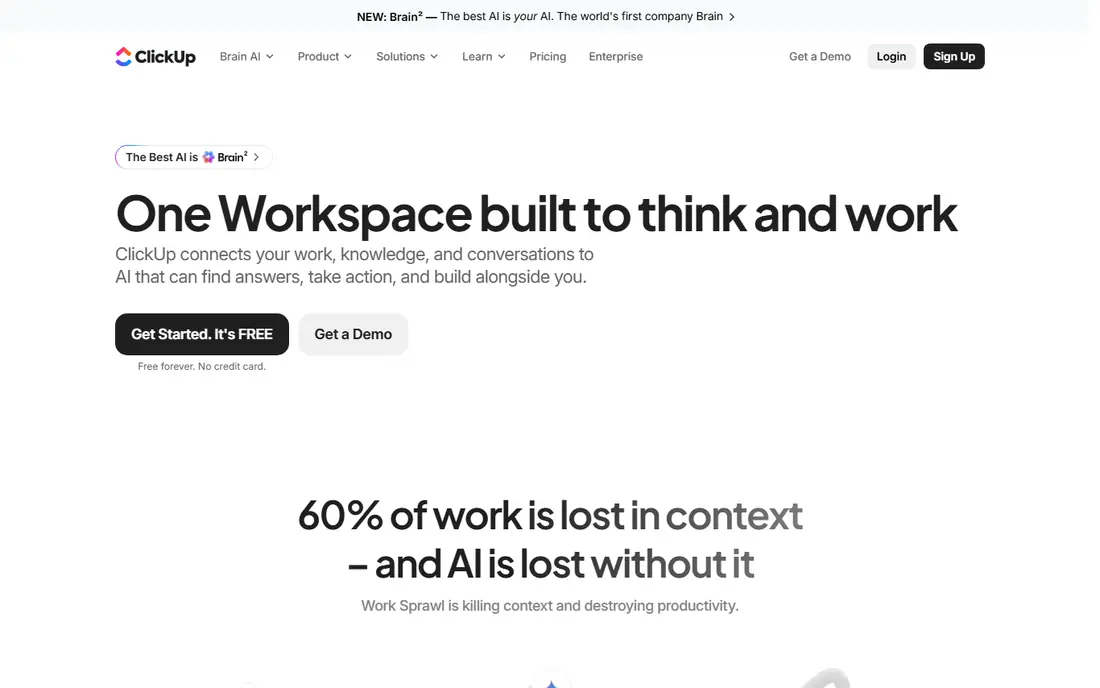
ClickUp links docs, tasks, dashboards and goals, so AI summaries can pull from work, not just a single page. Its Brain AI drafts, summarises and extracts actions, and its many views suit teams that live in project work.
The breadth is also the drawback. New teams face a steep learning curve, free plan storage is limited, and AI pricing has changed across tiers, so check current AI credits and add-on costs before you plan a rollout.
- Many views
- Docs and tasks linked
- AI drafting and summaries
- Learning curve is steep
- AI credits vary
- Free plan storage is limited
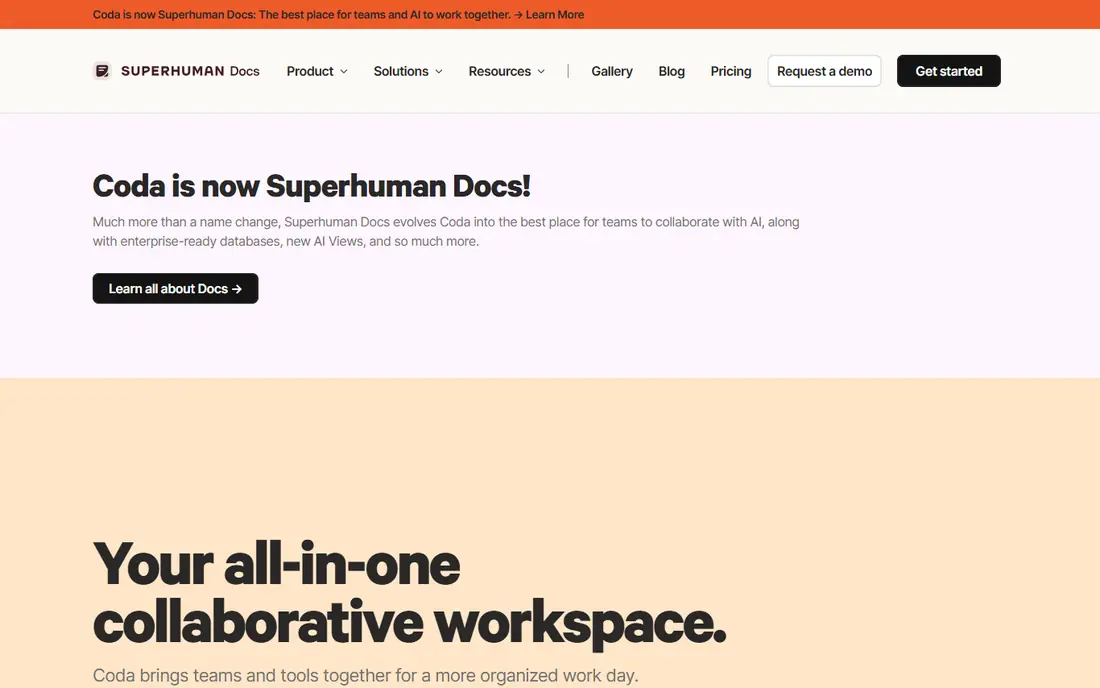
Coda turns docs into working apps with tables, buttons and automations, so a project doc can also track status and send reminders. Its AI helps draft, summarise and work inside tables, which suits operations and product teams.
Formula and automation depth takes learning, and AI packaging varies by plan, so confirm whether AI is included or an add-on on your tier. Teams that only need simple notes may find Coda heavier than Craft or Mem.
- Docs plus tables and automations
- AI in docs
- Strong templates
- AI pricing varies by plan
- Learning curve for formulas
- Smaller template library than Notion
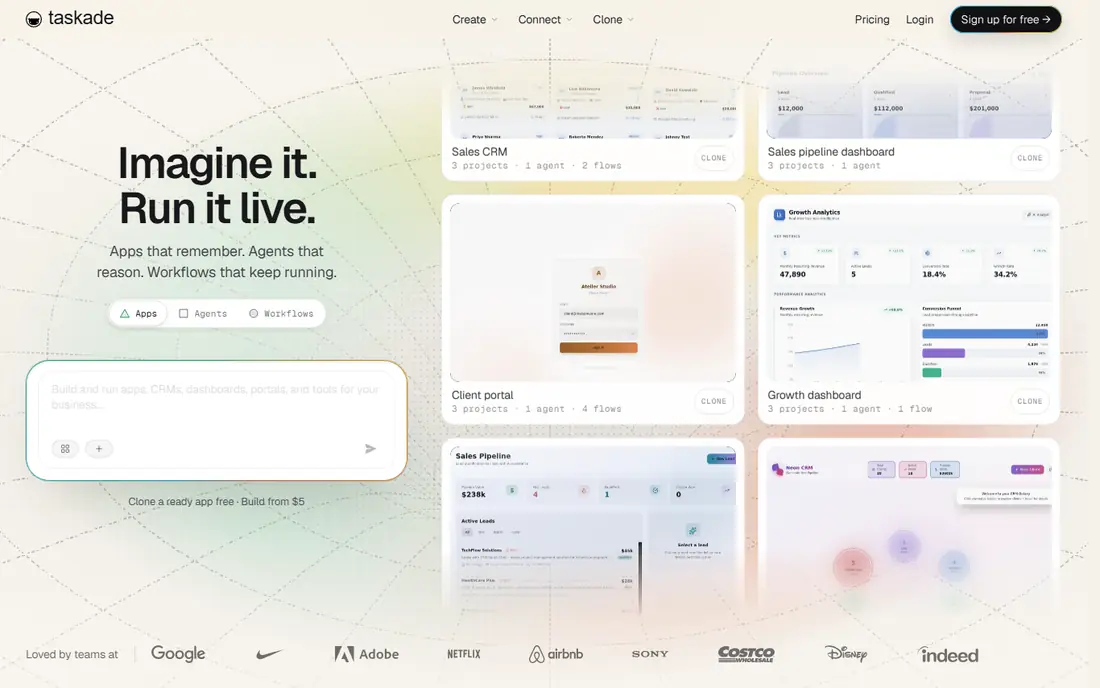
Taskade is an AI-first workspace for lists, docs, mind maps and projects, with agents that can draft plans and automate routine tasks. Built-in chat and video calls reduce tool switching for remote teams.
Project management depth is lighter than ClickUp or Asana, and AI request limits apply on lower tiers. It suits small teams that value speed and simplicity over advanced reporting and granular controls.
- AI agents and templates
- Chat and video built in
- Simple interface
- Project depth is lighter
- AI limits on lower tiers
- Reporting is basic
Mem focuses on fast capture and AI search, so notes, meetings and ideas stay connected without manual tagging. Ask Mem can surface related notes and draft summaries from your own material, which suits researchers and solo knowledge workers.
Team wiki and project features are thinner than Notion or Coda, and pricing varies by plan. Check export options and team controls if you plan to share a workspace beyond personal use.
- AI search across notes
- Fast capture
- Connected notes
- Team features are thinner
- Pricing is plan-led
- Export options need checking
Craft makes documents that look polished with little effort, with native apps for Mac and iOS and offline support. It suits writers, students and small teams that value design and speed over complex databases.
AI features are more limited than Notion AI or ClickUp Brain, and Windows and Android users rely on web apps. Teams that need deep databases or advanced automations should test Coda or ClickUp instead.
- Polished documents
- Offline support
- Native Apple apps
- Windows and Android apps are web-based
- AI features are limited
- Team tools are lighter
Anytype stores notes locally first, with objects, relations and graphs for personal knowledge work. It appeals to users who want control over their data and offline access without a cloud-only workspace.
Its ecosystem is smaller than Notion, AI features are limited, and sync across devices needs setup. It is a strong pick for privacy and personal notes, less so for teams that need AI drafting at scale.
- Local-first storage
- Objects and relations
- Offline use
- Smaller ecosystem
- AI features are limited
- Sync setup needs care
Evernote remains a mature note app with a strong web clipper, search inside documents and reliable mobile apps. It suits users who collect articles, receipts and meeting notes and need to find them fast.
AI drafting and workspace features are more limited than Notion AI, and free plan limits are tight. Users who want AI writing inside docs should compare ClickUp, Coda or Taskade first.
- Strong web clipper
- Search inside PDFs
- Mature mobile apps
- AI features are limited
- Pricing has risen
- Free plan is limited
AppFlowy is an open source workspace for docs, boards and wikis, with a self-hosting option for teams that want control over data and deployment. It suits technical teams and privacy-conscious firms.
AI features often need extra setup or a separate model, and its template library is smaller than Notion. Support is partly community-led, so teams that need vendor support should weigh that before a full rollout.
- Open source
- Self-hosting option
- Docs and boards
- AI features need setup
- Smaller template library
- Support is community-led in places
Slite offers a clean team wiki with AI search that helps staff find decisions, processes and docs without digging through folders. Its editor is simple, which helps adoption across non-technical teams.
Project and task tools are limited, so teams that need full project management will need another tool beside it. Pricing is per user, so model the cost for the whole team, not just editors.
- Simple team wiki
- AI search
- Clean editor
- Project tools are limited
- Pricing is per user
- Smaller ecosystem
How we picked these
We compared official feature pages, pricing pages, app store listings, privacy and support pages, and public user reviews for each product. We focused on whether the product truly fits the topic, what it costs at entry level, whether a free plan or trial exists, and what honest limits buyers should know before they commit.
We did not claim hands-on testing, and we did not invent prices, awards, user counts or features. Where a vendor does not publish a clear price, we wrote See website, so you can check the current figure on the vendor page before you buy.
Before you buy, check the details that most often cause regret after a switch. Confirm the renewal price, not just the first-year or entry price, and confirm what happens to your data, history and integrations if you cancel or downgrade. Check user limits, seat costs and any fees for extra features, since those extras can change a monthly total more than the headline plan price. Read the support hours, response times and data protection terms for your region, and ask the vendor in writing about any feature that matters to your team, so the answer is clear before you sign. Finally, run a short pilot with real data and real users, since a pilot reveals import problems, workflow gaps and training needs that a sales demo will not show, and it gives your team a fair chance to compare the new tool with the old one on equal terms. A pilot also helps you estimate training time, since a tool that needs a week of training costs more in staff time than a simpler tool with a slightly higher licence fee.
How to pick an AI workspace that fits your work
Start with the job AI must do. Drafting, summarising, searching your own notes and building project plans are different jobs, and each tool prices them differently. A tool that drafts well but cannot search across your workspace will disappoint a research team, while a tool that searches well but lacks task links will disappoint a project team.
Test AI on your own material
During a trial, feed AI your real notes, not sample text. Ask it to summarise a meeting, draft a project brief and find a decision from last month. Check accuracy, citations to source pages and credit limits, since AI that invents facts or runs out of credits mid-month will cost more than it saves.
FAQ
What is Notion AI?
Notion AI is an AI feature inside Notion that drafts text, summarises pages, improves writing and answers questions from your workspace. It works inside Notion docs, wikis and databases, with usage limits that vary by plan.
Which alternative is best for teams?
ClickUp and Coda are strong team picks. ClickUp links docs to tasks and projects, while Coda turns docs into apps with tables and automations. Choose ClickUp for project-led teams and Coda for operations-led teams.
Which alternative is best for personal notes?
Craft, Mem and Anytype suit personal notes well. Craft offers polished docs, Mem offers AI search across notes, and Anytype offers local-first privacy. Pick based on whether design, AI search or data control matters most.
Do these tools offer a free plan?
Most in this list offer a free plan, except Slite, which offers a trial. Free plans usually limit storage, members or AI credits, so check the current free tier before you build a large workspace on it.
Can I move notes from Notion?
Most tools offer Notion import or Markdown import, but databases, relations and permissions often need cleanup after import. Test with one workspace first, check formatting and links, and keep Notion access until the move is verified.