Best Note App with Markdown for Technical Writers in 2026: Prices, Free Plans and 6 Picks
6 best note app with markdown for technical writers, with entry costs, free tiers and the buyer each one serves. Prices and drawbacks included. No filler.
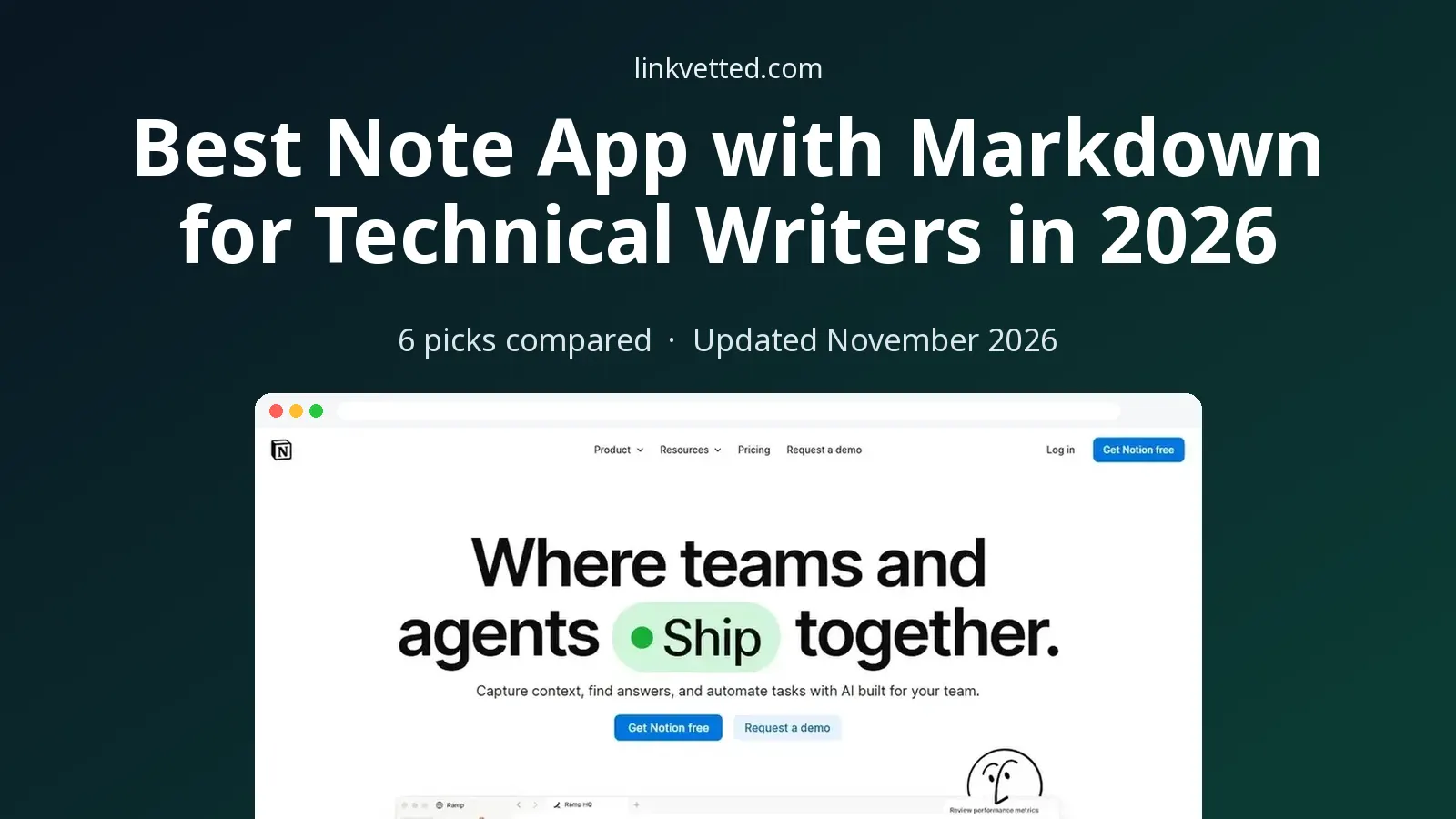
- Editor's choice
 iA Writer
Plain text focus and minimal distraction
Starts atSee websiteVisit ia.netFull review - Great alternative
 Ulysses
Long-form writing with document management
Starts at$39.99 per yearVisit ulysses.appFull review - Also consider
 Notion
Team workspaces with AI assistance
Starts at$10 per member a monthVisit notion.soFull review
Direct answer
This list puts iA Writer first for plain text focus and minimal distraction. Listed starting prices: Ulysses from $39.99 per year, Notion from $10 per member a month and Craft from $4.8 a month. For a different need, Ulysses covers long-form writing with document management and Notion covers team workspaces with AI assistance. The full list of 6 tools follows, with prices and free plan facts.
TL;DR:
- This list starts with iA Writer, which is built for plain text focus and minimal distraction.
- The main caution on Craft: some features sit behind premium levels.
- Free plans exist at 3 of 6 tools (Notion, Craft, Obsidian).
- For straightforward Markdown notes on Apple devices, Bear is worth a look.
- Obsidian is the lowest-priced starter here at $4 per user per month.
Last checked November 2026. Prices and plan details were read from the vendors' own pages in November 2026; vendors change plans often, so confirm the current price on the vendor site before you buy.
Quick comparison
| Tool | Best for | Starts at | Free plan? | |
|---|---|---|---|---|
| iA Writer | Plain text focus and minimal distraction | See website | Free trial | Visit |
| Ulysses | Long-form writing with document management | $39.99 per year | Free trial | Visit |
| Notion | Team workspaces with AI assistance | $10 per member a month | Yes | Visit |
 Craft | Refined notes across devices | $4.8 a month | Yes | Visit |
 Obsidian | Private linked Markdown knowledge base | $4 per user per month | Yes | Visit |
 Bear | Straightforward Markdown notes on Apple devices | See website | Not stated | Visit |
Every option for note app with markdown for technical writers explained
LinkVetted put together this guide to note app with markdown for technical writers for readers who want a clear shortlist without reading every vendor page. It compares 6 tools on starting price, free plans, who each one suits and where each one falls short.
Choose iA Writer for plain text focus and minimal distraction. iA Writer calls itself the original focused Markdown writing app, offering a plain text editor for Mac, Windows, iPhone, and iPad with no distractions. Also, technical writers who want to draft in clean Markdown across systems will value its restraint.
If you need linked notes or shared workspaces, Obsidian or Notion cover those needs more straight. Also, the minimal approach means fewer organizational and collaboration tools, so managing large documentation sets may need other software. Check the vendor site for iA Writer pricing; none is listed in this comparison. Free options: Free trial.
Where it is weaker: Few organizational extras.
- Available on Mac, Windows, iOS
- Plain text with total focus
- Restricted collaboration features
Ulysses works best for long-form writing with document management. Ulysses is made for Apple systems, which limits teams on other systems, and its Markdown approach is wrapped in its own editor conventions. Ulysses merges a pleasant, focused writing experience with document management, quick syncing, and adaptable export, positioning itself for writers of all kinds.
Drawbacks to consider: Apple-only system coverage.
Technical writers producing long guides, manuals, or structured drafts benefit from its organization and export choices. Beyond that, if you need plain Markdown files across Windows and mobile, iA Writer or Obsidian may serve better. On cost, Ulysses starts like this: $39.99 per year. Free access: Free trial.
- Effective document management
- Quick syncing and adaptable export
- Markdown is handled through its own workflow
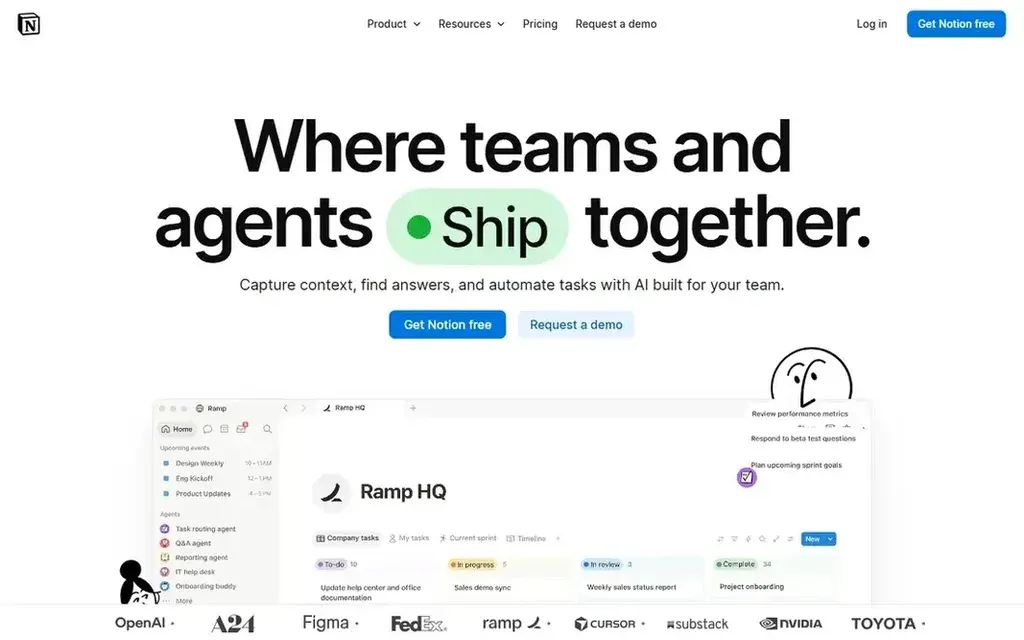
Notion is a good fit for team workspaces with AI assistance. Notion is not a pure Markdown editor, so writers who want plain text files and precise Markdown control may find it indirect.
It suits collaborative environments where docs live alongside project tracking rather than as standalone Markdown files. Starting cost for Notion: $10 per member per month. Notion includes a free tier.
Downsides: Heavier than a plain text editor.
- Automation for repetitive work
- AI search across connected apps
- Markdown handling is less direct
For refined notes across devices, Craft is a natural candidate. Craft is a productivity app for notes, tasks, and docs that follows you across devices, with premium features available.
Trade-offs to know: Less plain-text oriented.
More specifically, technical writers who want attractive, well-structured documents and a smooth cross-device experience will find it approachable. What you pay to start with Craft: $4.8 per month. Craft offers a free plan.
- Refined visual presentation
- Follows you across devices
- Some features sit behind premium levels
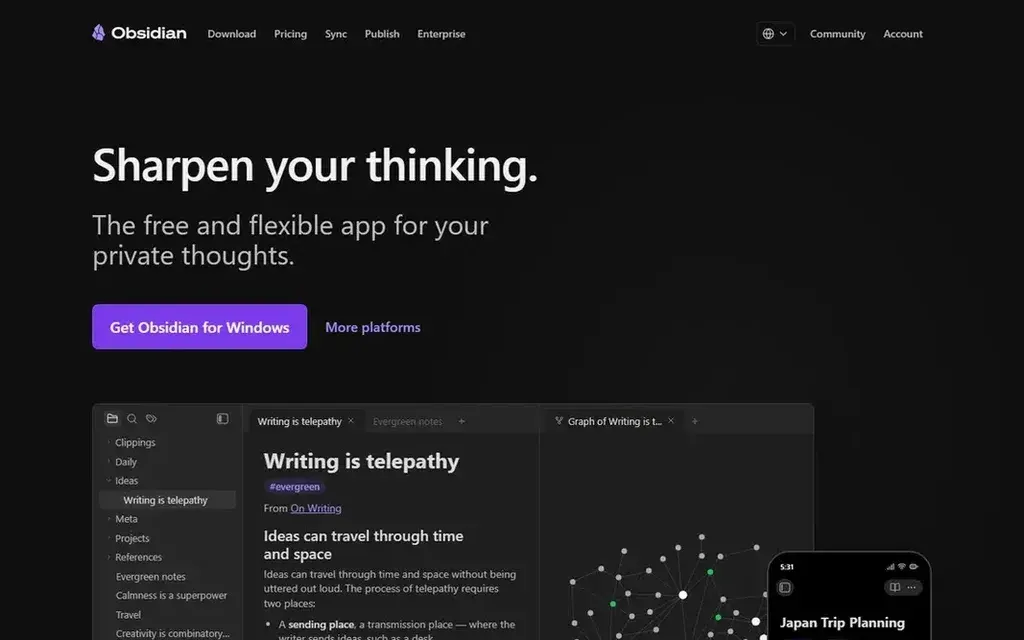
Obsidian is a good fit for private linked Markdown knowledge base. The adaptability includes a ramp-up time, and the plugin-driven approach can distract writers who want a straightforward editor.
What you pay to start with Obsidian: $4 per user per month. Free access exists with Obsidian.
Trade-offs to know: Setup and structure take planning.
- Adaptable Markdown-based note vault
- Capable linking between notes
- Interface can feel dense at first
Bear is aimed squarely at straightforward Markdown notes on Apple devices. Bear is a Markdown note taking app for Mac, iPhone, and iPad, built to capture, write, and organize notes with a clean interface. Worth adding: technical writers on Apple devices who want quick capture and tidy organization will appreciate its simplicity.
Watch-outs: Tied to Apple products.
It does well for meeting notes, snippets, and short drafts that later feed into bigger docs. For cross-platform plain text or lengthy documentation projects, Ulysses or iA Writer may be a better fit. Bear does not show a starting price in this comparison, so check the vendor site for current pricing. On free options: Not stated.
- Organizes notes with tags
- Beautifully straightforward Markdown capture
- Lighter on long-form documentation
What went into this list
Before you commit
- Ask iA Writer and Bear for a written quote, since no starting price is shown.
- Read the fine print on the free plans from Notion, Craft and Obsidian; seat, project and feature caps differ.
- Use real work to test the free trial from iA Writer and Ulysses, rather than a demo project.
- Before choosing iA Writer, weigh its main limit: few organizational extras.
- Price Ulysses for your actual team size; headline prices rarely include add-ons or overage.
- Ask Notion whether prices are locked for the first term and what happens at renewal.
FAQ
What is the cheapest option for note app with markdown for technical writers in this list?
On published monthly entry prices, Obsidian is the lowest here at $4 per user per month. Entry price is only part of the cost, because seats, add-ons and billing terms can change the total. All 6 picks in this note app with Markdown for technical writers comparison list a starting price, free plan details and the main limits on their cards above.
How are the note app with markdown for technical writers ordered?
iA Writer sits first and Bear last because the order follows typical fit for note app with markdown for technical writers, then price clarity and free access. It is a judgement call, so read each profile for fit and limits.
Which Markdown app is a good match for a large technical documentation set?
The first pick on this list is iA Writer, because it suits plain text focus and minimal distraction. Ulysses is better for long-form writing with document management, and Notion for team workspaces with AI assistance. Check price and limits against your own needs before choosing.
Can I write Markdown across Windows and Apple devices?
Bear and Ulysses are oriented toward Apple products, so mixed teams should verify support. Obsidian also works across major desktop and mobile systems.
Is iA Writer the right pick for everyone comparing note app with markdown for technical writers?
No single tool suits every team. iA Writer comes first because it fits plain text focus and minimal distraction, while Ulysses suits long-form writing with document management and Notion suits team workspaces with AI assistance. Match the tool to your own size, budget and workflow before deciding.
Do these apps support plain Markdown files?
Multiple do, including Obsidian and iA Writer, which emphasize plain text and local files. Check each vendor's documentation if file portability is essential.
Sources
- https://ia.net/writer
- https://ulysses.app
- https://www.notion.so
- https://www.craft.do
- https://obsidian.md
- https://bear.app