Best No-Code AI Workflow Automation Tools in 2026: 9 Tools Compared
Compare the best no-code ai workflow automation tools in 2026, with AI agents, visual builders, pricing and free plans to help you automate well today.
- Editor's choice
 Zapier
Largest app catalogue
Starts at$19.99 per monthVisit zapier.comFull review - Great alternative
 Make
Visual multi-step workflows
Starts at$9 per monthVisit make.comFull review - Also consider
 n8n
Self-hosted AI workflows
Starts at$20 per monthVisit n8n.ioFull review
TL;DR:
- Flow builders like Make and Zapier suit predictable tasks, while agent tools like Gumloop and Lindy suit work that needs judgement and research.
- n8n and Activepieces give the most control for teams that want self-hosting or predictable costs, though they need more technical skill.
- AI agent costs are metered by credits, tokens or runs, so test with your real workflow volume before you commit to a plan.
- Start with one workflow that saves clear time each week, prove it works reliably, and only then expand automation across the team.
Quick comparison
| Tool | Best for | Starts at | Free plan? | |
|---|---|---|---|---|
| Zapier | Largest app catalogue | $19.99 per month | Yes | Visit |
| Make | Visual multi-step workflows | $9 per month | Yes | Visit |
| n8n | Self-hosted AI workflows | $20 per month | Yes | Visit |
 Gumloop | AI-native data workflows | $37 per month | Free trial | Visit |
 Lindy | Prebuilt AI assistants | See website | Free trial | Visit |
 Relay.app | Human approval workflows | $19 per month | Yes | Visit |
 Activepieces | Open-source flow builder | $20 per month | Yes | Visit |
 Power Automate | Microsoft 365 automation | $15 per month | Free trial | Visit |
 Bardeen | Browser and app automation | See website | Yes | Visit |
The best no-code ai workflow automation tools
No-code AI automation now splits into two kinds. Flow builders move data between apps on a trigger, with AI steps added where needed. Agent tools take a goal, research, decide and act, with less fixed structure. The nine tools below cover both, so pick by how predictable your work is, not by how impressive the demo looks.
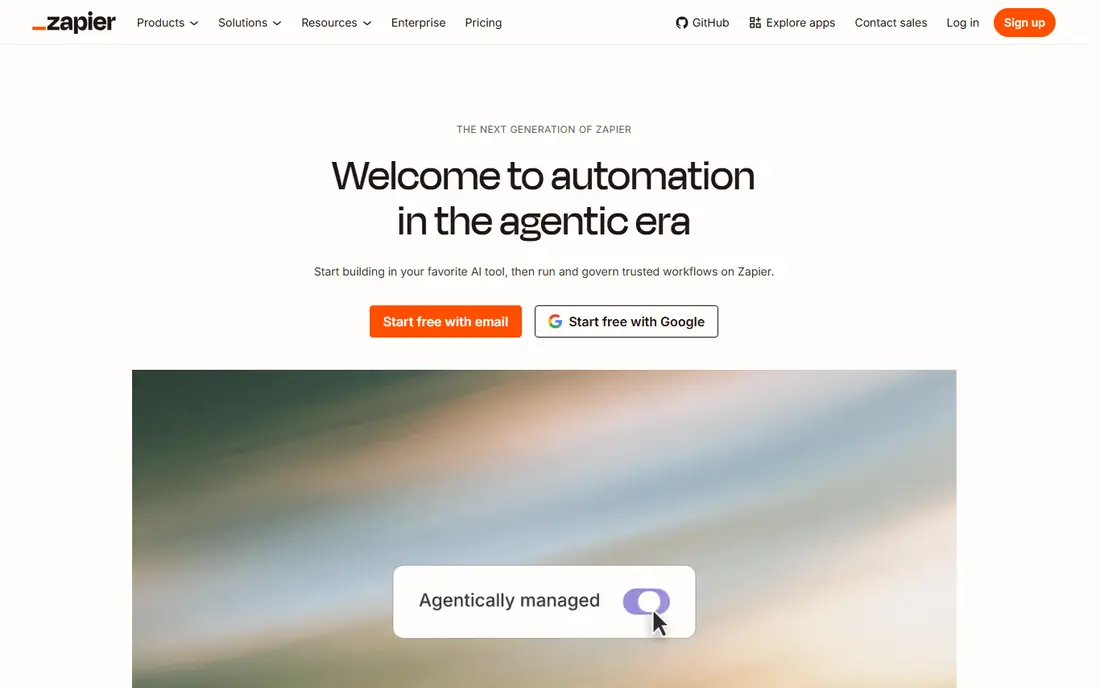
Zapier remains the default starting point for business automation. It connects thousands of apps through simple trigger-and-action flows, and its AI Copilot can draft a flow from a plain-language description. For a small team that wants a form to reach a CRM, a spreadsheet and Slack without engineering help, Zapier gets that done in an afternoon. The template library also helps, because most common workflows already exist in a form you can adapt.
The catch is cost at scale. Task-based billing climbs as volume grows, and AI agent usage can sit on a separate allowance from core tasks, so a workflow that looks cheap in a pilot can surprise you later. The free plan covers only 100 tasks per month with two-step flows, which is enough to learn, not to run a business on. Use Zapier when app coverage and speed matter most, and watch task counts weekly once you go live.
- Largest app catalogue in this list
- Simplest onboarding for non-technical teams
- AI Copilot and Agents for newer workflows
- Per-task pricing rises fast at high volume
- AI agent features can bill separately from core automation
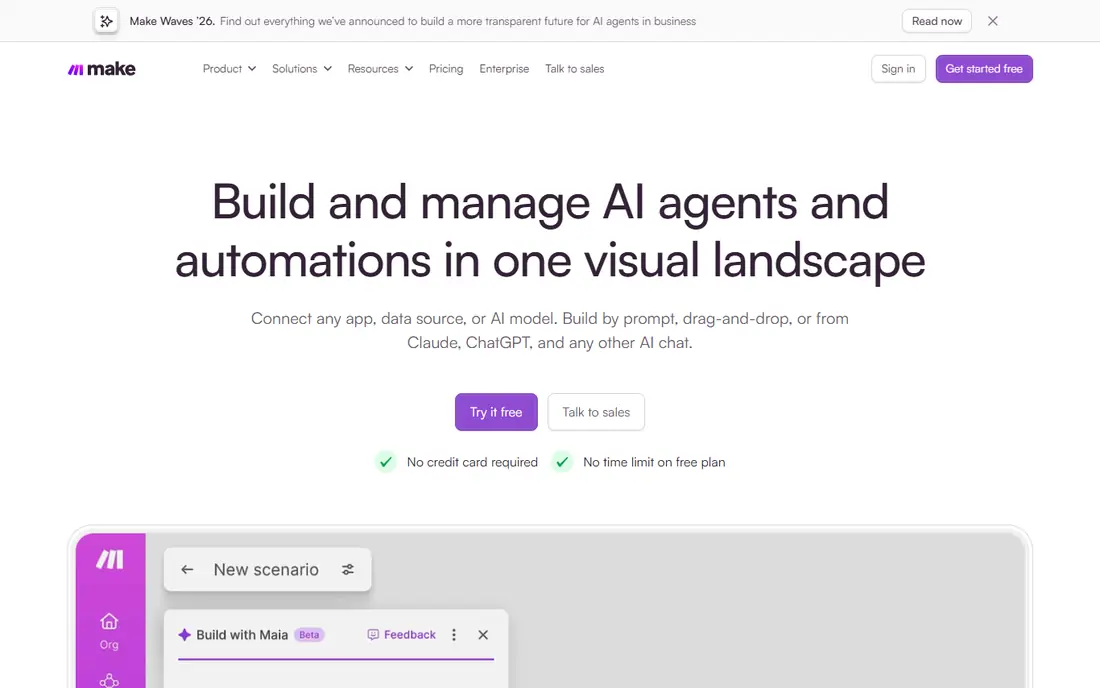
Make suits teams that need workflows with several paths, filters and data transformations. The visual canvas shows each step, branch and error route clearly, which makes complex flows easier to debug than a long linear list. Pricing starts low on annual billing, with a free plan offering 1,000 operations per month for testing, and the value per operation is generally better than Zapier for heavier use. That combination makes Make a strong default for operations teams.
The trade-off is onboarding. Make is not hard, but it asks more of a beginner than Zapier, especially around data mapping and error handling. AI steps also use tokens on top of operations, so an AI-heavy workflow needs a credit check, not just an operation count. If your workflows branch, transform data or run at volume, Make is usually the better value pick, and it rewards the extra hour spent learning the canvas.
- Visual builder with branching and routing
- Strong value per operation
- Good for complex multi-step flows
- Learning curve is steeper than Zapier for complete beginners
- AI token costs can add to operation costs

n8n bridges no-code building and technical control. Its visual builder supports AI agent nodes, LangChain-style workflows and custom code steps, while the self-hosted Community Edition lets teams run workflows on their own infrastructure at no licence cost. That control appeals to teams with data residency needs, custom APIs or workflows that would be costly on per-task pricing. The cloud edition starts at $20 per month on the plans we reviewed, for teams that prefer managed hosting.
The honest catch is skill. n8n is friendly for technical operators, but non-technical users may find its nodes, credentials and error handling more demanding than Zapier. Self-hosting also adds maintenance work for updates and backups. Choose n8n when you want AI workflows with control and predictable hosting, and when someone on the team can own the setup.
- Self-hosted Community Edition
- Strong AI agent nodes and code options
- Good control over data and execution
- Needs more technical skill than Zapier or Make
- Cloud pricing is in euros on some plans
Gumloop is built for AI work that does not follow a fixed path, such as researching companies, enriching lists, scraping public web data and summarising findings. Its canvas lets you chain AI steps, tools and data sources into a pipeline, which suits growth, sales research and content operations. For tasks where the input varies and the AI must decide what to do next, Gumloop feels more natural than a rigid trigger-and-action flow.
The limits are cost and debugging. Credit use depends on models and steps, so a research workflow can cost more than expected if it runs on large lists, and agent failures can be harder to trace than a failed flow step. Test with a small, real dataset and log outputs before scaling. Use Gumloop when AI judgement is the core of the workflow, and use Make or n8n when the steps are already known and repeatable.
- AI-native canvas for research and data tasks
- Good for web research and enrichment
- Visual agent building
- Credit-based pricing can be hard to predict
- Agent chains can fail in ways that are harder to debug than fixed flows
Lindy focuses on AI assistants that act like junior team members for routine work. Prebuilt assistants handle inbox triage, meeting notes, lead follow-up, scheduling and support replies, and you can describe a new assistant in plain language rather than building every step by hand. That approach suits founders, executives and small operations teams who want to delegate repetitive tasks without becoming automation builders themselves.
The trade-off is fit and cost. Prebuilt assistants save setup time, but they still need tuning, approval rules and testing for your tone, data and edge cases, and pricing depends on users and credits, so check the vendor page for your team size. Lindy works best when you give it bounded, repeatable tasks with clear approval steps, and keep a human in the loop for anything that affects customers or money.
- Many prebuilt assistants for inbox, meetings and support tasks
- Natural-language setup
- Good for delegating routine work
- Pricing varies by user and credits
- Prebuilt assistants need tuning for your specific workflows
Relay.app is the pick when AI automation needs a human checkpoint. Its builder makes it easy to pause a workflow for approval, review or correction before it sends a message, updates a record or spends money. That design suits support, finance, hiring and content workflows where a fully automatic AI action would be risky. The interface is clean, and team collaboration features help when several people share approval duties.
The limits are catalogue and price. Relay.app covers fewer apps than Zapier, so check your core tools before committing, and its entry price on annual billing is higher than Make for simple flows. The free tier offers a limited number of steps per month for testing. Choose Relay.app when approval and safety matter more than app breadth, and when your team needs to trust automation before it acts.
- Human-in-the-loop approvals built in
- Clean builder for team workflows
- Useful where AI needs a checkpoint
- Smaller app catalogue than Zapier
- Higher entry price than Make for simple flows
Activepieces is an open-source flow builder that suits teams comparing cloud and self-hosting. You can run it yourself at no licence cost, or use the cloud edition from $20 per month with a free tier for testing. Its pricing is more predictable than per-task models for many teams, and its AI pieces let you add language-model steps to otherwise deterministic flows. That mix of openness and simplicity makes it a good alternative to n8n for teams that want less technical overhead.
The catch is ecosystem size. Activepieces has fewer apps and templates than Zapier or Make, so a niche tool you rely on may need a webhook or API step instead of a native piece. Check your must-have apps during the free tier, and judge the builder on your real workflows. For teams that value open source and cost predictability, it is a strong, low-risk choice.
- Open-source and self-hostable
- Predictable cloud pricing
- Growing AI features and app pieces
- Smaller app catalogue than Zapier
- Newer ecosystem means fewer templates for niche tools
Power Automate is the natural pick for organisations already running Microsoft 365. It connects Outlook, Teams, SharePoint, Excel and Dynamics, with cloud flows for SaaS tasks and desktop flows for older Windows applications that lack APIs. AI Builder and Copilot features add document and language capabilities, and enterprise governance helps IT teams manage who can build and share flows. For a Microsoft shop, that native fit often beats a generic tool.
The limits show up outside that ecosystem. Power Automate is less compelling if your stack is Google Workspace, Slack and niche SaaS tools, and premium connectors and desktop features add complexity to licensing. The entry premium price we reviewed starts at $15 per user per month on annual billing, with a trial for testing. Choose it when Microsoft 365 is your core, and choose a neutral tool when your stack is mixed.
- Deep Microsoft 365 and Teams integration
- Desktop flows for older apps
- Enterprise governance options
- Best value only inside Microsoft 365
- Learning curve for premium and desktop features
Bardeen automates work that happens in the browser, such as copying data from a web page into a sheet, enriching a list, drafting outreach from research, and triggering app actions from what you see online. That browser-first approach suits sales, recruiting and operations teams whose work lives in tabs rather than in backend systems. Playbooks give you ready-made starting points, and the free tier lets you test the concept on a real task before paying.
The trade-off is scope. Bardeen is less suited to high-volume backend flows that should run on a server while your computer is off, and its pricing depends on credits and plan, so check the vendor page for your volume. Use Bardeen for browser-heavy, human-triggered work, and pair it with Make, Zapier or n8n for scheduled backend automation that must run unattended.
- Browser-based automation for web research and data capture
- Useful playbooks for sales and operations
- Works alongside apps
- Browser-led approach suits some tasks better than backend flows
- Pricing and limits need checking on the vendor page
How we picked these
We compared official pricing pages, app catalogues, AI agent features, self-hosting options and public reviews, with a focus on teams without a dedicated engineering group. We favoured tools that are available now, in October 2026, and that cover flow builders, agent platforms, approval workflows and ecosystem-specific options. Where pricing varies by credits, users or tokens we wrote See website, and we listed a starting price only where the vendor publishes a clear entry plan.
How to automate safely with AI
Start with a workflow you can measure. Pick one task that eats an hour or more each week, write down its inputs, steps and correct outputs, and build the automation for that task alone. Run it in parallel with the manual process for a week, compare results, and fix errors before you trust it. That discipline prevents the most common AI automation failure, which is scaling a workflow that was never quite right.
Keep a human checkpoint for risky actions
Let AI draft, research, summarise and organise, but keep a human approval step before it emails a customer, updates a CRM record, charges a card or publishes content. Tools like Relay.app build that checkpoint in, while other tools need an explicit approval step added to the flow. Log every automated action, so you can audit what happened when a customer asks. Automation should reduce busywork, not remove accountability.
FAQ
What is the difference between AI workflow automation and AI agents?
A workflow follows steps you define, with AI added for tasks like summarising or classifying, while an agent takes a goal and decides steps itself, using tools and data as needed. Workflows are more predictable and easier to debug, while agents handle varied inputs better. Many teams use workflows for routine work and agents for research and triage.
Do I need to know how to code for these tools?
No, for the tools in this list, though some coding knowledge helps with n8n and Activepieces. Zapier, Make, Lindy and Relay.app are designed for non-technical users, with visual builders and templates. Start with a template close to your task, and learn data mapping and error handling as you go, rather than trying to master the whole platform first.
How much do no-code AI automation tools cost?
Entry prices here range from $9 to $37 per month on annual billing where vendors publish a rate, with several tools priced by credits, users or operations instead. AI steps can add token or credit costs on top of the base plan, so estimate your monthly runs and AI usage before you compare headline prices. Free plans help for testing, but they rarely cover real team volume.
Is my data safe with AI automation tools?
That depends on the vendor, the AI models it uses, and your own settings. Check data retention, model training policies, regional hosting and access controls on the vendor site, and avoid sending sensitive customer or financial data through a tool until you have read those policies. Self-hosted options like n8n and Activepieces give you more control over where data lives.
Which tool should I start with?
Start with Make if your workflows are predictable and visual, Zapier if app coverage matters most, and Lindy or Gumloop if the work needs AI judgement or research. Run a two-week pilot on one real workflow, measure time saved and error rate, and only then expand. The best tool is the one your team actually maintains after the first month.
Sources
- https://zapier.com/pricing
- https://www.make.com/pricing
- https://n8n.io/pricing
- https://www.gumloop.com/pricing
- https://www.lindy.ai/pricing
- https://www.relay.app/pricing
- https://www.activepieces.com/pricing
- https://www.microsoft.com/en-us/power-platform/products/power-automate/pricing
- https://www.bardeen.ai/pricing