The 5 Best AI Writing Assistants for Technical Documentation in 2026, Ranked
5 tools for the best AI writing assistants for technical documentation, compared on pricing, free plans and best-fit use. Every profile names its biggest catch.
- Editor's choice
 Rytr
Drafting follow-ups and relationship context
Starts at$9 per monthVisit rytr.meFull review - Great alternative
 Anyword
Data-informed copy improvement
Starts at$39 a monthVisit anyword.comFull review - Also consider
 Writesonic
Tracking how docs surface in AI search
Starts at$79 a monthVisit writesonic.comFull review
Direct answer
For drafting follow-ups and relationship context, Rytr is where this list starts. Listed starting prices: Rytr from $9 per month, Anyword from $39 a month and Writesonic from $79 a month. Anyword is the stronger choice for data-informed copy improvement, while Writesonic suits tracking how docs surface in AI search. The remaining 2 options are covered below with prices and limits.
TL;DR:
- Rytr is the opening pick, best for drafting follow-ups and relationship context.
- The cheapest monthly starting price in the list is $9 per month, offered by Rytr.
- For orchestrating structured content workflows, Jasper is worth a look.
- The main caution on Writesonic: core focus is search visibility.
- Rytr, Grammarly: these are the 2 tools out of 5 that offer a free plan.
Last checked November 2026. Prices and plan details were read from the vendors' own pages in November 2026; vendors change plans often, so confirm the current price on the vendor site before you buy.
Quick comparison
| Tool | Best for | Starts at | Free plan? | |
|---|---|---|---|---|
| Rytr | Drafting follow-ups and relationship context | $9 per month | Yes | Visit |
| Anyword | Data-informed copy improvement | $39 a month | Free trial | Visit |
| Writesonic | Tracking how docs surface in AI search | $79 a month | Free trial | Visit |
 Grammarly | Polishing clarity and consistency across docs | $12 USD | Yes | Visit |
 Jasper | Orchestrating structured content workflows | $59 per seat a month | Free trial | Visit |
AI Writing Assistants for Technical Documentation profiles
This LinkVetted guide covers 5 options for AI writing assistants for technical documentation. Each profile lists a starting price, free plan details, strengths and drawbacks, so you can drop poor fits quickly.
Rytr is built with drafting follow-ups and relationship context in mind. Rytr is built around professional relationship management instead of authoring technical references. So it is a poor fit for API docs or structured manuals.
Downsides: Restricted fit for reference documentation.
From a buyer's view, teams needing documentation-specific features should look elsewhere. Rytr describes itself as an AI relationship manager for professionals, bringing client context from email, messaging, calendars and meeting notes into a single brief and drafting follow-ups in your voice. Its relevance to documentation is narrow but real: support and developer relations teams can use it to draft customer-facing explanations and follow-ups after technical conversations. Entry price for Rytr: $9 per month. Rytr has a free plan.
- Pulls context from email and notes
- Prepares meeting briefs
- Centred on professional relationships
Think of Anyword for data-informed copy improvement. Anyword offers AI writing that predicts and boosts copy performance using real A/B test data. It works on its own or inside assistants like Claude, ChatGPT, Gemini and Copilot.
Downsides: Technical tone may need manual tuning.
In daily use, pick it when user-facing help content needs optimization instead of when deep technical precision is the goal. For documentation, its data-informed approach can help with user-facing content like onboarding emails, in-product help text and knowledge base intros. What you pay to start with Anyword: $39 per month. On free options: Free trial.
- Works inside widely used AI assistants
- Uses A/B test data to predict performance
- Performance focus skews to marketing copy
Choose Writesonic for tracking how docs surface in AI search. Writesonic's center of gravity is visibility tracking and content generation, not authoring structured technical references.
Honest limits: Not designed for structured docs authoring.
Beyond that, documentation teams can use it to see how their help content and product explanations appear in AI-generated answers, which is increasingly relevant for support content. Writesonic cost at the entry level: $79 per month. Free plan details: Free trial.
- Tracks mentions across AI systems
- Content generation included
- Core focus is search visibility
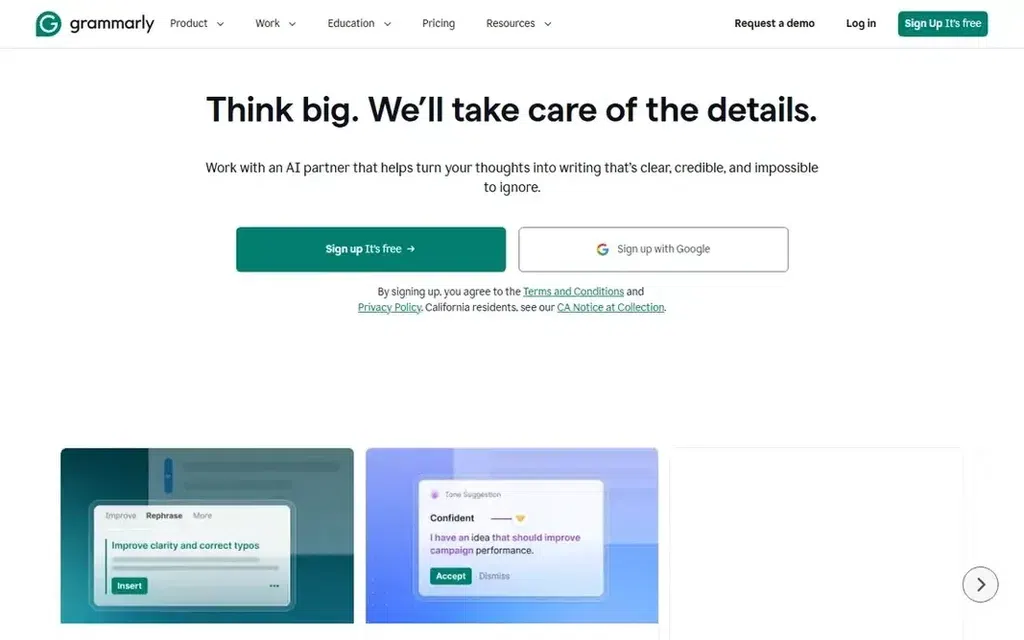
Grammarly is aimed squarely at polishing clarity and consistency across docs. Grammarly is an AI writing assistant that gives you personalized guidance and text generation inside the apps and websites you already use.
Downsides: Not a full docs authoring suite.
In daily use, choose it when prose quality and consistency are the central gaps. On top of that, teams needing heavy template-driven drafting or workflow automation should pair it with a dedicated content product. Entry price for Grammarly: $12 USD. Free access exists with Grammarly.
- Text generation and editing
- Personalized AI guidance
- Style rules need setup for technical terms
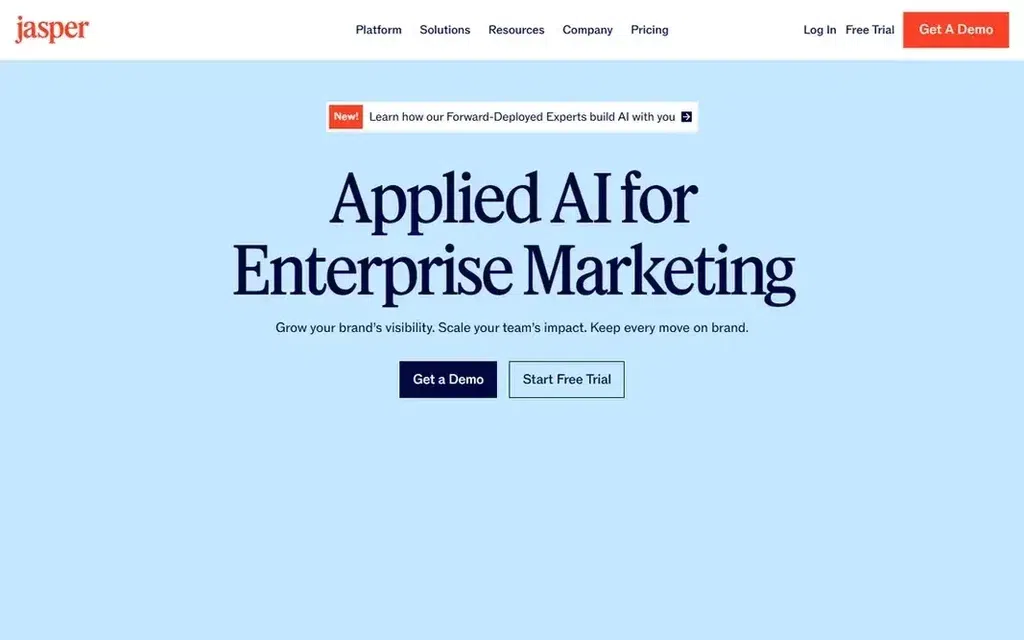
Jasper is built with orchestrating structured content workflows in mind. In a documentation context, that makes it handy for teams producing structured, repeatable content for example onboarding guides, product explainers and release communications. Teams whose core need is line-level technical accuracy may prefer a dedicated editing assistant.
The main drawbacks: Marketing-oriented framing.
In practice, Jasper positions itself around AI agents that run end-to-end marketing workflows with speed, control and measurable impact. Also, pick Jasper when process orchestration and content consistency across a team matter more than granular prose review. Jasper is framed around marketing workflows, so it is not specifically made for API references or code-adjacent documentation. Entry price for Jasper: $59 per seat per month. As for free access: Free trial.
- Agent-based workflow orchestration
- Supports end-to-end content processes
- Less tuned to code-heavy reference docs
Our selection method
LinkVetted looked at what each vendor publishes: pricing, plan limits, feature coverage for AI writing assistants for technical documentation and stated drawbacks. No hands-on testing is claimed. Where a price is missing, the vendor does not list one publicly or ties it to a quote. Always confirm before budgeting. The sequence is a judgement call: typical use case first, then pricing transparency, then free access. Use the profiles to check fit.
A buyer's checklist
- Prices are a starting point; Rytr shows $9 per month to start, so verify what your seat count would cost.
- Read the fine print on the free plans from Rytr and Grammarly; seat, project and feature caps differ.
- Use real work to test the free trial from Anyword, Writesonic and Jasper, rather than a demo project.
- Read the limits listed for Rytr first: concentrated on professional relationships.
- Ask whether Writesonic integrates with your current software, and whether that comes standard or as an add-on.
- Confirm you can export your data from Rytr, so leaving later does not mean losing records.
FAQ
Do these tools publish their prices?
Yes. Every tool from Rytr to Jasper shows a starting price, though seats, add-ons and billing terms still change the final cost.
Is Rytr the right pick for everyone comparing AI writing assistants for technical documentation?
No single tool suits every team. Rytr comes first because it fits drafting follow-ups and relationship context, while Anyword suits data-informed copy improvement and Writesonic suits tracking how docs surface in AI search. Match the tool to your own size, budget and workflow before deciding.
Do these tools work with docs products and code-adjacent content?
Some, like Grammarly, work across apps and websites, which helps with prose review anywhere. Others are pitched at marketing or business workflows and offer less support for structured reference content.
How should a docs team evaluate an AI writing assistant?
Start with a sample of your real documentation and compare output quality, terminology handling and integration fit. Then decide whether your primary need is editing, drafting or workflow automation.
What is the cheapest option for AI writing assistants for technical documentation in this list?
On published monthly entry prices, Rytr is the lowest here at $9 per month. Entry price is only part of the cost, because seats, add-ons and billing terms can change the total. All 5 picks in this AI writing assistants for technical documentation comparison list a starting price, free plan details and the main limits on their cards above.
Can AI writing assistants replace technical writers?
No. These tools accelerate drafting and editing, but technical accuracy, terminology control and review still need human expertise. Treat them as assistance layers that cut repetitive effort instead of replacements for writers and subject matter experts.
Sources
- https://rytr.me
- https://www.anyword.com
- https://writesonic.com
- https://www.grammarly.com
- https://www.jasper.ai