Best AI Tools for Executive Assistants in 2026: 8 Tools Compared
Best AI tools for executive assistants in 2026, compared on scheduling, meeting notes, email triage, writing and automation, from Motion to Otter. Read on.

- Editor's choice
 Motion
Auto-scheduling tasks and calendar
Starts at$19 per seat per monthVisit usemotion.comFull review - Great alternative
 Reclaim AI
Protecting focus time
Starts at$10 per seat per monthVisit reclaim.aiFull review - Also consider
 Otter.ai
Live transcription and meeting notes
Starts at$16.99 per user per monthVisit otter.aiFull review
TL;DR:
- Motion and Reclaim AI lead for scheduling, with Motion auto-planning tasks and Reclaim protecting focus time.
- Otter.ai and Fireflies.ai lead for meeting notes, with live transcription, summaries and searchable archives.
- Superhuman leads for high-volume email, with fast triage, snippets and follow-up reminders.
- Notion AI, Calendly, Zapier and ChatGPT round out a practical stack for docs, booking, automation and drafting.
- Start with one scheduling tool and one meeting tool, review every AI output in week one, and add tools only when a bottleneck is clear.
Quick comparison
| Tool | Best for | Starts at | Free plan? | |
|---|---|---|---|---|
| Motion | Auto-scheduling tasks and calendar | $19 per seat per month | Free trial | Visit |
| Reclaim AI | Protecting focus time | $10 per seat per month | Yes | Visit |
| Otter.ai | Live transcription and meeting notes | $16.99 per user per month | Yes | Visit |
 Fireflies.ai | Searchable meeting archive | $10 per seat per month | Yes | Visit |
 Superhuman | High-volume email triage | $30 per user per month | Free trial | Visit |
 Notion AI | Docs, notes and AI drafting | See website | Yes | Visit |
 Calendly | Booking and scheduling links | See website | Yes | Visit |
 Zapier | Automation between tools | $19.99 per month | Yes | Visit |
The best AI tools for executive assistants
Executive assistants juggle calendars, inboxes, meetings, travel and documents, and AI tools help most when they remove a whole task rather than adding a draft to check. We compared official pricing pages, calendar and meeting features, email tools and automation options, and we favored tools with clear limits, strong integrations and controls for privacy and review.

Motion is our pick for assistants who manage a packed calendar plus a long task list. It auto-schedules tasks into open calendar time, reschedules when meetings move, and helps plan the day around priorities rather than a static to-do list. For an executive with shifting meetings, that auto-planning saves the constant rework of moving tasks by hand.
The catch is price and input. Motion offers a trial rather than a free plan, and annual team pricing in recent guides starts around $19 per seat per month, which is more than a basic calendar app. It also needs good task data, with deadlines and durations, to plan well. If scheduling is the main bottleneck, Motion is worth the cost.
- Auto-schedules tasks around meetings
- AI planning for busy executives
- Team scheduling options
- No ongoing free plan, trial only
- Higher price than simple calendar tools
- Needs task input to work well
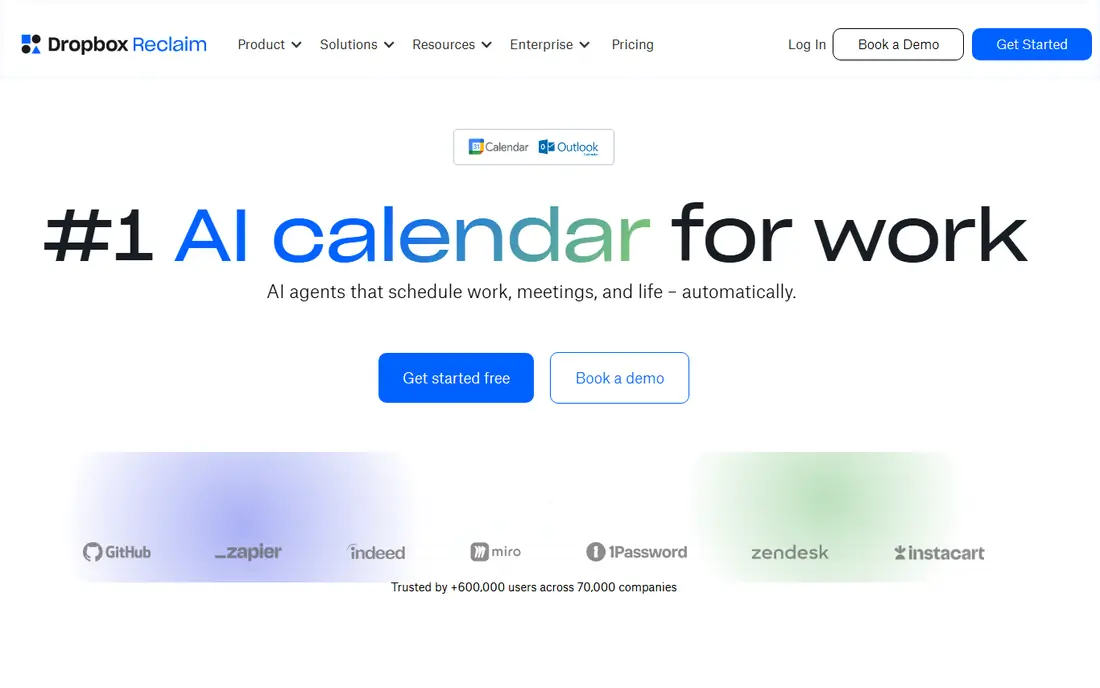
Reclaim AI suits assistants who need to protect an executive's focus time, not just fill the calendar. It auto-blocks time for deep work, habits, breaks and recurring tasks, and it reschedules those blocks when meetings change. That protection matters for executives whose calendars otherwise fill with back-to-back meetings and leave no time for thinking or writing.
Reclaim works best with Google Calendar, so Outlook-centered teams should check integration depth first. Paid plans in recent guides start around $10 per seat per month on annual billing, with a free plan for basic use. If focus time keeps disappearing, Reclaim is a practical first tool.
- Auto-blocks focus, habit and break time
- Smart scheduling for one-to-ones and tasks
- Google Calendar integration
- Calendar depth depends on Google Calendar
- Advanced team features sit on higher plans
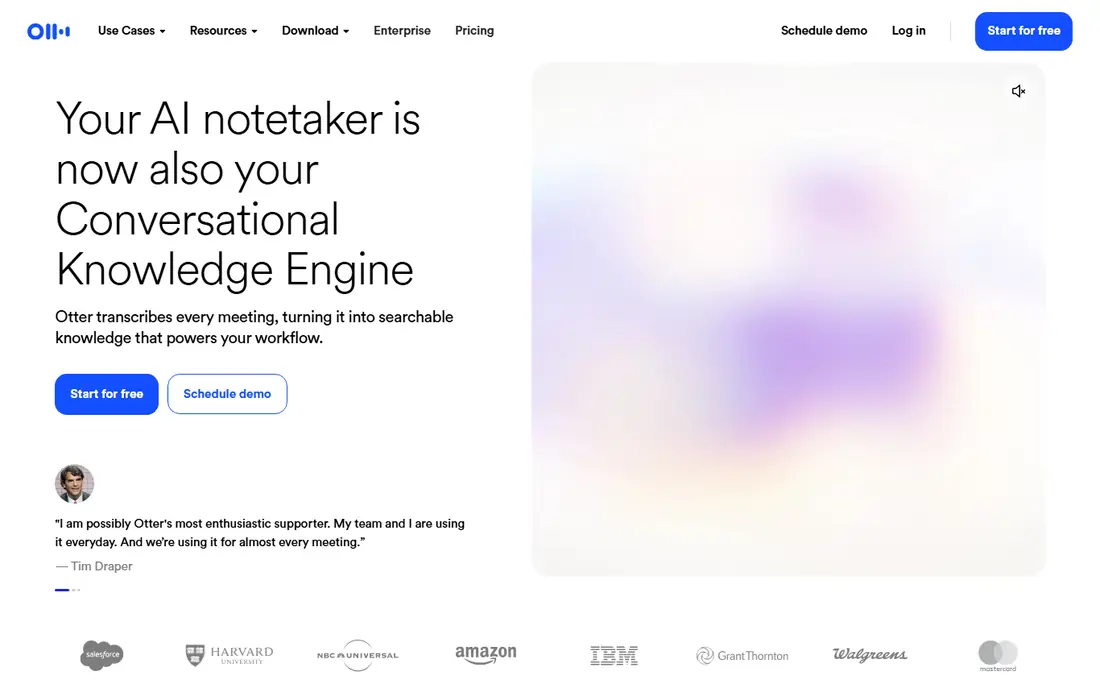
Otter.ai is the pick for assistants who need accurate, searchable meeting records. It transcribes live and recorded meetings, produces summaries and action items, and lets you search across past meetings for a decision or commitment. That search matters when an executive asks what was agreed three months ago and you need the answer fast.
Privacy needs attention. Meeting recording rules vary, and participants should know a notetaker is present, especially for sensitive calls. The free plan caps minutes, and paid Pro pricing in recent guides is $16.99 per user per month on monthly billing, with lower annual rates. For meeting-heavy executives, Otter is a strong core tool.
- Live transcription and captions
- Searchable transcripts
- Meeting summaries and action items
- Free plan caps minutes
- Privacy controls need care for sensitive meetings
- Transcription stops at plan limits
Fireflies.ai suits teams that want a shared meeting archive rather than notes in one inbox. It records across Zoom, Google Meet, Teams and other platforms, transcribes and summarizes, and pushes action items to CRMs and task tools. That shared archive helps an assistant, a chief of staff and an executive all work from the same record.
The bot is the trade. Some guests dislike a bot joining calls, so tell participants in advance and check company policy. Recent pricing puts Pro around $10 per seat per month on annual billing, with AI extras using credits on some plans. If a searchable team archive matters most, Fireflies is a strong choice.
- Records and transcribes across platforms
- Searchable archive
- CRM and task integrations
- AI extras use credits on some plans
- Bot joins meetings, which some guests dislike
Superhuman is the pick for executives and assistants drowning in email. Its keyboard-first design, snippets, split inboxes and follow-up reminders help clear a large inbox faster than standard mail apps, and send-later and read-status tools help time sensitive messages well. For an assistant managing an executive inbox plus their own, that speed adds up daily.
Price is the barrier. Recent guides put Starter around $30 per user per month, with no ongoing free plan, so it only pays off at high email volume. It also works best for power users willing to learn shortcuts. If email is the biggest bottleneck, Superhuman is worth a trial. If email volume is modest, a standard client plus rules may be enough.
- Very fast keyboard-first email triage
- Snippets and send-later tools
- Follow-up reminders and read status
- Higher price than standard email
- No ongoing free plan
- Best for Gmail and Outlook power users
Notion AI suits assistants who manage briefings, agendas, travel docs and project notes. Notion brings docs, wikis and tasks into one workspace, and its AI can draft, summarize and answer questions over your own notes, which helps turn a long briefing into a one-page executive summary. Sharing with an executive and a team is simple, with permissions by page.
Notion is not a calendar or email tool, so pair it with Motion or Reclaim and an email tool for a full stack. AI limits also vary by plan, so check them before relying on AI for daily drafting. For organized docs and quick summaries, Notion AI is a practical addition.
- Docs, wikis and tasks in one workspace
- AI drafting, summaries and Q and A over your notes
- Easy sharing
- AI limits vary by plan
- Workspace setup takes time
- Not a calendar or email tool on its own
Calendly is the simplest tool on this list, and that simplicity is its strength. An assistant can set event types, buffers and availability, share a link, and let guests book without email back-and-forth. That saves time for interviews, one-to-ones and external meetings where the executive does not need a full task plan.
Calendly does not plan tasks or protect focus time, so it complements rather than replaces Motion or Reclaim. Paid plans add routing, workflows and team features. If booking friction is the problem, Calendly solves it fast with a free plan to start.
- Simple booking links and event types
- Calendar integration
- Routing and team scheduling options
- Advanced routing and workflows sit on paid plans
- Less task planning than Motion or Reclaim
Zapier is the connective layer for an assistant stack. It moves information between calendar, email, CRM, docs and task tools without manual copying, such as creating a task from a form, logging a meeting note to a doc, or alerting a channel when a booking lands. That automation removes small repetitive jobs that otherwise fill an assistant's day.
Task limits are the catch. The free plan covers limited tasks, and Professional pricing in recent guides starts around $19.99 per month on annual billing, rising with task volume. Complex workflows also need testing and error alerts. If you run several tools and copy data between them often, Zapier is a strong investment.
- Huge app integration range
- Automations move data without manual copying
- Easy no-code setup
- Task limits can raise cost at scale
- Complex workflows need careful testing
- Errors need monitoring
How we picked these
We compared official pricing pages, calendar, meeting, email and automation features, and public assistant feedback, and we favored tools that remove a whole task, integrate with common calendars and mail, and publish clear limits. We kept a lean stack covering scheduling, meetings, email, docs, booking and automation, rather than listing every AI app. Prices were taken from recent vendor and guide summaries, with See website where plan structures vary.
How to build an assistant AI stack
Start with your biggest bottleneck
If scheduling eats your day, start with Motion or Reclaim. If meetings eat your day, start with Otter or Fireflies. If email eats your day, start with Superhuman. One tool that solves a real bottleneck beats five tools you rarely open.
Review every output in week one
Check AI summaries, drafts and scheduled tasks closely at first, correct tone and facts, and adjust settings. That feedback loop makes week three output far more reliable than week one output, and it protects an executive from an error reaching a client or board member.
Set privacy rules before you record
Tell meeting guests when a notetaker joins, check company policy for sensitive calls, and know where transcripts are stored and how long they are kept. For confidential topics, use manual notes instead of an AI recorder, and delete recordings you no longer need.
FAQ
What are the best AI tools for executive assistants?
Motion and Reclaim lead for scheduling, Otter and Fireflies lead for meeting notes, Superhuman leads for email, and Notion, Calendly and Zapier cover docs, booking and automation. The best stack depends on whether scheduling, meetings or email is the main bottleneck.
What is the best AI executive assistant tool for scheduling?
Motion is best for auto-planning tasks around meetings, while Reclaim is best for protecting focus time. Calendly is best for simple external booking links. Many assistants pair Calendly for booking with Motion or Reclaim for daily planning.
Can AI replace an executive assistant?
No, AI handles repetitive tasks such as transcription, scheduling and drafting, but judgment, relationships, discretion and complex decisions still need a human assistant. The best use of AI is to free assistant time for higher-value work, not to remove the role.
Is it safe to use AI meeting notetakers?
It can be, with care. Tell participants a notetaker is present, follow company and legal rules for recording, check where data is stored, and avoid recording highly sensitive calls. Review and delete transcripts you no longer need.
How much do AI tools for executive assistants cost?
Costs range from free starter plans to about $30 per user per month for premium email and scheduling tools, plus AI credits on some meeting plans. Start with free or trial plans, measure time saved, and pay for the tools that clearly remove work.