Best AI Coding Assistants Software in 2026: 8 Tools Compared
Compare the best AI coding assistants software in 2026, from Copilot and Cursor to Windsurf, Tabnine, and Amazon Q, on price, privacy, and agent depth.
- Editor's choice
 GitHub Copilot
Best value baseline
Starts at$10 per monthVisit github.comFull review - Great alternative
 Cursor
AI native editor
Starts at$20 per monthVisit cursor.comFull review - Also consider
 Windsurf
Agentic editor value
Starts at$20 per monthVisit windsurf.comFull review
TL;DR:
- GitHub Copilot is the best value baseline for most developers, with a free tier and Pro at 10 dollars per month.
- Cursor is our pick for developers who want a full AI native editor with multi model agents and deep codebase context.
- Windsurf, JetBrains AI, and Replit suit teams that want an editor, an existing IDE, or a browser workflow respectively, without switching everything at once.
- Tabnine and Amazon Q suit regulated and AWS focused teams where privacy, self hosting, and enterprise controls matter more than lowest price.
- Agent limits, not sticker price, often decide cost, so check credit caps, premium request limits, and model choices before committing a team.
Quick comparison
| Tool | Best for | Starts at | Free plan? | |
|---|---|---|---|---|
| GitHub Copilot | Best value baseline | $10 per month | Yes | Visit |
| Cursor | AI native editor | $20 per month | Yes | Visit |
| Windsurf | Agentic editor value | $20 per month | Yes | Visit |
 Tabnine | Privacy and self hosting | $39 per user per month | No | Visit |
 Amazon Q Developer | AWS native teams | $19 per user per month | Yes | Visit |
 JetBrains AI | JetBrains IDE users | $10 per month | Yes | Visit |
 Replit | Browser prototyping | $20 per month | Yes | Visit |
 Sourcegraph Cody | Large codebase search | See website | Free trial | Visit |
The best ai coding assistants software
We compared completions, chat, agent depth, codebase context, model choice, privacy controls, and pricing, with attention to free tiers and credit limits.
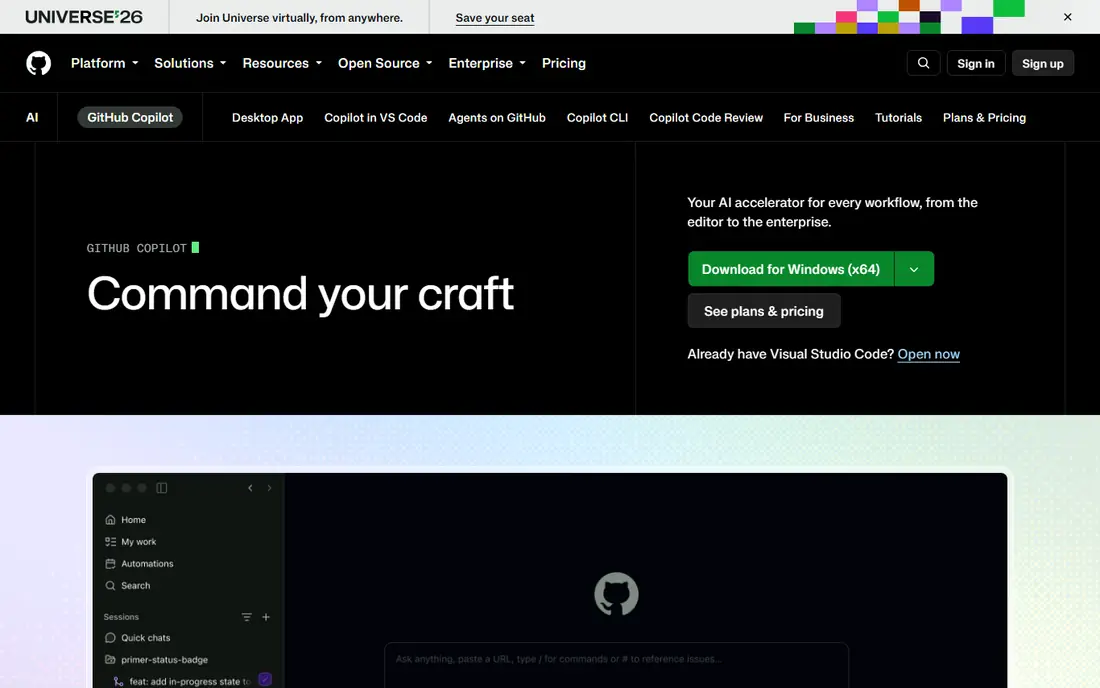
GitHub Copilot remains the default starting point for most developers, because it works where developers already work. The free tier offers limited completions and chat, while Pro at 10 dollars per month adds unlimited completions and a credit allowance for agent work, with Pro Plus and higher tiers for heavier use. Support spans VS Code, JetBrains, Neovim, and other editors, and GitHub integration helps with pull request summaries and code review workflows.
The catch is credit math. Heavy agent days can burn through the Pro credit allowance, pushing a team toward Pro Plus at 39 dollars per month or Business at 19 dollars per seat, depending on controls needed. Model switching also adds choice without always adding clarity. For a solo developer or a GitHub heavy team, Copilot still offers the best price to capability balance in this list.
- Free tier with limited completions
- Pro at 10 dollars per month
- Broad IDE support and GitHub integration
- Agent credits cap heavier use on Pro
- Model choice can confuse new users
- Enterprise controls need higher tiers
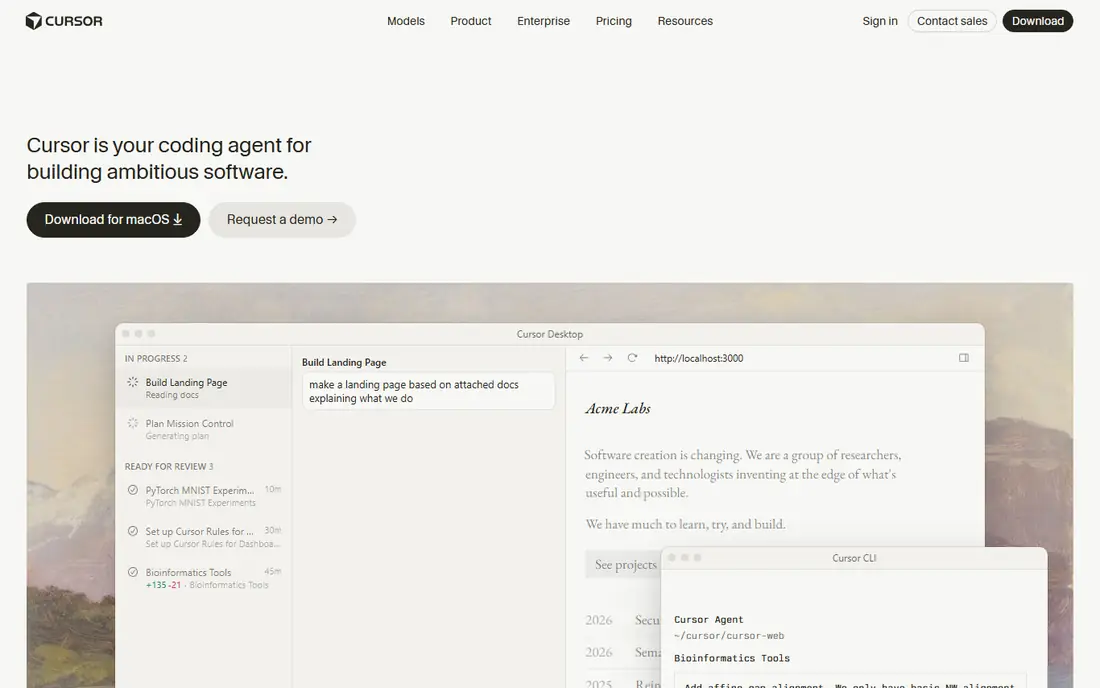
Cursor is built as an AI first editor, not as an add on, and that difference shows in daily use. Full codebase indexing, multi file agent edits, and multi model choice let a developer ask for a refactor across files and review a coherent change, rather than accepting one line at a time. The Hobby plan is free with limited agent and tab use, while Pro costs 20 dollars per month, with Pro Plus at 60 and Ultra at 200 for heavier teams.
Usage pools on top of seat price are the main cost warning, since heavy agent days can add charges beyond the sticker price. Some VS Code extensions also behave differently in the fork. For developers who want the deepest agent editor experience and are willing to learn its workflows, Cursor is our top pick for power use.
- Full codebase indexing
- Multi model agent
- Strong multi file editing
- Pro at 20 dollars per month with usage pools on top
- Learning curve for agent workflows
- VS Code fork means some extension quirks
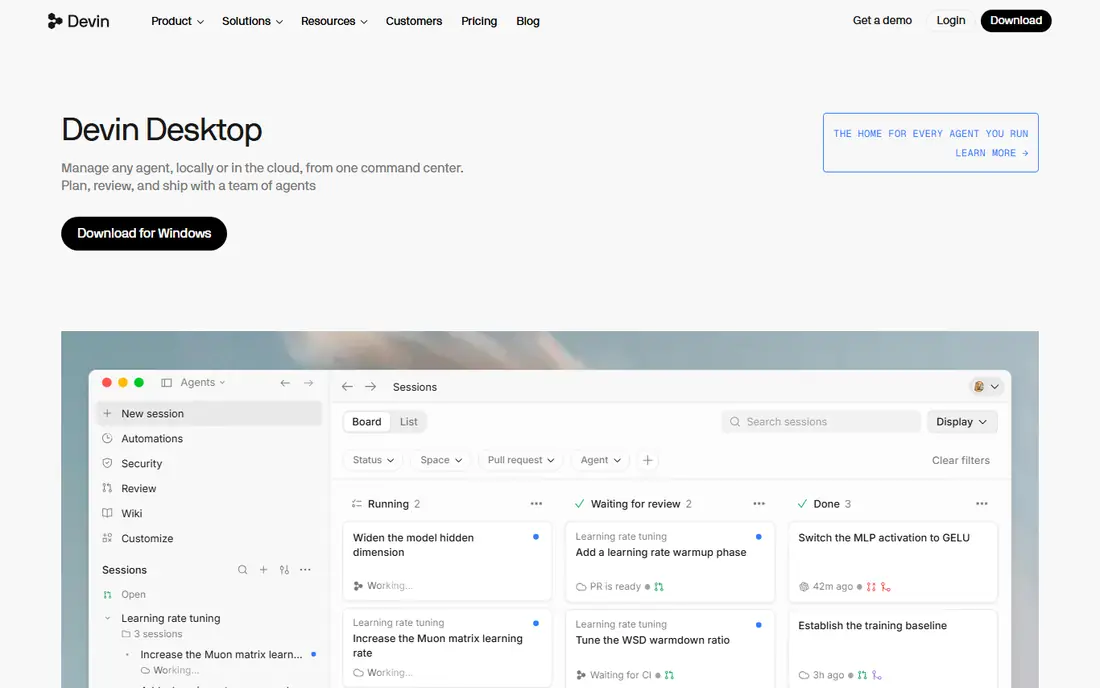
Windsurf, formerly Codeium, offers a standalone AI editor with agent flows, background cloud sessions, and multi model support. Recent listings describe a free tier with broad completion access and Pro at 20 dollars per month, with a Max tier at 200 for heavy use. For developers who want a Cursor style editor without Cursor pricing quirks, Windsurf is a credible alternative with a clear free entry point.
The cautions are stability of branding and caps. The product has changed hands and names, so teams should confirm the current vendor, roadmap, and support terms before a team rollout. Premium or agent requests are also capped separately from basic completions. For an individual developer or a small team testing agentic editing, Windsurf offers strong value.
- Free tier with generous completions in recent listings
- Pro at 20 dollars per month
- Agent flows and background sessions
- Brand and ownership have changed over time
- Premium request caps apply
- Smaller ecosystem than Copilot
Tabnine suits teams where code cannot leave a private network, or where compliance rules require strict data control. Self hosted and private deployment options, plus enterprise policy controls, make it a fit for regulated firms, defense suppliers, and large enterprises with data residency needs. IDE coverage spans VS Code, JetBrains, Eclipse, and others, so teams do not need to change editors to adopt it.
Price and free access are the drawbacks. Recent listings put Code Assistant at 39 dollars per user per month and Agentic at 59, with no free tier, which is well above Copilot Pro. Agent depth also trails Cursor and Windsurf for multi file work. If privacy and control are the deciding factors, Tabnine justifies its price. If cost matters most, start with Copilot or Cursor.
- Self hosted and private deployment options
- Enterprise controls
- Broad IDE coverage
- No free tier in recent listings
- Higher price than Copilot or Cursor
- Agent depth trails the newest editors
Amazon Q Developer is the natural pick for teams that build mainly on AWS. It plugs into IDEs and the AWS console, helps with AWS service code, reviews, and transformations such as language upgrades, and understands AWS resources in a way general tools do not. Pro is listed at 19 dollars per user per month, with a free tier offering limited agent requests in recent listings.
Outside AWS, the advantage fades. General agent editing and multi file refactoring are less deep than Cursor or Windsurf, and teams on Google Cloud or Azure gain little from AWS specific help. For an AWS shop, especially one modernizing older code, Q Developer is a strong, focused addition. For a general web team, Copilot or Cursor will feel broader.
- AWS workflow support
- Code transformation and review help
- Pro at 19 dollars per user per month
- Best value only inside AWS
- Agent depth is narrower than Cursor for general work
- Free tier limits agent requests
For developers who live in IntelliJ IDEA, PyCharm, WebStorm, or another JetBrains IDE, JetBrains AI avoids the disruption of switching editors. Completions, chat, and refactoring help sit inside the IDE you already know, with an AI Free tier for basic use and AI Pro listed at 10 dollars per month, plus an Ultimate tier at 30 for fuller agent access through Junie. That native fit keeps shortcuts, inspections, and project views intact.
The limit is ecosystem. A team split across VS Code and JetBrains will not get the same value, and model choice is narrower than Cursor multi model setup. If your team standardizes on JetBrains, JetBrains AI is the least disruptive AI upgrade. If your team is mixed, Copilot offers broader IDE coverage.
- Native fit in IntelliJ, PyCharm, and other JetBrains IDEs
- AI Free tier
- Junie agent on higher tiers
- Best only inside JetBrains IDEs
- Higher tiers cost more for full agent use
- Model choice is more limited than Cursor
Replit suits builders who want to go from an idea to a working app in a browser, without local setup. Replit Agent can scaffold a project, write code, and help deploy it, and the free Starter tier lets a new user test that flow. Core is listed at 20 dollars per month, with usage based agent billing on top for heavier work, which suits prototypes and small apps well.
Large, existing codebases are not its strength, and teams with strict local development, custom toolchains, or air gapped rules will find a browser only workflow limiting. Agent costs also need watching, since a long prototype session can add charges beyond Core. For learning, hackathons, and fast prototypes, Replit is a fun and practical pick. For enterprise codebase work, choose Cursor, Copilot, or Cody.
- Full browser IDE with agent
- Fast prototype to deployment path
- Free Starter tier
- Agent billing can add usage costs on top of Core
- Less suited to large existing codebases
- Browser only workflow limits some teams
Cody stands out when the problem is finding and understanding code across many repositories, not just writing the next function. Sourcegraph search indexes large codebases, and Cody uses that context for chat, explanations, and edits that respect existing patterns. That strength helps large teams, platform groups, and firms onboarding engineers into a sprawling codebase.
Pricing transparency is weaker, with team and enterprise figures by quote in recent listings, so get a written quote for your repository count and users. Setup also needs indexing time before Cody performs at its best. For a large codebase where search and understanding matter most, Cody is a strong specialist pick to pair with Copilot or Cursor for daily completions.
- Strong code search across many repositories
- Context aware chat and edits
- Enterprise controls
- Pricing is less transparent for teams
- Setup needs codebase indexing
- Agent depth varies by plan
How we picked these
We compared official pricing pages, feature pages, and public reviews for completions, agent depth, codebase context, model choice, privacy controls, and IDE support. We favored tools that are actively sold in 2026, offer a usable free tier or trial where claimed, and show real use by developers, not just marketing claims. We did not claim hands on benchmarking of every model on a shared codebase, and credit caps should be checked on the vendor pricing page before a team purchase.
How to choose an AI coding assistant without wasting credits
The sticker price hides the real cost, which is how fast agent credits run out on real work.
Start with your editor and your codebase
If you use VS Code or JetBrains, Copilot and JetBrains AI add the least friction. If you want a new editor built for agents, test Cursor and Windsurf on your own repository. If your codebase spans many repos, add Cody to the trial. A tool that forces an editor change must earn that disruption with clearly better agent results.
Test agent work, not just completions
Completions are easy to demo and hard to judge. During a trial, ask each tool to refactor a real multi file change, fix a failing test, and explain an unfamiliar module, then review the diff line by line. Track how many premium or agent requests each task used, and whether the result needed heavy correction. That test reveals true cost better than a feature list.
Check privacy and code use terms
Confirm whether your code is used for training, where data is stored, and what controls exist for private repositories. Tabnine self hosting, Copilot enterprise controls, and Cody enterprise settings suit different risk levels. For regulated work, get data handling terms in writing and confirm them with your security team before a rollout.
Set team rules for AI code
Require human review of every AI change, run tests before merging, and keep AI generated code out of security sensitive paths without extra review. The best tools still introduce subtle bugs, and a team that accepts suggestions without reading them will pay in debugging time. Treat AI output as a draft from a fast junior colleague, not as finished code.
FAQ
What is the best AI coding assistant?
GitHub Copilot is best for most developers on value, while Cursor is best for power users who want a full AI native editor. Windsurf is a strong value alternative to Cursor, and Tabnine is best for privacy focused teams. The right pick depends on your editor, codebase size, privacy needs, and how much agent work you do each day.
Is GitHub Copilot free?
Yes, GitHub Copilot offers a free tier with limited completions and chat, while Pro costs 10 dollars per month for unlimited completions and a larger agent credit allowance. Business and Enterprise tiers add policy controls and cost more per seat. Check the current GitHub pricing page for credit limits, since they change.
Is Cursor better than Copilot?
Cursor offers deeper multi file agent editing and codebase context in a dedicated editor, while Copilot offers broader IDE support and lower entry price. Many developers use Copilot for daily completions and Cursor for larger refactors. Test both on your own codebase during free trials before choosing one for a team.
Which AI coding assistant is best for privacy?
Tabnine is the strongest privacy pick in this list, thanks to self hosted and private deployment options and enterprise controls. Copilot Enterprise and Cody Enterprise also offer stronger data controls than basic plans. Always confirm training use, data residency, and retention terms in writing for your plan, since free tiers and paid tiers can differ.
Do AI coding assistants replace developers?
No, they speed up routine code, explanations, and refactors, but they still make mistakes and need human review, testing, and design judgment. The best results come when developers treat AI output as a draft, run tests, and review diffs carefully. Teams that skip review tend to trade short term speed for longer debugging later.
How much do AI coding assistants cost for a team?
Individual prices range from 10 dollars per month for Copilot Pro and JetBrains AI Pro to 20 dollars for Cursor, Windsurf, and Replit Core, with Tabnine at 39 and Amazon Q Pro at 19 per user per month. Agent credits, premium requests, and enterprise controls can add cost on top, so ask for a total based on your expected agent use, not just seat price.