Top 5 AI Assistants for Project Management for 2026 (Prices and Free Plans)
5 tools for the best AI assistants for project management, compared on pricing, free plans and best-fit use. Strengths and weak spots are spelled out. No hype.
- Editor's choice
 Trello
Straightforward visual task and to-do tracking
Starts at$5 per user a monthVisit trello.comFull review - Great alternative
 Notion
Custom AI workspace and automation
Starts at$10 per member a monthVisit notion.comFull review - Also consider
 ClickUp
All-in-one productivity with AI and humans
Starts at$9 per user a monthVisit clickup.comFull review
Direct answer
Our first pick is Trello, best for straightforward visual task and to-do tracking. Listed starting prices: Trello from $5 per user a month, Notion from $10 per member a month and ClickUp from $9 per user a month. Notion fits custom AI workspace and automation; ClickUp fits all-in-one productivity with AI and humans. The remaining 2 options are covered below with prices and limits.
TL;DR:
- The list opens with Trello, aimed at straightforward visual task and to-do tracking.
- The main caution on Wrike: enterprise focus may be heavy for small teams.
- Trello has the lowest monthly starting price in this list: $5 per user per month.
- For human-agent teamwork on critical workflows, Asana is worth a look.
Last checked November 2026. Prices and plan details were read from the vendors' own pages in November 2026; vendors change plans often, so confirm the current price on the vendor site before you buy.
Quick comparison
| Tool | Best for | Starts at | Free plan? | |
|---|---|---|---|---|
| Trello | Straightforward visual task and to-do tracking | $5 per user a month | Yes | Visit |
| Notion | Custom AI workspace and automation | $10 per member a month | Yes | Visit |
| ClickUp | All-in-one productivity with AI and humans | $9 per user a month | Yes | Visit |
 Wrike | Enterprise work delivery with AI support | See website | Not stated | Visit |
 Asana | Human-agent teamwork on critical workflows | $10.99 per user a month | Yes | Visit |
AI Assistants for Project Management, one by one
LinkVetted compared 5 tools for AI assistants for project management. The goal is a practical shortlist: published prices, free plan facts, best-fit use cases and honest limits for every entry.
Trello works best for straightforward visual task and to-do tracking. Teams needing advanced reporting, governance, or deep agent workflows should look to other choices. It performs best for light planning and personal productivity.
Downsides: AI assistance is not the primary focus.
Trello helps teams capture, organize, and tackle to-dos from anywhere using boards, an inbox, and a planner, including on mobile. Trello is oriented toward straightforward task tracking instead of complicated, multi-team project delivery, and AI assistance is not its central proposition. Starting cost for Trello: $5 per user per month. Trello has a free plan.
- Inbox and planner features
- Visual boards for organizing work
- Less suited to complicated enterprise programs
Notion is built with custom AI workspace and automation in mind. In daily use, choose it when adaptability matters more than prescriptive workflows. Because Notion is highly adaptable, teams must decide how to structure projects and may need templates to begin.
Trade-offs to know: Project tracking relies on templates.
Where it shines: Search across connected apps.
It is not a dedicated project management system from day one, so heavy scheduling needs may call for a specialized tool. More specifically, organizations comfortable designing their own workspace structure will get the most from it. What you pay to start with Notion: $10 per member per month. Free access exists with Notion.
- Build custom agents
- Automate busywork in one workspace
- Adaptable structure needs design decisions
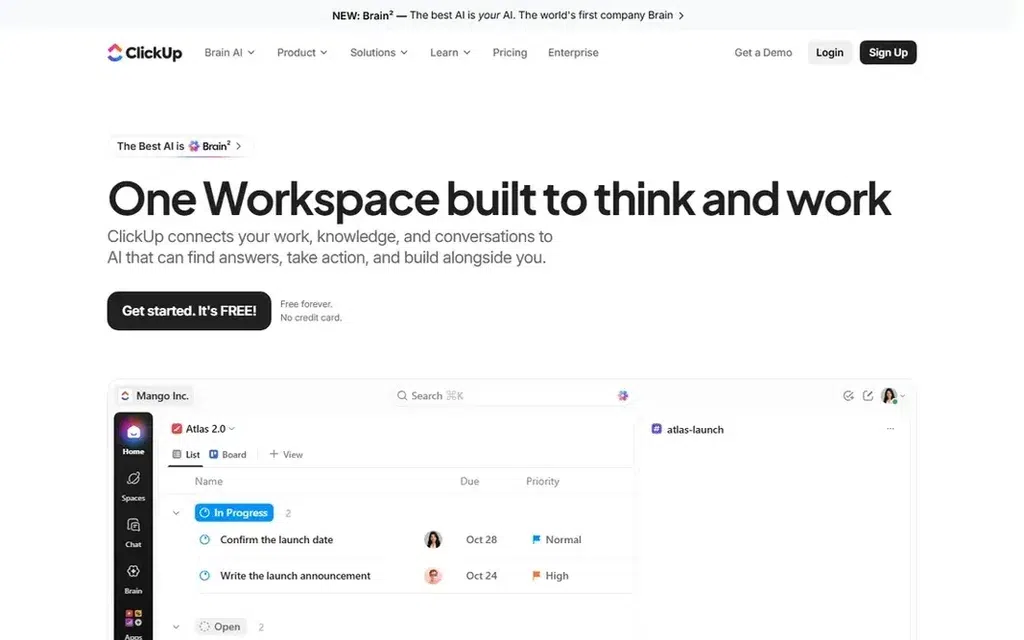
ClickUp was built for all-in-one productivity with AI and humans. ClickUp describes itself as the everything app for work, bringing tasks, docs, goals, and chat together with AI and human collaboration.
Honest limits: Needs configuration to match team processes.
Also, teams looking to maximize productivity in a single app are the target audience. Starting cost for ClickUp: $9 per user per month. A free plan is available with ClickUp.
Strengths: humans together.
- Wide feature set in one app
- Positions software, AI
- Breadth can overwhelm new users
Wrike is designed for enterprise work delivery with AI support. Wrike is AI-powered enterprise work management software that positions itself as a work delivery platform for people and AI, helping enterprises reach outcomes quicker without losing control of how work gets done.
Limits to weigh: Enterprise focus may be heavy for small teams.
Control and governance features need setup to be handy. On top of that, the enterprise emphasis means small teams may find it more complicated than necessary. No starting price is listed for Wrike here; confirm pricing on the vendor site. Trial and free access: Not stated.
- AI-powered enterprise work management
- Focus on quicker outcomes with control
- Control settings need configuration
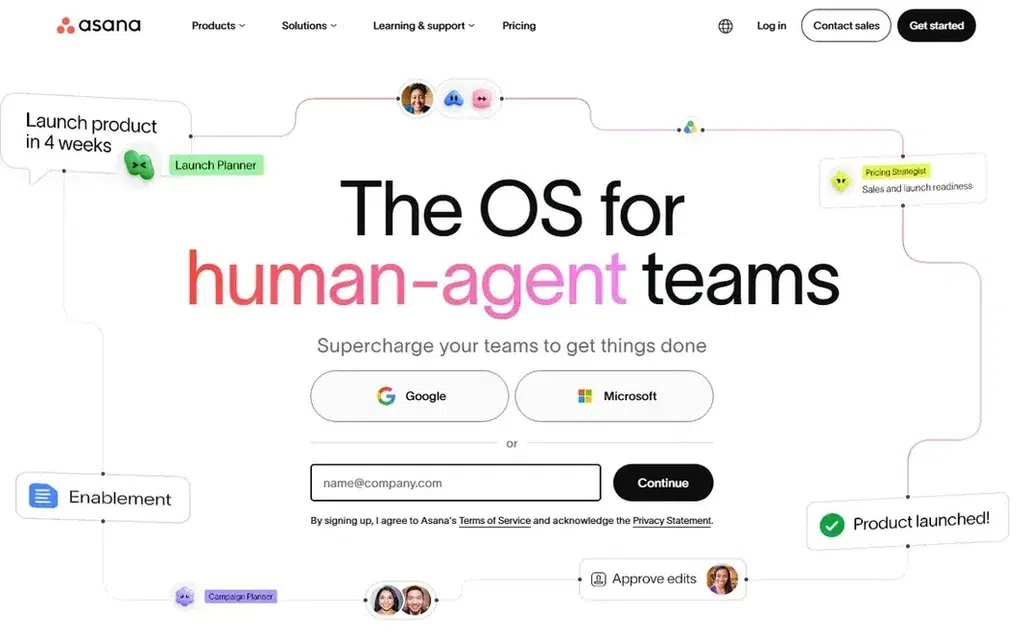
Asana works best for human-agent teamwork on critical workflows. Asana is work management software designed for teams and AI agents to plan, automate, and execute critical workflows together. Also, Asana may feel heavy for very small teams or straightforward personal task lists.
Its agent capabilities rely on how workflows are configured, so teams without process discipline may see less benefit. As for the details, if you need a light visual board, consider a more straightforward choice. Also, teams that value workflow clarity and cross-functional coordination are the natural audience. Starting cost for Asana: $10.99 per user per month. Asana offers a free plan.
Drawbacks to consider: Advanced governance relies on configuration.
- Supports teams and AI agents working together
- Solid planning and work management focus
- May need setup to align agents with processes
How these tools were picked
The comparison looks at four things: starting price, free access, how well the feature set matches AI assistants for project management, and the main limit of each tool. Figures are shown as the vendors publish them. Billing terms, seat minimums and add-ons can change the real cost. Tools are placed by general fit for AI assistants for project management, with price clarity and free access as tie-breakers. A different team can reasonably rank them differently.
Things to verify first
- Confirm the entry price on the vendor page. For Wrike that means a quote rather than a fixed price.
- Read the fine print on the free plans from Trello, Notion, ClickUp and Asana; seat, project and feature caps differ.
- Read the limits listed for Trello first: less suited to complicated enterprise programs.
- Ask Wrike about contract length, onboarding fees and user minimums before you sign.
- Test the integrations you rely on with Notion before committing; some connectors sit on upper tiers.
FAQ
Can I try these tools before paying?
Often, yes. Trello, Notion, ClickUp and Asana have a free plan. Use your own data and a real task during the test, and check what the free tier or trial limits before you rely on it.
Do these tools publish their prices?
Not all of them. Wrike publishes no starting price, so expect a quote request for it. The rest, Trello included, show a starting price, though seats and billing terms still change the final cost.
Is Trello the right pick for everyone comparing AI assistants for project management?
No single tool suits every team. Trello comes first because it fits simple visual task and to-do tracking, while Notion suits custom AI workspace and automation and ClickUp suits all-in-one productivity with AI and humans. Match the tool to your own size, budget and workflow before deciding.
Which options for AI assistants for project management have a free plan?
On this list, Trello, Notion, ClickUp and Asana include a free plan. Caps on seats, usage or features are common, so test the free plan against your real workload.
What should I look for in an AI assistant for project management?
Focus on how the assistant supports your existing workflows, for example planning, automation, and task execution. Also confirm integrations and reporting before choosing.
Sources
- https://trello.com
- https://www.notion.com
- https://clickup.com
- https://www.wrike.com
- https://asana.com