Best AI Meeting Assistants Software in 2026: 9 Tools Compared
Compare the best AI meeting assistants software for 2026, from Otter.ai and Fireflies to Fathom and tl;dv, with pricing, free plans, and bot free options.

- Editor's choice
 Otter.ai
Live transcription and collaboration
Starts atFreeVisit otter.aiFull review - Great alternative
 Fireflies.ai
Team meetings and CRM sync
Starts atFreeVisit fireflies.aiFull review - Also consider
 Fathom
Free individual recording
Starts atFreeVisit fathom.videoFull review
TL;DR:
- Fathom has the strongest free plan for individuals, with unlimited recordings in published comparisons.
- Otter.ai Pro at $8.33 per user per month when billed annually is the cheapest paid entry for individuals, but minute caps apply.
- Fireflies.ai Pro at $10 per seat per month when billed annually suits small teams that need CRM sync and conversation insights.
- Bot free options such as tl;dv desktop capture and Krisp matter when a visible bot would change the meeting dynamic.
- Consent and privacy rules come first: tell attendees a meeting is recorded, and check employer and local recording rules before you enable a bot.
Quick comparison
| Tool | Best for | Starts at | Free plan? | |
|---|---|---|---|---|
| Otter.ai | Live transcription and collaboration | Free | Yes | Visit |
| Fireflies.ai | Team meetings and CRM sync | Free | Yes | Visit |
| Fathom | Free individual recording | Free | Yes | Visit |
 tl;dv | Clips and async collaboration | Free | Yes | Visit |
 Krisp | Noise removal and meeting notes | See website | Yes | Visit |
 Fellow | Meeting agendas and action items | See website | Yes | Visit |
 Avoma | Revenue team coaching | See website | Free trial | Visit |
 Supernormal | Simple team summaries | See website | Free trial | Visit |
 Sembly | Multilingual meeting notes | See website | Free trial | Visit |
The best AI meeting assistants
AI meeting assistants record, transcribe, summarize, and extract action items from calls on Zoom, Google Meet, Microsoft Teams, and other platforms. Some join as a visible bot, others capture audio from your device without a bot, and some focus on agendas and follow up rather than raw transcription. The best pick depends on meeting volume, privacy needs, and whether notes must flow into a CRM.
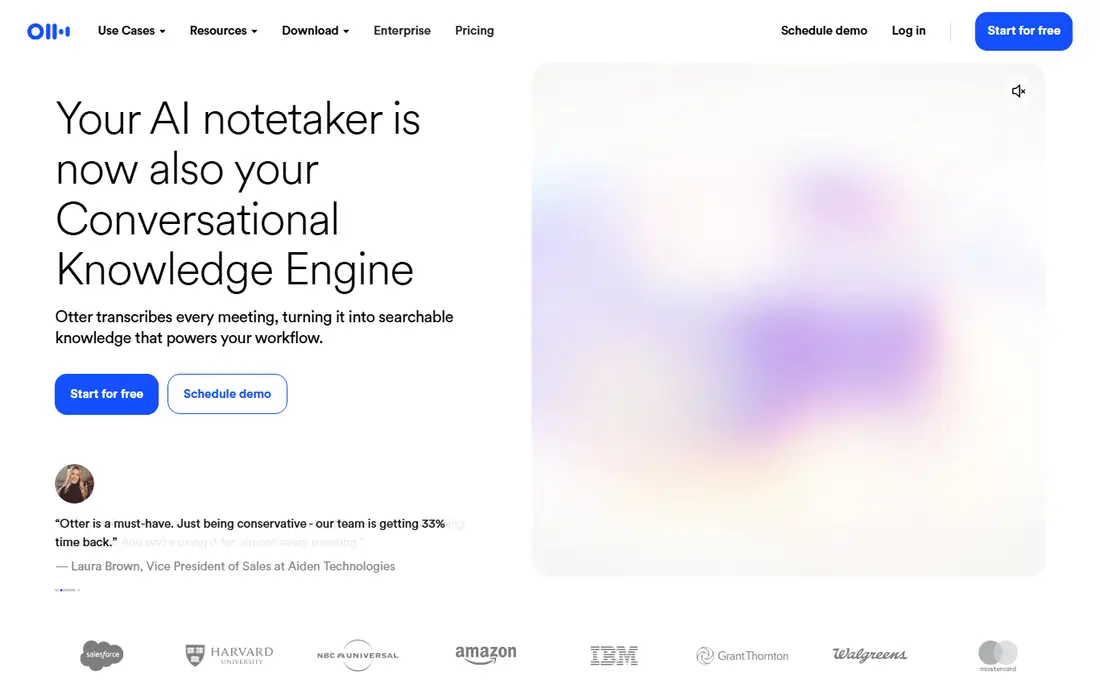
Otter.ai Basic is free with 300 minutes per month and a 30 minute cap per conversation in published October 2026 comparisons. Pro costs $16.99 per user per month billed monthly, or $8.33 per user per month when billed annually, with 1,200 minutes per month and a 90 minute cap per conversation. Business costs $19.99 per user per month when billed annually, with unlimited meetings and 4 hour calls.
Otter.ai is best for users who want live text during a call and a searchable transcript after it. The live view helps participants follow along and highlight key moments in real time. The catch is caps: long board meetings and all day workshops will hit Pro limits, and file uploads are limited on lower tiers. For short, frequent meetings, Otter.ai is an easy recommendation.
- Real time live transcription
- Collaborative notes and highlights
- Strong search across past meetings
- Free plan caps at 300 minutes per month and 30 minutes per conversation
- Pro caps at 90 minutes per conversation
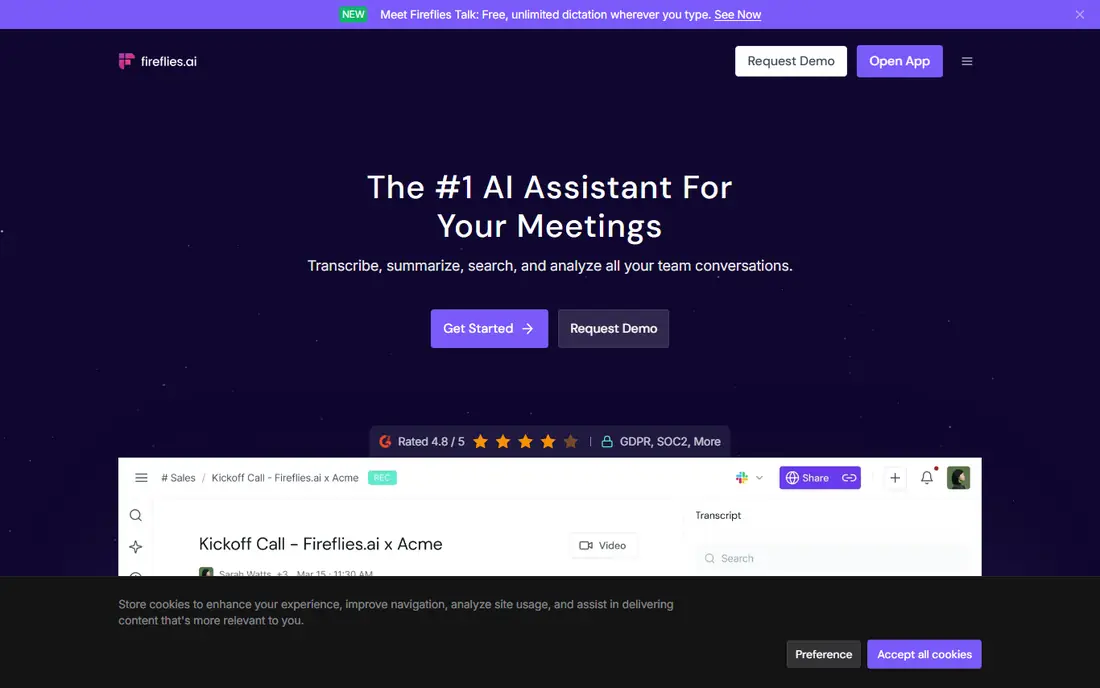
Fireflies.ai offers a free plan with unlimited transcription but limited storage, listed as 400 minutes per team in published comparisons. Pro costs $10 per seat per month when billed annually, or $18 per seat per month billed monthly, with unlimited summaries and 8,000 minutes of storage per seat. Business at $19 per seat per month when billed annually adds unlimited storage and conversation intelligence, while Enterprise adds SSO and compliance features.
Fireflies.ai suits sales and customer success teams that need notes in HubSpot, Salesforce, or another CRM without manual copy work. Search, topic tracking, and speaker analytics help managers review calls at scale. The free storage limit is the main constraint for teams that record a lot, so budget for Pro if your team records daily.
- Unlimited transcription on paid plans
- Strong CRM integrations
- Conversation analytics and topic tracking
- Free plan storage is limited to 400 minutes per team
- AI features use credits on some plans
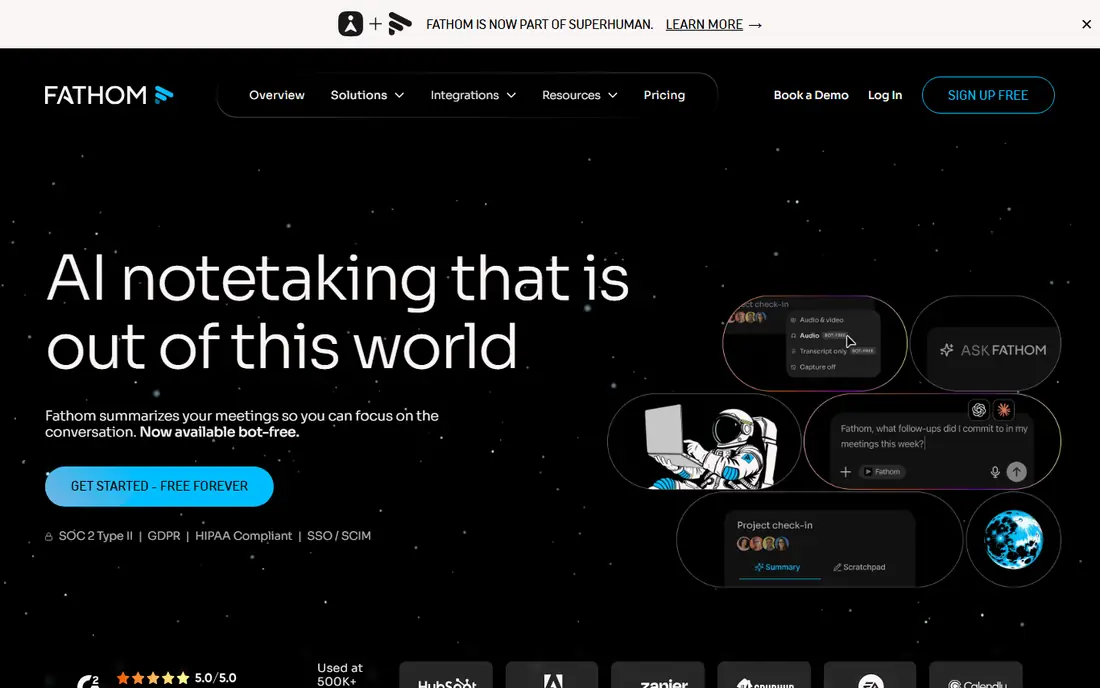
Fathom is free for individuals with unlimited recordings in published comparisons, which makes it the strongest free plan in this list for a solo user. Premium costs $16 per month when billed annually, or $20 per month billed monthly, for a single user, with added AI features. Team plans start at $15 per user per month when billed annually with a two user minimum, and Business at $25 per user per month adds CRM field sync.
Fathom is our pick for consultants, freelancers, and individual reps who want reliable notes without paying. The free plan covers recording, transcription, and summaries, with some AI features such as action items and Ask Fathom marked as limited use. Teams that need shared workspaces, admin controls, and CRM sync should price the Team or Business plan, since those features are not free.
- Unlimited free recordings for individuals
- Strong summaries and action items
- Good Zoom, Meet, and Teams support
- Team features need paid plans
- Premium costs $16 per month when billed annually for a single user
tl;dv offers a free plan with unlimited recordings and limited storage in published comparisons, plus Pro at $18 per seat per month when billed annually, or $29 per seat per month billed monthly. Business at $29 per seat per month when billed annually adds conversation intelligence features. tl;dv is known for timestamped clips: highlight a moment, share it with a teammate, and let them watch that segment without sitting through the full call.
tl;dv suits product, research, and distributed teams that work async and share evidence from user interviews or sales calls. The bot free desktop capture option helps in meetings where a visible bot would be awkward, though setup differs from a standard bot join. For clip heavy workflows, tl;dv is a better fit than a transcript only tool.
- Clip and share meeting moments
- Multilingual support
- Desktop capture option without a bot in some setups
- Pro costs $18 per seat per month when billed annually
- Best features sit on team plans
Krisp started as a noise cancelling app and has grown into a meeting assistant that transcribes, summarizes, and records without joining as a bot. Because it captures audio from your device, attendees do not see an extra participant, which helps in sensitive or formal meetings. A free plan covers basic use, with paid plans adding more transcription minutes and features.
Krisp is best when call quality and discretion matter most, such as a home office with background noise or a client call where a bot would distract. It is less suited to a sales team that needs CRM sync and conversation analytics, where Fireflies.ai or Avoma fit better. For many individual users, Krisp plus a transcript tool can cover both clean audio and notes.
- Removes background noise in real time
- Works without a meeting bot
- Adds transcription and summaries on paid plans
- Core strength is audio quality, not full meeting analytics
- Pricing varies by plan
Fellow is a meeting management tool with AI notes: teams build agendas, take collaborative notes, assign action items, and track follow up across recurring meetings. It integrates with Google Calendar, Outlook, Slack, and task tools, so a meeting outcome does not get lost in a transcript file. A free plan covers basic meeting management, with paid plans adding AI features and admin controls.
Fellow suits managers and teams that run many recurring meetings and struggle with follow through, not just with note taking. If your main need is verbatim transcription of sales calls, Otter.ai or Fireflies.ai will be stronger. If your main need is turning meetings into decisions and owned tasks, Fellow is the better pick.
- Agendas, notes, and action items in one place
- Good for recurring team meetings
- Integrates with calendars and task tools
- AI transcription is part of a broader meeting workflow, not a standalone recorder for every platform
Avoma is built for revenue teams: it records meetings, transcribes them, extracts action items, and analyzes conversations for coaching, deal risk, and follow up. It also includes scheduling and collaborative note taking, so a sales team can run the full meeting workflow in one tool. CRM integrations push notes and insights back to the deal record.
Avoma fits sales, customer success, and revenue operations teams that review calls for coaching and pipeline health. A solo user or small team will find it more expensive and more complex than Fathom or Fireflies.ai. For a revenue team that already pays for conversation intelligence, Avoma combines recording, notes, and coaching in a way that standalone note takers do not.
- Conversation intelligence for revenue teams
- Coaching and deal insights
- CRM sync and scheduling tools
- Pricing requires a quote
- More than a solo user needs
Supernormal focuses on simple, fast meeting notes: record a call, get a summary with action items, and share it with the team. It supports Google Meet, Zoom, and Microsoft Teams, and it keeps notes organized by meeting and participant. A free trial lets teams test the summary quality before paying.
Supernormal is a good pick for teams that want notes without a complex platform. The trade off is depth: no deep conversation analytics, limited CRM workflows, and fewer coaching tools than revenue focused rivals. For a small team that mainly needs a reliable summary in the inbox after each call, that simplicity is a benefit.
- Fast, simple summaries after meetings
- Easy sharing with teammates
- Works across major meeting platforms
- Fewer analytics and CRM features than Fireflies.ai or Avoma
- Pricing needs a plan check
Sembly, formerly Sembly AI, records and transcribes meetings in multiple languages, with speaker identification, summaries, and action items. It supports Zoom, Google Meet, Microsoft Teams, and other platforms, and it is useful for international teams where meetings switch languages or where participants need notes in their own language.
Sembly suits global teams, research teams, and companies with multilingual customers. For an English only team that needs the simplest free plan, Fathom or Otter.ai may be easier. For a team where language coverage is the deciding factor, Sembly is the first tool to trial, since language support varies widely across this category.
- Supports many languages for transcription
- Speaker identification and summaries
- Good for international teams
- Pricing varies by plan
- Interface is less polished than Otter.ai or Fathom for some users
How we picked these
We compared official pricing pages, feature pages, and published October 2026 pricing comparisons for AI meeting assistants that record, transcribe, and summarize meetings. We favored tools that still work in October 2026 on major meeting platforms, offer a free plan or trial, and publish clear limits on minutes, storage, or seats. We excluded generic transcription apps with no meeting integration and tools whose pricing pages could not be verified.
What to check before you choose
Start with consent. Tell attendees before recording, note the recording in the invite, and follow your employer policy and local law, since some places require all party consent. A tool that records without clear notice creates legal and trust problems that no summary feature can fix.
Bot or bot free
A visible bot is clear and honest, but it can change how people speak in a sensitive meeting. Bot free capture from your own device avoids that, but it still records others, so consent rules still apply. Choose based on meeting type, not just convenience, and set a team policy so reps do not improvise.
Minutes, storage, and CRM
Model your real meeting volume: minutes per month, storage per team, and whether notes must sync to a CRM. Free plans look generous until storage caps or per conversation limits appear. A $10 seat that syncs to your CRM can save more staff time than a free plan that needs manual copy work after every call.
Summary quality and follow up
Trial each tool with your own meetings, not a demo call. Check whether action items name owners and dates, whether summaries miss decisions, and whether search finds a past decision fast. The best assistant is the one whose summary a teammate can act on without rewatching the call.
FAQ
What is the best AI meeting assistant software?
Fathom is the best free pick for individuals, Otter.ai is best for live transcription, and Fireflies.ai is best for small teams that need CRM sync. For sales coaching, Avoma is stronger, while tl;dv is best for clip sharing and async teams.
Is there a free AI meeting assistant?
Yes, Fathom, Otter.ai, Fireflies.ai, and tl;dv all offer free plans, with different limits on minutes, storage, and features. Fathom free covers unlimited recordings for individuals, while Otter.ai free caps at 300 minutes per month and Fireflies.ai free limits storage per team.
Do AI meeting assistants need a bot in the meeting?
Most bot based assistants join as a visible participant, which is transparent but can affect meeting dynamics. Krisp and some tl;dv setups capture audio from your device without a bot, though consent and recording rules still apply. Check your tool setup and team policy before choosing.
Are AI meeting notes private and secure?
Privacy depends on the vendor: check data retention, access controls, encryption, and whether recordings are used for training. For sensitive meetings, prefer vendors with clear retention controls and enterprise plans with SSO and compliance options, and avoid recording meetings that should stay off the record.
Which AI meeting assistant works with Zoom, Meet, and Teams?
Otter.ai, Fireflies.ai, Fathom, tl;dv, Avoma, and Sembly all support major platforms, though setup differs by platform. Confirm support for your specific platform and whether a bot, browser extension, or calendar integration is required before you commit.
Can AI meeting assistants create action items automatically?
Yes, most tools in this list extract action items, decisions, and next steps from transcripts, with varying accuracy. Review action items before sending them to a team, since AI summaries can miss owners, dates, or context, especially in long or overlapping conversations.