8 Best AI Project Management Software Options for 2026
Best AI project management software in 2026: 8 contenders with entry costs and free tiers. Strengths and weak spots are spelled out. Skim the table first.
- Editor's choice
 ClickUp
Small teams wanting AI inside an all-in-one workspace
Starts at$7/user/month (Unlimited, billed annually)Visit clickup.comFull review - Great alternative
 Monday.com
Visual planners and teams that avoid complicated software
Starts at$9/user/month (billed yearly)Visit monday.comFull review - Also consider
 Notion
Documentation-heavy teams building their own systems
Starts at$10/user/month (Plus, billed annually)Visit notion.comFull review
Direct answer
For small teams wanting AI inside an all-in-one workspace, ClickUp is where this list starts. Look at Monday.com for visual planners and teams that avoid complicated software, and at Notion for documentation-heavy teams building their own systems. Prices, free plans and limits for all 8 tools follow.
TL;DR:
- ClickUp takes the first slot, best suited to small teams wanting AI inside an all-in-one workspace.
- Wrike fits large teams with complicated, multi-layered projects.
- Taskade comes with a trade-off: reporting and permissions are weaker than Asana or ClickUp.
- For the cheapest start, look at ClickUp: $7/user/month.
Quick comparison
| Tool | Best for | Starts at | Free plan? | |
|---|---|---|---|---|
| ClickUp | Small teams wanting AI inside an all-in-one workspace | $7/user/month (Unlimited, billed annually) | Yes | Visit |
| Monday.com | Visual planners and teams that avoid complicated software | $9/user/month (billed yearly) | Yes | Visit |
| Notion | Documentation-heavy teams building their own systems | $10/user/month (Plus, billed annually) | Yes | Visit |
 Taskade | Small teams wanting AI agents on a flat price | Free; $10/month (Pro, billed yearly, up to 10 users) | Yes | Visit |
 Sunsama | Individuals who require a guided daily planning ritual | $22/month (Pro, billed per month) | Free trial (14 days) | Visit |
 Motion | Teams that want AI to decide when work happens | $29/seat/month (Pro AI, billed yearly, individual) | Free trial (7 days) | Visit |
 Asana | Structured teams running cross-department projects | $10.99/user/month (Starter, billed yearly) | Yes | Visit |
 Wrike | Large teams with complicated, multi-layered projects | $10/user/month (billed yearly) | Yes | Visit |
AI Project Management Software, one by one
Choosing AI project management software usually comes down to price, fit and limits. This LinkVetted guide sets 8 tools side by side on those three points, with the facts kept short and checkable.
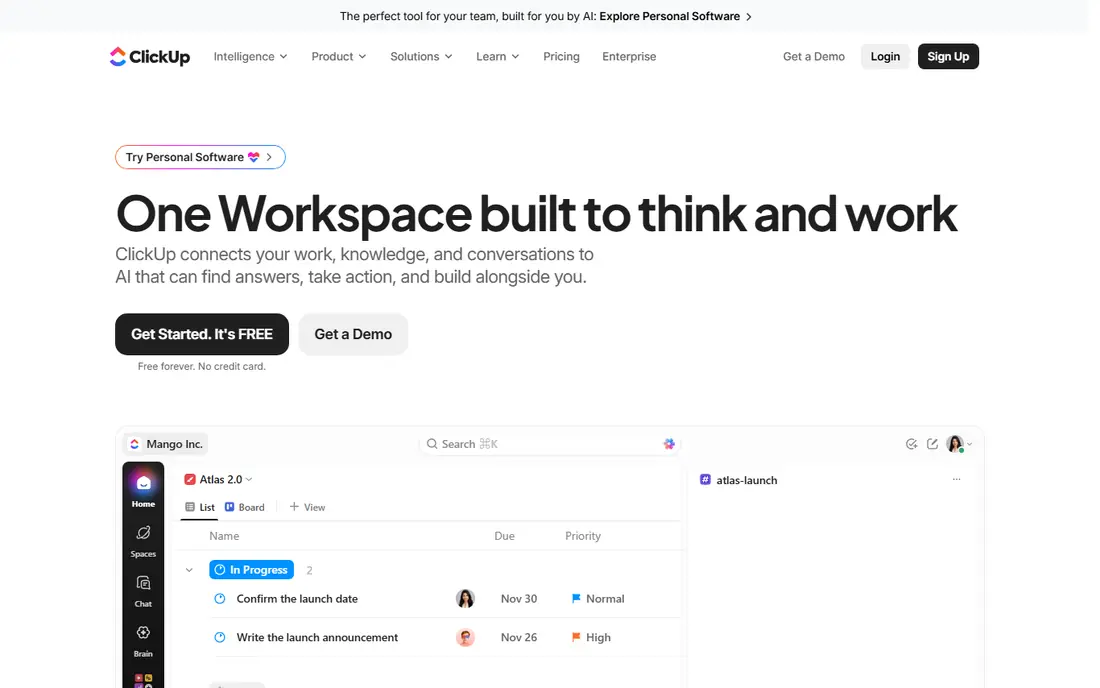
Pick ClickUp if this describes you: small teams wanting AI inside an all-in-one workspace. At $7 a user per month for Unlimited plus the add-on, it is the cheapest way to provide an entire small team AI-assisted project management.
The starting price for ClickUp: $7/user/month. Free access exists with ClickUp.
Drawbacks to consider: AI quality varies by use case.
- Free plan is genuinely usable
- Triage and automation
- AI costs additional on top of the plan
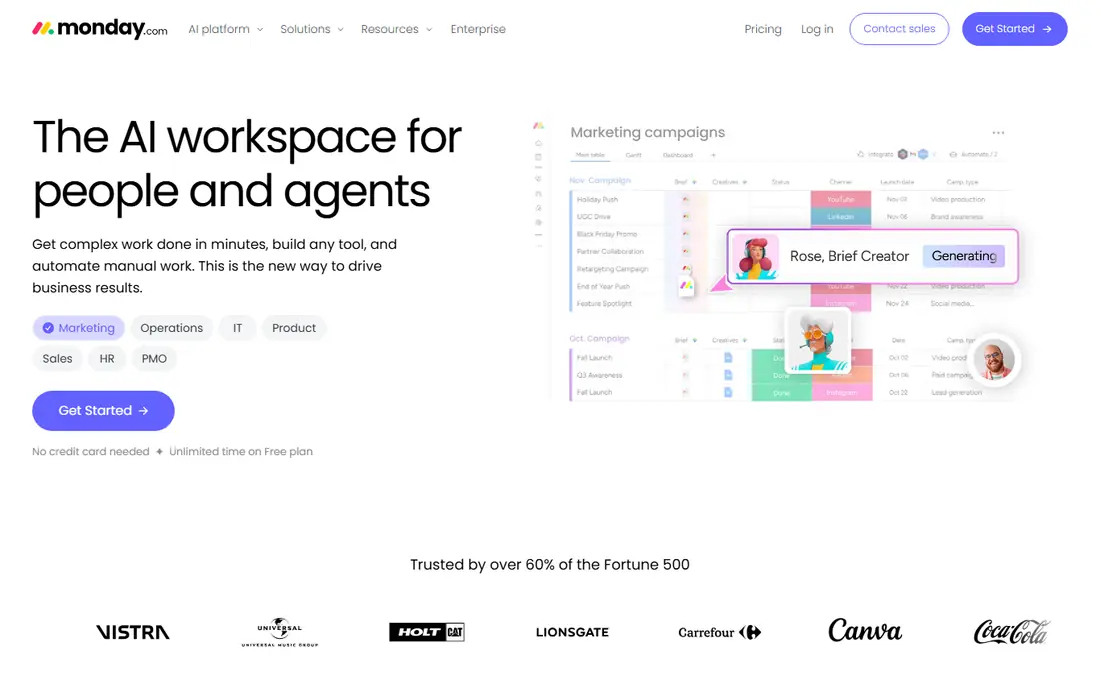
Monday.com was built for visual planners and teams that avoid complicated software. For marketing, ops and agency teams that want structure without a ramp-up time, it is still the easiest sell.
Worth adding: Monday.com remains the friendliest project system for non-technical teams: color-coded boards, drag-and-drop everything, and templates for nearly every workflow. The starting price for Monday.com: $9/user/month. Monday.com offers a free plan.
What to check first: AI features are restricted compared to dedicated AI tools.
Highlights: summaries and content generation.
- AI blocks for categorization
- Huge template library
- Costs add up with seats since pricing is per user

Notion is a good fit for documentation-heavy teams building their own systems. If you need project management from day one, Asana or Monday will get you running weeks quicker.
The main drawbacks: You have to build the project system before the AI can help run it.
More specifically, if your team already lives in Notion, the AI features are a reason to stay. Price to start with Notion: $10/user/month. Notion has a free plan.
- AI writing
- Autofill and meeting notes inside your docs
- Can feel slow at large scale
Taskade makes the most sense for small teams wanting AI agents on a flat price. Pro at $10 per month flat includes up to 10 users, and Business at $25 per month flat includes unlimited users, which makes the per-seat math absurdly favorable for small teams.
What to check first: Smaller ecosystem of integrations.
Where Taskade stands out: Mind maps.
As for the details, for startups, agencies and remote teams that want AI doing real project work without a per-seat bill, Taskade is the value pick of 2026. Taskade pricing: Free. Free access exists with Taskade.
- Gantt and several views included
- Custom AI agents with memory and automations
- AI quality relies on the underlying models
Sunsama is a good fit for individuals who need a guided daily planning ritual. Sunsama takes the opposite approach from Motion. Rather than the AI planning your day, it walks you through planning it yourself: a morning ritual where you pull tasks from your tools into timeboxed blocks.
An evening shutdown that reviews what got done. More specifically, for professionals who overcommit and need structure they will actually follow, it works. Users who stick with the habit report the highest satisfaction in this category. Be clear about what you are buying: discipline, not automation. In practice, there is no free plan, only a 14-day trial, and Pro runs $22 per month billed monthly or $17 billed yearly. Starting cost for Sunsama: $22/month. Free options: Free trial (14 days).
What works well: Gmail and more into one daily view. Where it is weaker: the value is the ritual; No free plan and no AI in the Motion sense.
- Shutdown ritual helps people actually stop working
- The best guided planning flow on this list
- $17 to $22 per month is steep for what is largely manual planning
Motion serves teams that want AI to decide when work happens. Business AI at $29 per seat per month billed yearly layers on capacity planning, so leads can see who is overloaded. For managers whose calendars run their weeks, this removes a real chunk of planning overhead.
What works well: Projects, tasks.
What to check first: Solo users pay more than the $19 headline (that is the team per-seat rate).
For everyday use, if you do not trust an algorithm to reshape your day, the product feels costly. Also, Motion is the category leader for a reason: you list tasks with deadlines and priorities. It places every one of them on your calendar, reshuffling the entire day when a meeting moves or something urgent lands. Starting cost for Motion: $29/seat/month. As for free access: Free trial (7 days).
- Team capacity views on Business AI
- True auto-scheduling that rebuilds the day when plans change
- The trial asks for a card and auto-bills
Asana works best for structured teams running cross-department projects. The system shines when multiple departments share projects and the AI has enough work flowing through it to be handy. For everyday use, Asana's AI story is about teammates, not chatbots: AI agents that triage incoming requests, draft project briefs and monitor for at-risk deadlines, plus AI Studio for building custom automations without code.
Small teams should note the free-plan limit of two users and the two-seat minimum on premium plans, which makes Asana awkward for solo users and couples. Beyond that, for a two-person shop, the value is thinner. Asana cost at the entry level: $10.99/user/month. A free plan is available with Asana.
Downsides: The serious AI features sit on higher, pricier levels.
- AI teammates and AI Studio automations on premium levels
- Solid rules engine for workflow automation
- The free plan caps at 2 users
Wrike works best for large teams with complicated, multi-layered projects. Wrike is the enterprise workhorse here. It runs programs with hundreds of projects, cross-functional dependencies and resource allocation without breaking.
The main drawbacks: Setup and admin overhead is real; The interface feels heavy for small teams.
Its AI layer layers on risk prediction, smart task suggestions and automatic summaries. Wrike's power comes with admin overhead, a steeper ramp-up time and an interface aimed at program managers, not for someone tracking a marketing calendar. It earns its place for organizations where project complexity is the problem and AI is the assistant, not the answer. Small teams should look elsewhere. More specifically, beginning at $10 a user per month billed yearly with a free plan available, the entry price is reasonable for what it does. Entry price for Wrike: $10/user/month. Wrike includes a free tier.
What Wrike does well: Capable security and admin controls; AI features for risk prediction and smart replies.
- Multi-project portfolios well
- Deals with high-volume
- AI features are less central than the workflow engine
How the list was put together
LinkVetted looked at what each vendor publishes: pricing, plan limits, feature coverage for AI project management software and stated drawbacks. No hands-on testing is claimed. Plan names, prices and limits change often. Treat the figures here as a starting point and verify them with the vendor. The ranking is editorial: typical fit first, then clear pricing, then free access. If your needs are unusual, read the profiles rather than relying on position.
Things to verify first
- Prices are a starting point; ClickUp shows $7/user/month to start, so verify what your seat count would cost.
- Look at free plan limits closely: ClickUp, Monday.com, Notion and others have one, and the caps decide whether it is usable for real work.
- Take the trial from Sunsama and Motion and push a live task through it before you pay.
- Before choosing ClickUp, weigh its main limit: AI costs additional on top of the plan.
- List the apps you already depend on and check that Motion supports each one on the plan you would buy.
- Test how quickly Asana answers a pre-sales question; it hints at how support will feel later.
FAQ
Do these tools publish their prices?
Yes. Every tool from ClickUp to Wrike shows a starting price, though seats, add-ons and billing terms still change the final cost.
How are the tools for AI project management software ordered?
ClickUp sits first and Wrike last because the order follows typical fit for AI project management software, then price clarity and free access. It is a judgement call, so read each profile for fit and limits.
Can I try these options before paying?
Often, yes. ClickUp, Monday.com, Notion and others have a free plan and Sunsama and Motion offer a free trial. Use your own data and a real task during the test, and check what the free tier or trial limits before you rely on it.
What is the cheapest option for AI project management software in this list?
On published monthly entry prices, ClickUp is the lowest here at $7/user/month. Entry price is only part of the cost, because seats, add-ons and billing terms can change the total.
Can AI project management tools replace a project manager?
No. The AI manages repetitive work: scheduling, summaries, triage, status drafts. It does not deal with stakeholder politics, priority judgment or accountability. Teams that buy these tools expecting to cut the PM role end up with well-organized chaos.