Best AI Google Workspace Project Management Software (2026): 5 Picks Checked on Vendor Pages
Best AI google workspace project management software in 2026: 5 tools with starting prices, free plans and limits. Short verdicts, no fluff. Decide faster.
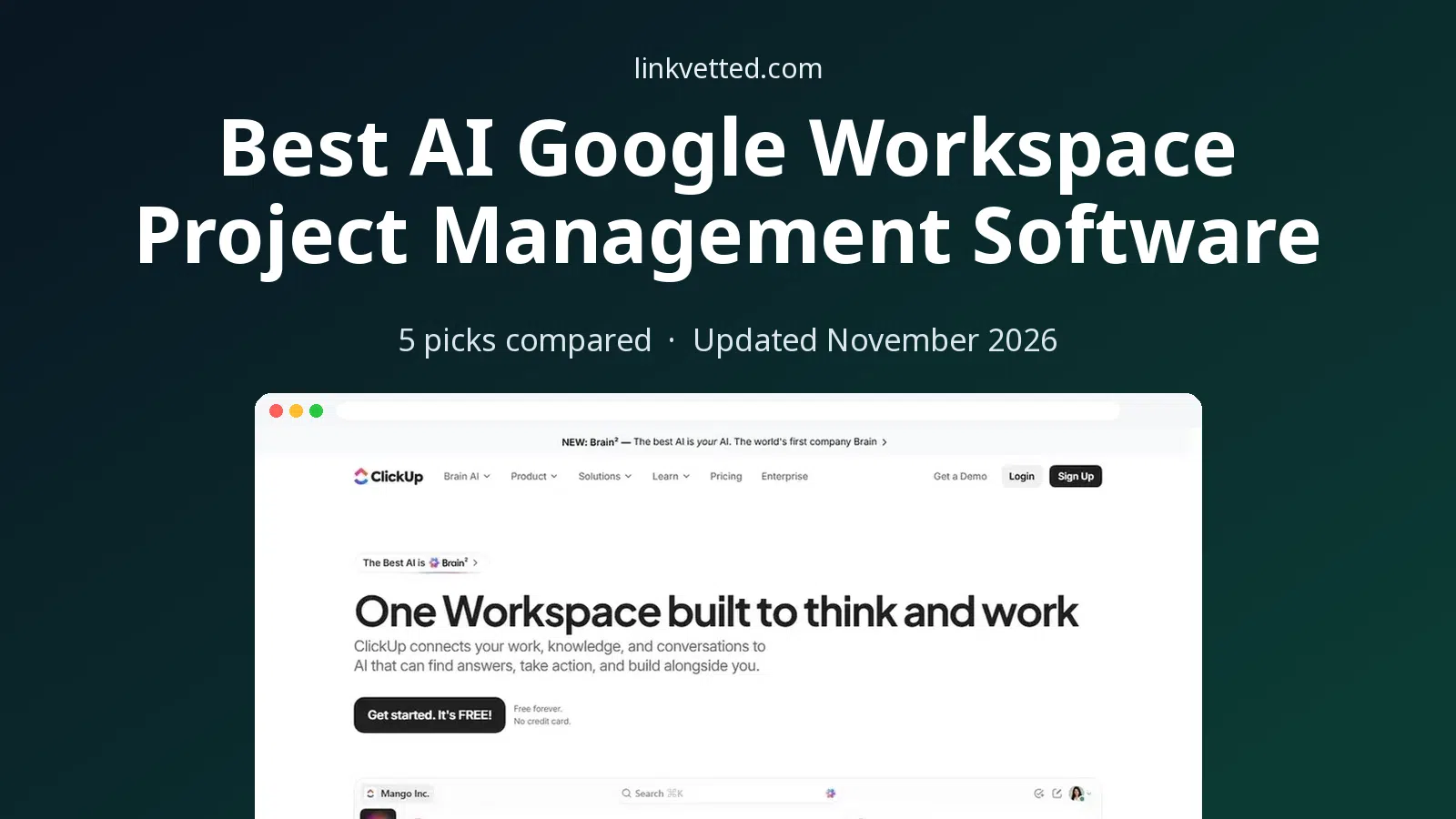
- Editor's choice
 ClickUp
Consolidating tasks, docs and goals
Starts at$9 per user a monthVisit clickup.comFull review - Great alternative
 Monday.com
Agent-driven workspace collaboration
Starts at$9 per seat a monthVisit monday.comFull review - Also consider
 Wrike
Enterprise work delivery with control
Starts atSee websiteVisit wrike.comFull review
Direct answer
ClickUp comes first here, mainly for consolidating tasks, docs and goals. Listed starting prices: ClickUp from $9 per user a month, Monday.com from $9 per seat a month and Airtable from $20 per user a month. Monday.com fits agent-driven workspace collaboration; Wrike fits enterprise work delivery with control. Details, prices and limits for the rest of the 5 tools are below.
TL;DR:
- This list starts with ClickUp, which is built for consolidating tasks, docs and goals.
- Asana suits AI-assisted planning and workflow automation.
- Free plans exist at 4 of 5 tools (ClickUp, Monday.com, Airtable, Asana).
- ClickUp comes with a trade-off: feature density can feel busy.
- Starting prices begin at $9 per user per month with ClickUp.
Last checked November 2026. Prices and plan details were read from the vendors' own pages in November 2026; vendors change plans often, so confirm the current price on the vendor site before you buy.
Quick comparison
| Tool | Best for | Starts at | Free plan? | |
|---|---|---|---|---|
| ClickUp | Consolidating tasks, docs and goals | $9 per user a month | Yes | Visit |
| Monday.com | Agent-driven workspace collaboration | $9 per seat a month | Yes | Visit |
| Wrike | Enterprise work delivery with control | See website | Not stated | Visit |
 Airtable | Custom AI workflows and apps | $20 per user a month | Yes | Visit |
 Asana | AI-assisted planning and workflow automation | $10.99 per user a month | Yes | Visit |
AI Google Workspace Project Management Software profiles
Short on time? The summary and table above give the quick view of 5 tools for AI google workspace project management software, and the profiles that follow give the detail behind each entry.
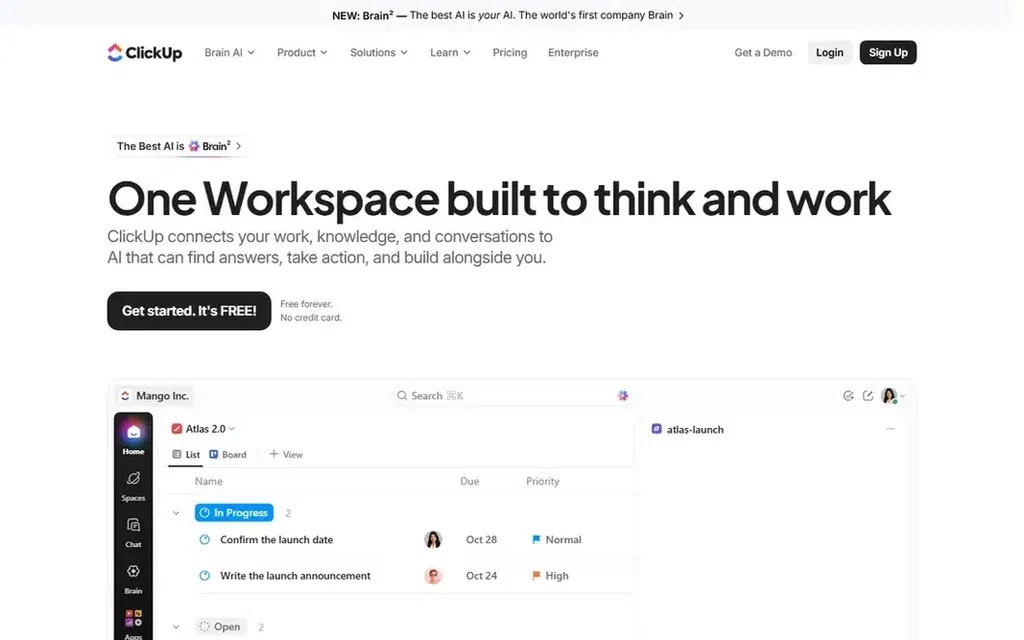
ClickUp is designed for consolidating tasks, docs and goals. ClickUp describes itself as the everything app for work, combining tasks, docs, goals and chat with software, AI and humans converging in one place.
Drawbacks to consider: Setup choices need planning.
Best features of ClickUp: Tasks, docs. The starting price for ClickUp: $9 per user per month. You can start on ClickUp without paying.
- Goals and chat together
- Aims to replace several tools
- Feature density can feel busy
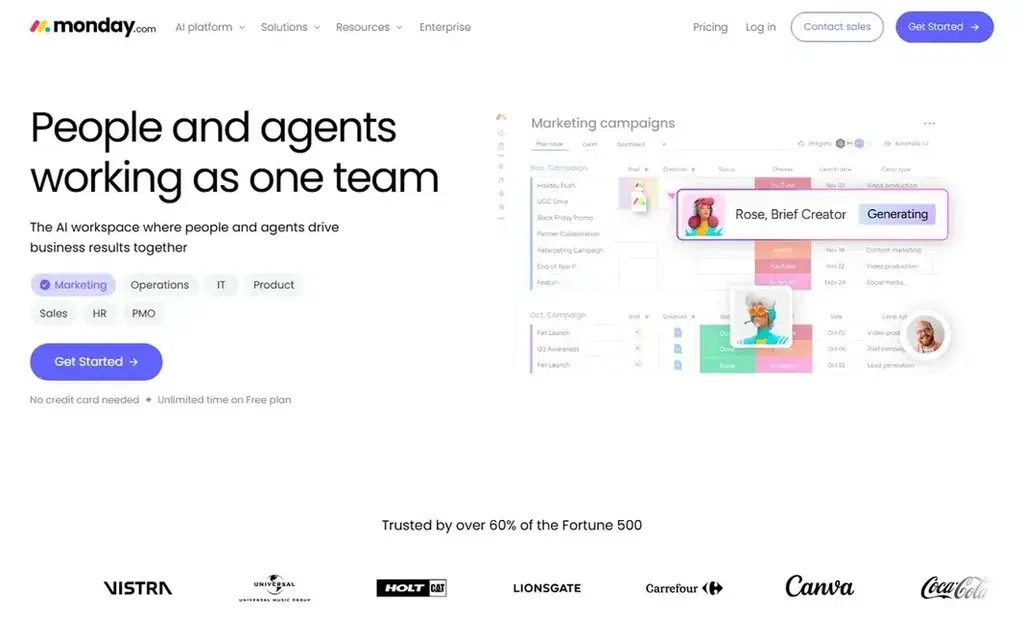
Think of Monday.com for agent-driven workspace collaboration. Monday.com markets itself as an AI workspace for people and agents, where AI agents execute and run work alongside teams to drive business results.
If governance and structured execution matter more than visual adaptability, an enterprise-focused product may be the better pick. Price to start with Monday.com: $9 per seat per month. Monday.com has a free plan.
Points against: Plenty of features can overwhelm new users.
- Visual
- Broad workflow coverage
- Heavy tailoring needed for complicated programs
Pick Wrike if this describes you: enterprise work delivery with control. Wrike describes itself as an AI-powered enterprise work management system and a trusted work delivery system for people and AI, helping enterprises reach outcomes quicker without losing control of how work gets done.
Where it is weaker: Targeted at bigger organizations.
If you want a more straightforward shared workspace, a lighter tool is worth considering. The enterprise orientation means smaller teams may find it heavier than required, and the emphasis on control can limit casual, ad hoc collaboration. Check the vendor site for Wrike pricing; none is listed in this comparison. As for free access: Not stated.
- Aimed at people and AI
- Emphasis on maintaining control
- Can be more than small teams need
Airtable makes the most sense for custom AI workflows and apps. Since it is adaptable, teams must design their own structures, which takes time and discipline.
Drawbacks to consider: Needs design thinking.
If you prefer a ready-made project management model from day one, a more opinionated tool may get you started quicker. On cost, Airtable starts like this: $20 per user per month. A free plan is available with Airtable.
- Apps and agents
- Builds workflows
- Less opinionated project structure
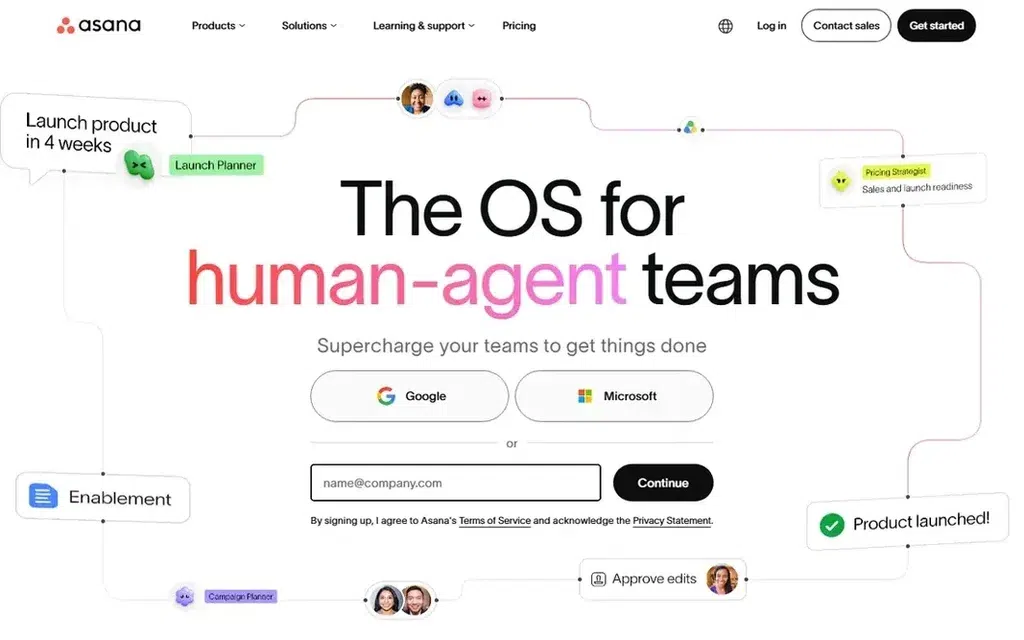
Choose Asana for AI-assisted planning and workflow automation. Asana presents itself as work and project management for human-agent teams, letting people plan, automate and execute critical workflows together.
As for the details, if you primarily need an adaptable database or document hub, a spreadsheet-style or wiki-first tool may fit better. On top of that, teams with very straightforward needs may find the structure heavier than necessary, and complicated cross-department automation can need meaningful configuration. What you pay to start with Asana: $10.99 per user per month. You can start on Asana without paying.
The main drawbacks: Advanced governance sits in higher levels.
- Clear planning and execution model
- Supports human and AI agent teamwork
- Deep customization takes setup time
How we compared the tools
The comparison looks at four things: starting price, free access, how well the feature set matches AI google workspace project management software, and the main limit of each tool. Plan names, prices and limits change often. Treat the figures here as a starting point and verify them with the vendor. Tools are placed by general fit for AI google workspace project management software, with price clarity and free access as tie-breakers. A different team can reasonably rank them differently.
What to confirm before you sign up
- Confirm the entry price on the vendor page. For Wrike that means a quote rather than a fixed price.
- Look at free plan limits closely: ClickUp, Monday.com, Airtable and Asana have one, and the caps decide whether it is usable for real work.
- Read the limits listed for ClickUp first: feature density can feel busy.
- Ask the daily users to test Airtable on a live task before you roll it out to everyone.
- Check the support hours and onboarding help Asana offers; smaller vendors vary a lot here.
FAQ
What should I verify before committing to a tool?
Confirm the Google Workspace integrations you depend on, which AI capabilities are included in your edition. The security and permission controls your organization needs. Running a short pilot with a real project is the most dependable way to judge fit.
Do these tools publish their prices?
Not all of them. Wrike publishes no starting price, so expect a quote request for it. The rest, ClickUp included, show a starting price, though seats and billing terms still change the final cost. For the full picture, the cards above cover all 5 entries of this AI Google workspace project management software list, including price, free plan and limits.
Which tool is a good match for AI project management with Google Workspace?
The first pick on this list is ClickUp, because it suits consolidating tasks, docs and goals. Monday.com is better for agent-driven workspace collaboration, and Wrike for enterprise work delivery with control. Check price and limits against your own needs before choosing.
Is ClickUp the right pick for everyone comparing AI google workspace project management software?
No single tool suits every team. ClickUp comes first because it fits consolidating tasks, docs and goals, while Monday.com suits agent-driven workspace collaboration and Wrike suits enterprise work delivery with control. Match the tool to your own size, budget and workflow before deciding.
Which options for AI google workspace project management software have a free plan?
ClickUp, Monday.com, Airtable and Asana offer a free plan in this list. Free plans usually cap users, projects or features, so check the limits on the vendor page. Prices, free plan details and limits for all 5 tools in this AI Google workspace project management software roundup sit on the individual cards above.
Can I try these options before paying?
Often, yes. ClickUp, Monday.com, Airtable and Asana have a free plan. Use your own data and a real task during the test, and check what the free tier or trial limits before you rely on it. Each of the 5 options in this AI Google workspace project management software guide has its own card above with the price, free plan and limits.
Sources
- https://clickup.com
- https://monday.com
- https://www.wrike.com
- https://www.airtable.com
- https://asana.com