6 Best AI Kanban Project Management Software for 2026, Vetted and Compared
Weighing the best AI kanban project management software? We lined up 6 products by cost, free access and fit. Each pick lists its main limit. Facts only.
- Editor's choice
 Smartsheet
Enterprise execution with governance needs
Starts at$12 per Member/monthVisit smartsheet.comFull review - Great alternative
 Notion
Custom AI workspaces with board views
Starts at$10 per member a monthVisit notion.comFull review - Also consider
 Asana
Cross-functional teams mixing boards and workflows
Starts at$10.99 per user a monthVisit asana.comFull review
Direct answer
Smartsheet comes first here, mainly for enterprise execution with governance needs. Listed starting prices: Smartsheet from $12 per Member/month, Notion from $10 per member a month and Asana from $10.99 per user a month. If your case is different, Notion suits custom AI workspaces with board views and Asana suits cross-functional teams mixing boards and workflows. Details, prices and limits for the rest of the 6 tools are below.
TL;DR:
- Smartsheet is the opening pick, best for enterprise execution with governance needs.
- Monday.com fits teams wanting an AI workspace with boards.
- Notion, Asana, ClickUp, Trello, Monday.com: these are the 5 tools out of 6 that offer a free plan.
- Smartsheet comes with a trade-off: enterprise orientation can feel heavy.
Last checked November 2026. Prices and plan details were read from the vendors' own pages in November 2026; vendors change plans often, so confirm the current price on the vendor site before you buy.
Quick comparison
| Tool | Best for | Starts at | Free plan? | |
|---|---|---|---|---|
| Smartsheet | Enterprise execution with governance needs | $12 per Member/month | Not stated | Visit |
| Notion | Custom AI workspaces with board views | $10 per member a month | Yes | Visit |
| Asana | Cross-functional teams mixing boards and workflows | $10.99 per user a month | Yes | Visit |
 ClickUp | Consolidating tasks, docs and goals | $9 per user a month | Yes | Visit |
 Trello | Straightforward card-first kanban and personal to-dos | $5 per user a month | Yes | Visit |
 Monday.com | Teams wanting an AI workspace with boards | $9 per seat a month | Yes | Visit |
6 options for AI kanban project management software in detail
Short on time? The summary and table above give the quick view of 6 tools for AI kanban project management software, and the profiles that follow give the detail behind each entry.
Pick Smartsheet if this describes you: enterprise execution with governance needs. If you need a fast, light board, more straightforward tools are simpler.
What to check first: Less casual than straightforward board tools.
The enterprise focus means more structure and administration than small teams normally want, and casual users may find it formal. Board-style views support kanban tracking within a structured, spreadsheet-like foundation. On cost, Smartsheet starts like this: $12 per Member/month. Free access: Not stated.
- Execution hub for enterprise work
- People and AI working together
- Enterprise orientation can feel heavy
Notion serves custom AI workspaces with board views. Kanban views can be created from its databases, so boards link straight to notes, documents and knowledge. Choose Notion when flexibility and documentation matter as much as task flow.
Highlights: Docs and tasks in one workspace.
Points against: Needs building your own structure.
Heavy program tracking can demand more setup. Notion is an AI workspace where teams build custom agents, search across apps and automate busywork. For everyday use, since Notion gives you building blocks, you must design and maintain your board structure, and teams wanting ready-made project rituals may find it loose. Entry price for Notion: $10 per member per month. Notion offers a free plan.
- Custom agents and cross-app search
- Boards built from adaptable databases
- Less prescriptive for project rituals
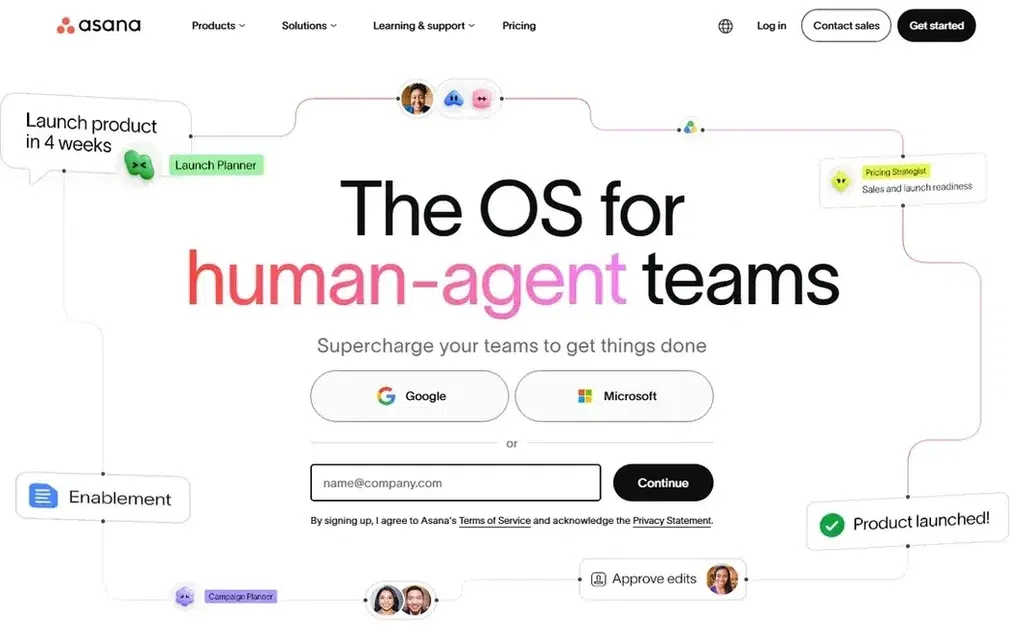
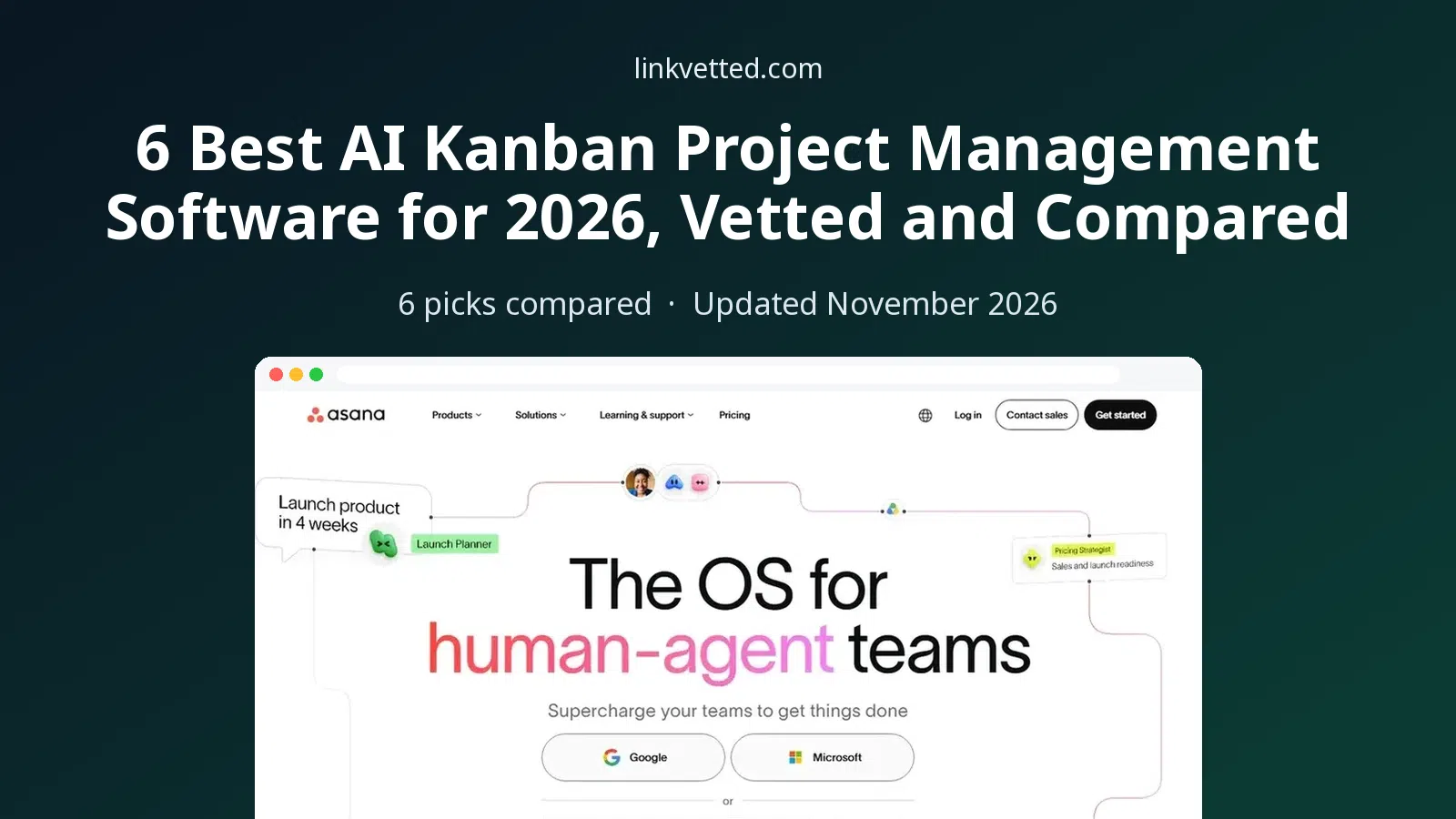
Asana was built for cross-functional teams mixing boards and workflows. Asana is work management software aimed at teams and AI agents to plan, automate and execute workflows together.
Kanban is one view among several, so a board can sit beside timelines, lists and goals. As for the details, choose Asana when kanban is part of a bigger workflow picture and AI-assisted execution matters. Asana pricing: $10.99 per user per month. A free plan is available with Asana.
Trade-offs to know: Setup needs planning across projects.
- Kanban boards within broader project views
- Built for human and agent collaboration
- Feature depth can overwhelm straightforward teams
ClickUp was built for consolidating tasks, docs and goals. Teams wanting a narrow, focused board may prefer a more straightforward tool.
Where it falls short: Very wide surface area to learn.
Pick ClickUp when consolidation across tasks, documents and goals is the priority. ClickUp starts at: $9 per user per month. ClickUp has a free plan.
Reasons to shortlist it: Tasks, Docs.
- AI positioned alongside human work
- Goals and Chat in one app
- Can need cleanup of workspace design
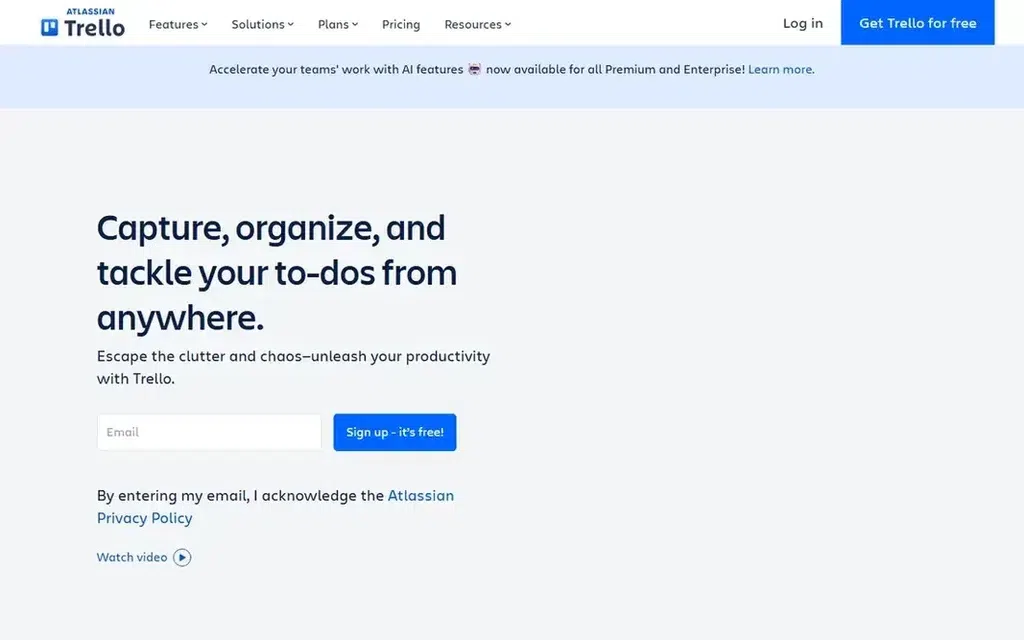
Where Trello fits: simple card-first kanban and personal to-dos. Trello concentrates on capturing, organizing and tackling to-dos from anywhere, with boards, cards, Inbox and Planner. Its kanban model is simple to grasp, making it a natural fit for small teams, personal task tracking and lightweight project flows.
What works well: Clear boards.
Where it is weaker: Restricted depth for complicated programs.
Also, the mobile-friendly design supports fast capture and status updates when people are away from a desk. Pick Trello when clarity and quick adoption matter more than feature depth. Trello pricing: $5 per user per month. Free access exists with Trello.
- Lists and cards
- Inbox and Planner for capture
- Advanced automation needs add-ons
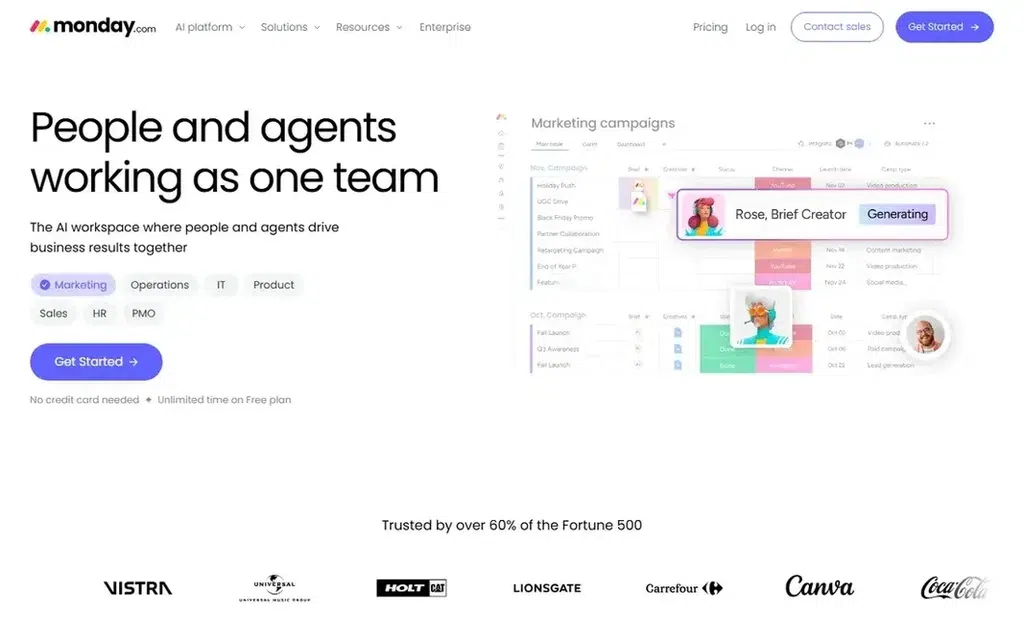
Monday.com targets teams wanting an AI workspace with boards. Boards and item views support kanban-style tracking, and AI agents are positioned as coworkers that help move work forward.
The main drawbacks: Plenty of building blocks to learn.
It suits teams that want a shared operating space instead of a single-purpose board, especially where several workflows run in parallel. Entry price for Monday.com: $9 per seat per month. Monday.com includes a free tier.
- Adaptable board-based work views
- One workspace for managing operations
- Adaptable structure needs upfront design
How we compared the tools
LinkVetted looked at what each vendor publishes: pricing, plan limits, feature coverage for AI kanban project management software and stated drawbacks. No hands-on testing is claimed. Seat minimums, billing terms and add-ons can move the real cost, so the starting prices here are a guide and not a quote. Tools are placed by general fit for AI kanban project management software, with price clarity and free access as tie-breakers. A different team can reasonably rank them differently.
Questions to settle before buying
- Confirm the entry price on the vendor page: Trello starts at $5 per user per month, but seat counts and billing terms change the total.
- Read the fine print on the free plans from Notion, Asana, ClickUp and others; seat, project and feature caps differ.
- Read the limits listed for Smartsheet first: enterprise orientation can feel heavy.
- Ask ClickUp whether prices are locked for the first term and what happens at renewal.
- Test how quickly Trello answers a pre-sales question; it hints at how support will feel later.
FAQ
Is Smartsheet the right pick for everyone comparing AI kanban project management software?
No single tool suits every team. Smartsheet comes first because it fits enterprise execution with governance needs, while Notion suits custom AI workspaces with board views and Asana suits cross-functional teams mixing boards and workflows. Match the tool to your own size, budget and workflow before deciding.
Can Notion replace a dedicated kanban tool?
Notion can host board views built from its databases, which works well when tasks are tied closely to documents and knowledge. It needs you to design the structure yourself.
How are the tools for AI kanban project management software ordered?
The order follows typical fit for AI kanban project management software, with Smartsheet first and Monday.com last, then price clarity and free access. It is editorial judgement, not a score, so another team could rank the tools differently.
Which options for AI kanban project management software have a free plan?
On this list, Notion, Asana, ClickUp, Trello and Monday.com include a free plan. Caps on seats, usage or features are common, so test the free plan against your real workload.
Should small teams choose Trello or a broader platform?
Broader platforms for example Asana, Monday.com or ClickUp make sense when boards must link to goals, documents or several workflows. Start with the process you have to run, then pick the tool.
What is the cheapest option for AI kanban project management software in this list?
On published monthly entry prices, Trello is the lowest here at $5 per user per month. Entry price is only part of the cost, because seats, add-ons and billing terms can change the total. Each of the 6 options in this AI Kanban project management software guide has its own card above with the price, free plan and limits.
Sources
- https://www.smartsheet.com
- https://www.notion.com
- https://asana.com
- https://clickup.com
- https://trello.com
- https://monday.com