6 Best AI Dictation Software for 2026, Vetted and Compared
Shortlisting the best AI dictation software? 6 products compared on cost, free access and ideal buyer. With pricing notes and limits. Skim the table first.
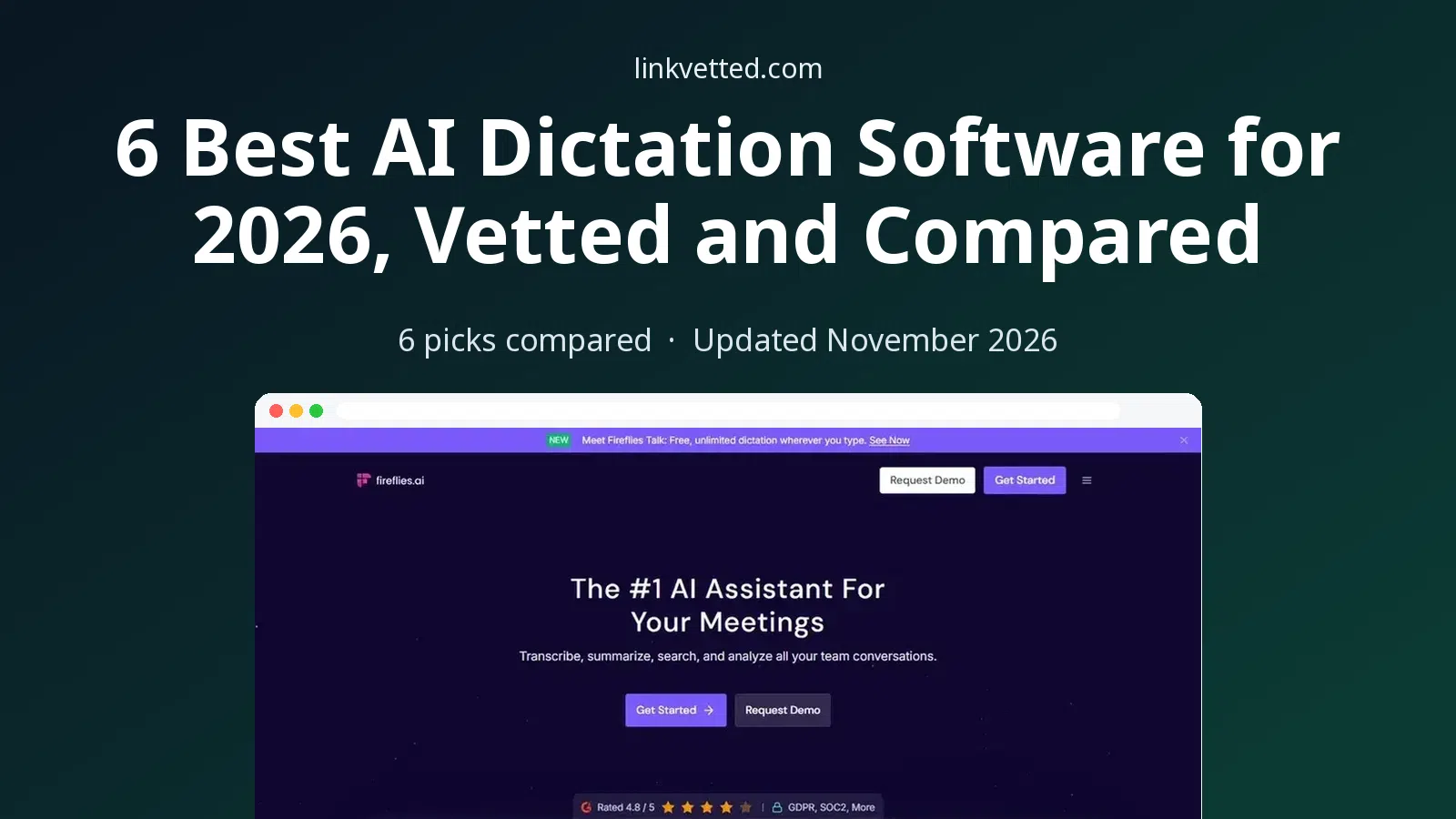
- Editor's choice
 Fireflies.ai
AI notes across meeting systems
Starts at$10 per seat a month, billed yearlyVisit fireflies.aiFull review - Great alternative
 Descript
Text-based audio and video editing
Starts at$16 per person a monthVisit descript.comFull review - Also consider
 Trint
Newsroom and media production workflows
Starts atSee websiteVisit trint.comFull review
Direct answer
If you need AI notes across meeting systems, Fireflies.ai is the first tool to look at here. Listed starting prices: Fireflies.ai from $10 per seat a month, billed yearly, Descript from $16 per person a month and Happy Scribe from $17 a month. Descript is the stronger choice for text-based audio and video editing, while Trint suits newsroom and media production workflows. The full list of 6 tools follows, with prices and free plan facts.
TL;DR:
- Top of the list is Fireflies.ai, which targets AI notes across meeting products.
- Happy Scribe comes with a trade-off: feature depth varies by use case.
- Fireflies.ai, Descript, Happy Scribe, Otter.ai: these are the 4 tools out of 6 that offer a free plan.
- Otter.ai has the lowest monthly starting price in this list: $8.33 per user per month.
Last checked November 2026. Prices and plan details were read from the vendors' own pages in November 2026; vendors change plans often, so confirm the current price on the vendor site before you buy.
Quick comparison
| Tool | Best for | Starts at | Free plan? | |
|---|---|---|---|---|
| Fireflies.ai | AI notes across meeting systems | $10 per seat a month, billed yearly | Yes | Visit |
| Descript | Text-based audio and video editing | $16 per person a month | Yes | Visit |
| Trint | Newsroom and media production workflows | See website | Not stated | Visit |
 Happy Scribe | Wide language coverage with compliance | $17 a month | Yes | Visit |
 Sonix | Multilingual audio and video transcription | $10 per hour | Free trial | Visit |
 Otter.ai | Live meeting transcription and notes | $8.33 per user a month | Yes | Visit |
6 options for AI dictation software in detail
If you are comparing AI dictation software, this page covers 6 tools in one place: what each is best for, what it costs to start, whether it has a free plan, and the main limit to know about.
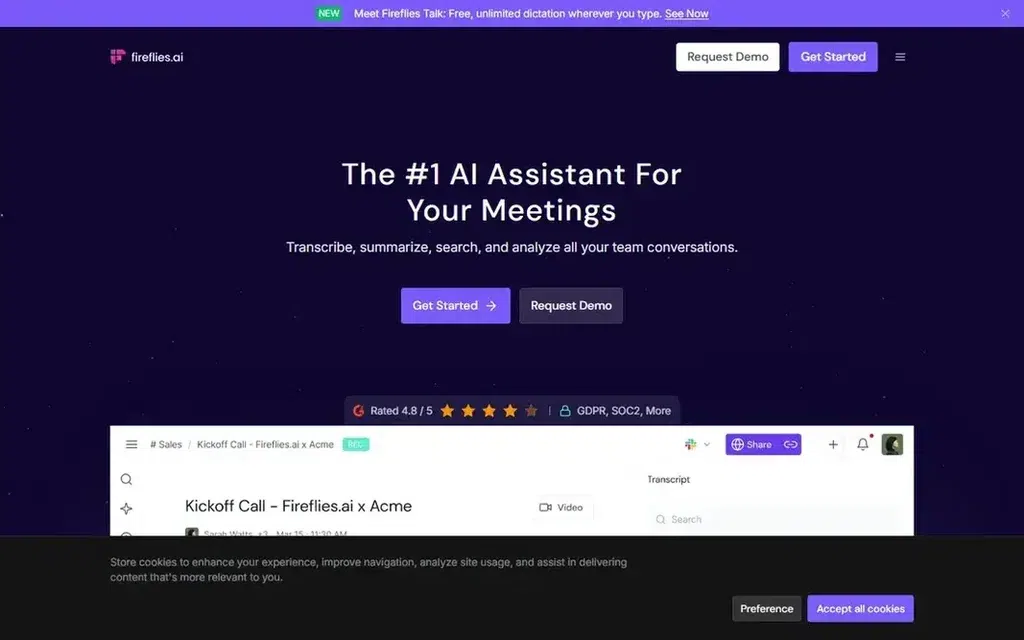
Fireflies.ai is a good fit for AI notes across meeting products. Fireflies.ai describes itself as an AI teammate that transcribes, summarizes and examines meetings, using generative AI to bring ChatGPT-style assistance into conversations.
Summaries and transcripts should be checked before they are shared as records. Worth adding: Fireflies is oriented toward meeting capture, so people who primarily dictate documents or transcribe standalone audio files may find it indirect. What you pay to start with Fireflies.ai: $10 per seat per month, billed annually. Fireflies.ai has a free plan.
The main drawbacks: Centered on meetings instead of dictation files.
- Transcripts generated across several products
- Supports Zoom
- Summary quality relies on clear audio
Descript is a good fit for text-based audio and video editing. If your dictation turns into published media, Descript keeps the entire workflow under one roof.
Downsides: Ramp-up time for advanced production.
Descript is designed for media production, so someone who only wants fast speech-to-text notes may find it feature-heavy. On top of that, Descript presents an AI video and audio editor that makes editing feel like editing text, letting users record, transcribe, edit and publish in one place. Descript pricing: $16 per person per month. A free plan is available with Descript.
- Record, transcribe
- Edit audio and video by editing text
- Editing focus may exceed pure dictation needs
Trint serves newsroom and media production workflows. Trint describes an AI transcription and media production workflow that helps teams fast-track a first draft, transcribe, translate and collaborate across numerous languages.
What Trint does well: Designed for media production workflows.
Where it falls short: Workflow features may overwhelm casual users.
In daily use, the combination of transcription with collaborative editing makes it a fit for editorial environments. Worth adding: Trint leans toward professional media work, so individuals who only need occasional dictation may find it heavier than necessary. Pricing for Trint is not stated here, so ask the vendor for current figures. Free options: Not stated.
- Supports plenty of languages
- Translate and collaborate in one place
- Geared toward professional media teams
For wide language coverage with compliance, Happy Scribe is a natural candidate. Happy Scribe gives you AI transcription and a notetaker, turning meetings into notes and decisions you can act on, with transcription available in a very wide set of languages and attention to SOC 2 and GDPR compliance. Both meeting notes and file transcription are covered.
If your central need is live meeting capture with deep summaries, Otter.ai or Fireflies.ai may be a closer fit. Language and compliance details should be confirmed on the vendor site for your region. The starting price for Happy Scribe: $17 per month. A free plan is available with Happy Scribe.
The main drawbacks: Feature depth varies by use case.
- Transcription in a very broad range of languages
- SOC 2 and GDPR alignment noted
- Not a full media editor
Sonix is aimed squarely at multilingual audio and video transcription. Sonix markets AI transcription software that converts audio and video to text in minutes, with support for more than fifty languages alongside AI summaries and speaker detection. More specifically, if you need live meeting notes instead, look at Otter.ai or Fireflies.ai.
Review transcripts before publishing or relying on them. On top of that, file-based transcription means Sonix is less about live dictation during calls and more about processing recordings afterward, and results rely on audio clarity. Uploading media and receiving structured text is the core workflow here. Sonix pricing: $10 per hour. Trial and free access: Free trial.
Points against: Less centred on live meeting capture.
- AI summaries and speaker detection
- Transcription in more than fifty languages
- Accuracy claims vary by recording quality
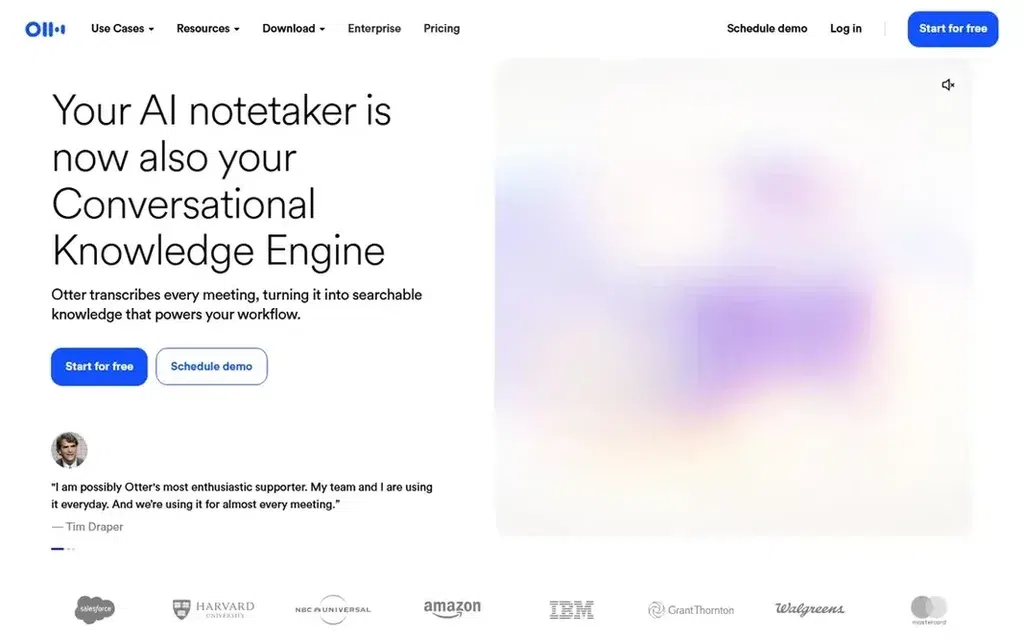
Where Otter.ai fits: live meeting transcription and notes. Otter.ai presents itself as an AI meeting agent that transcribes conversations in live and layers on live chat, automatic summaries, insights and action items.
Beyond that, if your dictation needs center on spoken meetings and fast recaps, Otter is a natural starting point. Consider another choice if your priority is investigative or legal-grade transcripts instead of quick meeting notes. Price to start with Otter.ai: $8.33 per user per month. Free access exists with Otter.ai.
Drawbacks to consider: Advanced controls may need a ramp-up time.
- Live transcription with automated summaries
- Insights and action items surfaced automatically
- Meeting-focused instead of media editing
How we built this list
LinkVetted used vendor pricing pages and product documentation as the base, then compared plans, free access and documented limits for 6 tools. Treat prices as a snapshot: vendors change plans often, so check the vendor site for the figure that applies today. Tools are placed by general fit for AI dictation software, with price clarity and free access as tie-breakers. A different team can reasonably rank them differently.
A buyer's checklist
- Get a written quote from Trint; the list shows no starting price for them.
- Check what the free option really includes: Fireflies.ai, Descript, Happy Scribe and Otter.ai offer a free plan, and usage caps differ.
- Use real work to test the free trial from Sonix, rather than a demo project.
- Before choosing Fireflies.ai, weigh its main limit: centered on meetings instead of dictation files.
- Find out what support Otter.ai includes on your plan, and whether onboarding help costs extra.
- Check the integration list for Fireflies.ai against the tools you run today, and note which ones need a higher plan.
FAQ
Can I try these options before paying?
Often, yes. Fireflies.ai, Descript, Happy Scribe and Otter.ai have a free plan and Sonix offers a free trial. Use your own data and a real task during the test, and check what the free tier or trial limits before you rely on it.
Do these tools publish their prices?
Not all of them. Trint publishes no starting price, so expect a quote request for it. The rest, Fireflies.ai included, show a starting price, though seats and billing terms still change the final cost.
What is the difference between AI dictation and AI transcription?
Plenty of tools here blend both, notably meeting products that transcribe live and summarize later. Match the tool to whether you speak live or process files.
How are the tools for AI dictation software ordered?
Fireflies.ai sits first and Otter.ai last because the order follows typical fit for AI dictation software, then price clarity and free access. It is a judgement call, so read each profile for fit and limits.
Is Fireflies.ai the right pick for everyone comparing AI dictation software?
No single tool suits every team. Fireflies.ai comes first because it fits AI notes across meeting platforms, while Descript suits text-based audio and video editing and Trint suits newsroom and media production workflows. Match the tool to your own size, budget and workflow before deciding.
Sources
- https://fireflies.ai
- https://www.descript.com
- https://trint.com
- https://www.happyscribe.com
- https://sonix.ai
- https://otter.ai