6 AI Video Generator Platforms Ranked for 2026
Compare 6 picks for the best AI video generator platform, with prices, free plans and who each fits. Plain-spoken summaries throughout. Quick to scan.
- Editor's choice
 Kling
Realistic AI video with capable motion quality
Starts atSee websiteVisit kling.aiFull review - Great alternative
 Vidnoz
Free avatar videos with a huge template library
Starts atSee websiteVisit vidnoz.comFull review - Also consider
 D-ID
Talking avatars, agents and API-driven video
Starts atSee websiteVisit d-id.comFull review
Direct answer
This list puts Kling first for realistic AI video with solid motion quality. Vidnoz is the stronger choice for free avatar videos with a huge template library, while D-ID suits talking avatars, agents and API-driven video. Details, prices and limits for the rest of the 6 tools are below.
TL;DR:
- Number one here is Kling, a fit for realistic AI video with solid motion quality.
- 5 of 6 tools offer a free plan: Kling, Vidnoz, Pika, Elai, Fliki.
- Fliki suits turning scripts and blogs into narrated videos.
- Pricing across the list, from Kling to Fliki, is by quote only.
Quick comparison
| Tool | Best for | Starts at | Free plan? | |
|---|---|---|---|---|
| Kling | Realistic AI video with capable motion quality | See website | Yes | Visit |
| Vidnoz | Free avatar videos with a huge template library | See website | Yes | Visit |
| D-ID | Talking avatars, agents and API-driven video | See website | Free trial | Visit |
 Pika | Creatives making stylized clips from text or images | See website | Yes | Visit |
 Elai | Corporate training and L&D video at scale | See website | Yes | Visit |
 Fliki | Turning scripts and blogs into narrated videos | See website | Yes | Visit |
The 6 tools in detail
LinkVetted put together this guide to AI video generator platform for readers who want a clear shortlist without reading every vendor page. It compares 6 tools on starting price, free plans, who each one suits and where each one falls short.
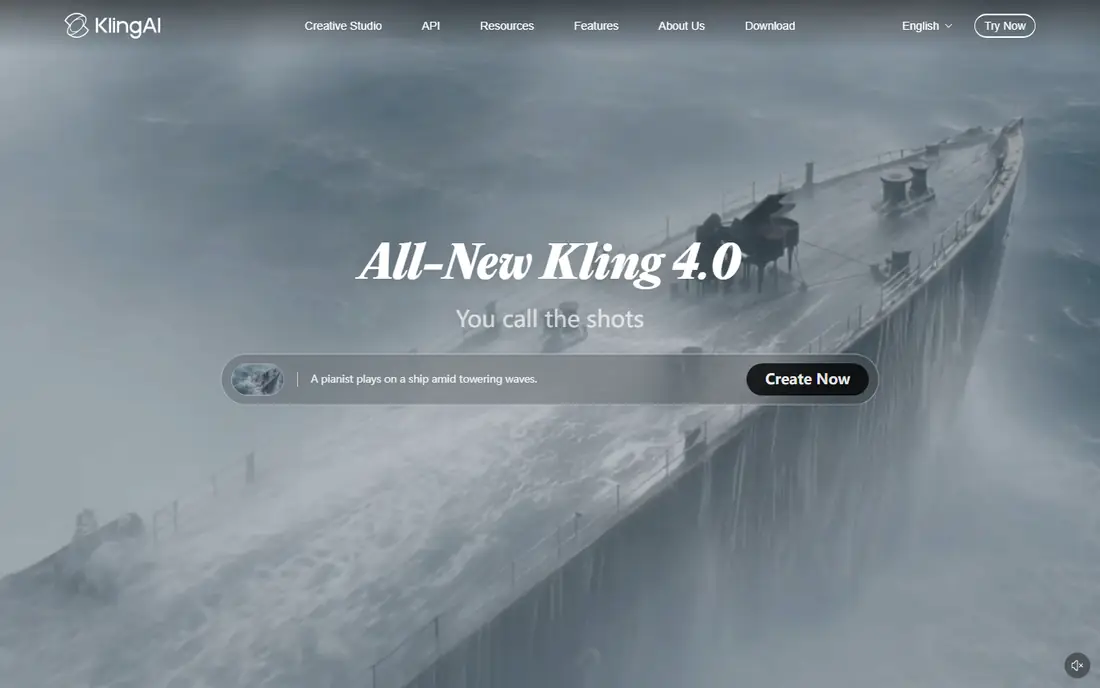
Kling is built with realistic AI video with solid motion quality in mind. Kling, from Kuaishou, has become one of the most respected AI video models, with its clips used in award-winning ads and even a completely AI-generated feature film. Its strength is motion: dynamic action, camera moves, and physical realism that most competitors struggle with.
Limits to weigh: Best quality needs premium credits.
In daily use, the free level grants daily credits, which makes Kling one of the more ample choices for experimentation. Worth adding: if photorealism and believable motion matter most, for product demos, ads, or creative projects, Kling deserves a top spot on your shortlist. Kling does not show a starting price in this comparison, so check the vendor site for current pricing. Kling offers a free plan.
- Impressive motion dynamics and realism
- Multi-shot and character consistency features
- Generation takes time at peak hours
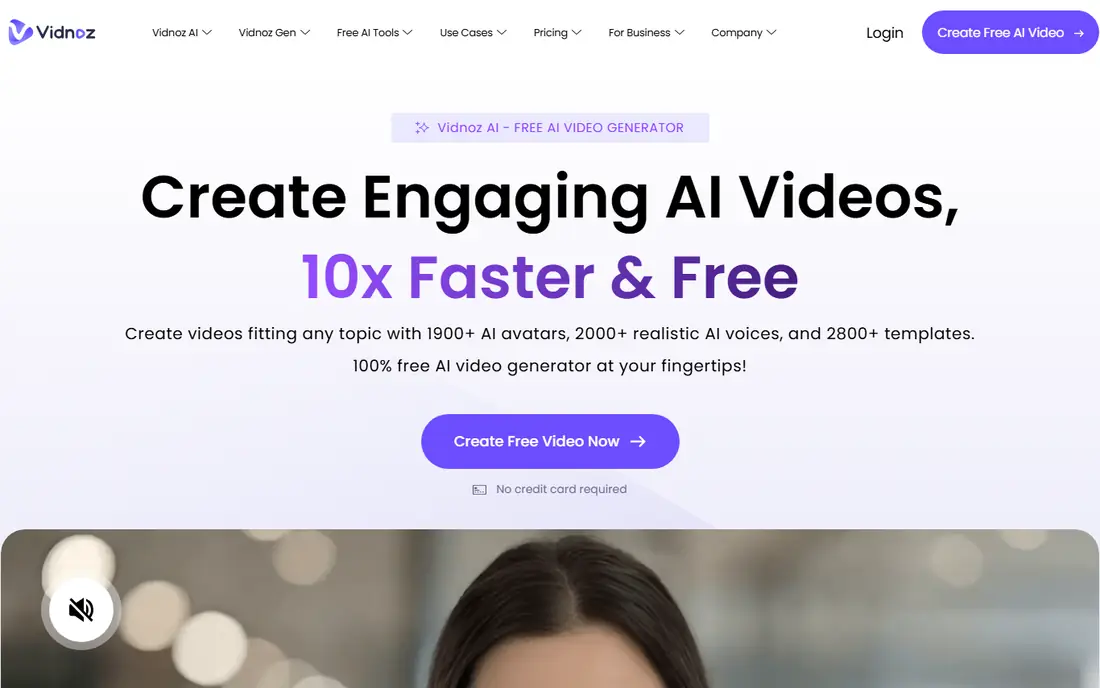
Think of Vidnoz for free avatar videos with a huge template library. The free level comes with daily AI video minutes, access to thousands of avatars and voices.
Trade-offs to know: Branding on free exports.
A template library organized by use case, from explainers to sales videos. More specifically, the interface is template-driven, which accelerates things up but means your videos can look similar to everyone else's except when you customize. Check the vendor site for Vidnoz pricing; none is listed in this comparison. A free plan is available with Vidnoz.
- Video translation with lip sync
- Ample free level with daily minutes
- Template-heavy output can look uniform
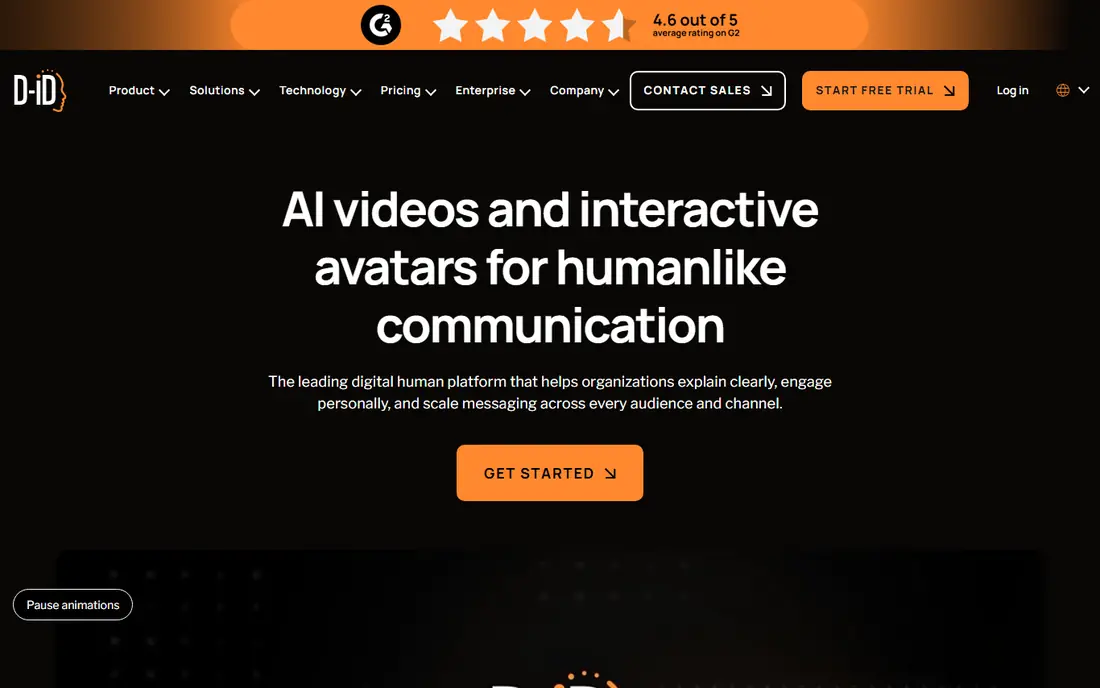
Choose D-ID for talking avatars, agents and API-driven video. If you need general text-to-video generation, pair it with a model like Kling or Pika. For everyday use, D-ID fits firms building interactive experiences or embedding avatars in products, as well as teams making localized training content at scale.
Beyond that, pricing is credit-based with a free trial to start; there is no permanent free level. D-ID pioneered turning still photos into talking portraits, and it has grown into a full digital human system. D-ID does not show a starting price in this comparison, so check the vendor site for current pricing. Free access: Free trial.
Limits to weigh: Avatar-focused.
- Acquired simpleshow for explainer video
- Live streaming API
- Not a general text-to-video tool
Pika serves creatives making stylized clips from text or images. You describe a scene or upload an image, and Pika returns a short animated clip with impressive style range, from cinematic to anime. In daily use, new accounts get free credits to start, with daily check-ins topping them up.
Where it is weaker: Clips are short by nature.
In daily use, plan around the credit system if you produce video in volume. In daily use, the product has grown into a creative suite handling video, image, and sound generation. Pikaffects add signature effects that have powered plenty of viral social content. Pricing for Pika is not stated here, so ask the vendor for current figures. Pika offers a free plan.
- Pikaffects for playful effects
- API for developers
- Free credits run out rapidly on heavy use
Elai targets corporate training and L&D video at scale. The free plan lets you render a short video to test it. For everyday use, Elai is less of a creative tool and more of a production line for organizations that require dozens of training videos updated on a regular basis.
Limits to weigh: Design is functional rather than flashy.
On top of that, features like avatar dialogs, AI storyboarding, and automatic translation address real corporate training needs, like scenario-based learning and multilingual course libraries. Premium plans scale up minutes and add 4K output and premium voices. More specifically, if your use case is onboarding, compliance, or product training, Elai suits better than the cinematic generators. Elai does not show a starting price in this comparison, so check the vendor site for current pricing. A free plan is available with Elai.
- 75+ languages with voice cloning
- Avatar dialogs for scenario training
- Free plan restricted to short renders
Fliki is a good fit for turning scripts and blogs into narrated videos. Fliki also integrates leading video models, so you can create AI visuals alongside voiceovers. It is a natural fit for YouTube creators, marketers, and educators who publish narrated content on a regular basis and want to skip the recording and editing grind.
As for the details, the voice library is enormous, and voice cloning keeps your own voice consistent across videos. More specifically, paste a script, a blog post, or a one-line idea, and Fliki assembles a publish-ready video in minutes. From a buyer's view, the free plan needs no credit card, and premium plans add commercial rights and more minutes. Fliki does not show a starting price in this comparison, so check the vendor site for current pricing. Fliki includes a free tier.
Trade-offs to know: Heavy use needs a premium plan.
- Digital twin avatars
- Blog-to-video and idea-to-video workflows
- Stock visuals can feel generic
Selection criteria
Each tool was reviewed on what its vendor publishes: price, plan limits, core features and stated drawbacks. We did not run hands-on tests. Seat minimums, billing terms and add-ons can move the real cost, so the starting prices here are a guide and not a quote. The ranking is editorial: typical fit first, then clear pricing, then free access. If your needs are unusual, read the profiles rather than relying on position.
What to confirm before you sign up
- Ask each vendor, from Kling to Fliki, for a written quote; none of them publishes a starting price.
- Look at free plan limits closely: Kling, Vidnoz, Pika and others have one, and the caps decide whether it is usable for real work.
- Take the trial from D-ID and push a live task through it before you pay.
- Read the limits listed for Kling first: generation takes time at peak hours.
- Compare total cost, not headline price: for D-ID, add extra seats, add-ons and any usage-based charges.
- Check the support hours and onboarding help Kling offers; smaller vendors vary a lot here.
FAQ
Which AI video generator is a good match for beginners?
The first pick on this list is Kling, because it suits realistic AI video with capable motion quality. Vidnoz is better for free avatar videos with a huge template library, and D-ID for talking avatars, agents and API-driven video. Check price and limits against your own needs before choosing.
Is Kling the right pick for everyone comparing AI video generator platform?
No single tool suits every team. Kling comes first because it fits realistic AI video with strong motion quality, while Vidnoz suits free avatar videos with a huge template library and D-ID suits talking avatars, agents and API-driven video. Match the tool to your own size, budget and workflow before deciding.
Can I try these tools before paying?
Often, yes. Kling, Vidnoz, Pika and others have a free plan and D-ID offers a free trial. Use your own data and a real task during the test, and check what the free tier or trial limits before you rely on it.
Which options for AI video generator platform have a free plan?
Kling, Vidnoz, Pika, Elai and Fliki offer a free plan in this list. Free plans usually cap users, projects or features, so check the limits on the vendor page. One other tool offers a trial instead.
How are the tools for AI video generator platform ordered?
Kling sits first and Fliki last because the order follows typical fit for AI video generator platform, then price clarity and free access. It is a judgement call, so read each profile for fit and limits.