6 Software to Transcribe Audio to Text Options Ranked for 2026
Weighing the best software to transcribe audio to text? We lined up 6 products by cost, free access and fit. Pros and cons for every tool. Quick to scan.
- Editor's choice
 Rev
Human-verified transcripts when accuracy matters
Starts atFrom $0.25 per minute (AI), $1.99 per minute (human)Visit rev.comFull review - Great alternative
 Trint
Journalists and media teams editing transcripts
Starts atSee websiteVisit trint.comFull review - Also consider
 Fireflies
Teams that live in meetings
Starts at$10 per seat/monthVisit fireflies.aiFull review
Direct answer
Rev is the first pick on this list for human-verified transcripts when accuracy matters. Trint fits journalists and media teams editing transcripts; Fireflies fits teams that live in meetings. Prices, free plans and limits for all 6 tools follow.
TL;DR:
- Top of the list is Rev, which targets human-verified transcripts when accuracy matters.
- A free plan is available from 5 of the 6 tools: Rev, Fireflies, Notta, Otter.ai, Transkriptor.
- For high-volume transcription across 100+ languages, Transkriptor is worth a look.
- Before buying Rev, weigh this: human transcription costs far more than AI.
Quick comparison
| Tool | Best for | Starts at | Free plan? | |
|---|---|---|---|---|
| Rev | Human-verified transcripts when accuracy matters | From $0.25 per minute (AI), $1.99 per minute (human) | Yes | Visit |
| Trint | Journalists and media teams editing transcripts | See website | Free trial | Visit |
| Fireflies | Teams that live in meetings | $10 per seat/month | Yes | Visit |
 Notta | Multilingual transcription and meeting summaries | See website | Yes | Visit |
 Otter.ai | Live recording and AI meeting summaries | From $19.99 per user/month | Yes | Visit |
 Transkriptor | High-volume transcription across 100+ languages | See website | Yes | Visit |
Software to Transcribe Audio to Text compared in detail
This LinkVetted guide covers 6 options for software to transcribe audio to text. Each profile lists a starting price, free plan details, strengths and drawbacks, so you can drop poor fits quickly.
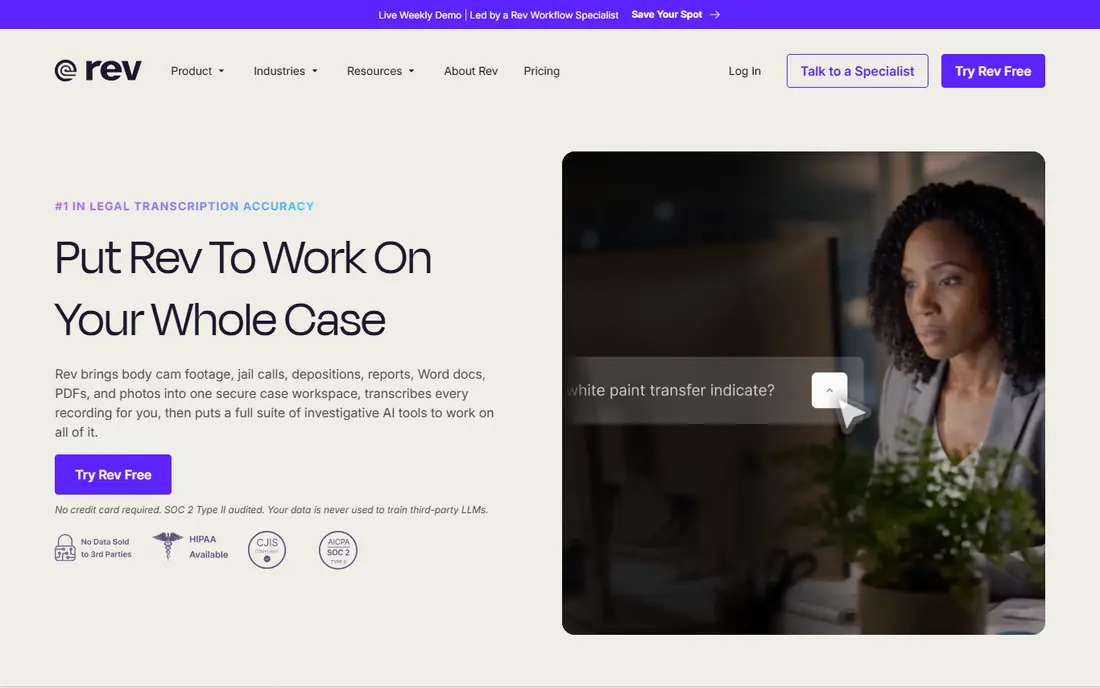
Rev makes the most sense for human-verified transcripts when accuracy matters. Keep Rev in your back pocket for high-stakes audio even if your daily driver is something less expensive.
Also, the company has focused increasingly on legal and investigative customers, but the core services remain open to everyone. Rev pricing: From $0.25 per minute. Free access exists with Rev.
Downsides: System has pivoted toward legal and investigative work.
- No AI training on your data
- SOC 2 Type II and HIPAA choices
- Human transcription costs far more than AI
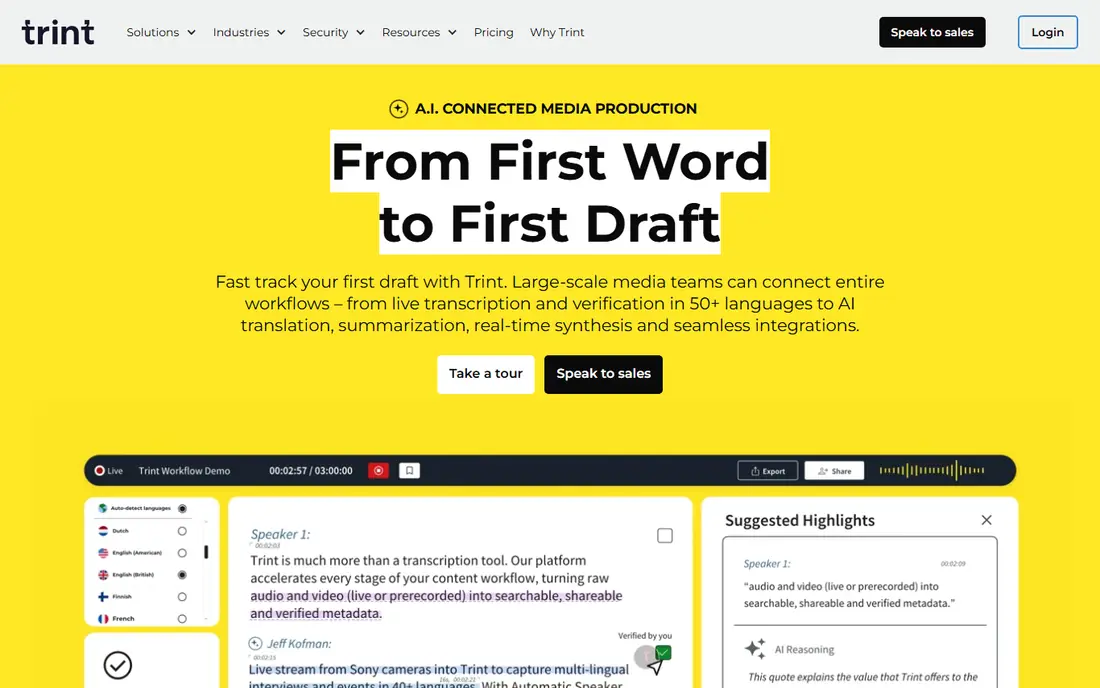
Where Trint fits: journalists and media teams editing transcripts. Trint was made for newsrooms, and it displays. The honest catch is cost.
Multiple editors can work on the same transcript in live, which matters when a story is on deadline. Beyond that, Trint prices like professional media software, not a casual utility, so occasional users should pick a less expensive tool. And everything happens in the cloud, so fieldwork without connectivity is out of scope. Journalists and documentary teams will feel at home. Pricing for Trint is not stated here, so ask the vendor for current figures. Free options: Free trial.
Downsides: Pricing sits above budget choices.
- Solid media-workflow integrations
- Live collaboration on transcripts
- Internet connection required, no offline mode

Fireflies was built for teams that live in meetings. The standout detail is the free level: unlimited transcription with 800 minutes of storage per seat, plus AI summaries each month. For everyday use, the AskFred feature, which lets you ask questions across all past meetings, is genuinely handy once the archive builds up.
As for the details, the honest catch is that Fireflies wants to be where your meetings are, which means a bot joining calls and calendar integrations to handle. Teams doing five-plus meetings a week get enormous value; everyone else should use a more straightforward tool. As for the details, Pro begins at $10 per seat a month and layers on more summaries and storage. The starting price for Fireflies: $10 per seat/month. Fireflies includes a free tier.
Honest limits: Meeting-heavy pricing model adds up for large teams.
- AskFred lets you chat with your meeting history
- Unlimited transcription on the free level
- Storage limits apply on the free plan
In short, Notta is for multilingual transcription and meeting summaries. The AI summaries pull out decisions and action items automatically. Its free plan handles 120 transcription minutes a month, though each session is capped at 3 minutes.
Honest limits: Some users report billing and support friction.
More specifically, the honest catch is the fine print on the free level and some reported friction around billing and support. For everyday use, English-only teams may get similar results more cheaply elsewhere. For teams working across languages, the multilingual depth justifies a closer look. Notta does not show a starting price in this comparison, so check the vendor site for current pricing. A free plan is available with Notta.
Strengths: action items, translation.
- 58 transcription languages
- Free plan with 120 minutes a month
- Free level limits sessions to 3 minutes each
Otter.ai is a good fit for live recording and AI meeting summaries. Otter.ai is the transcription tool most people have actually heard of, and for decent reason. It records conversations live, transcribes in live, and produces summaries with action items when the meeting ends.
Where it is weaker: Meeting-first design.
The honest catch is orientation. In practice, Otter's accuracy is solid in clear single-speaker audio and noticeably weaker when people talk over each other. In daily use, if your work is transcribing existing recordings in bulk, tools like Transkriptor or Rev deal with that flow better. What you pay to start with Otter.ai: From $19.99 per user/month. Free access exists with Otter.ai.
- Auto summaries and action items
- Records live from desktop or mobile with no meeting bot
- Accuracy dips with heavy crosstalk
Transkriptor is a good fit for high-volume transcription across 100+ languages. Transkriptor is the volume pick. It claims up to 99 percent accuracy, supports over 100 languages.
Its free plan supplies 30 transcription minutes per day, which is ample for occasional use. Enterprise-grade security certifications including SOC 2 and GDPR compliance include regulated industries. Transkriptor manages uploaded files brilliantly but its live-meeting bot experience is less developed than Otter or Fireflies. No starting price is listed for Transkriptor here; confirm pricing on the vendor site. Transkriptor offers a free plan.
Downsides: Interface prioritizes volume over polish.
- Solid speaker identification and editing tools
- 100+ languages
- Meeting integrations lag the meeting-first tools
How we chose
The comparison looks at four things: starting price, free access, how well the feature set matches software to transcribe audio to text, and the main limit of each tool. Where a price is missing, the vendor does not list one publicly or ties it to a quote. Always confirm before budgeting. The sequence is a judgement call: typical use case first, then pricing transparency, then free access. Use the profiles to check fit.
A buyer's checklist
- Get a written quote from Trint, Notta and Transkriptor; the list shows no starting price for them.
- Read the fine print on the free plans from Rev, Fireflies, Notta and others; seat, project and feature caps differ.
- Run a trial of Trint with real work before paying for a year; your own workflow is the best test.
- Before choosing Rev, weigh its main limit: human transcription costs far more than AI.
- Find out what support Rev includes on your plan, and whether onboarding help costs extra.
- A short pilot of Transkriptor with your real workflow tells you more than a feature table.
FAQ
Which options for software to transcribe audio to text have a free plan?
Rev, Fireflies, Notta, Otter.ai and Transkriptor offer a free plan in this list. Free plans usually cap users, projects or features, so check the limits on the vendor page. One other tool offers a trial instead.
How accurate is AI transcription?
Accuracy drops with background noise, heavy accents, crosstalk, and poor microphones. Also, always spot-check before publishing.
AI transcription or human transcription?
Use AI for meetings, research, content repurposing, and drafts. Pay for human transcription when errors carry real consequences, like legal proceedings, medical documentation, or published interviews.
What is the cheapest option for software to transcribe audio to text in this list?
On published monthly entry prices, Fireflies is the lowest here at $10 per seat/month. Entry price is only part of the cost, because seats, add-ons and billing terms can change the total.
What happened to Temi?
Temi, the budget AI transcription service from Rev, has been folded into Rev's central system. Its old homepage now points visitors to Rev instead, so we list Rev straight as the current option.
How are the tools for software to transcribe audio to text ordered?
The order follows typical fit for software to transcribe audio to text, with Rev first and Transkriptor last, then price clarity and free access. It is editorial judgement, not a score, so another team could rank the tools differently.