The 6 Best Audio Transcription App in 2026, Ranked
Best audio transcription app, compared. 6 tools with published prices, free plans and limits. Fit and flaws are laid out for each entry. Pick by budget.
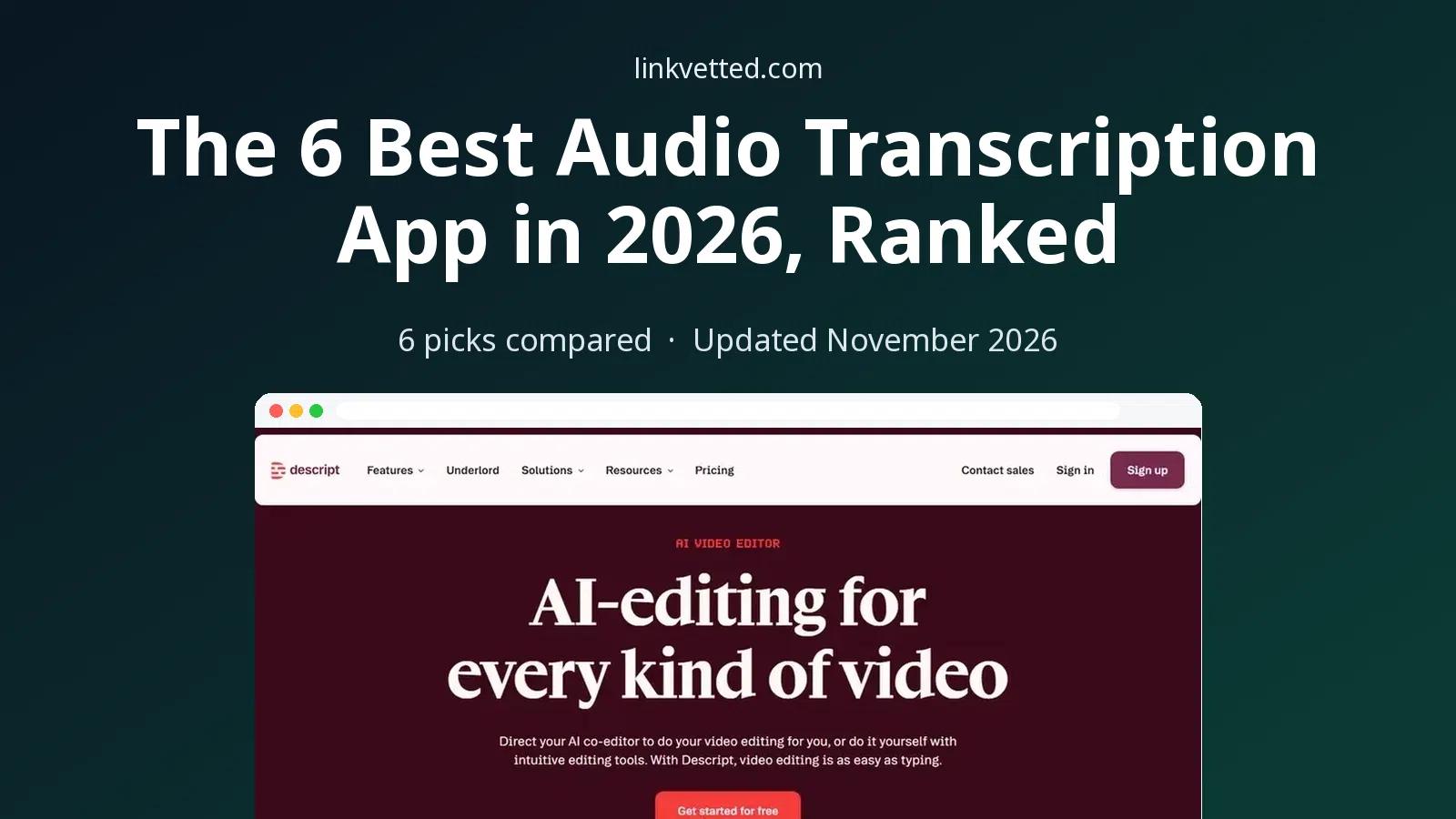
- Editor's choice
 Descript
Text-based audio and video editing
Starts at$16 per person per monthVisit descript.comFull review - Great alternative
 Happy Scribe
Multilingual transcription and meeting notes
Starts at$17 per monthVisit happyscribe.comFull review - Also consider
 Otter.ai
Live meeting notes and summaries
Starts at$8.33 per user a monthVisit otter.aiFull review
Direct answer
Descript is the first pick on this list for text-based audio and video editing. Listed starting prices: Descript from $16 per person per month, Happy Scribe from $17 per month and Otter.ai from $8.33 per user a month. Happy Scribe is better for multilingual transcription and meeting notes, and Otter.ai is better for live meeting notes and summaries. The remaining 3 options are covered below with prices and limits.
TL;DR:
- This list starts with Descript, which is built for text-based audio and video editing.
- Check the limits for Happy Scribe before you commit: wide language coverage can complicate setup.
- Sonix is the one to check for multilingual transcription with summaries.
- Starting prices begin at $8.33 per user per month with Otter.ai.
Last checked November 2026. Prices and plan details were read from the vendors' own pages in November 2026; vendors change plans often, so confirm the current price on the vendor site before you buy.
Quick comparison
| Tool | Best for | Starts at | Free plan? | |
|---|---|---|---|---|
| Descript | Text-based audio and video editing | $16 per person per month | Yes | Visit |
| Happy Scribe | Multilingual transcription and meeting notes | $17 per month | Yes | Visit |
| Otter.ai | Live meeting notes and summaries | $8.33 per user a month | Yes | Visit |
 Trint | Newsroom and media production workflows | See website | Not stated | Visit |
 Rev | Verified legal and investigative transcripts | $25.49 per seat a month | Not stated | Visit |
 Sonix | Multilingual transcription with summaries | $10 per hour | Free trial | Visit |
The full audio transcription app list
Choosing audio transcription app usually comes down to price, fit and limits. This LinkVetted guide sets 6 tools side by side on those three points, with the facts kept short and checkable.
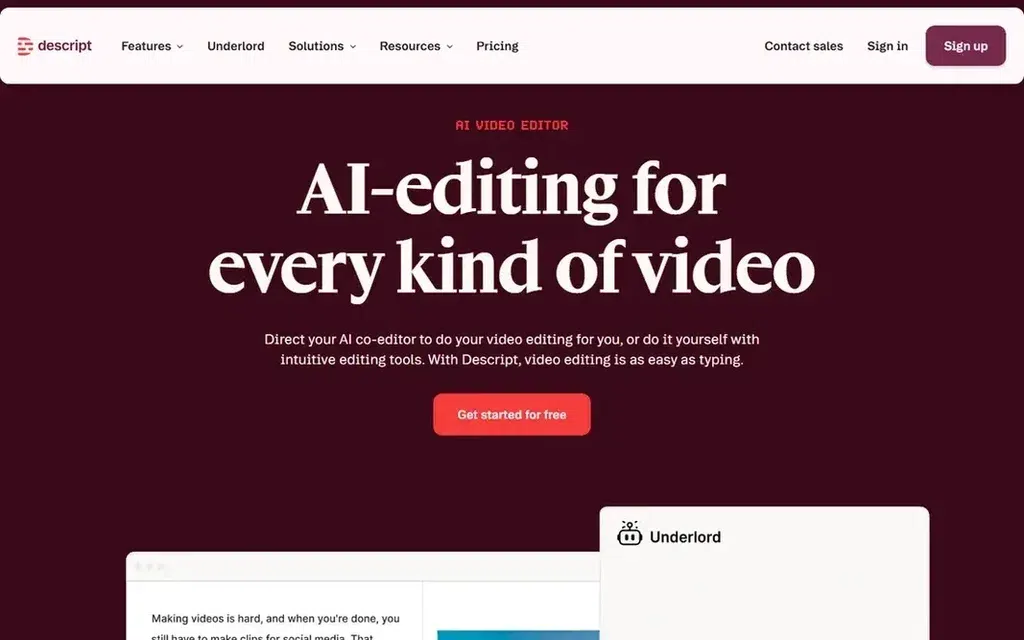
Descript was built for text-based audio and video editing. Descript is a production environment first, so teams that only need meeting notes or legal transcripts may find it heavier than necessary.
Points against: Geared toward creators instead of legal work.
Strengths: Merges transcription with production.
It suits podcasters, video creators and marketers who want transcription to feed straight into production instead of sit in a separate document. Starting cost for Descript: $16 per person per month. Descript includes a free tier.
- Edit audio and video by editing text
- Edit and publish in one tool
- Feature set is broader than pure transcription
Happy Scribe is built with multilingual transcription and meeting notes in mind. Happy Scribe is not a full media editor, so creators wanting text-based editing should look at Descript.
What to check first: Not a full audio or video editor.
Beyond that, Happy Scribe gives you AI transcription and notetaking in plenty of languages, turning meetings into notes and decisions you can act on, with an emphasis on security and privacy compliance. On top of that, for verified legal transcripts, Rev is the more specialized choice. The starting price for Happy Scribe: $17 per month. You can start on Happy Scribe without paying.
- Transcription in numerous languages
- Turns meetings into notes and decisions
- Wide language coverage can complicate setup
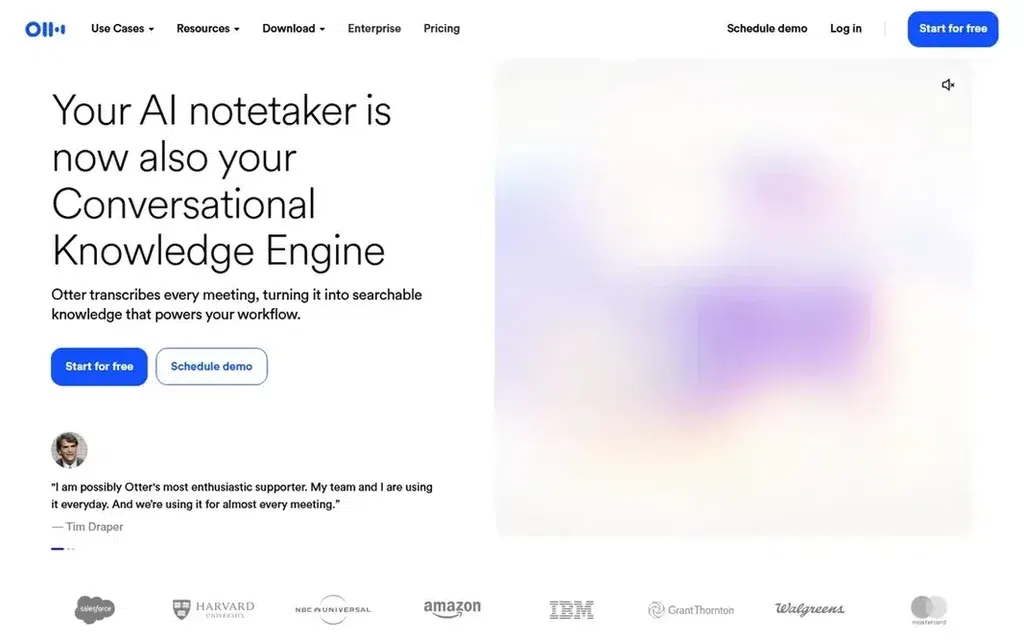
Otter.ai works best for live meeting notes and summaries. Since Otter is meeting-centric, it is less suited to in-depth media production or legal-grade verification workflows.
If you have to edit recordings by text or produce certified transcripts, look at Descript or Rev instead. What you pay to start with Otter.ai: $8.33 per user per month. Otter.ai includes a free tier.
Trade-offs to know: Focused on meetings instead of media editing.
- Automatic summaries and action items
- Live transcription during meetings
- Summary quality relies on clear audio
Choose Trint for newsroom and media production workflows. It suits newsrooms, production houses and content teams that require a quick first draft and shared editing, with a workflow designed around storytelling and publishing.
In practice, choose Otter.ai for live meeting notes or Sonix for file-based multilingual transcription. This comparison lists no price for Trint; ask the vendor. Free options: Not stated.
What users get: Supports numerous languages.
Honest limits: Pitched at media teams instead of general business.
- Translate and collaborate
- Transcribe
- Collaboration focus may exceed straightforward needs
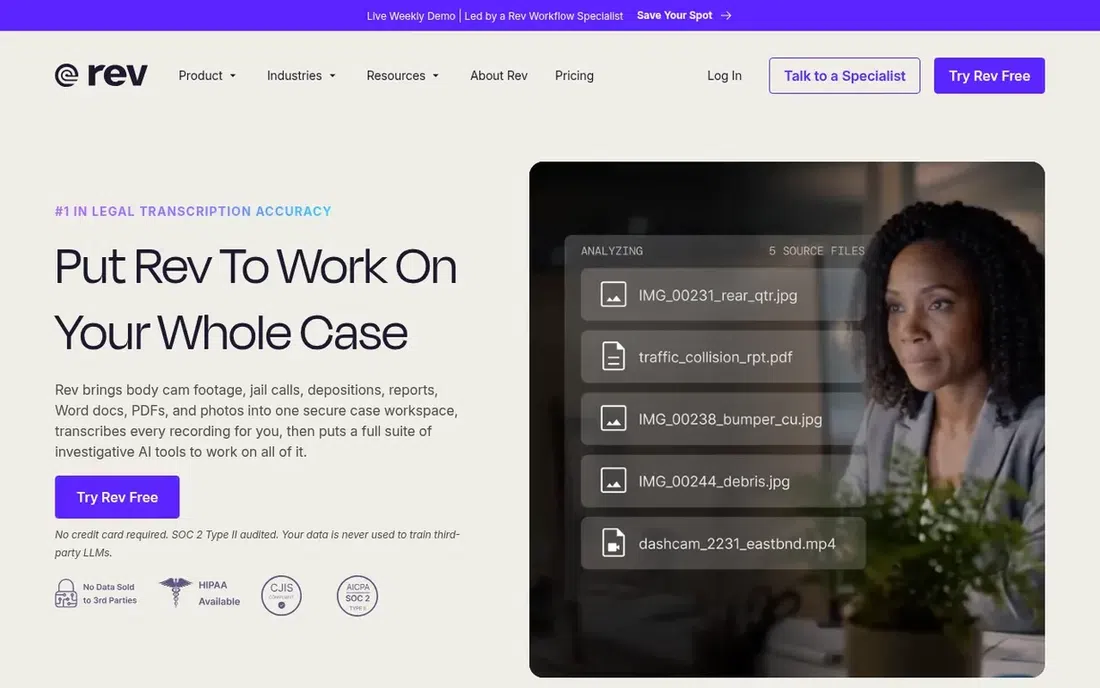
Think of Rev for verified legal and investigative transcripts. Rev presents a legal AI system for investigations, turning digital evidence into verified, citable findings so teams can handle a case.
Trade-offs to know: Narrow focus compared to general editors.
For everyday use, for live meeting summaries choose Otter.ai, and for text-based editing choose Descript. On cost, Rev starts like this: $25.49 per seat per month. Trial and free access: Not stated.
- Emphasis on verification
- Made for legal and investigative work
- Not pitched at everyday meeting notes
Sonix makes the most sense for multilingual transcription with summaries. Sonix is AI transcription software that converts audio and video to text, with AI summaries, speaker detection and support for plenty of languages.
Entry price for Sonix: $10 per hour. On free options: Free trial.
Downsides: Accuracy relies on recording quality.
- AI summaries and speaker detection
- Transcription in numerous languages
- Less concentrated on live meeting capture
Our selection method
Selection started from tools commonly considered for audio transcription app, then narrowed to 6 that have clear pricing information or a clear quote process. Prices and plan limits come from vendor pages and can change, so confirm them on the vendor site before you buy. The order reflects how well each tool fits the most common buying scenario for audio transcription app, then price clarity, then free plan access. It is a starting point, not a verdict.
Pre-purchase checklist
- Ask Trint for a written quote, since no starting price is shown.
- Read the fine print on the free plans from Descript, Happy Scribe and Otter.ai; seat, project and feature caps differ.
- Take the trial from Sonix and push a live task through it before you pay.
- Before choosing Descript, weigh its main limit: geared toward creators instead of legal work.
- Ask Rev which support channels and response times come with the plan you would buy.
- Look at the renewal terms for Descript: auto-renewal, notice periods and price changes can matter more than the first-year price.
FAQ
Is Descript the right pick for everyone comparing audio transcription app?
No single tool suits every team. Descript comes first because it fits text-based audio and video editing, while Happy Scribe suits multilingual transcription and meeting notes and Otter.ai suits real-time meeting notes and summaries. Match the tool to your own size, budget and workflow before deciding.
How are the tools for audio transcription app ordered?
The order follows typical fit for audio transcription app, with Descript first and Sonix last, then price clarity and free access. It is editorial judgement, not a score, so another team could rank the tools differently.
Do these tools publish their prices?
Not all of them. Trint publishes no starting price, so expect a quote request for it. The rest, Descript included, show a starting price, though seats and billing terms still change the final cost. All 6 picks in this audio transcription app comparison list a starting price, free plan details and the main limits on their cards above.
Which options for audio transcription app have a free plan?
On this list, Descript, Happy Scribe and Otter.ai include a free plan. Caps on seats, usage or features are common, so test the free plan against your real workload. One other tool offers a trial instead.
Which apps manage plenty of languages?
Sonix, Trint and Happy Scribe all document support for numerous languages, making them right for multilingual research and media work. Check the specific language list on each vendor site before committing.
Sources
- https://www.descript.com
- https://www.happyscribe.com
- https://otter.ai
- https://trint.com
- https://www.rev.com
- https://sonix.ai