The 6 Best AI Video Production Companies Software in 2026, Ranked
Best AI video production companies software in 2026: 6 contenders with entry costs and free tiers. Every profile names its biggest catch. Reviewed this month.

- Editor's choice
 Pictory
Turning scripts and documents into video
Starts at$12.50 a month, billed yearlyVisit pictory.aiFull review - Great alternative
 HeyGen
Personal avatar videos without filming
Starts at$29 a monthVisit heygen.comFull review - Also consider
 Synthesia
Business avatar videos and training
Starts at$19 a monthVisit synthesia.ioFull review
Direct answer
For turning scripts and documents into video, Pictory is where this list starts. Listed starting prices: Pictory from $12.50 a month, billed yearly, HeyGen from $29 a month and Synthesia from $19 a month. For a different need, HeyGen covers personal avatar videos without filming and Synthesia covers business avatar videos and training. Prices, free plans and limits for all 6 tools follow.
TL;DR:
- Pictory takes the first slot, best suited to turning scripts and documents into video.
- Free plans exist at 5 of 6 tools (HeyGen, Synthesia, Descript, Lumen5, Colossyan).
- For quick avatar videos with real actors, Colossyan is worth a look.
- Starting prices begin at $12.50 per month, billed annually with Pictory.
- Check the limits for Synthesia before you commit: less suited to editing existing footage.
Last checked November 2026. Prices and plan details were read from the vendors' own pages in November 2026; vendors change plans often, so confirm the current price on the vendor site before you buy.
Quick comparison
| Tool | Best for | Starts at | Free plan? | |
|---|---|---|---|---|
| Pictory | Turning scripts and documents into video | $12.50 a month, billed yearly | Free trial | Visit |
| HeyGen | Personal avatar videos without filming | $29 a month | Yes | Visit |
| Synthesia | Business avatar videos and training | $19 a month | Yes | Visit |
 Descript | Text-based editing of recordings | $16 per person a month | Yes | Visit |
 Lumen5 | On-brand video from blogs and docs | $19 a month | Yes | Visit |
 Colossyan | Quick avatar videos with real actors | $59 per month | Yes | Visit |
Our 6 picks for AI video production companies software
LinkVetted put together this guide to AI video production companies software for readers who want a clear shortlist without reading every vendor page. It compares 6 tools on starting price, free plans, who each one suits and where each one falls short.
For turning scripts and documents into video, Pictory is a natural candidate. It is not primarily an avatar product.
Strengths: Well suited to repurposing written content.
The main drawbacks: Less control over fine editing.
Price to start with Pictory: $12.50 per month, billed annually. As for free access: Free trial.
- Slides or audio
- Begins from script, URL
- Avatar features are not the core focus

Pick HeyGen if this describes you: personal avatar videos without filming. HeyGen lets you produce AI videos with a personal avatar that carries your face and voice, so you can produce clear, confident videos without filming each time. On top of that, results rely on the quality of the source recording used to build the avatar, and highly stylized creative work may need a different tool.
Limits to weigh: Not a full post-production editor.
Since the product centers on avatar creation, it is not intended as a complete editing suite for complicated projects. Pick HeyGen when a personal, recurring presenter is the central requirement. HeyGen starts at: $29 per month. HeyGen offers a free plan.
- Handy for recurring updates and outreach
- Cuts the have to film every video
- Avatar quality relies on source material
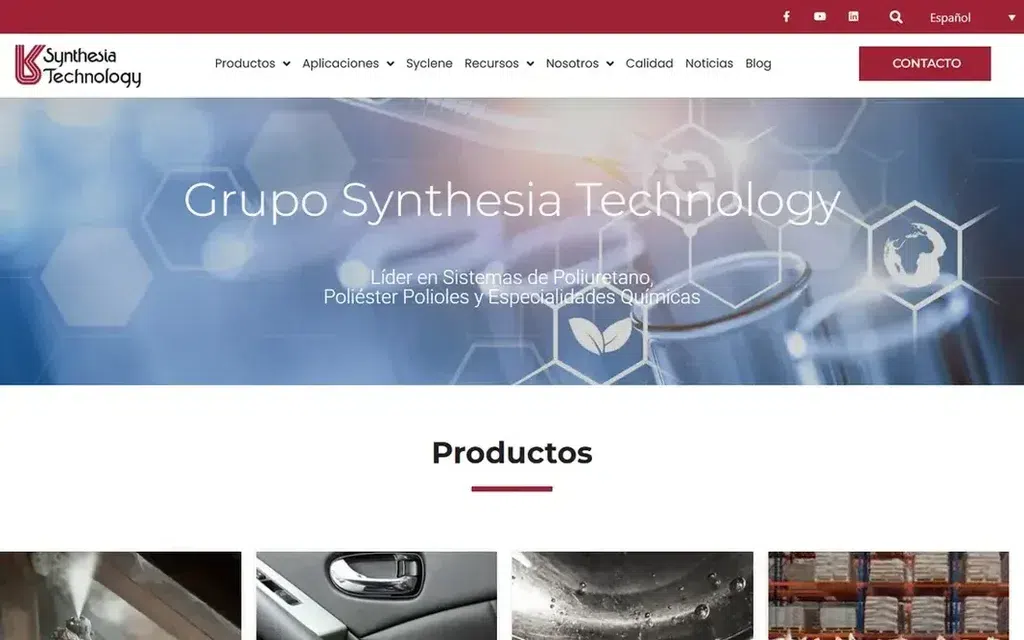
Synthesia is a good fit for business avatar videos and training. Synthesia is an AI video platform targeted at business communication, training and upskilling.
What to check first: Avatar style may feel formal for social content.
On top of that, if your work is largely repurposing webinars or interviews, a transcription-based editor will be more direct. Price to start with Synthesia: $19 per month. You can start on Synthesia without paying.
- Wide language support for localized videos
- Avatar-led production without filming
- Less suited to editing existing footage
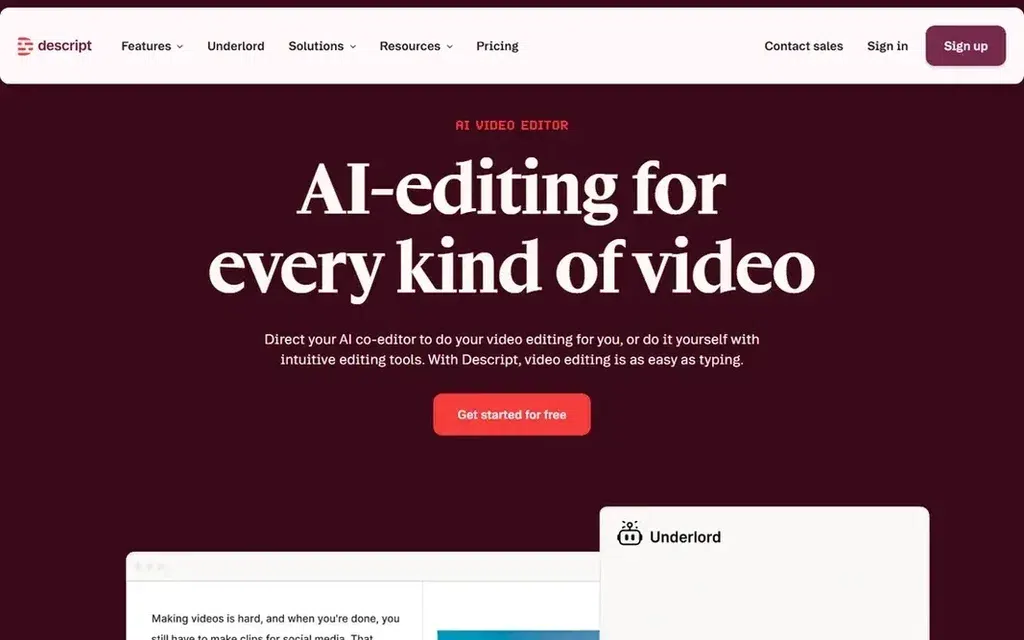
In short, Descript is for text-based editing of recordings. Descript is an AI video and audio editor that makes editing as straightforward as editing text. Choose Descript when spoken-word editing speed is the priority.
Limits to weigh: Complicated visual effects are restricted.
In daily use, you record or import media, transcribe it, then edit by revising the transcript, with publishing handled in the same workspace. Beyond that, Descript is built around transcript-driven editing instead of avatar generation or generative scene creation. So teams wanting synthetic presenters should look elsewhere. Entry price for Descript: $16 per person per month. Descript has a free plan. What Descript does well: Accelerates podcast and interview workflows.
- Record
- Edit video by editing transcribed text
- Less concentrated on avatar generation
Lumen5 serves on-brand video from blogs and docs. Lumen5 is an AI video maker for business and enterprise teams that turns blogs, articles and documents into on-brand videos for marketing, communications and training.
What to check first: Restricted advanced editing.
Choose Lumen5 when converting written content into consistent branded video is the priority. Lumen5 cost at the entry level: $19 per month. You can start on Lumen5 without paying.
- Designed for business and enterprise teams
- Converts articles and documents into video
- Template-driven look can feel uniform
In short, Colossyan is for quick avatar videos with real actors. Colossyan Creator is an AI video generator that emphasizes real actors and a straightforward, stress-free creation process.
Upsides: AI video generator built around real actors.
Downsides: Less suited to advanced post-production.
Worth adding: the product positions itself around simplicity rather than deep editing control. On cost, Colossyan starts like this: $59 per month. Colossyan offers a free plan.
- Aims at straightforward
- Stress-free creation
- Narrower ecosystem than bigger products
How we built this list
Pre-purchase checklist
- Check the vendor page for the current price: Pictory starts at $12.50 per month, billed annually here, and seats or billing terms can move it.
- Read the fine print on the free plans from HeyGen, Synthesia, Descript and others; seat, project and feature caps differ.
- Run a trial of Pictory with real work before paying for a year; your own workflow is the best test.
- Before choosing Pictory, weigh its main limit: less control over fine editing.
- Ask whether Lumen5 integrates with your current software, and whether that comes standard or as an add-on.
- Compare total cost, not headline price: for Descript, add extra seats, add-ons and any usage-based charges.
FAQ
Can I try these options before paying?
Often, yes. HeyGen, Synthesia, Descript and others have a free plan and Pictory offers a free trial. Use your own data and a real task during the test, and check what the free tier or trial limits before you rely on it.
Is Pictory the right pick for everyone comparing AI video production companies software?
No single tool suits every team. Pictory comes first because it fits turning scripts and documents into video, while HeyGen suits personal avatar videos without filming and Synthesia suits business avatar videos and training. Match the tool to your own size, budget and workflow before deciding.
Do these platforms replace a traditional video editor?
They cut effort for typical business formats for example training, announcements and social clips. But they do not handle every need of a professional edit. Also, complicated motion graphics, color work and sound design still call for dedicated editing software.
How are the tools for AI video production companies software ordered?
Pictory sits first and Colossyan last because the order follows typical fit for AI video production companies software, then price clarity and free access. It is a judgement call, so read each profile for fit and limits.
Which options for AI video production companies software have a free plan?
On this list, HeyGen, Synthesia, Descript, Lumen5 and Colossyan include a free plan. Caps on seats, usage or features are common, so test the free plan against your real workload. One other tool offers a trial instead.
Sources
- https://pictory.ai
- https://www.heygen.com
- https://www.synthesia.io
- https://www.descript.com
- https://lumen5.com
- https://www.colossyan.com