Best Video Production Companies Software for Enterprise for 2026: Our 6 Vetted Picks
Best video production companies software for enterprise in 2026: 6 contenders with entry costs and free tiers. Every tool lists pros and cons. Decide faster.
- Editor's choice
 DaVinci Resolve Studio
All-in-one editing, color, and audio
Starts atPricing on requestVisit blackmagicdesign.comFull review - Great alternative
 Adobe After Effects
Motion graphics and visual effects
Starts atPricing on requestVisit adobe.comFull review - Also consider
 Final Cut Pro
Mac-based editing with intelligent features
Starts atPricing on requestVisit apple.comFull review
Direct answer
Our first pick is DaVinci Resolve Studio, best for all-in-one editing, color, and audio. Alternatives: Adobe After Effects for motion graphics and visual effects, and Final Cut Pro for Mac-based editing with intelligent features. Details and limits for the rest of the 6 tools are below. None of these vendors publish plan prices, so pricing is on request for every option.
TL;DR:
- This list starts with DaVinci Resolve Studio, which is built for all-in-one editing, color, and audio.
- Autodesk Maya suits 3D animation and visual effects.
- No starting price is shown for any of the 6 tools, DaVinci Resolve Studio and Autodesk Maya included, so plan time for sales calls.
- DaVinci Resolve Studio, Autodesk Maya and the 4 others all need a premium plan or a trial, since no free plan is listed.
- DaVinci Resolve Studio comes with a trade-off: advanced features may need Studio version.
Last checked November 2026. Pricing on request: vendors did not publish plan prices when this guide was last checked (November 2026), so ask each vendor for a written quote.
Quick comparison
| Tool | Best for | Starts at | Free plan? | |
|---|---|---|---|---|
| DaVinci Resolve Studio | All-in-one editing, color, and audio | Pricing on request | Not stated | Visit |
| Adobe After Effects | Motion graphics and visual effects | Pricing on request | Not stated | Visit |
| Final Cut Pro | Mac-based editing with intelligent features | Pricing on request | Not stated | Visit |
| Maxon Cinema 4D | 3D motion graphics and visualization | Pricing on request | Not stated | Visit |
 Adobe Premiere Pro | Professional video editing and postproduction | Pricing on request | Not stated | Visit |
 Autodesk Maya | 3D animation and visual effects | Pricing on request | Not stated | Visit |
Video Production Companies Software for Enterprise, one by one
LinkVetted compared 6 tools for video production companies software for enterprise. The goal is a practical shortlist: published prices, free plan facts, best-fit use cases and honest limits for every entry.
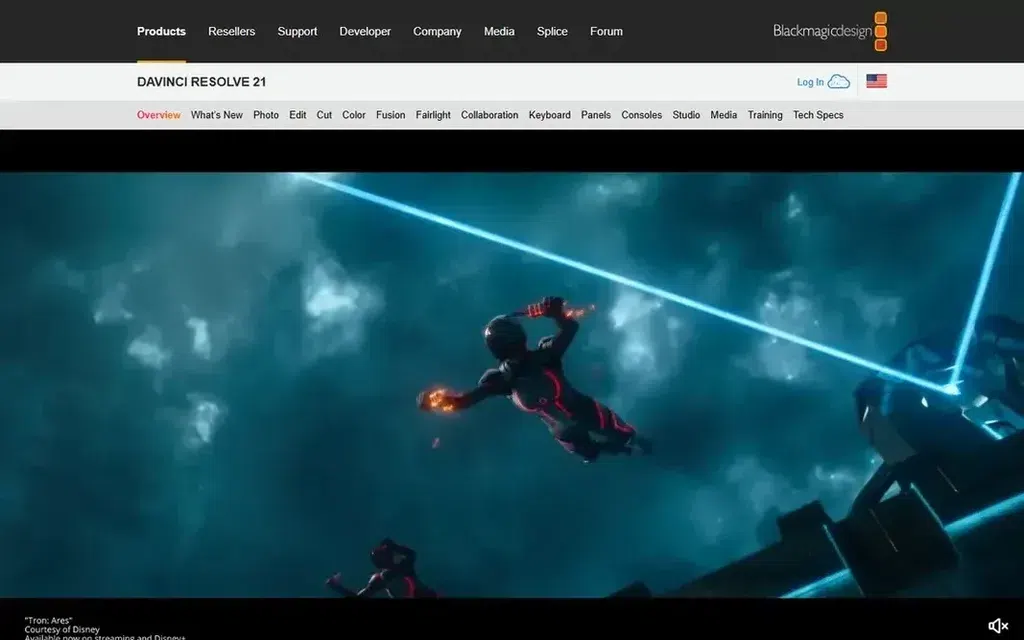
DaVinci Resolve Studio works best for all-in-one editing, color, and audio. It is available in free and premium versions for Mac, Windows, and Linux.
It suits enterprise teams that want an integrated postproduction workflow without switching between several applications, especially those concentrated on color-intensive projects. DaVinci Resolve Studio shows no starting price here, so confirm the cost on the vendor site. Free access: Not stated.
Honest limits: Advanced features may need Studio version.
- Merges editing, color, VFX, audio
- Available for Mac, Windows, Linux
- Ramp-up time for color and audio pages
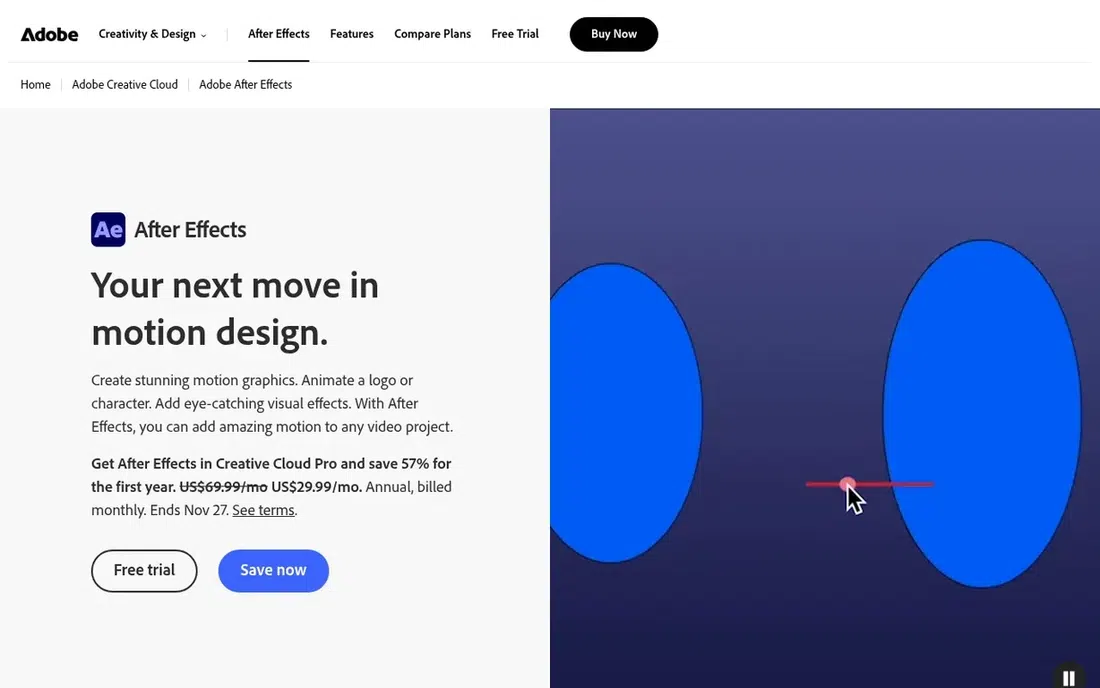
Adobe After Effects was built for motion graphics and visual effects. Adobe After Effects is motion graphics software used to design for film, TV, video, and web. It lets you take any idea and make it move, with tools for animation, compositing, and visual effects.
It is not a replacement for a full video editor, so teams may have to pair it with Premiere Pro or another editor. Also, if you need 3D animation, consider Autodesk Maya or Maxon Cinema 4D. Pricing for Adobe After Effects is not stated here, so ask the vendor for current figures. Free plan details: Not stated.
The main drawbacks: Resource-intensive for complicated projects.
- Integrates with other Adobe apps
- Industry-standard motion graphics toolset
- Steep ramp-up time
Final Cut Pro makes the most sense for Mac-based editing with intelligent features. Final Cut Pro is only available on Mac and iPad, so it is not a choice for Windows or Linux environments.
It also supplies fewer built-in collaboration features than some competitors. No starting price is listed for Final Cut Pro here; confirm pricing on the vendor site. Free plan details: Not stated.
Drawbacks to consider: Mac-only system.
- Capable intelligence features
- Optimized for Mac and iPad
- Restricted collaboration tools
Maxon Cinema 4D
Best for: 3D motion graphics and visualization
Think of Maxon Cinema 4D for 3D motion graphics and visualization. It operates on a subscription model, which may not fit all budgets.
Downsides: Less advanced VFX than Maya.
In daily use, if your team needs advanced simulation and effects, Maya may be the better choice. No starting price is listed for Maxon Cinema 4D here; confirm pricing on the vendor site. Free plan details: Not stated.
- Capable motion graphics tools
- Links up with After Effects
- Subscription-based licensing
Adobe Premiere Pro is aimed squarely at professional video editing and postproduction. Adobe Premiere Pro is a professional video editing and postproduction application.
Limits to weigh: Needs solid hardware.
If your team needs deep color grading or 3D animation, consider DaVinci Resolve Studio or Autodesk Maya instead. Adobe Premiere Pro does not show a starting price in this comparison, so check the vendor site for current pricing. Free access: Not stated.
- Broad format support
- Full editing and trimming tools
- Subscription-based licensing
Where Autodesk Maya fits: 3D animation and visual effects. It is used in film, television, and game production.
It is not a video editor, so it must be used alongside editing software. In daily use, if you need more straightforward 3D motion graphics, consider Maxon Cinema 4D. Pricing for Autodesk Maya is not stated here, so ask the vendor for current figures. On free options: Not stated.
Drawbacks to consider: Needs feature-rich hardware.
- Advanced VFX capabilities
- Widely used in film and games
- Steep ramp-up time
How we chose
LinkVetted used vendor pricing pages and product documentation as the base, then compared plans, free access and documented limits for 6 tools. Figures are shown as the vendors publish them. Billing terms, seat minimums and add-ons can change the real cost. The order reflects how well each tool fits the most common buying scenario for video production companies software for enterprise, then price clarity, then free plan access. It is a starting point, not a verdict.
Pre-purchase checklist
- Ask each vendor, from DaVinci Resolve Studio to Autodesk Maya, for a written quote; none of them publishes a starting price.
- Read the limits listed for DaVinci Resolve Studio first: advanced features may need Studio version.
- Ask DaVinci Resolve Studio which support channels and response times come with the plan you would buy.
- Ask the daily users to test Adobe After Effects on a live task before you roll it out to everyone.
- Confirm the exact Autodesk Maya plan that includes your must-have features.
FAQ
What is the difference between Autodesk Maya and Maxon Cinema 4D?
Autodesk Maya is geared toward complex 3D animation and VFX for film and games, whereas Maxon Cinema 4D is noted for approachable motion graphics and visualization.
Do these tools publish their prices?
No. None of the tools, from DaVinci Resolve Studio to Autodesk Maya, shows a fixed starting price here, so budget time for quotes.
How are the tools for video production companies software for enterprise ordered?
The order follows typical fit for video production companies software for enterprise, with DaVinci Resolve Studio first and Autodesk Maya last, then price clarity and free access. It is editorial judgement, not a score, so another team could rank the tools differently.
What is the best video editing software for enterprise teams?
The first pick on this list is DaVinci Resolve Studio, because it suits all-in-one editing, color, and audio. Adobe After Effects is better for motion graphics and visual effects, and Final Cut Pro for Mac-based editing with intelligent features. Check price and limits against your own needs before choosing.
Can I try these tools before paying?
Not by default. None of the tools, from DaVinci Resolve Studio to Autodesk Maya, lists a free plan or a free trial here, so ask each vendor for a demo before committing.
Can I use Final Cut Pro in a Windows environment?
No, Final Cut Pro is only available for Mac and iPad. Enterprises standardized on Windows should consider Adobe Premiere Pro or DaVinci Resolve Studio instead.
Sources
- https://www.blackmagicdesign.com/products/davinciresolve
- https://www.adobe.com/products/aftereffects.html
- https://www.apple.com/final-cut-pro
- https://www.maxon.net/en/cinema-4d
- https://www.adobe.com/products/premiere.html
- https://www.autodesk.com/products/maya/overview