Top 5 Remote Video Support Software for Enterprise for 2026 (Prices and Free Plans)
5 products for the best remote video support software for enterprise, ranked by fit, with starting costs and free tiers. Every pick gets a straight assessment.
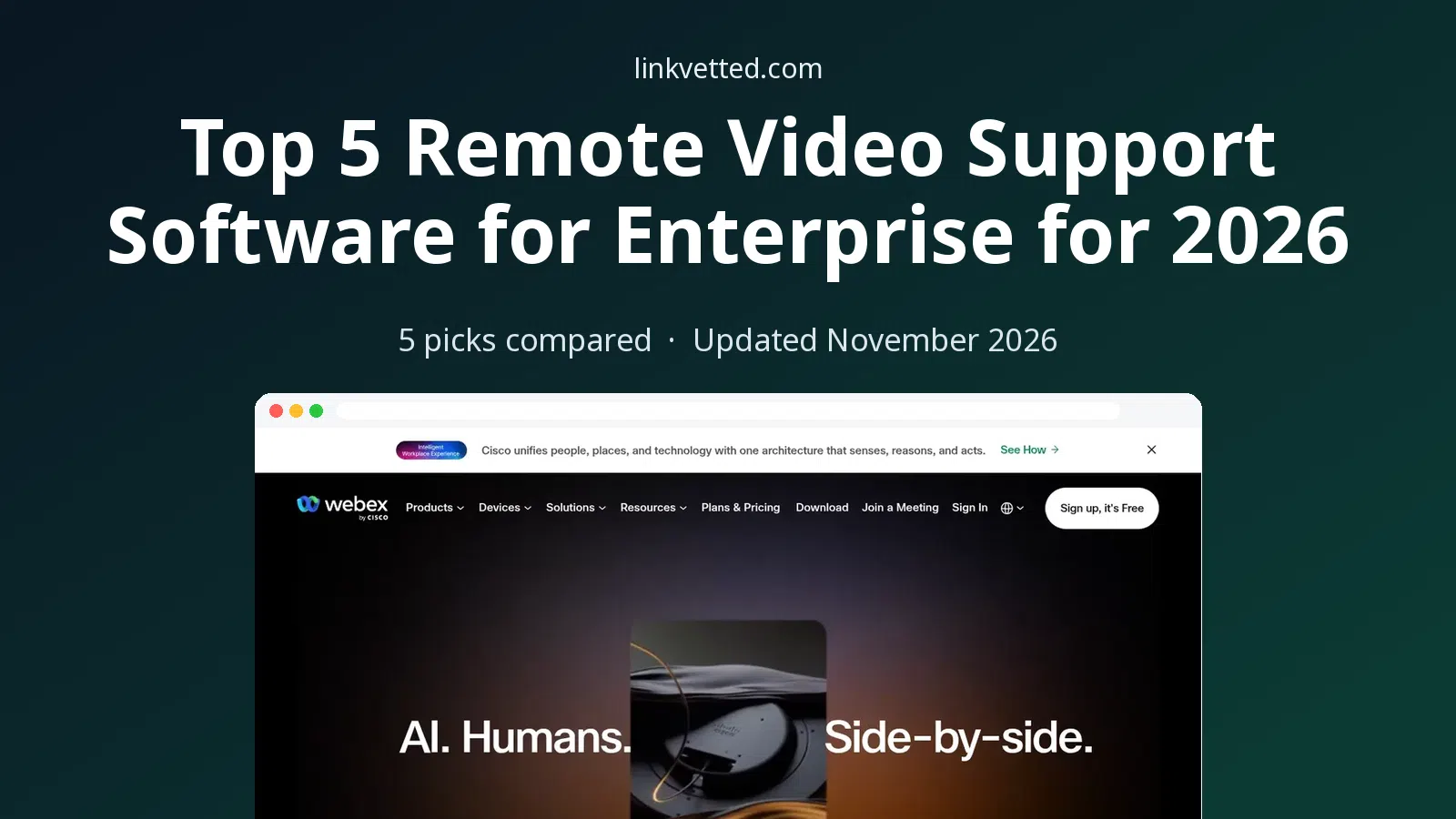
- Editor's choice
 Five9
Blending AI and human agents
Starts at$119 per seat a monthVisit five9.comFull review - Great alternative
 Cisco Webex
AI-assisted collaboration with devices
Starts atSee websiteVisit webex.comFull review - Also consider
 Zoom
All-around video collaboration and support
Starts atSee websiteVisit zoom.usFull review
Direct answer
Start with Five9 if you need Blending AI and human agents. Listed starting prices: Five9 from $119 per seat a month and NICE CXone from $110 per agent a month. Cisco Webex is the stronger choice for AI-assisted collaboration with devices, while Zoom suits all-around video collaboration and support. All 5 tools are compared below on price, free plan and limits.
TL;DR:
- Five9 is the opening pick, best for Blending AI and human agents.
- NICE CXone is the one to check for AI-driven CX transformation at scale.
- Cisco Webex is the only tool of the 5 with a free plan.
- A fair warning about Cisco Webex: feature set can feel complicated to administer.
- NICE CXone is the lowest-priced starter here at $110 per agent per month.
Last checked November 2026. Prices and plan details were read from the vendors' own pages in November 2026; vendors change plans often, so confirm the current price on the vendor site before you buy.
Quick comparison
| Tool | Best for | Starts at | Free plan? | |
|---|---|---|---|---|
| Five9 | Blending AI and human agents | $119 per seat a month | Not stated | Visit |
| Cisco Webex | AI-assisted collaboration with devices | See website | Yes | Visit |
| Zoom | All-around video collaboration and support | See website | Not stated | Visit |
 Microsoft Teams | Support inside the Microsoft ecosystem | See website | Not stated | Visit |
 NICE CXone | AI-driven CX transformation at scale | $110 per agent a month | Not stated | Visit |
Remote Video Support Software for Enterprise compared in detail
This LinkVetted guide covers 5 options for remote video support software for enterprise. Each profile lists a starting price, free plan details, strengths and drawbacks, so you can drop poor fits quickly.
Five9 serves Blending AI and human agents. For remote video support, it suits enterprises that want video embedded in a contact-center operation alongside voice, chat and digital channels, with AI assisting agents.
Honest limits: Needs planning for channel mix and workflows.
Five9 starts at: $119 per seat per month. Free access: Not stated.
- AI and human agents across every channel
- Contact-center focus for smarter CX
- Not a general-purpose meeting tool

Cisco Webex was built for AI-assisted collaboration with devices. Teams without existing Cisco infrastructure may prefer a lighter collaboration system, whereas those needing deep device integration and AI-assisted meeting features will find Webex well aligned.
Pricing for Cisco Webex is not stated here, so ask the vendor for current figures. Cisco Webex includes a free tier.
Drawbacks to consider: Feature set can feel complicated to administer.
- Device portfolio for meeting rooms and desks
- AI-powered collaboration and customer experience tools
- Best value when already in the Cisco ecosystem
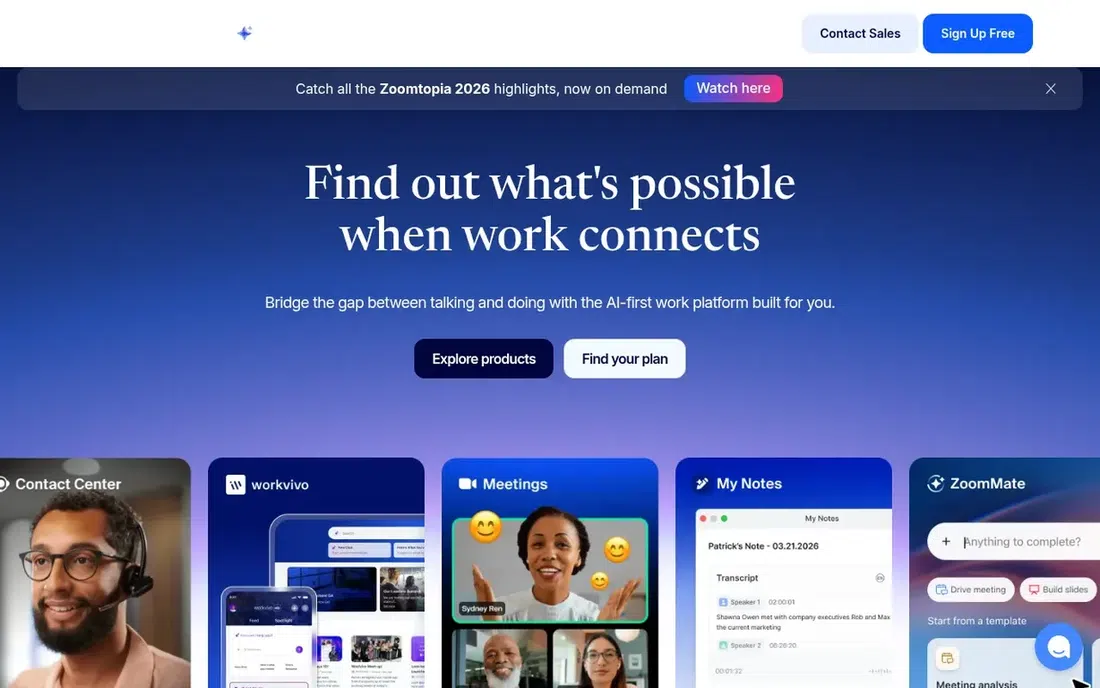
Zoom serves all-around video collaboration and support. For remote video support, that breadth means agents and specialists can move between internal huddles and customer sessions without switching vendors.
As for the details, the product is built around collaboration first, so organizations with complicated routing, workforce management or omnichannel requirements may find dedicated contact-center suites a better fit. Also, choose Zoom when video-first support and internal collaboration matter most, and evaluate the contact-center capabilities against your queue complexity before committing. Pricing for Zoom is not stated here, so ask the vendor for current figures. As for free access: Not stated.
What Zoom does well: Wide device and workflow ecosystem.
Watch-outs: Advanced contact-center depth may need extras.
- Phone and contact center in one system
- Solid fit for both internal and customer-facing video
- Large deployments need careful administration
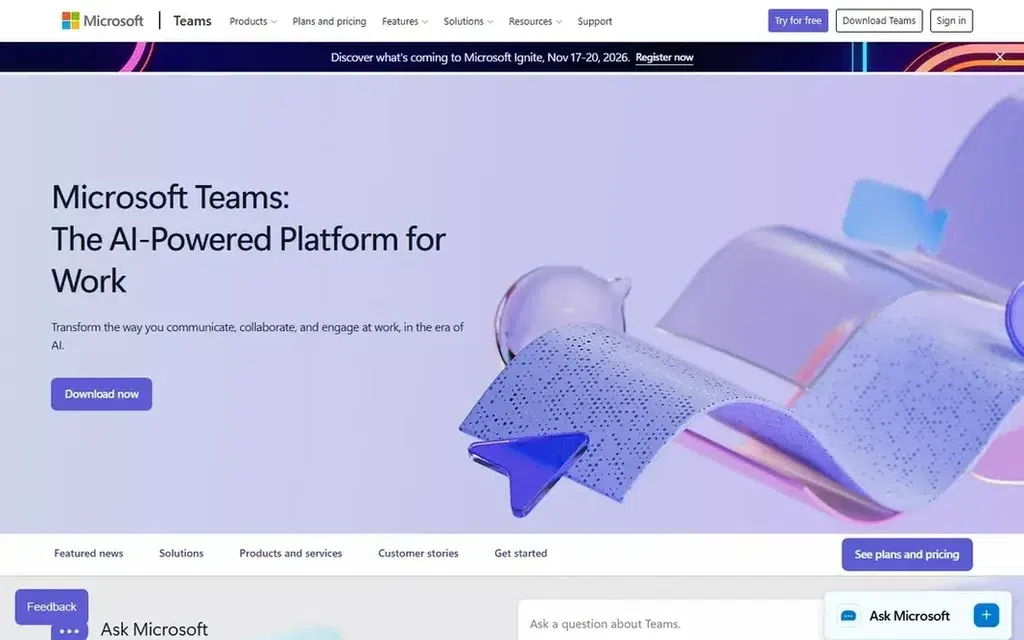
Microsoft Teams serves support inside the Microsoft ecosystem. Microsoft Teams positions itself around video conferencing, meetings and calling, with tools and files always available in one place.
Drawbacks to consider: Contact-center capabilities rely on integrations.
Also, organizations needing advanced routing, quality management or omnichannel customer engagement should compare dedicated contact-center systems before deciding. As for the details, Teams is aimed at collaboration instead of as a dedicated contact-center product, so customer-facing video support at scale generally depends on integrations. No starting price is listed for Microsoft Teams here; confirm pricing on the vendor site. Trial and free access: Not stated.
- Calling and files in one workspace
- Natural fit for Microsoft 365 organizations
- External guest experience varies by configuration
For AI-driven CX transformation at scale, NICE CXone is a natural candidate. Pick NICE CXone when the priority is AI-driven customer service transformation across channels, with video support integrated into that strategy.
Where it is weaker: Complicated platform to implement and tune.
Also, Teams needing straightforward remote video meetings should look at collaboration-first tools instead. For remote video support, it suits large enterprises that want automation and analytics around customer interactions, with video as one engagement channel. NICE CXone pricing: $110 per agent per month. Trial and free access: Not stated.
- Geared toward transforming customer interactions
- AI customer service automation focus
- Less suited to ad hoc internal video calls
Selection criteria
The comparison looks at four things: starting price, free access, how well the feature set matches remote video support software for enterprise, and the main limit of each tool. Plan names, prices and limits change often. Treat the figures here as a starting point and verify them with the vendor. Position on the page reflects fit for a typical buyer first, with price clarity and free access breaking ties. Treat it as a guide, not a ruling.
What to confirm before you sign up
- Ask Cisco Webex, Zoom and Microsoft Teams for a written quote, since no starting price is shown.
- Test the free plan from Cisco Webex against your real workload before relying on it.
- Read the limits listed for Five9 first: not a general-purpose meeting tool.
- Check the support hours and onboarding help Zoom offers; smaller vendors vary a lot here.
- The entry price of Five9 is only the starting point; model the full cost with seats and extras.
FAQ
What should enterprises check before choosing?
Confirm whether video is native or integration-based, how channels are unified, and how much administration the product demands. Also review device compatibility and data handling requirements with each vendor.
Can I try these tools before paying?
Often, yes. Cisco Webex has a free plan. Use your own data and a real task during the test, and check what the free tier or trial limits before you rely on it. Prices, free plan details and limits for all 5 tools in this remote video support software for enterprise roundup sit on the individual cards above.
Is Five9 the right pick for everyone comparing remote video support software for enterprise?
No single tool suits every team. Five9 comes first because it fits Blending AI and human agents, while Cisco Webex suits AI-assisted collaboration with devices and Zoom suits all-around video collaboration and support. Match the tool to your own size, budget and workflow before deciding.
How are the tools for remote video support software for enterprise ordered?
Five9 sits first and NICE CXone last because the order follows typical fit for remote video support software for enterprise, then price clarity and free access. It is a judgement call, so read each profile for fit and limits.
Which options for remote video support software for enterprise have a free plan?
Cisco Webex is the only tool in this list with a free plan. Free plans usually cap users, projects or features, so check the limits on the vendor page. Each of the 5 options in this remote video support software for enterprise guide has its own card above with the price, free plan and limits.
Sources
- https://www.five9.com
- https://www.webex.com
- https://zoom.us
- https://www.microsoft.com/en-us/microsoft-teams/group-chat-software
- https://www.nice.com