The 5 Best Enterprise AI Assistants Software for Remote Teams in 2026, Ranked
Best enterprise AI assistants software for remote teams, compared. 5 tools with published prices, free plans and limits. Cost notes and weak points included.
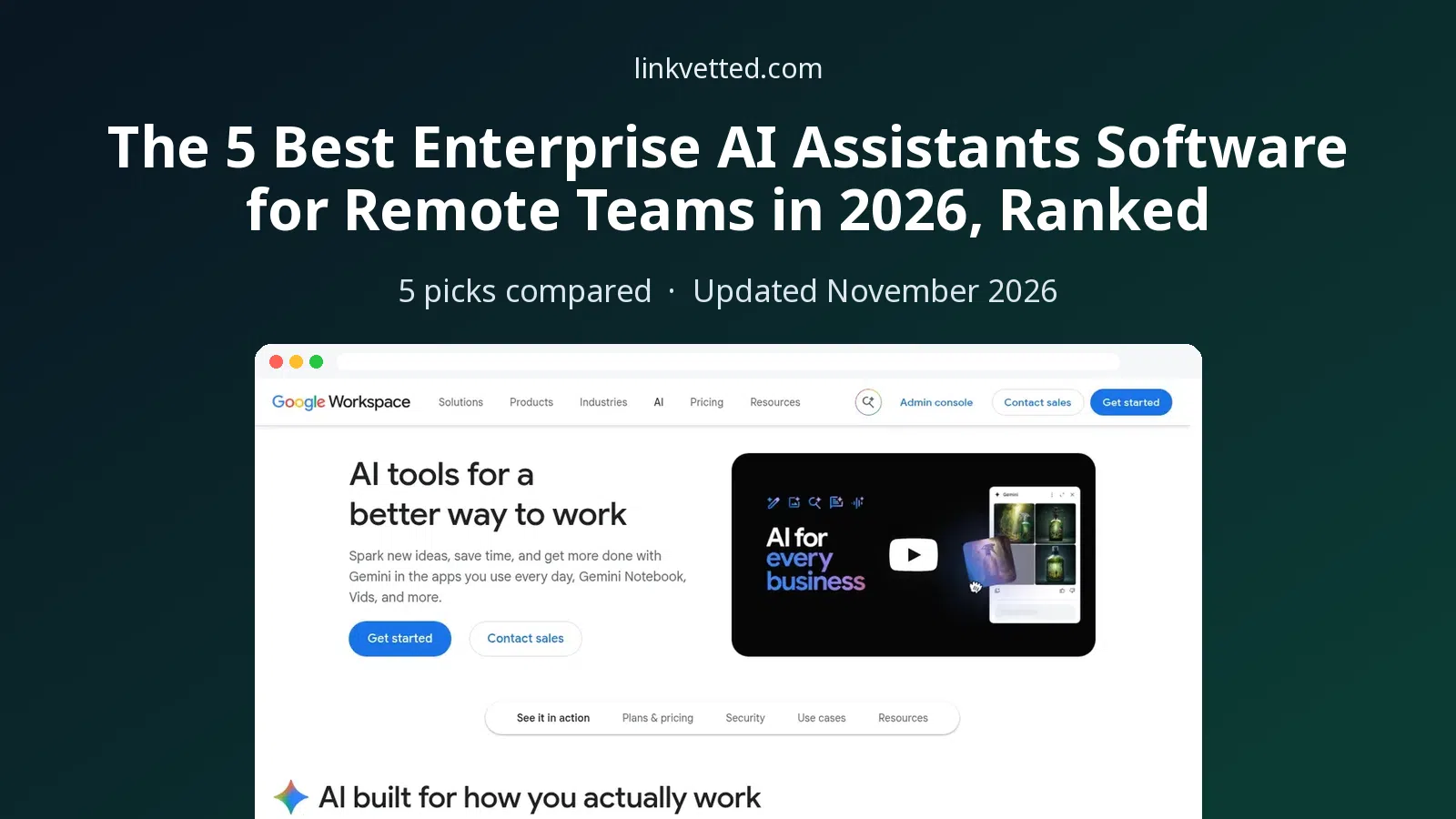
- Editor's choice
 Google Gemini for Workspace
Google-first remote organizations
Starts atSee websiteVisit workspace.google.comFull review - Great alternative
 Slack AI
Conversation-heavy distributed teams
Starts at$4.38 per user a monthVisit slack.comFull review - Also consider
 Asana AI
AI-assisted project coordination
Starts at$10.99 per user a monthVisit asana.comFull review
Direct answer
This list puts Google Gemini for Workspace first for Google-first remote organizations. Listed starting prices: Slack AI from $4.38 per user a month and Asana AI from $10.99 per user a month. Slack AI is better for conversation-heavy distributed teams, and Asana AI is better for AI-assisted project coordination. The other 2 tools in the list cover narrower or pricier cases.
TL;DR:
- Number one here is Google Gemini for Workspace, a fit for Google-first remote organizations.
- Atlassian Intelligence comes with a trade-off: tied to the Atlassian system.
- Free plans exist at 2 of 5 tools (Slack AI, Asana AI).
- Microsoft 365 Copilot is the one to check for teams standardized on Microsoft apps.
Last checked November 2026. Prices and plan details were read from the vendors' own pages in November 2026; vendors change plans often, so confirm the current price on the vendor site before you buy.
Quick comparison
| Tool | Best for | Starts at | Free plan? | |
|---|---|---|---|---|
| Google Gemini for Workspace | Google-first remote organizations | See website | Not stated | Visit |
| Slack AI | Conversation-heavy distributed teams | $4.38 per user a month | Yes | Visit |
| Asana AI | AI-assisted project coordination | $10.99 per user a month | Yes | Visit |
| Atlassian Intelligence | Teams working in Atlassian tools | See website | Not stated | Visit |
 Microsoft 365 Copilot | Teams standardized on Microsoft apps | See website | Not stated | Visit |
Enterprise AI Assistants Software for Remote Teams profiles
If you are comparing enterprise AI assistants software for remote teams, this page covers 5 tools in one place: what each is best for, what it costs to start, whether it has a free plan, and the main limit to know about.
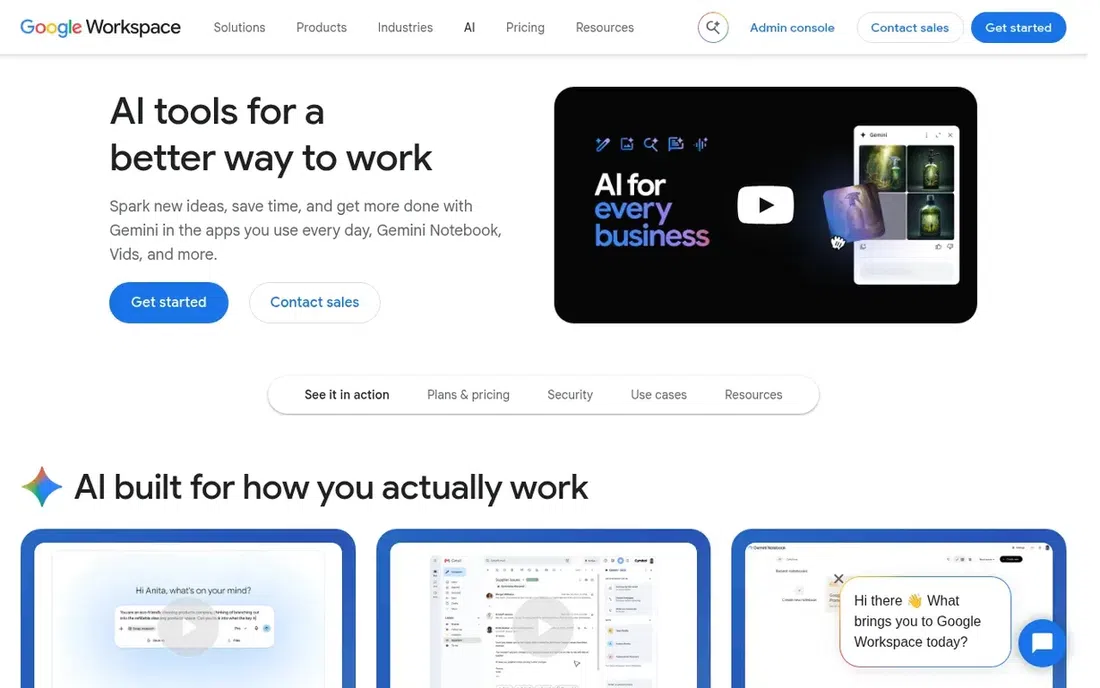
Google Gemini for Workspace is a good fit for Google-first remote organizations. Google Gemini for Workspace brings generative AI features into Gmail, Docs, Sheets and other Workspace apps. The assistant is most valuable when the team genuinely works in Workspace every day.
Beyond that, remote teams that run on Workspace can keep assistance inside shared documents and mail instead of adopting a separate AI destination. From a buyer's view, teams heavily invested in Microsoft apps should weigh Microsoft 365 Copilot instead. More specifically, availability of specific features can differ by edition and admin settings, so confirm what your organization has enabled. From a buyer's view, Google positions it as a way to add AI assistance to the tools teams already use for writing, organizing and analysis. Google Gemini for Workspace shows no starting price here, so confirm the cost on the vendor site. Free access: Not stated.
Limits to weigh: Features vary by Workspace edition.
- Pitched at business use
- Generative AI inside Gmail
- Value relies on Workspace adoption
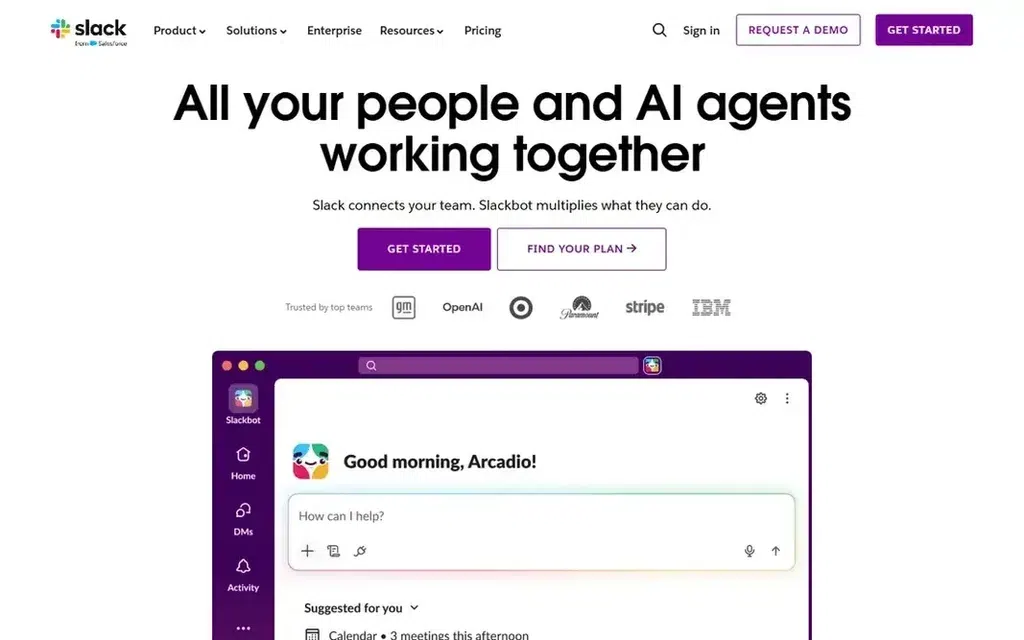
Slack AI is aimed squarely at conversation-heavy distributed teams. Results also rely on how well your channels are organized and how much history is available.
Where it is weaker: Usefulness relies on channel history quality.
More specifically, Slack AI layers on AI features and assistants straight into Slack, the place numerous remote teams already use for daily conversation. Slack AI cost at the entry level: $4.38 per user per month. Slack AI offers a free plan.
- Supports AI assistants in the flow of chat
- Suits teams already communicating in Slack
- Restricted to the Slack environment
For AI-assisted project coordination, Asana AI is a natural candidate. Asana AI applies AI to project management, with Asana describing agentic work management that lets the assistant coordinate your team and your agents.
Remote teams that run projects in Asana can use it to keep work moving without constant manual coordination. In practice, results rely on consistent task hygiene across the team. Starting cost for Asana AI: $10.99 per user per month. Asana AI includes a free tier.
Trade-offs to know: Tied to the Asana product.
- Suits Asana-based project workflows
- Coordinates teams and agents
- Best value needs disciplined project data
Atlassian Intelligence
Best for: Teams working in Atlassian tools
In short, Atlassian Intelligence is for teams working in Atlassian tools. Atlassian Intelligence, with Rovo positioned around unlocking organizational knowledge with generative AI, targets teams that document and track work in Atlassian tools.
Also, teams outside that ecosystem will get little from it. This comparison lists no price for Atlassian Intelligence; ask the vendor. On free options: Not stated.
Honest limits: Needs organized underlying content.
- Rovo is positioned around knowledge access
- Suits Atlassian product workflows
- Tied to the Atlassian product
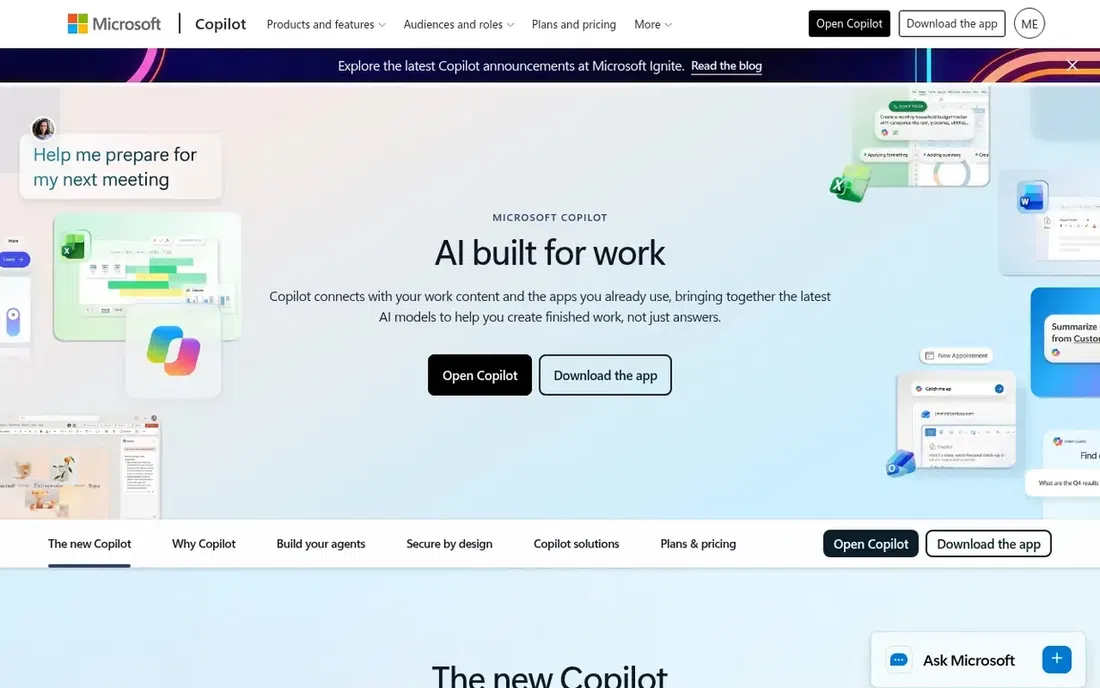
Microsoft 365 Copilot was built for teams standardized on Microsoft apps. The central limit is ecosystem fit: teams working mostly outside Microsoft apps may find less value.
Limits to weigh: Most handy only within the Microsoft ecosystem.
From a buyer's view, configuration and governance also rely on how your organization rolls it out. No starting price is listed for Microsoft 365 Copilot here; confirm pricing on the vendor site. As for free access: Not stated.
- Draws on your work context
- Works inside familiar Microsoft apps
- Setup relies on your organization's configuration
How we built this list
For each of the 5 tools we noted price, free plan or trial, fit for enterprise AI assistants software for remote teams and the main limit, using vendor pages and documentation. Plan names, prices and limits change often. Treat the figures here as a starting point and verify them with the vendor. Order on the page follows fit for the typical buyer first, then price transparency and free access. Your own requirements should decide the final pick.
Pre-purchase checklist
- Ask Google Gemini for Workspace, Atlassian Intelligence and Microsoft 365 Copilot for a written quote, since no starting price is shown.
- Read the fine print on the free plans from Slack AI and Asana AI; seat, project and feature caps differ.
- Read the limits listed for Google Gemini for Workspace first: value relies on Workspace adoption.
- Before rolling out Google Gemini for Workspace, verify the integrations your workflow depends on.
- Read the plan comparison for Asana AI carefully; key features often start on a higher tier.
FAQ
What is the cheapest option for enterprise AI assistants software for remote teams in this list?
On published monthly entry prices, Slack AI is the lowest here at $4.38 per user per month. Entry price is only part of the cost, because seats, add-ons and billing terms can change the total. Each of the 5 options in this enterprise AI assistants software for remote teams guide has its own card above with the price, free plan and limits.
Which enterprise AI assistants software for remote teams have a free plan?
On this list, Slack AI and Asana AI include a free plan. Caps on seats, usage or features are common, so test the free plan against your real workload.
How are the enterprise AI assistants software for remote teams ordered?
The order follows typical fit for enterprise AI assistants software for remote teams, with Google Gemini for Workspace first and Microsoft 365 Copilot last, then price clarity and free access. It is editorial judgement, not a score, so another team could rank the tools differently.
Is Google Gemini for Workspace the right pick for everyone comparing enterprise AI assistants software for remote teams?
No single tool suits every team. Google Gemini for Workspace comes first because it fits Google-first remote organizations, while Slack AI suits conversation-heavy distributed teams and Asana AI suits AI-assisted project coordination. Match the tool to your own size, budget and workflow before deciding.
How should a remote team evaluate AI assistants before buying?
Start with where your work lives: chat, meetings, documents or project tracking. A short pilot with a small group can reveal whether the assistant suits real workflows before a wider rollout.
Sources
- https://workspace.google.com/solutions/ai
- https://slack.com/features/ai
- https://asana.com/product/ai
- https://www.atlassian.com/platform/artificial-intelligence
- https://www.microsoft.com/en-us/microsoft-365/copilot