Best Image Optimization Software for Remote Teams in 2026: Prices, Free Plans and 5 Picks
Weighing the best image optimization software for remote teams? We lined up 5 products by cost, free access and fit. Prices and drawbacks included. Facts only.
- Editor's choiceSmush
WordPress image optimization and offloading
Starts at$3.33 a monthVisit wpmudev.comFull review - Great alternativeTinyPNG
Fast online compression
Starts atSee websiteVisit tinypng.comFull review - Also considerOptimole
Live WordPress image CDN
Starts at€15.83 a monthVisit optimole.comFull review
Direct answer
For WordPress image optimization and offloading, Smush is where this list starts. Listed starting prices: Smush from $3.33 a month, Optimole from €15.83 a month and ImageKit from $9 a month. TinyPNG is better for fast online compression, and Optimole is better for live WordPress image CDN. The remaining 2 options are covered below with prices and limits.
TL;DR:
- Smush takes the first slot, best suited to WordPress image optimization and offloading.
- Check the limits for ImageKit before you commit: complicated setup for beginners.
- The lowest published monthly entry price here is $3.33 per month, from Smush.
- TinyPNG, ImageKit: these are the 2 tools out of 5 that offer a free plan.
- Adobe Photoshop fits advanced image editing and design.
Last checked November 2026. Prices and plan details were read from the vendors' own pages in November 2026; vendors change plans often, so confirm the current price on the vendor site before you buy.
Quick comparison
| Tool | Best for | Starts at | Free plan? | |
|---|---|---|---|---|
| Smush | WordPress image optimization and offloading | $3.33 a month | Not stated | Visit |
| TinyPNG | Fast online compression | See website | Yes | Visit |
| Optimole | Live WordPress image CDN | €15.83 a month | Free trial | Visit |
| ImageKit | Live media optimization and DAM | $9 a month | Yes | Visit |
 Adobe Photoshop | Advanced image editing and design | See website | Not stated | Visit |
Every option for image optimization software for remote teams explained
If you are comparing image optimization software for remote teams, this page covers 5 tools in one place: what each is best for, what it costs to start, whether it has a free plan, and the main limit to know about.
Smush
Best for: WordPress image optimization and offloading
Think of Smush for WordPress image optimization and offloading. Smush is a WordPress image optimization plugin that boosts load times by compressing images. It connects with WP Offloads Media and supports WP Retina 2x for high-resolution displays.
More specifically, Smush is tailored for WordPress and may not suit teams on other systems. Remote teams with WordPress sites can use Smush to automate optimization and offloading. Starting cost for Smush: $3.33 per month. Free access: Not stated.
Downsides: Limited to WordPress.
- Retina 2x support
- Offloads media integration
- Pro version required for advanced features
TinyPNG
Best for: Fast online compression
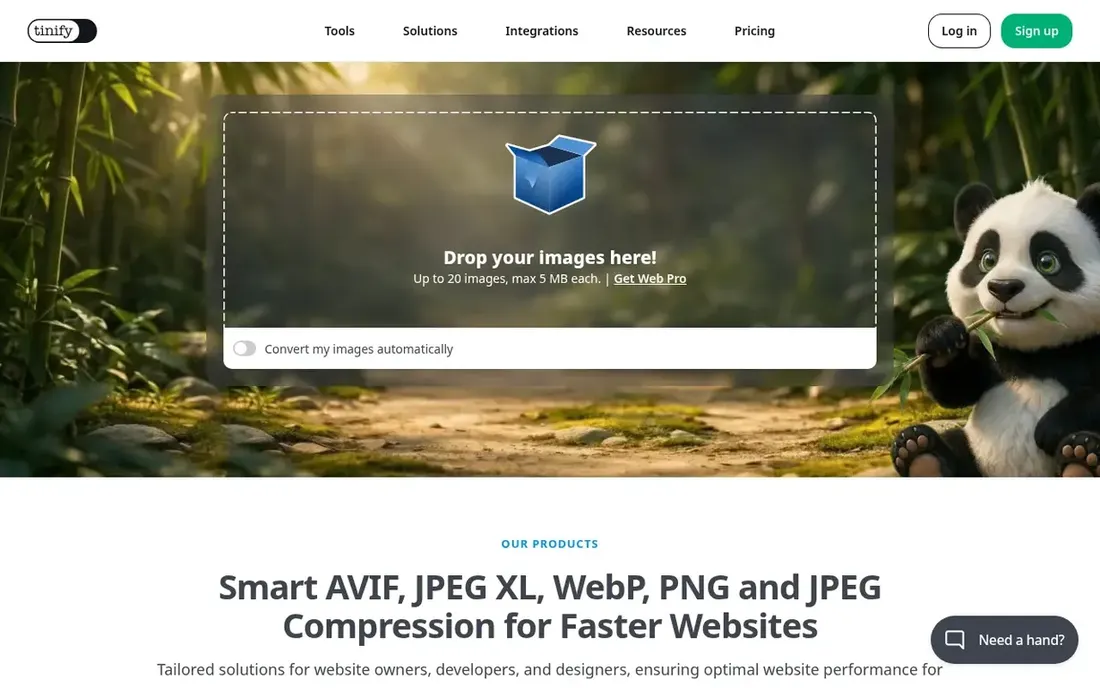
Pick TinyPNG if this describes you: fast online compression. Teams requiring bulk processing or WordPress integration should consider other tools.
Limits to weigh: Restricted to compression.
More specifically, TinyPNG is a free online image optimizer that cuts file sizes for AVIF, JPEG XL, WebP, PNG, and JPEG images using smart lossy compression. Pricing for TinyPNG is not stated here, so ask the vendor for current figures. TinyPNG offers a free plan.
- Supports several formats
- Smart lossy compression
- No WordPress plugin mentioned
Optimole
Best for: Live WordPress image CDN
Optimole is designed for live WordPress image CDN. It keeps, optimizes, and scales images whereas reducing size substantially. Also, remote teams with WordPress sites can benefit from automatic optimization and delivery via CDN.
Optimole is aimed at WordPress and depends on its CDN for delivery, which may not fit teams using other systems. It is concentrated on optimization and delivery instead of editing or asset management. Optimole pricing: €15.83 per month. Free options: Free trial.
Honest limits: CDN dependency.
- Live image processing
- Image CDN for WordPress
- WordPress-specific
ImageKit
Best for: Live media optimization and DAM
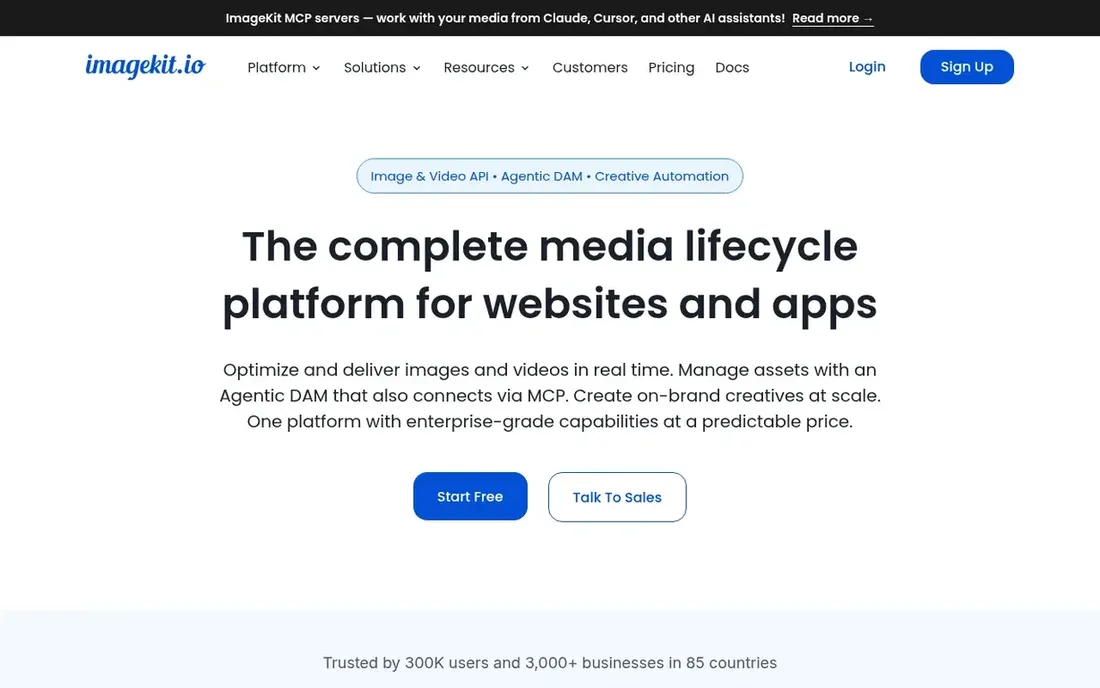
In short, ImageKit is for live media optimization and DAM. Remote teams managing large media libraries and needing automatic, scalable delivery will benefit from its full feature set.
Smaller teams with entry-level optimization needs might find more straightforward tools more approachable. Entry price for ImageKit: $9 per month. ImageKit offers a free plan.
What to check first: Complex setup for beginners.
- Agentic DAM with MCP connectivity
- Live image and video transformation
- Enterprise-oriented features may overwhelm small teams
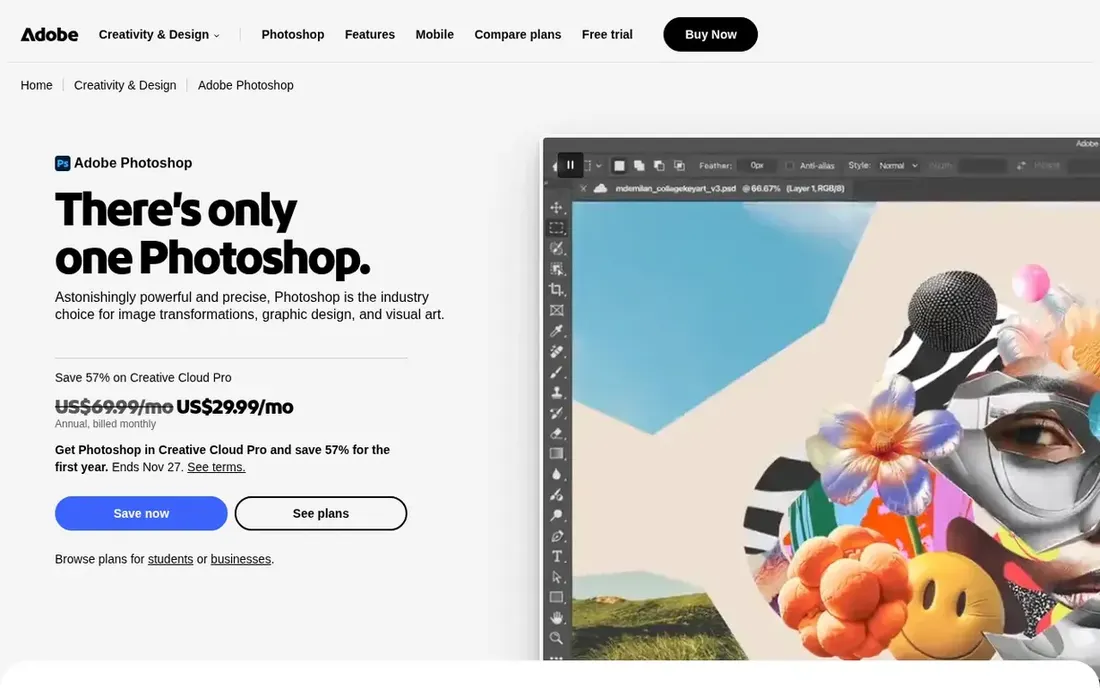
Adobe Photoshop is built with advanced image editing and design in mind. It supplies tools for creating custom scenes, making complicated edits, and combining images.
Where it is weaker: Resource-intensive for some devices.
For everyday use, Photoshop has a ramp-up time and may be overkill for straightforward compression or automatic optimization tasks. Remote teams that require full creative control over visual assets will find it a good match for in-depth retouching, compositing, and design work. This comparison lists no price for Adobe Photoshop; ask the vendor. On free options: Not stated.
- Online and mobile app access
- Full editing tools
- Steeper ramp-up time
What went into this list
LinkVetted looked at what each vendor publishes: pricing, plan limits, feature coverage for image optimization software for remote teams and stated drawbacks. No hands-on testing is claimed. Prices and plan limits come from vendor pages and can change, so confirm them on the vendor site before you buy. The sequence is a judgement call: typical use case first, then pricing transparency, then free access. Use the profiles to check fit.
Things to verify first
- Get a written quote from TinyPNG and Adobe Photoshop; the list shows no starting price for them.
- Look at free plan limits closely: TinyPNG and ImageKit have one, and the caps decide whether it is usable for real work.
- Take the trial from Optimole and push a live task through it before you pay.
- Before choosing Smush, weigh its main limit: restricted to WordPress.
- Find out whether the entry plan of TinyPNG covers your must-haves or only a trimmed-down version.
- Get the contract term, renewal terms and any onboarding fees from Adobe Photoshop in writing.
FAQ
What is the cheapest option for image optimization software for remote teams in this list?
On published monthly entry prices, Smush is the lowest here at $3.33 per month. Entry price is only part of the cost, because seats, add-ons and billing terms can change the total. All 5 picks in this image optimization software for remote teams comparison list a starting price, free plan details and the main limits on their cards above.
Do these tools publish their prices?
Not all of them. TinyPNG and Adobe Photoshop publish no starting price, so expect a quote request for those. The rest, Smush included, show a starting price, though seats and billing terms still change the final cost.
Can I try these tools before paying?
Often, yes. TinyPNG and ImageKit have a free plan and Optimole offers a free trial. Use your own data and a real task during the test, and check what the free tier or trial limits before you rely on it.
Which options for image optimization software for remote teams have a free plan?
TinyPNG and ImageKit offer a free plan in this list. Free plans usually cap users, projects or features, so check the limits on the vendor page. One other tool offers a trial instead.
What is the best image optimization tool for remote teams?
The first pick on this list is Smush, because it suits WordPress image optimization and offloading. TinyPNG is better for fast online compression, and Optimole for real-time WordPress image CDN. Check price and limits against your own needs before choosing.
How do I choose between a plugin and a standalone service?
Plugins are convenient for WordPress sites and offer smooth integration. Standalone services like TinyPNG or ImageKit work across systems and may offer extra features like CDNs or DAM.
Sources
- https://wpmudev.com/project/wp-smush-pro
- https://tinypng.com
- https://optimole.com
- https://imagekit.io
- https://www.adobe.com/products/photoshop.html