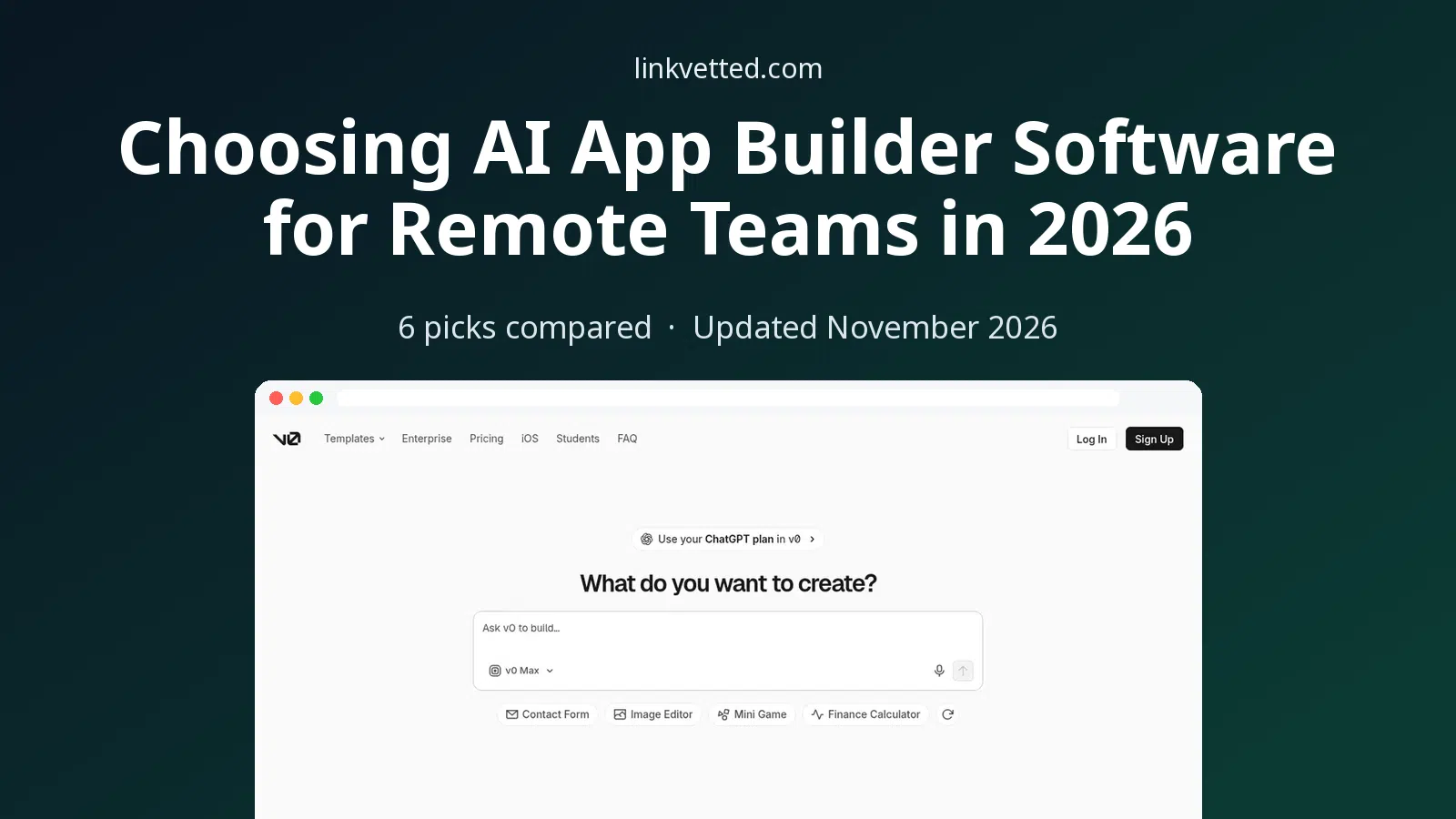
Choosing AI App Builder Software for Remote Teams in 2026: 6 Options Compared
Searching for the best AI app builder software for remote teams? Here are 6 options with prices and free plans. Hidden costs and gaps are flagged. Start here.
- Editor's choice
 Adalo
Native iOS, Android and web from one project
Starts at$65 per monthVisit adalo.comFull review - Great alternative
 Glide
Apps from a spreadsheet or prompt
Starts at$25 a monthVisit glideapps.comFull review - Also consider
 v0
Collaborative full-stack web app iteration
Starts at$30 per user per monthVisit v0.devFull review
Direct answer
This list puts Adalo first for native iOS, Android and web from one project. Listed starting prices: Adalo from $65 per month, Glide from $25 a month and v0 from $30 per user per month. For a different need, Glide covers apps from a spreadsheet or prompt and v0 covers collaborative full-stack web app iteration. Prices, free plans and limits for all 6 tools follow.
TL;DR:
- Top of the list is Adalo, which targets native iOS, Android and web from one project.
- The cheapest monthly starting price in the list is $18 per month, billed annually, offered by Replit.
- For describe-to-mobile-app with store publishing, FlutterFlow is worth a look.
- What to know about Replit first: less visual design control than canvas editors.
Last checked November 2026. Prices and plan details were read from the vendors' own pages in November 2026; vendors change plans often, so confirm the current price on the vendor site before you buy.
Quick comparison
| Tool | Best for | Starts at | Free plan? | |
|---|---|---|---|---|
| Adalo | Native iOS, Android and web from one project | $65 per month | Yes | Visit |
| Glide | Apps from a spreadsheet or prompt | $25 a month | Yes | Visit |
| v0 | Collaborative full-stack web app iteration | $30 per user per month | Yes | Visit |
 Replit | Prompt-to-app building without coding | $18 per month, billed yearly | Not stated | Visit |
 Softr | Secure business apps and internal tools | See website | Yes | Visit |
 FlutterFlow | Describe-to-mobile-app with store publishing | $29 a month | Yes | Visit |
The 6 tools in detail
If you are comparing AI app builder software for remote teams, this page covers 6 tools in one place: what each is best for, what it costs to start, whether it has a free plan, and the main limit to know about.
Think of Adalo for native iOS, Android and web from one project. Adalo describes an AI no-code app builder where you describe your app and its assistant builds the screens, data and logic, then publish native iOS, Android and web apps from a single project without code.
Publishing to native app keeps brings review and release steps that add coordination overhead for distributed teams. Adalo pricing: $65 per month. Adalo includes a free tier.
Where it falls short: Native publishing involves store review steps. What works well: data and logic.
- One project includes all systems
- Android and web
- Feature depth varies by system target
Glide makes the most sense for apps from a spreadsheet or prompt. Glide is an AI app builder for internal business apps, letting teams build custom business apps and agents with AI from a spreadsheet or a prompt, with the promise of being ready in minutes instead of months.
The internal business app focus means consumer products and unusual interface ideas may not map cleanly onto its model. What you pay to start with Glide: $25 per month. Glide has a free plan.
Points against: Spreadsheet-driven structure shapes what you can build.
- Builds business apps and agents
- Ready in minutes instead of months
- Business app focus limits consumer use cases
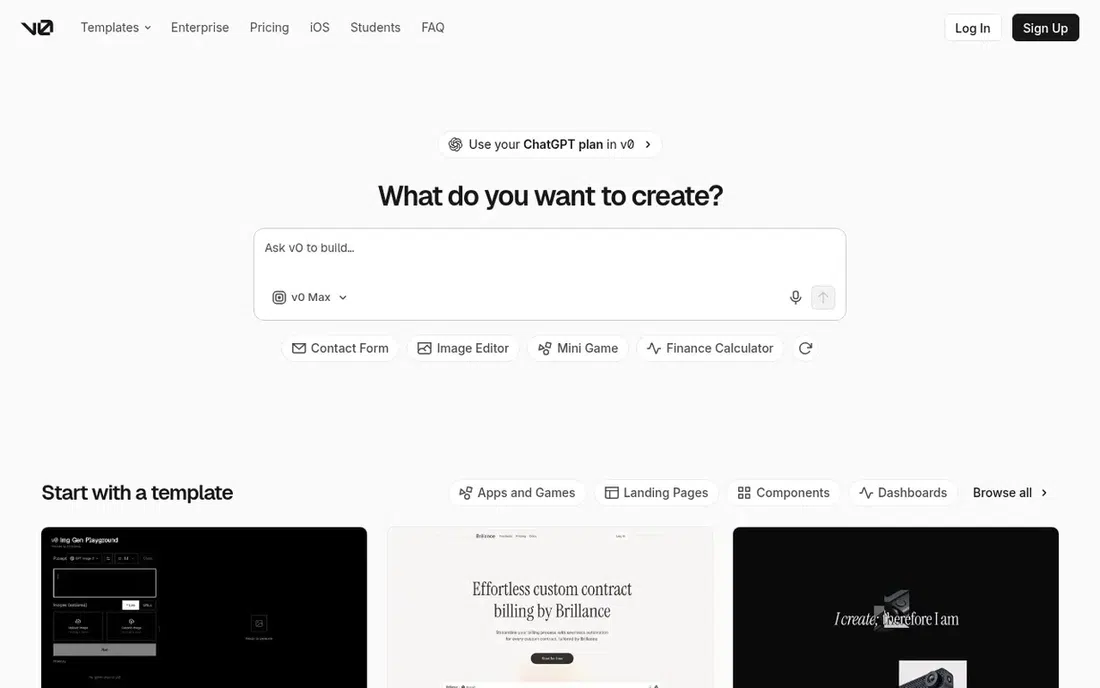
v0 works best for collaborative full-stack web app iteration. The emphasis on collaboration and iteration suits distributed product teams that review changes together and expect to keep evolving an app after the first version instead of shipping once and stopping.
Starting cost for v0: $30 per user per month. A free plan is available with v0.
Drawbacks to consider: Concentrated on web instead of native mobile.
- Pitched at full-stack web applications
- Framed as a collaborative AI assistant
- Suited to teams comfortable with web app concepts
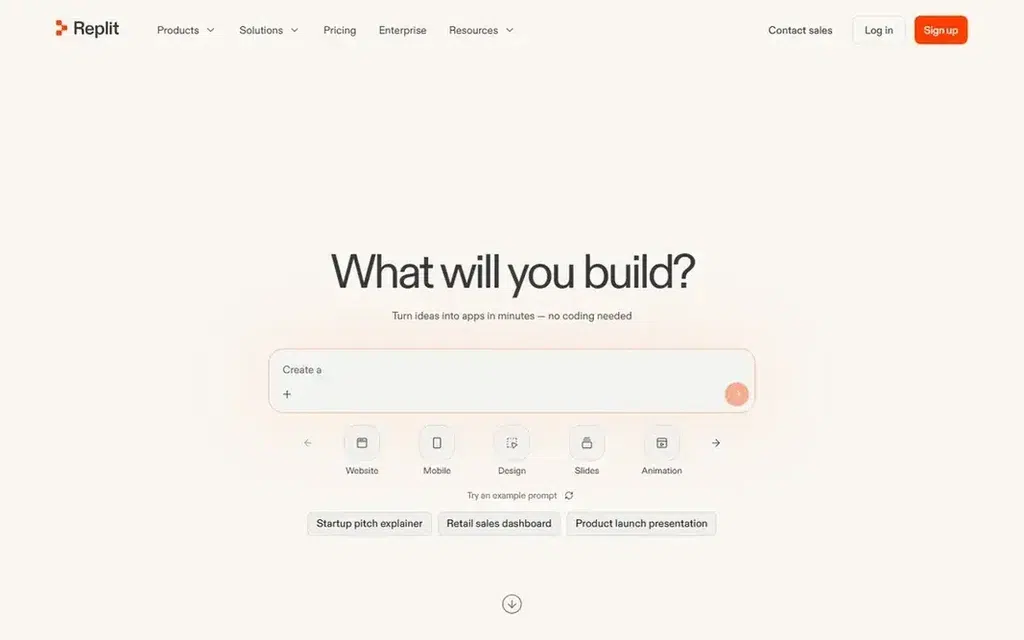
Replit makes the most sense for prompt-to-app building without coding. Replit positions itself as an AI app and website builder where you describe what you want and it builds it, aiming for a working app or website in minutes with no coding required. That makes it a natural fit for remote teams that contain product, operations or marketing people who want to turn an idea into something usable without waiting on engineering time.
Downsides: Complicated custom logic may still need code.
Since the starting point is a description, teams that require pixel-level control over layout or heavy custom backend logic may find a visual editor or traditional development a better fit. Also, pick Replit when speed from idea to working build matters more than fine-grained design control. Entry price for Replit: $18 per month, billed annually. Trial and free access: Not stated.
- No coding required to start
- Describe what you want and get a working app or website
- Less visual design control than canvas editors
Think of Softr for secure business apps and internal tools. Softr centres on building and launching secure business apps and internal tools in minutes, letting you describe what you need and generating it with the security, permissions and workflows required from day one.
In daily use, the product is oriented toward business and internal use, so teams building consumer-facing or highly custom interfaces may prefer a more open builder. Softr does not show a starting price in this comparison, so check the vendor site for current pricing. Softr offers a free plan.
Where it is weaker: Narrower fit for consumer-facing products.
- Centred on internal tools and workflows
- Describe what you need and it builds it
- Less suited to highly custom interfaces
FlutterFlow is a good fit for describe-to-mobile-app with store publishing. FlutterFlow lets you build an iPhone and Android app by describing it, starting with a first version in about five minutes, asking the agent for any change, and sending it to the App Store and Google Play.
That flow fits remote teams that want a mobile app in front of users rapidly and expect to iterate through conversation with the agent. What you pay to start with FlutterFlow: $29 per month. Free access exists with FlutterFlow.
Points against: Mobile-first scope may not handle complicated web needs.
- Build an iPhone and Android app by describing it
- Agent takes care of change requests
- Store submission still needs accounts and review
How we chose
We compared the tools on published pricing, free plan or trial availability, feature coverage for AI app builder software for remote teams, and the limits each vendor documents. Figures are shown as the vendors publish them. Billing terms, seat minimums and add-ons can change the real cost. Position on the page reflects fit for a typical buyer first, with price clarity and free access breaking ties. Treat it as a guide, not a ruling.
A buyer's checklist
- Get a written quote from Softr; the list shows no starting price for them.
- Look at free plan limits closely: Adalo, Glide, v0 and others have one, and the caps decide whether it is usable for real work.
- Before choosing Adalo, weigh its main limit: native publishing involves store review steps.
- Confirm minimum seats and billing terms with FlutterFlow before you commit to an annual plan.
- Map your must-have features to a specific v0 plan before you compare prices.
FAQ
Can I try these tools before paying?
Often, yes. Adalo, Glide, v0 and others have a free plan. Use your own data and a real task during the test, and check what the free tier or trial limits before you rely on it.
Can remote teams build native mobile apps with these tools?
Yes. Adalo publishes native iOS, Android and web apps from one project, and FlutterFlow is built around describing an iPhone and Android app and sending it to the App Store and Google Play.
Is Adalo the right pick for everyone comparing AI app builder software for remote teams?
No single tool suits every team. Adalo comes first because it fits native iOS, Android and web from one project, while Glide suits apps from a spreadsheet or prompt and v0 suits collaborative full-stack web app iteration. Match the tool to your own size, budget and workflow before deciding.
What is the cheapest option for AI app builder software for remote teams in this list?
On published monthly entry prices, Replit is the lowest here at $18 per month, billed annually. Entry price is only part of the cost, because seats, add-ons and billing terms can change the total.
Do these tools publish their prices?
Not all of them. Softr publishes no starting price, so expect a quote request for it. The rest, Adalo included, show a starting price, though seats and billing terms still change the final cost.
Sources
- https://www.adalo.com
- https://www.glideapps.com
- https://v0.dev
- https://replit.com
- https://www.softr.io
- https://www.flutterflow.io