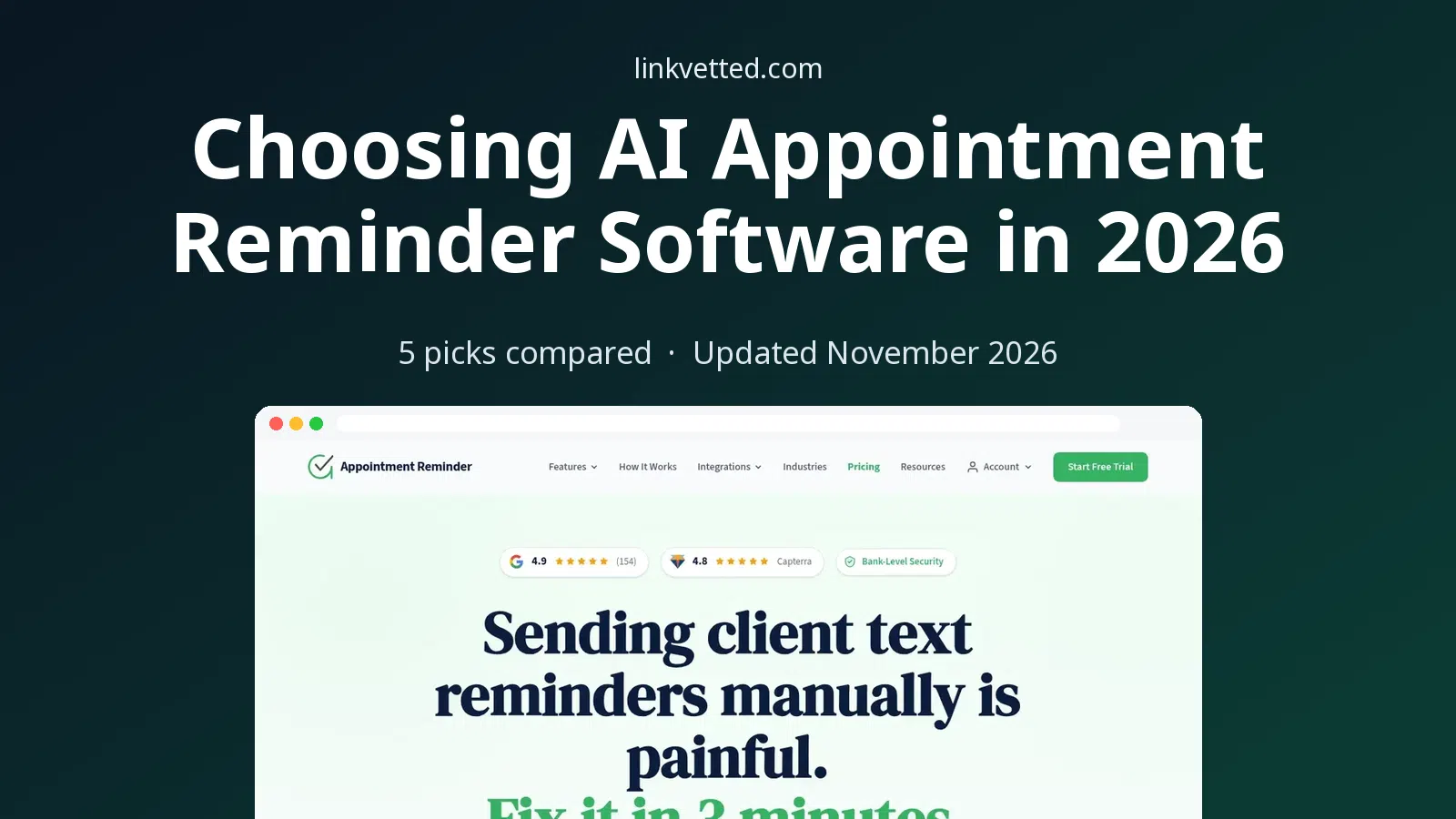
Choosing AI Appointment Reminder Software in 2026: 5 Options Compared
Best AI appointment reminder software in 2026: 5 tools with starting prices, free plans and limits. Concise write-ups of every option. Pick with confidence.
- Editor's choice
 Calendly
Meeting scheduling and follow-up
Starts at$10 per seat a monthVisit calendly.comFull review - Great alternativeAppointment Reminder
Multi-channel reminders with two-way messaging
Starts at$29 per monthVisit appointmentreminder.comFull review - Also consider
 Housecall Pro
Home service companies needing reminders in one suite
Starts at$59 per monthVisit housecallpro.comFull review
Direct answer
If you need meeting scheduling and follow-up, Calendly is the first tool to look at here. Listed starting prices: Calendly from $10 per seat a month, Appointment Reminder from $29 per month and Housecall Pro from $59 per month. Appointment Reminder is better for multi-channel reminders with two-way messaging, and Housecall Pro is better for home service firms needing reminders in one suite. Details, prices and limits for the rest of the 5 tools are below.
TL;DR:
- This list starts with Calendly, which is built for meeting scheduling and follow-up.
- Calendly is the only tool of the 5 with a free plan.
- The cheapest monthly starting price in the list is $10 per seat per month, offered by Calendly.
- A fair warning about GoReminders: restricted to reminder and scheduling basics.
- Acuity Scheduling suits configurable booking with automatic reminders.
Last checked November 2026. Prices and plan details were read from the vendors' own pages in November 2026; vendors change plans often, so confirm the current price on the vendor site before you buy.
Quick comparison
| Tool | Best for | Starts at | Free plan? | |
|---|---|---|---|---|
| Calendly | Meeting scheduling and follow-up | $10 per seat a month | Yes | Visit |
| Appointment Reminder | Multi-channel reminders with two-way messaging | $29 per month | Free trial | Visit |
| Housecall Pro | Home service companies needing reminders in one suite | $59 per month | Free trial | Visit |
| GoReminders | Straightforward SMS and email reminder automation | See website | Not stated | Visit |
 Acuity Scheduling | Configurable booking with automatic reminders | $16 a month | Free trial | Visit |
AI Appointment Reminder Software, one by one
This LinkVetted guide covers 5 options for AI appointment reminder software. Each profile lists a starting price, free plan details, strengths and drawbacks, so you can drop poor fits quickly.
Calendly is aimed squarely at meeting scheduling and follow-up. Pick Calendly when meeting coordination and follow-up are the priority. More specifically, companies that run client appointments instead of meetings should weigh the other choices.
What works well: Contact management and follow-up tools.
What to check first: Reminder depth varies by setup.
More specifically, Calendly links and eases the work around meetings, handling scheduling, payments, meeting preparation, notetaking, contact management and follow-up. It is a natural fit for sales teams, recruiters and professionals who book meetings with external contacts and want confirmations and follow-up handled in one flow. Since it is built around meetings, it is less tailored to clinics or field service appointments with specific reminder needs. Calendly starts at: $10 per seat per month. Calendly has a free plan.
- Supports payments and meeting prep
- Widely used meeting scheduling
- Oriented toward meetings, not service appointments
Appointment Reminder
Best for: Multi-channel reminders with two-way messaging
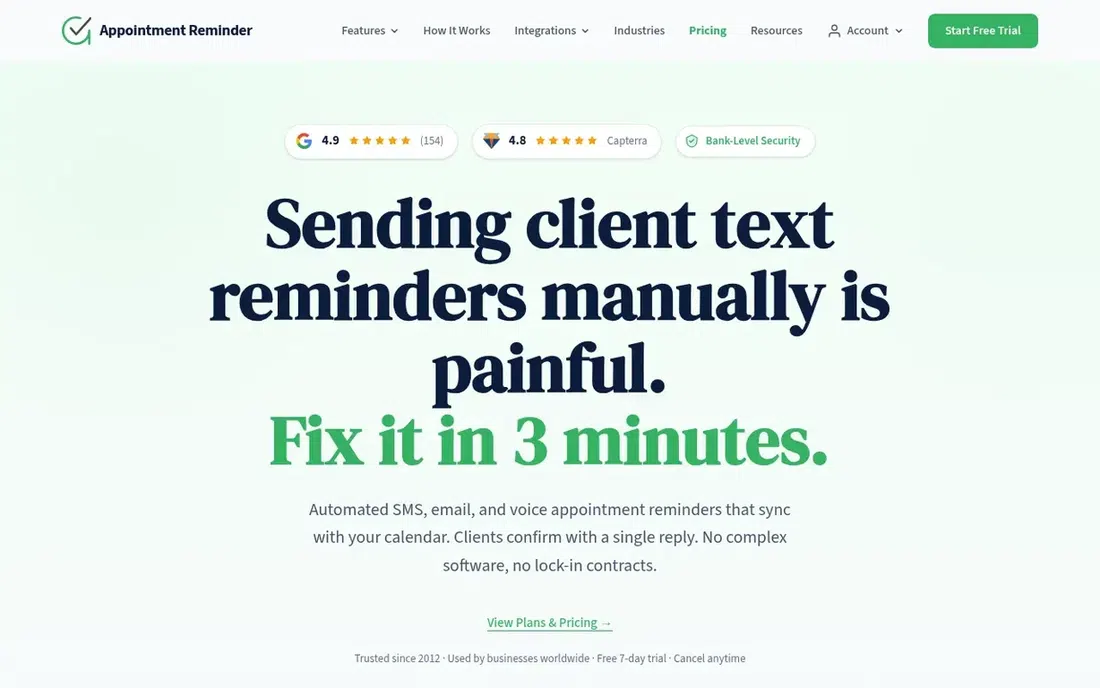
In short, Appointment Reminder is for multi-channel reminders with two-way messaging. The combination of channels helps reach clients who prefer different contact methods, and two-way messaging supports confirmations and rescheduling.
Worth adding: the system is oriented toward reminders and booking instead of deep business management. As for the details, Appointment Reminder gives you automated SMS, email and voice reminders alongside online booking and two-way messaging. On cost, Appointment Reminder starts like this: $29 per month. Free options: Free trial.
Watch-outs: Feature set is reminder-focused.
- Email and voice reminders
- SMS
- May be more than straightforward setups need
Housecall Pro
Best for: Home service companies needing reminders in one suite
Housecall Pro makes the most sense for home service firms needing reminders in one suite. Reminders sit inside that broader workflow, which helps plumbing, HVAC, cleaning and similar firms keep customers informed while managing jobs.
Also, the product is made for home services, so other industries may find it a poor match. Starting cost for Housecall Pro: $59 per month. Free plan details: Free trial.
Where it is weaker: More system than a reminder-only need needs.
- Supports field service workflows
- Designed for home service operations
- Concentrated on home services instead of general use
GoReminders
Best for: Straightforward SMS and email reminder automation
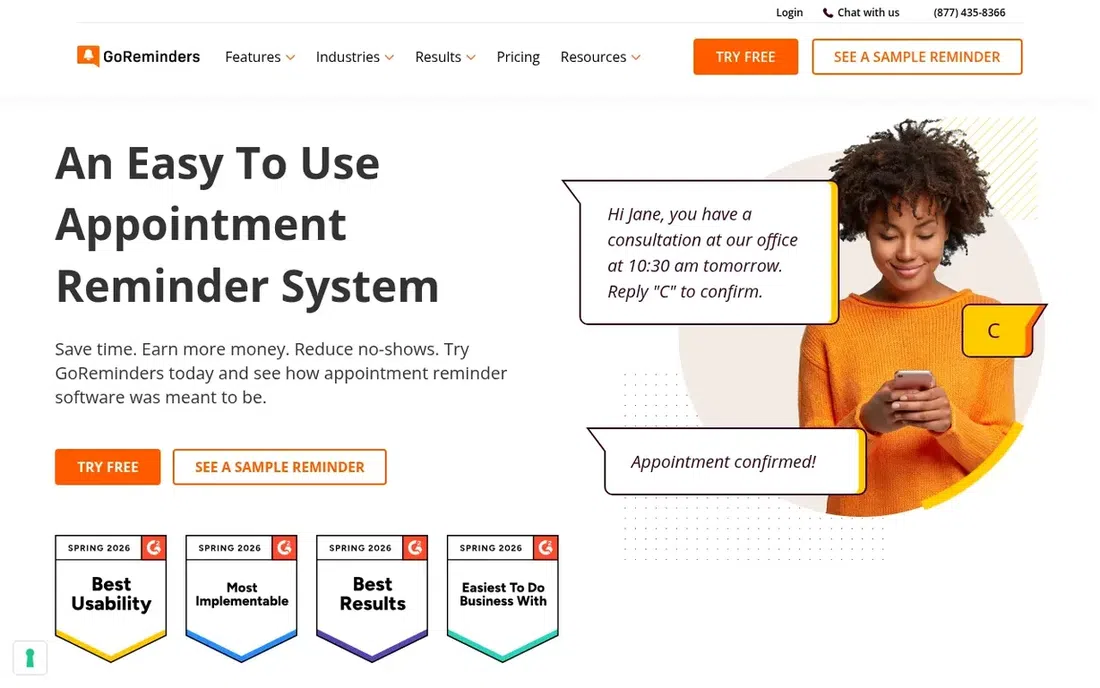
GoReminders serves simple SMS and email reminder automation. Companies that require reminders tied into a broader booking or management system should compare the other choices here. For everyday use, if reminders are the core need, this is the natural starting point.
Limits to weigh: Restricted to reminder and scheduling basics.
As for the details, since the product centers on reminders and scheduling, it does not try to include invoicing, payments or field operations. Choose GoReminders when straightforward messaging automation is the priority. GoReminders shows no starting price here, so confirm the cost on the vendor site. As for free access: Not stated.
- Automatic SMS and email reminders
- Built-in scheduling to cut back-and-forth
- Not a full business management suite
Acuity Scheduling
Best for: Configurable booking with automatic reminders
Acuity Scheduling is designed for configurable booking with automatic reminders. Acuity Scheduling is online booking and appointment scheduling software with automation and broad customization.
In practice, if you only need entry-level reminder texts, a more straightforward tool may be quicker to adopt. Acuity Scheduling cost at the entry level: $16 per month. Free plan details: Free trial.
Watch-outs: Customization may overwhelm straightforward needs.
- Scheduling automation
- Full customization of booking flows
- Setup can take more effort
How we chose
For each of the 5 tools we noted price, free plan or trial, fit for AI appointment reminder software and the main limit, using vendor pages and documentation. Figures are shown as the vendors publish them. Billing terms, seat minimums and add-ons can change the real cost. The sequence is a judgement call: typical use case first, then pricing transparency, then free access. Use the profiles to check fit.
What to confirm before you sign up
- Confirm the entry price on the vendor page. For GoReminders that means a quote rather than a fixed price.
- Look at the free plan from Calendly closely: its caps decide whether it is usable for real work.
- Take the trial from Appointment Reminder, Housecall Pro and Acuity Scheduling and push a live task through it before you pay.
- Before choosing Calendly, weigh its main limit: oriented toward meetings, not service appointments.
- Ask Acuity Scheduling about contract length, onboarding fees and user minimums before you sign.
- Total up the real monthly cost of Appointment Reminder, including add-ons, extra users and usage-based fees.
FAQ
Is Calendly the right pick for everyone comparing AI appointment reminder software?
No single tool suits every team. Calendly comes first because it fits meeting scheduling and follow-up, while Appointment Reminder suits multi-channel reminders with two-way messaging and Housecall Pro suits home service businesses needing reminders in one suite. Match the tool to your own size, budget and workflow before deciding.
How do I reduce no-shows with reminders?
Send reminders at more than one interval before the appointment and let clients confirm or reschedule easily. Two-way messaging, offered by tools like Appointment Reminder, helps catch conflicts early.
Which options for AI appointment reminder software have a free plan?
Calendly is the only tool in this list with a free plan. Free plans usually cap users, projects or features, so check the limits on the vendor page. Several others offer a trial instead. Each of the 5 options in this AI appointment reminder software guide has its own card above with the price, free plan and limits.
Do these tools publish their prices?
Not all of them. GoReminders publishes no starting price, so expect a quote request for it. The rest, Calendly included, show a starting price, though seats and billing terms still change the final cost.
What is the cheapest option for AI appointment reminder software in this list?
On published monthly entry prices, Calendly is the lowest here at $10 per seat per month. Entry price is only part of the cost, because seats, add-ons and billing terms can change the total. All 5 picks in this AI appointment reminder software comparison list a starting price, free plan details and the main limits on their cards above.
What should AI appointment reminder software actually do?
At minimum it should send automatic reminders through the channels your clients check, like SMS or email, and link to your booking calendar. On top of that, numerous tools also add online booking, confirmations and two-way messaging so clients can reply or reschedule without a phone call.
Sources
- https://calendly.com
- https://appointmentreminder.com
- https://www.housecallpro.com
- https://goreminders.com
- https://acuityscheduling.com