Fireflies.ai Alternatives in 2026: 9 Tools Compared
We compare fireflies.ai alternatives across 9 meeting tools, covering transcription, summaries, clips, CRM sync, pricing and honest limits for teams in 2026.
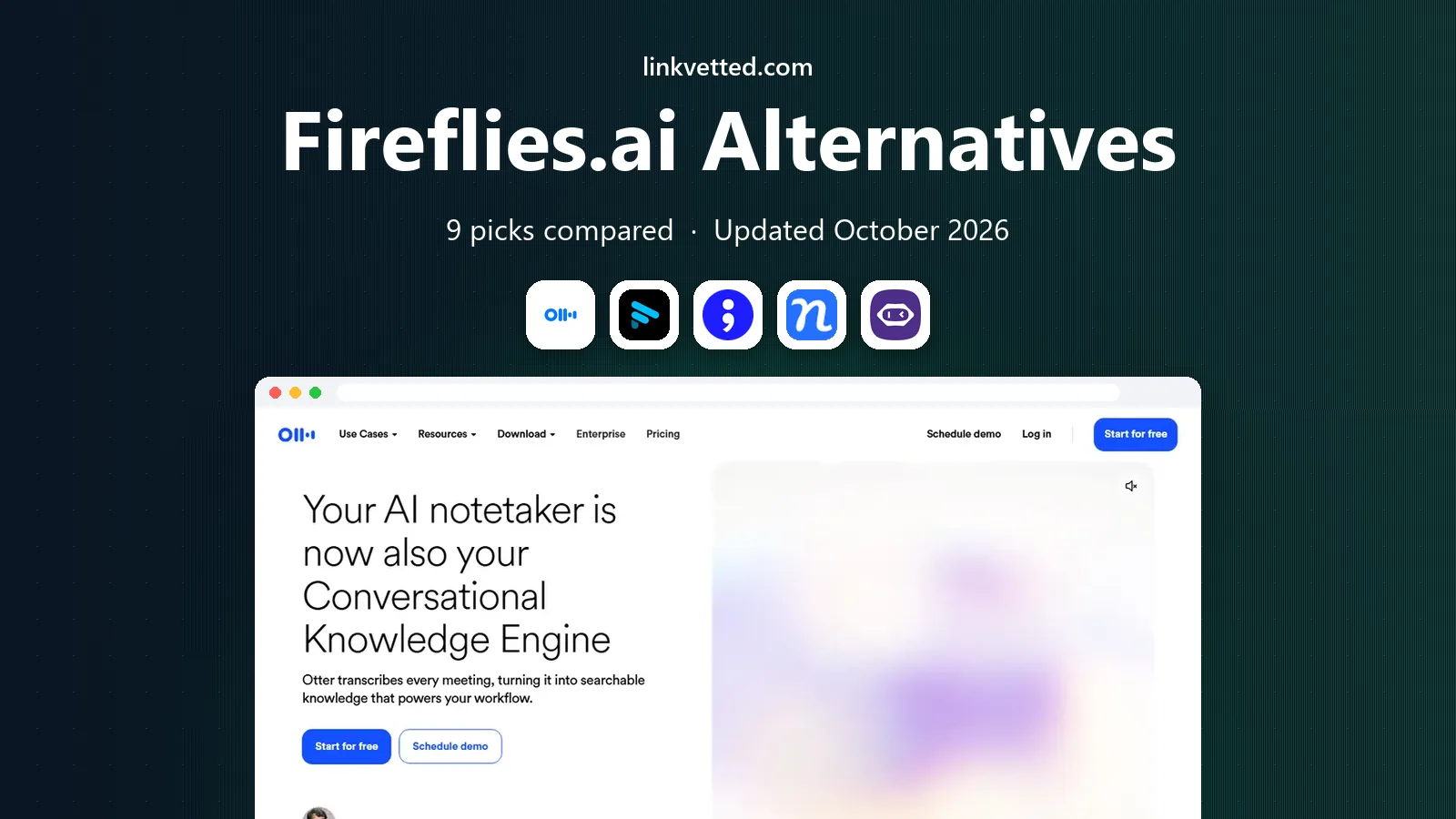
- Editor's choice
 Otter.ai
Live transcription and team notes
Starts at$8.33 per user per monthVisit otter.aiFull review - Great alternative
 Fathom
Free unlimited recording
Starts atFreeVisit fathom.videoFull review - Also consider
 tl;dv
Shareable clips and highlights
Starts atFreeVisit tldv.ioFull review
TL;DR:
- Fathom offers the most generous free plan for individuals, with unlimited recordings and transcription.
- Otter and Notta suit teams that need live transcription and multilingual support at low starting prices.
- tl;dv and Grain suit sales and coaching teams that want shareable clips and conversation insight.
- Avoma, Fellow and Read AI suit larger teams that need CRM sync, coaching or engagement analytics.
Quick comparison
| Tool | Best for | Starts at | Free plan? | |
|---|---|---|---|---|
| Otter.ai | Live transcription and team notes | $8.33 per user per month | Yes | Visit |
| Fathom | Free unlimited recording | Free | Yes | Visit |
| tl;dv | Shareable clips and highlights | Free | Yes | Visit |
 Notta | Multilingual transcription | $8.17 per month | Yes | Visit |
 MeetGeek | Whole-team auto capture | $9.99 per user per month | Yes | Visit |
 Grain | Conversation insight for teams | $15 per user per month | Yes | Visit |
 Avoma | Sales coaching and CRM sync | $19 per user per month | Free trial | Visit |
 Fellow | Regulated teams and compliance | $7 per user per month | Yes | Visit |
 Read AI | Engagement analytics | $15 per user per month | Yes | Visit |
The best Fireflies.ai alternatives
We compared official pricing pages, feature pages and public reviews to find meeting tools that record, transcribe and summarize calls across Zoom, Meet and Teams. Our pick for most individuals is Fathom on its free plan, with Otter as a strong low-cost paid option.

Otter made live transcription mainstream, and it still works well for teams that want to read along during a call. Transcripts include speaker labels, highlights and AI summaries, and the mobile app handles in-person conversations too. The Pro plan is listed at $8.33 per user per month on annual billing, with 1,200 monthly minutes.
Minute caps are the main limit. Heavy meeting loads can burn through the Pro allowance, and the free plan covers only 300 minutes per month with shorter per-conversation limits. Teams that need CRM sync without an enterprise plan should also check that detail before switching from Fireflies.
- Live transcription during meetings
- Speaker labels and summaries
- Solid mobile app
- Free plan caps minutes at 300 per month
- CRM sync sits on higher plans

Fathom is the easiest free alternative to try. The free plan offers unlimited recordings and transcription, with highlights you can mark during a call and share as clips afterward. That makes it ideal for individuals and small teams who mainly need reliable notes without paying.
Paid plans add advanced AI summaries, CRM sync and team features, with the Team plan listed around $15 per user per month on annual billing in recent comparisons. If you record every meeting and want unlimited volume without a subscription, Fathom is hard to beat.
- Unlimited recordings and transcription on free plan
- One-click highlights
- Easy sharing
- Advanced AI features require paid plans
- Team plan is listed around $15 to $16 per user per month
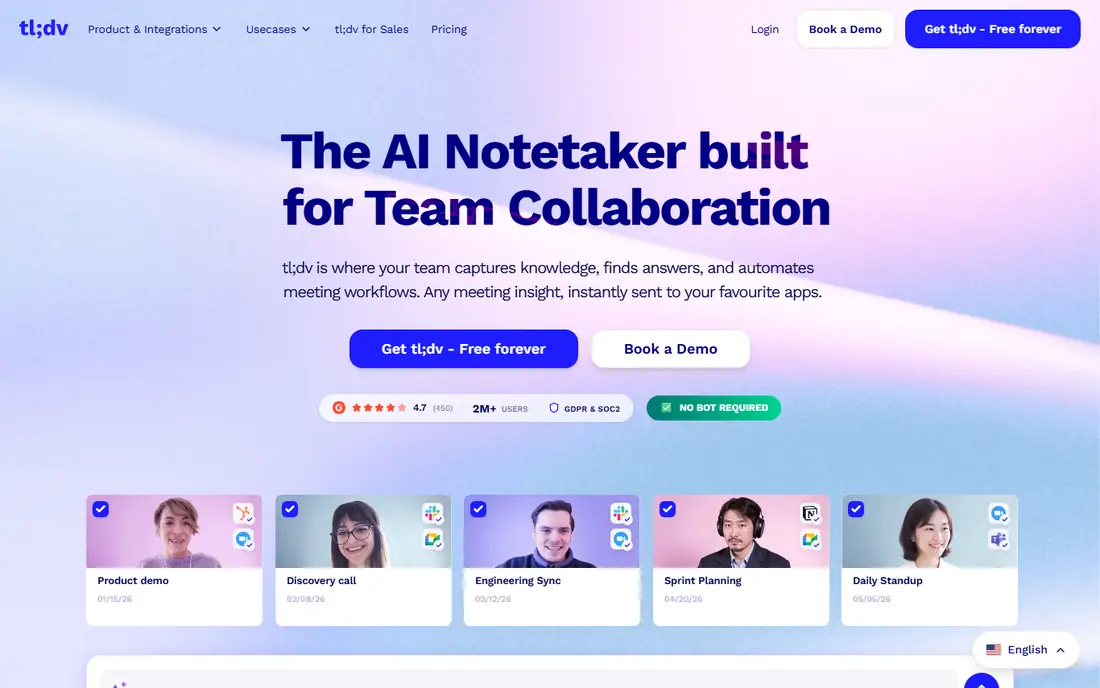
tl;dv, pronounced too long, did not watch, focuses on making meetings reviewable after the fact. Recordings can be clipped into short, shareable moments with timestamps, which helps sales managers coach from real calls and helps teammates catch up without watching a full hour. Search across transcripts makes finding a decision much faster.
The free plan covers recording, while full AI notes sit on the Pro plan at $18 per user per month on annual billing. Teams that want deep CRM automation may prefer Avoma, but for clips and async review, tl;dv is a strong pick.
- Unlimited recording on free plan
- Timestamped clips for coaching
- Good search across meetings
- Full AI notes require Pro at $18 per user per month
- Fewer CRM features than Avoma
Notta suits teams that meet in more than one language. It transcribes in 58 languages, offers translation and handles Zoom, Meet, Teams and Webex recordings. The Pro plan is listed at $8.17 per month on annual billing, which makes it one of the cheapest paid options here.
The free plan covers 120 minutes per month, so regular users will need a paid plan quickly. Notta also focuses more on transcription than on sales coaching, so teams that want deal insight should look at Grain or Avoma instead.
- Transcription in 58 languages
- Translation features
- Low-cost Pro plan
- Free plan caps minutes
- Meeting bot features vary by platform
MeetGeek auto-joins scheduled meetings, records, transcribes and summarizes them, then lets you ask questions across past meetings with AI chat. Support for 100-plus languages and team-wide capture makes it useful for distributed teams that want a shared meeting memory. The paid plan starts at $9.99 per user per month in recent listings.
Volume is the limit on the free plan, which covers 3 hours of transcription per month. That suits light users, but teams recording daily standups and client calls will need a paid tier. For auto capture at a modest price, MeetGeek is a solid Fireflies alternative.
- Auto capture for the whole team
- 100-plus languages
- AI chat across past meetings
- Free plan covers 3 hours per month
- Paid plans needed for higher volume
Grain turns meetings into a searchable library of clips and insights. Teams can highlight key moments, build playlists for onboarding or coaching, and search across conversations for topics, objections or competitor mentions. Paid plans start at $15 per user per month in recent listings, with a free plan for basic use.
Grain is less of a simple notetaker and more of a conversation intelligence tool, so individuals who only need transcripts may find it more than required. For sales, customer success and product teams that learn from calls, that library approach pays off.
- Clip sharing and conversation libraries
- Coaching and insight features
- CRM connections
- Paid plans start higher than Fathom or Notta
- Smaller user base than Otter
Avoma targets revenue teams that want meeting notes to flow into the CRM automatically. It records calls, produces summaries and action items, and syncs notes to Salesforce and HubSpot. Coaching features, including scorecards and snippet libraries, help managers develop reps from real conversations.
The Startup plan is listed at $19 per user per month on annual billing, with a 14-day trial rather than a free plan. That price suits sales teams that value CRM automation, while casual users will find Fathom or Otter cheaper for basic notes.
- Strong CRM automation
- Coaching and deal insight
- Agenda and note templates
- No free plan, only a trial
- Higher starting price than most rivals here
Fellow combines meeting agendas, notes, action items and AI recordings in one workspace. It suits teams that run structured meetings and need follow-through, not just a transcript. The Team plan is listed at $7 per user per month on annual billing, with a free plan offering a small number of AI notes per user.
Fellow is a good fit for regulated teams that need admin controls and retention settings, but pure transcription users may prefer Fathom or Notta. For managers who want agendas, notes and accountability in one place, Fellow offers strong value.
- Low-cost Team plan
- Meeting agendas and action items
- Compliance and admin controls
- Transcription is not the main focus
- Advanced AI features sit on higher plans
Read AI adds a layer most notetakers lack: it measures engagement, sentiment and talk patterns across meetings. That helps managers spot meetings that lose attention, track participation and improve how teams run calls. Summaries, action items and calendar integration cover the basics too, with a paid plan listed at $15 per user per month.
Teams that only need a transcript will find Read AI more than required, and its free plan covers a limited number of meetings per month. For leaders who want to improve meeting quality, not just record it, Read AI offers insight no simple transcriber provides.
- Meeting engagement and sentiment analytics
- Summaries and action items
- Calendar integration
- Analytics focus may exceed simple note needs
- Paid plan needed for full features
How we picked these
We reviewed official pricing and feature pages plus public comparisons from 2026, favoring tools with working Zoom, Meet and Teams support and clear free or trial terms. We mixed free-first tools with sales and compliance tools because Fireflies users leave for different reasons, from price to CRM needs to meeting analytics. Where prices differ by billing cycle, we note annual billing.
How to switch from Fireflies without losing notes
Export your Fireflies transcripts and summaries before canceling, since meeting history does not move automatically between tools. Check whether the new tool can import past recordings or whether you need to keep Fireflies read access for a month during the move.
Check consent and privacy first
Tell attendees that calls are recorded, and check your company policy on bots joining meetings. Some clients prefer bot-free recording, in which case tools with local capture options deserve a closer look, and some tools offer HIPAA-aligned settings on business plans.
Test with one team
Run the new tool with one team for two weeks, comparing summary quality, clip sharing and CRM sync against Fireflies. If summaries miss action items or the bot annoys clients, you will learn that in week one, not after a company-wide rollout.
FAQ
What is the best alternative to Fireflies.ai for free?
Fathom is the strongest free alternative, with unlimited recordings and transcription on its free plan. tl;dv also offers unlimited recording free, while Otter and Notta offer useful but minute-capped free plans.
What are the best alternatives to Fireflies.ai for sales teams?
Avoma, Grain and tl;dv suit sales teams best. Avoma adds CRM automation and coaching, Grain builds a searchable clip library, and tl;dv makes sharing call moments simple for coaching and handoffs.
Does an alternative to Fireflies.ai work with Zoom, Meet and Teams?
Yes, all tools on this list support Zoom, Google Meet and Microsoft Teams in their main plans, with some also supporting Webex or Slack Huddles. Check the specific plan, since bot behavior and in-person capture vary by tool.
How much do Fireflies.ai alternatives cost?
Free plans cover light use on Fathom, tl;dv, Otter, Notta, MeetGeek, Grain, Fellow and Read AI. Paid plans commonly start at $7 to $19 per user per month on annual billing, depending on features and volume.
Can I use a meeting notetaker without a bot joining the call?
Some tools offer bot-free recording that captures system audio directly, while most bot-based tools join as a visible participant. If client-facing calls make a bot awkward, check the capture method on the vendor feature page before buying.