Chatbot Software for Multilingual Support in 2026: The 5 Best Options Side by Side
Shortlisting the best chatbot software for multilingual support? 5 products compared on cost, free access and ideal buyer. Short verdicts, no fluff. No filler.
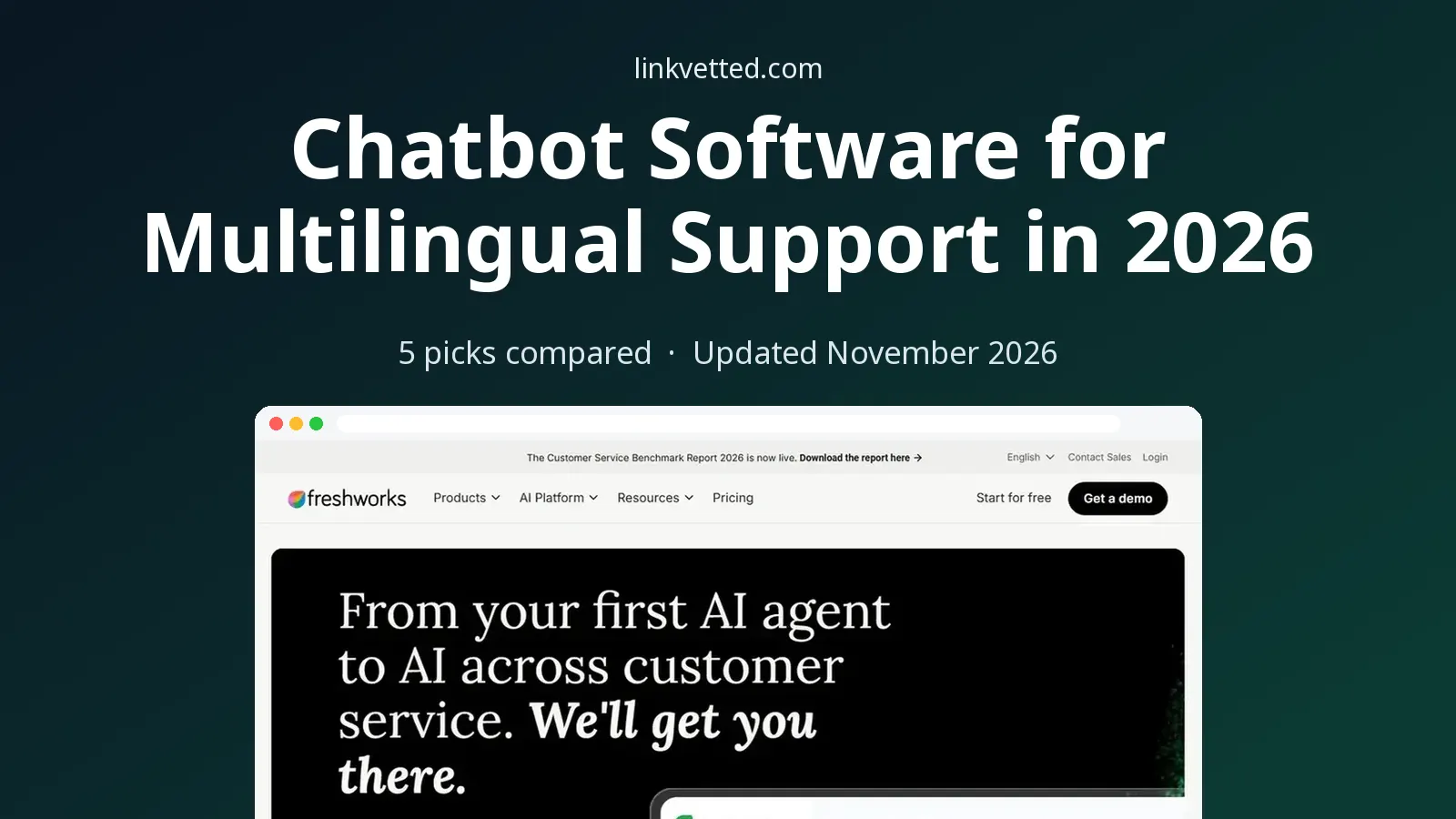
- Editor's choice
 Kustomer
Unified conversations in a support CRM
Starts atSee websiteVisit kustomer.comFull review - Great alternative
 Crisp
Multichannel messaging in one hub
Starts at$45 a month per workspaceVisit crisp.chatFull review - Also consider
 LiveChat
Live chat with an AI agent
Starts at$19 per user per monthVisit livechat.comFull review
Direct answer
Kustomer is the first pick on this list for unified conversations in a support CRM. Listed starting prices: Crisp from $45 a month per workspace, LiveChat from $19 per user per month and Zendesk from $19 agent/month premium yearly. Crisp is the stronger choice for multichannel messaging in one hub, while LiveChat suits live chat with an AI agent. The full list of 5 tools follows, with prices and free plan facts.
TL;DR:
- Kustomer is the opening pick, best for unified conversations in a support CRM.
- Zendesk is the one to check for end-to-end AI issue resolution.
- None of the 5 tools, from Kustomer to Zendesk, has a free plan, so budget for a subscription or use a trial.
- A fair warning about Crisp: evolving toolset may mean changing features.
- The cheapest monthly starting price in the list is $19 per user per month, offered by LiveChat.
Last checked November 2026. Prices and plan details were read from the vendors' own pages in November 2026; vendors change plans often, so confirm the current price on the vendor site before you buy.
Quick comparison
| Tool | Best for | Starts at | Free plan? | |
|---|---|---|---|---|
| Kustomer | Unified conversations in a support CRM | See website | Not stated | Visit |
| Crisp | Multichannel messaging in one hub | $45 a month per workspace | Free trial | Visit |
| LiveChat | Live chat with an AI agent | $19 per user per month | Free trial | Visit |
 Freshdesk | Omnichannel ticketing with automatic workflows | See website | Not stated | Visit |
 Zendesk | End-to-end AI issue resolution | $19 agent/month premium yearly | Free trial | Visit |
Tool-by-tool breakdown
If you are comparing chatbot software for multilingual support, this page covers 5 tools in one place: what each is best for, what it costs to start, whether it has a free plan, and the main limit to know about.
In short, Kustomer is for unified conversations in a support CRM. For multilingual support, a unified conversation record helps agents see prior context regardless of language or channel. On top of that, the CRM-centered approach can need planning before launch, and chatbot specifics should be confirmed with the vendor.
Trade-offs to know: Chatbot specifics need vendor confirmation.
Compare against lighter chat tools if speed of setup matters most. More specifically, teams that only need a straightforward website widget may find it more than necessary. Pricing for Kustomer is not stated here, so ask the vendor for current figures. Free options: Not stated.
- Automates workflows
- Unifies conversations in one CRM
- CRM-centric setup may need planning
Crisp serves multichannel messaging in one hub. Its rapidly evolving toolset makes it a natural candidate for multilingual teams that want one inbox across multiple messaging channels instead of separate tools per channel.
The main drawbacks: Depth varies by channel.
Crisp starts at: $45 per month per workspace. Free plan details: Free trial.
- AI-powered support positioning
- All-in-one multichannel messaging platform
- Evolving toolset may mean changing features
LiveChat works best for live chat with an AI agent. LiveChat, branded as Text, is live chat software for your website with an AI agent that answers around the clock. It also lets teams qualify leads and track sales from chats.
Drawbacks to consider: Support depth relies on integrations.
Language coverage for the AI agent should be confirmed on the vendor site. As for the details, if you need a full ticketing suite, a helpdesk product may be the better choice. Price to start with LiveChat: $19 per user per month. Trial and free access: Free trial.
- AI agent answers around the clock
- Live chat software with an AI agent
- Multilingual coverage needs verification
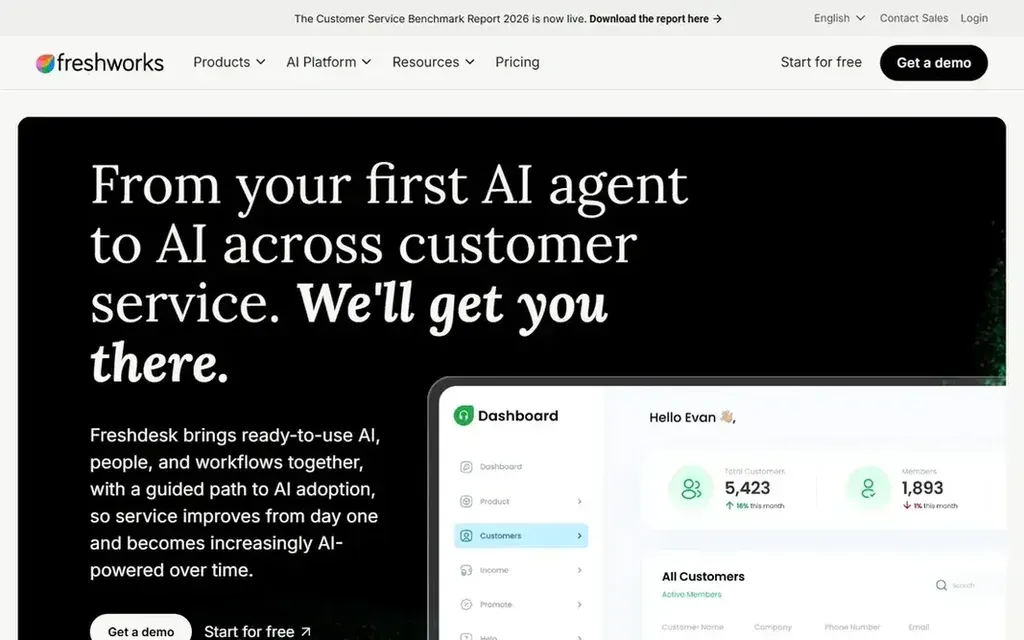
Freshdesk is aimed squarely at omnichannel ticketing with automatic workflows. Verify supported languages and automation choices straight with the vendor. For multilingual support, the omnichannel ticketing core helps teams keep conversations from different channels and languages organized and routed to the right agents.
The main drawbacks: Feature set may exceed small team needs.
On top of that, teams wanting a chat-first tool with minimal ticketing overhead may prefer a dedicated messaging product. As for the details, the chatbot experience relies on how workflows are configured, so results vary with setup effort. More specifically, Freshdesk is described as an AI-powered customer service option with omnichannel ticketing and automatic workflows, pitched at boosting agent productivity and delivering smooth customer experiences. Check the vendor site for Freshdesk pricing; none is listed in this comparison. Free plan details: Not stated.
- Omnichannel ticketing in one place
- Automatic workflows boost agent productivity
- Chatbot depth relies on configuration
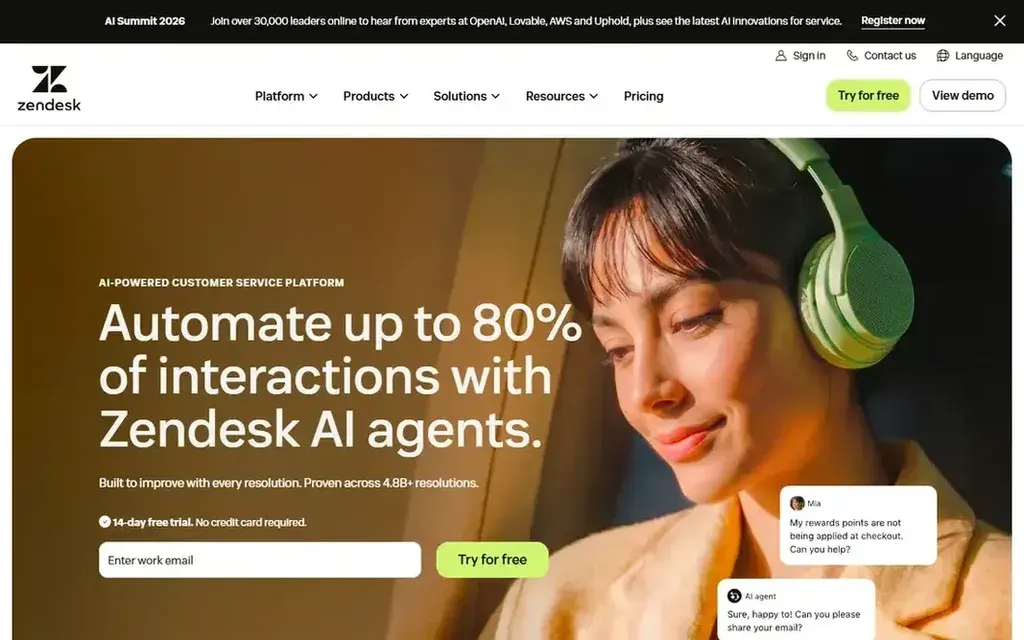
Zendesk is aimed squarely at end-to-end AI issue resolution. Zendesk presents itself as an AI-powered customer service system built to move beyond deflection, with AI agents that resolve issues end to end. It emphasizes improving service quality, speed and scale.
From a buyer's view, confirm language capabilities and channel coverage on the vendor site before committing. If you only need entry-level website chat, a lighter messaging tool may be the better fit. Price to start with Zendesk: $19 agent/month premium yearly. Free options: Free trial.
Where Zendesk stands out: Focus on service quality.
Watch-outs: Full setup may need configuration effort.
- AI agents resolve issues beyond straightforward deflection
- Speed and scale
- Product breadth can feel complicated for small teams
How the list was put together
LinkVetted looked at what each vendor publishes: pricing, plan limits, feature coverage for chatbot software for multilingual support and stated drawbacks. No hands-on testing is claimed. Figures are shown as the vendors publish them. Billing terms, seat minimums and add-ons can change the real cost. The ranking is editorial: typical fit first, then clear pricing, then free access. If your needs are unusual, read the profiles rather than relying on position.
What to check before you buy
- Ask Kustomer and Freshdesk for a written quote, since no starting price is shown.
- Run a trial of Crisp, LiveChat and Zendesk with real work before paying for a year; your own workflow is the best test.
- Read the limits listed for Kustomer first: CRM-centric setup may need planning.
- Check whether the features you need in Zendesk sit on the entry plan or only on higher tiers.
- Check how data leaves Freshdesk: formats, limits and whether exports are available on every plan.
FAQ
Do these tools publish their prices?
Not all of them. Kustomer and Freshdesk publish no starting price, so expect a quote request for those. The rest, Crisp included, show a starting price, though seats and billing terms still change the final cost.
Can I try these tools before paying?
Often, yes. Crisp, LiveChat and Zendesk offer a free trial. Use your own data and a real task during the test, and check what the free tier or trial limits before you rely on it.
What is the cheapest option for chatbot software for multilingual support in this list?
On published monthly entry prices, LiveChat is the lowest here at $19 per user per month. Entry price is only part of the cost, because seats, add-ons and billing terms can change the total. Each of the 5 options in this chatbot software for multilingual support guide has its own card above with the price, free plan and limits.
What should multilingual chatbot software bundle?
Look for an AI agent that can answer in the languages your customers use, clear handoff to human agents. A unified inbox so context is not lost between languages. Beyond that, channel coverage and translation behavior matter as much as the language list itself.
How should I evaluate a vendor before buying?
Ask the vendor to demonstrate real conversations in your target languages and confirm which channels are supported. Check how translation and routing are configured, then verify current details on the vendor site, since capabilities change over time.
Does any tool for chatbot software for multilingual support here have a free plan?
A permanent free plan is not offered by Kustomer, Zendesk or the other tools here. Crisp, LiveChat, Zendesk offer a trial. Plan a short evaluation period instead.
Sources
- https://www.kustomer.com
- https://crisp.chat
- https://www.livechat.com
- https://www.freshworks.com/freshdesk
- https://www.zendesk.com