Best AI Tools for Multilingual Customer Service in 2026: 9 Tools Compared
Compare the best ai tools for multilingual customer service in 2026, covering language detection, translation quality, helpdesk links, and human handoff.
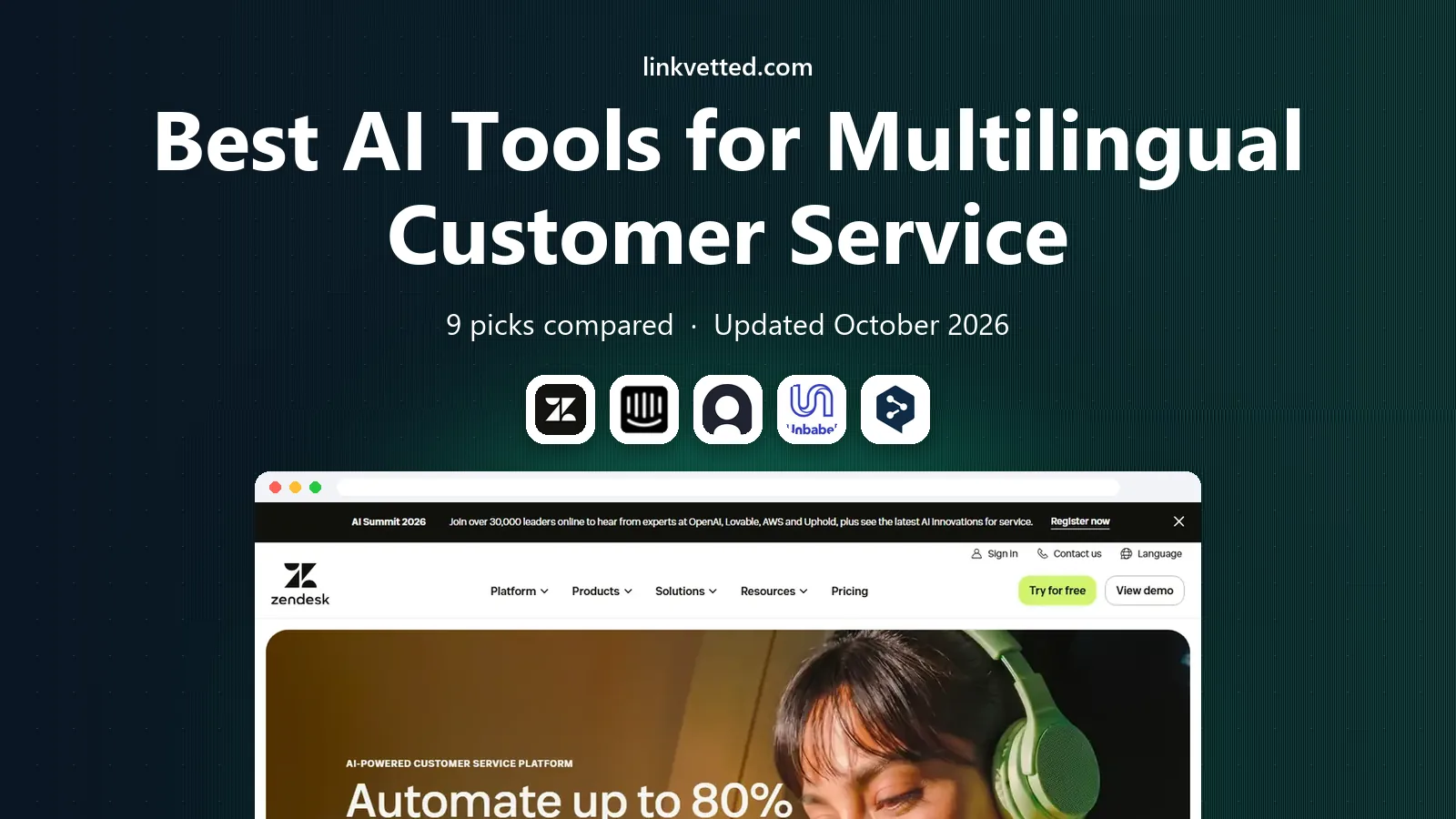
- Editor's choice
 Zendesk
 teams and multilingual tickets
Starts atSee websiteVisit zendesk.comFull review - Great alternative
 Intercom Fin
AI answers across languages
Starts atSee websiteVisit intercom.comFull review - Also consider
 Ada
No-code multilingual agents
Starts atSee websiteVisit ada.cxFull review
TL;DR:
- The best multilingual tools answer in the customer language, not just translate an English answer after the fact.
- Native-language understanding, language detection, and a clean human handoff matter more than a headline count of languages.
- Helpdesk-native tools suit teams that already use Zendesk, Freshdesk, HubSpot, or Intercom, while translation layers suit mixed stacks.
- Test accuracy on your top questions in each language, since a tool that shines in Spanish may struggle with idioms in another language.
Quick comparison
| Tool | Best for | Starts at | Free plan? | |
|---|---|---|---|---|
| Zendesk | Zendesk teams and multilingual tickets | See website | Free trial | Visit |
| Intercom Fin | AI answers across languages | See website | Free trial | Visit |
| Ada | No-code multilingual agents | See website | Free trial | Visit |
 Unbabel | Human-checked support translation | See website | No | Visit |
 DeepL | High-quality document and message translation | See website | Yes | Visit |
 eesel AI | Helpdesk AI in many languages | See website | Free trial | Visit |
 Zowie | Enterprise multilingual automation | See website | No | Visit |
 Helpshift | In-app multilingual support | See website | Free trial | Visit |
 Language I/O | Translation inside existing helpdesks | See website | No | Visit |
The best ai tools for multilingual customer service
Multilingual customer service is not just a translation button. Customers want answers in their own language, with correct product terms, local tone, and a clear path to a person when the issue is complex. We compared language coverage, detection, translation quality, helpdesk links, and handoff tools to build this list.

Zendesk suits teams that already manage tickets, macros, and help articles in Zendesk. Dynamic content lets you show the right language version of a help article, while AI detection can route tickets by language and suggest replies. Translation integrations help agents read and reply to tickets in languages they do not speak, which keeps one queue for global support rather than separate teams for each market. That structure helps reporting too, since managers can see volume and satisfaction by language.
The work is in content upkeep. Each language version needs review, and product terms must stay consistent across translations. Teams that translate only their top articles and keep a glossary of product terms tend to get better results. For Zendesk shops with global customers, the native multilingual tools are a strong, practical base.
- Multilingual help centre and dynamic content
- AI language detection
- Translation links with Google Translate and DeepL
- Full multilingual setup needs planning
- AI features sit in higher plans
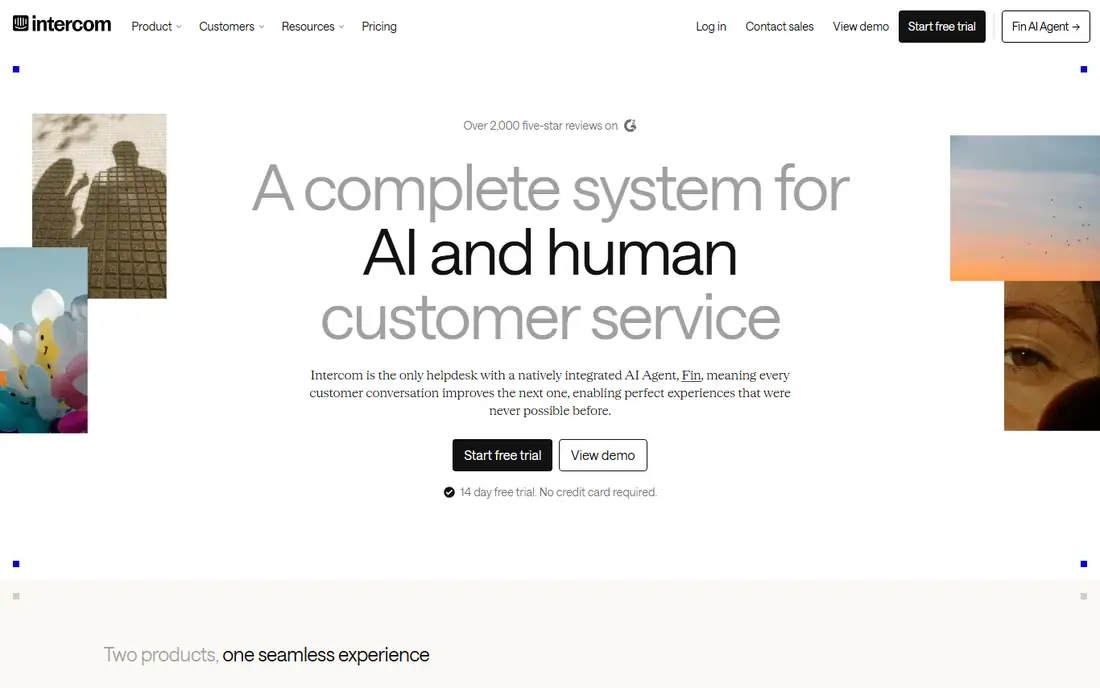
Fin can answer customers in their language by drawing on your help centre and docs, which helps teams that cannot staff every language around the clock. Language detection means a customer does not need to choose a language first, and the handoff passes the conversation history to a human agent. That continuity matters when a customer switches language mid-chat or adds detail that changes the issue.
As with other AI agents, weak source content leads to weak answers. If your help articles exist only in English, Fin may still translate answers, but local terms and examples may miss the mark. Teams that translate high-traffic articles and test Fin on real tickets in each language get the most value. For digital-first teams, Fin is a fast way to add multilingual AI coverage.
- Answers from your help content in many languages
- Chat, email, and messaging
- Handoff with context
- Quality depends on help content in each language
- Per-resolution costs add up
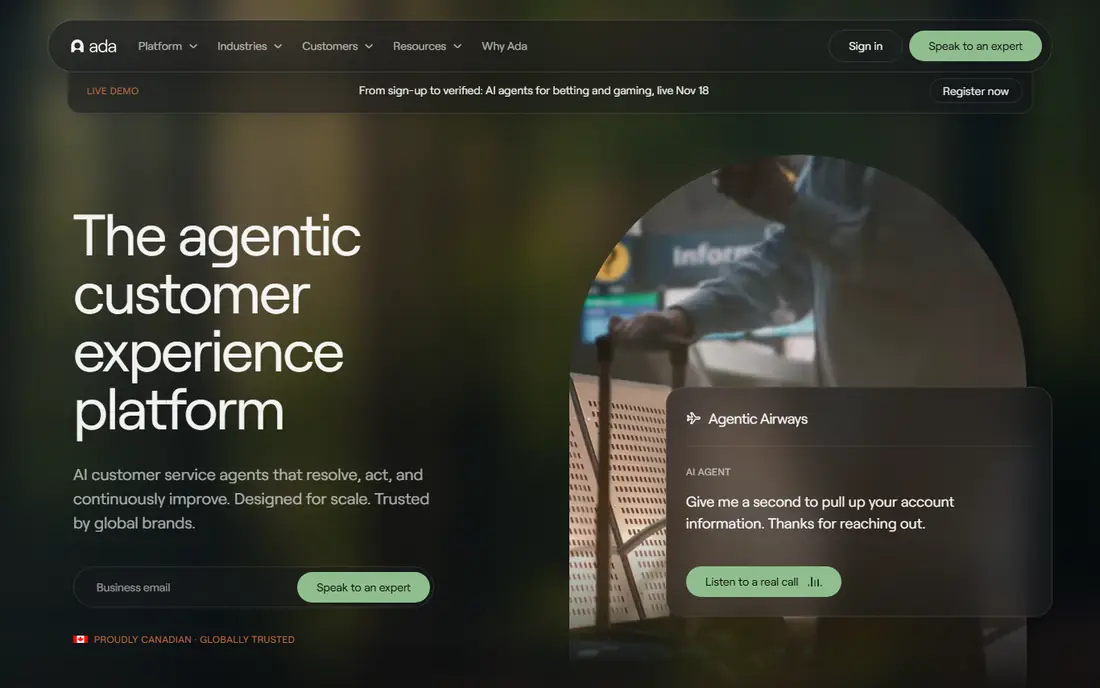
Ada is built for teams that want to design multilingual agents without code. You can build flows once, localise prompts and answers, and serve customers in many languages from one system. That suits global e-commerce, travel, and SaaS firms where the same questions repeat in different markets. Ada also offers guardrails for handoff, so low-confidence answers can go to a person rather than risk a wrong reply in a language your team cannot easily check.
The limit is cost transparency and action depth for complex back-office tasks. Some actions still need integration work, and enterprise pricing is quoted. For mid-market and large teams that need a no-code multilingual agent with strong language coverage, Ada is a credible choice alongside Zendesk and Fin.
- No-code agent building
- Multilingual flows
- Strong for high-volume digital support
- Quote-based enterprise pricing
- Deeper system actions need integration work
Unbabel takes a different path: it translates support conversations between customers and agents, with AI speed plus human quality checks where needed. That model suits teams with human agents who speak one or two languages but serve customers in many more. Integrations with common helpdesks keep translation inside the ticket, so agents do not copy text into a separate tool. Reporting helps managers see translation volume, quality, and turnaround by language.
Unbabel is not a full AI agent that resolves tickets on its own, so pair it with a helpdesk or agent tool if you want automation as well as translation. Cost is also quote-based, which makes direct price comparison harder. For teams that want human-checked accuracy for sensitive support messages, Unbabel remains a leading translation layer.
- AI plus human translation for support
- Helpdesk integrations
- Quality checks and reporting
- Not a standalone AI agent
- Pricing is quote-based for most teams
DeepL is widely used for fluent, natural translation, especially for European languages such as German, French, Spanish, Dutch, and Polish. Support teams use it to translate help articles, macros, and ticket replies, and the formality control helps keep tone right for business customers. A free tier covers light use, while paid plans add API access, glossary control, and higher volume. That glossary feature matters for product terms that must stay consistent.
DeepL alone does not run a helpdesk or an AI agent, so treat it as a translation engine inside a larger support stack. Language coverage is also narrower than some rivals, so check your needed languages first. For teams that need high-quality translation of support content, DeepL is a strong building block.
- Fluent translation for major European languages
- Formality control
- API and app options
- Language range is narrower than Google Translate
- Support use needs integration
eesel AI sits inside your existing helpdesk and learns from past tickets as well as help articles, which can improve answers in languages where help articles are thin. Auto-detection and replies in the customer language help small teams serve global customers without hiring for every language. Pricing based on credits rather than per-resolution fees can also make costs easier to forecast for teams with steady ticket volume.
The trade-off is vendor size and integration depth. eesel works best on supported helpdesks, so check your stack before a trial. Test it on your hardest tickets in each language, since past-ticket learning helps only if past tickets were well written. For small and mid-size teams that want multilingual AI without replacing their helpdesk, eesel is worth testing.
- Learns from past tickets
- 80 plus languages claimed
- Auto-detection
- No per-resolution billing on base plans
- Smaller vendor than Zendesk or Intercom
- Action depth varies by helpdesk
Zowie targets enterprises that serve customers in many countries and need automation that goes past translation. Its agents can handle multi-step tasks, route by market, and apply per-market rules, which suits brands with different policies, products, or compliance needs by country. That governance layer matters when the same question has a different correct answer in different markets.
Zowie is not a small-team tool. Pricing is custom, and rollout needs data, testing, and ongoing tuning. Smaller firms will get faster value from Fin, eesel, or a helpdesk-native tool. For large firms with 10 or more languages and complex actions, Zowie belongs on the enterprise shortlist.
- Multilingual automation across many markets
- Action workflows
- Enterprise governance
- Enterprise pricing and implementation
- Overkill for small teams
Helpshift is built for apps and games, where support happens inside the product rather than on a website. Automated language detection and two-way translation across many languages let players and app users get help without leaving the app. Smart intent recognition helps route questions to the right answer or agent, which matters for high-volume app support with repeat questions.
Firms that mainly serve customers by email or web chat may find a general helpdesk tool more flexible. For mobile apps, games, and in-product support, Helpshift offers a focused multilingual setup that general tools do not match as closely.
- In-app and in-game support
- Automated language detection
- Real-time two-way translation
- Best for app-based firms
- Web and email use is less central
Language I/O adds translation to the helpdesk you already use, so agents can read and reply in the customer language without switching tools. Terminology control helps keep product names and support phrases consistent, which is important for technical products. Channel coverage across chat, email, and tickets keeps the workflow in one place for agents.
Like Unbabel, Language I/O is a translation layer rather than a full AI resolution agent, so pair it with an agent tool if you want automation. Pricing is quote-based, so request a quote based on your ticket volume and language mix. For teams that want to keep their current helpdesk and add reliable multilingual translation, Language I/O is a practical option.
- Translation layer for major helpdesks
- Consistent terminology
- Supports many channels
- Not a standalone agent
- Pricing is quote-based
How we picked these
We compared official product pages, language coverage claims, helpdesk integrations, and public documentation, plus third-party comparisons of multilingual support tools in 2026. We kept tools that either answer in multiple languages or translate support conversations inside a helpdesk, not general translation apps with no support use. We favoured tools with detection, handoff, and terminology control. We did not claim hands-on testing, and language quality changes with model updates, so test with your own tickets.
What to check before you choose a multilingual tool
Start with your language mix. List the top five languages by ticket volume, plus any language where mistakes carry legal or safety risk. Then list your top twenty questions in each language, and test each shortlisted tool on those exact questions. A tool that handles a simple password reset well may still fail on a billing dispute with local tax terms.
Detection, terminology, and handoff
Check whether detection is automatic, how the tool handles mixed-language messages, and whether it keeps product terms fixed across languages. A glossary or terminology list prevents a product name from being translated into a different product. Check handoff too: when the agent is unsure, does it escalate with the full history, or does the customer start again in another language?
Content, privacy, and measurement
Translate and review your highest-traffic help articles first, rather than trying to translate everything at once. Check where customer messages are processed, how long they are stored, and whether translation data is used for training. Measure resolution rate, reopen rate, and satisfaction by language, not just in total, so a weak language does not hide inside a good average.
FAQ
What is the best AI tool for multilingual customer service?
It depends on your stack. Zendesk, Freshdesk, HubSpot, and Intercom users often start with their native agent, while mixed-stack teams may choose Fin, Ada, or eesel AI. Teams that need human-checked translation can add Unbabel or Language I/O to their current helpdesk.
Can AI answer customers in a language my help centre does not cover?
Yes, many tools can translate answers on the fly, even when help articles exist only in English. That helps for low-volume languages, but accuracy is better when top articles are translated and reviewed. For high-volume or sensitive topics, translate the source content first.
How many languages should a support tool cover?
Cover the languages your customers actually use, not the largest headline count. A tool that covers 80 languages poorly in your top five is worse than a tool that covers your top five well. Check detection, terminology, and handoff for each language you need.
Is machine translation safe for billing and account questions?
Machine translation can help, but billing, refunds, and account changes need extra care. Use confidence thresholds, human review for high-risk cases, and clear escalation rules. Keep product terms, amounts, and dates in a fixed format that translation cannot change by mistake.
Do multilingual tools cost more per language?
Most modern tools do not charge per language, and instead charge per seat, per resolution, per credit, or by custom quote. Language coverage is usually included, while cost rises with volume, channels, and action depth. Confirm that in writing before you sign.