Chatbot Software for FAQ Automation in 2026: The 6 Best Options Side by Side
Best chatbot software for FAQ automation: 6 contenders ranked by fit, with entry costs and free tiers. Short, factual notes on every option. Decide faster.
- Editor's choiceChatbot.com
Quick website-trained FAQ bots
Starts at$19 per user a monthVisit chatbot.comFull review - Great alternative
 HubSpot Service Hub
FAQ automation inside a CRM suite
Starts atSee websiteVisit hubspot.comFull review - Also consider
 Drift
Conversational marketing and lead capture
Starts atSee websiteVisit drift.comFull review
Direct answer
Our first pick is Chatbot.com, best for quick website-trained FAQ bots. Listed starting prices: Chatbot.com from $19 per user a month, Zendesk Answer Bot from $19 agent/month premium yearly and LiveChat from $19 per user per month. HubSpot Service Hub fits FAQ automation inside a CRM suite; Drift fits conversational marketing and lead capture. All 6 tools are compared below on price, free plan and limits.
TL;DR:
- Chatbot.com takes the first slot, best suited to quick website-trained FAQ bots.
- A fair warning about Zendesk Answer Bot: best value inside the Zendesk ecosystem.
- Just one of the 6 tools, Tidio, has a free plan.
- For the cheapest start, look at Chatbot.com: $19 per user per month.
Last checked November 2026. Prices and plan details were read from the vendors' own pages in November 2026; vendors change plans often, so confirm the current price on the vendor site before you buy.
Quick comparison
| Tool | Best for | Starts at | Free plan? | |
|---|---|---|---|---|
| Chatbot.com | Quick website-trained FAQ bots | $19 per user a month | Free trial | Visit |
| HubSpot Service Hub | FAQ automation inside a CRM suite | See website | Not stated | Visit |
| Drift | Conversational marketing and lead capture | See website | Not stated | Visit |
| Zendesk Answer Bot | End-to-end AI issue resolution | $19 agent/month premium yearly | Free trial | Visit |
 LiveChat | Live chat with a 24/7 AI agent | $19 per user per month | Free trial | Visit |
 Tidio | Chat automation tied to revenue | $24.17 a month | Yes | Visit |
Chatbot Software for FAQ Automation compared in detail
Choosing chatbot software for FAQ automation usually comes down to price, fit and limits. This LinkVetted guide sets 6 tools side by side on those three points, with the facts kept short and checkable.
Chatbot.com
Best for: Quick website-trained FAQ bots
Chatbot.com is a good fit for quick website-trained FAQ bots. As a specialized bot tool, it does less on the ticketing and workforce side than full service suites.
The main drawbacks: Bot quality depends on source content.
If you need deep agent workflows or a unified CRM, pair it with a help desk or choose a broader system. In practice, chatbot.com is an AI chatbot that answers questions, suggests products, and supports sales around the clock, and the vendor says it can be trained on your website and go live in minutes. Chatbot.com cost at the entry level: $19 per user per month. On free options: Free trial.
- Trains on your website content
- Aims for fast go-live
- Narrower than a full service suite
Choose HubSpot Service Hub for FAQ automation inside a CRM suite. Teams not using HubSpot elsewhere may find the surrounding product more than they need for a single FAQ bot.
Trade-offs to know: Best value within the HubSpot ecosystem.
For a standalone answer bot with minimal setup, compare the dedicated chatbot choices above. This comparison lists no price for HubSpot Service Hub; ask the vendor. Free access: Not stated.
- Part of a connected CRM system
- Single system for customer context
- Service depth varies by configuration
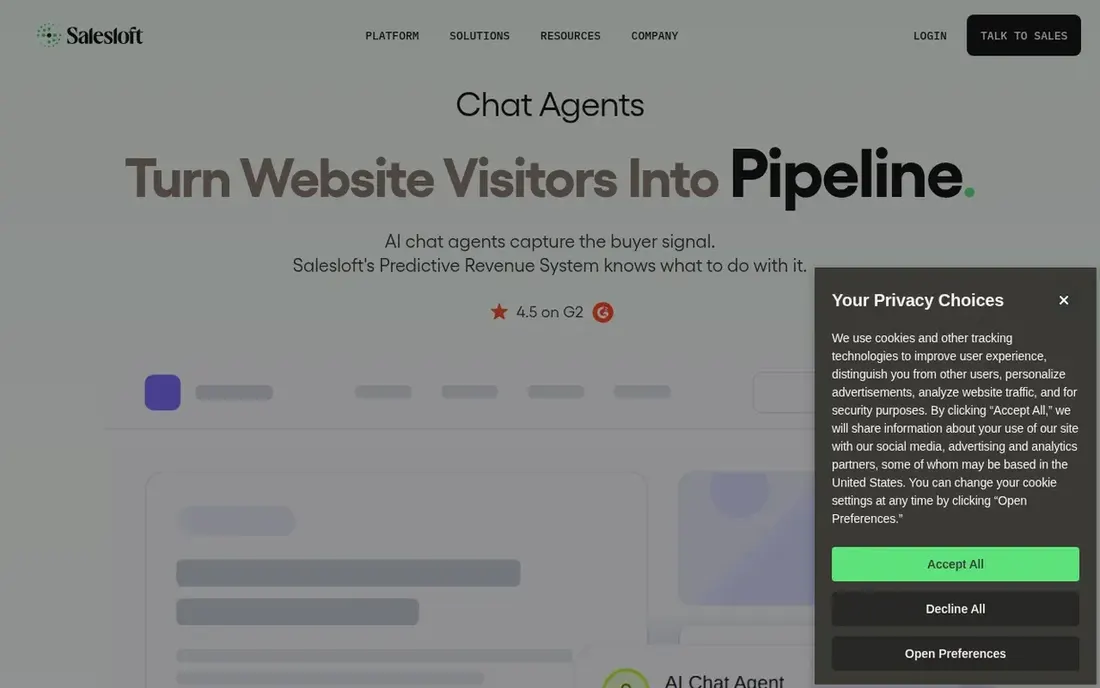
Drift works best for conversational marketing and lead capture. Drift is widely known as a conversational marketing product, using chat to engage website visitors and route them toward sales conversations.
For everyday use, if your central goal is deflecting repetitive support tickets, evaluate a support-first system instead. This comparison lists no price for Drift; ask the vendor. On free options: Not stated.
What to check first: FAQ automation is not the core focus.
- Supports website engagement
- Chat tied to lead qualification
- Less suited to pure support desks
Zendesk Answer Bot
Best for: End-to-end AI issue resolution
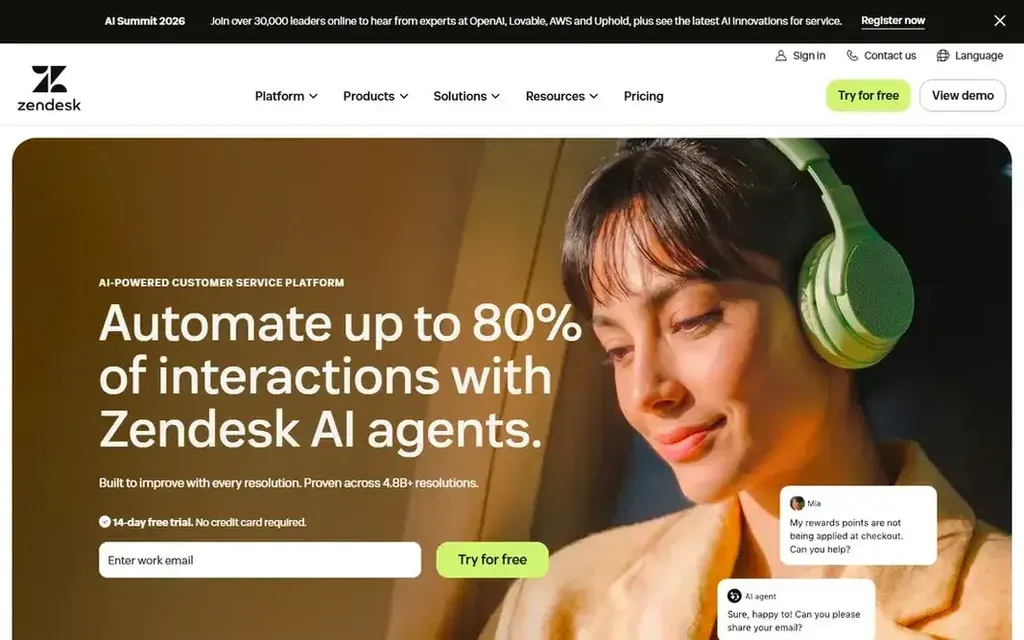
Where Zendesk Answer Bot fits: end-to-end AI issue resolution. It suits support teams already working in a help desk environment who want automatic answers to flow into tickets and agent workflows instead of sit in a separate widget.
As for the details, since it is tied to the wider Zendesk system, teams outside that ecosystem may find the surrounding configuration heavier than a standalone bot. On cost, Zendesk Answer Bot starts like this: $19 agent/month premium yearly. Trial and free access: Free trial.
Where it is weaker: Setup may need support configuration.
- AI agents resolve issues end-to-end
- Part of a wide support product
- Best value inside the Zendesk ecosystem
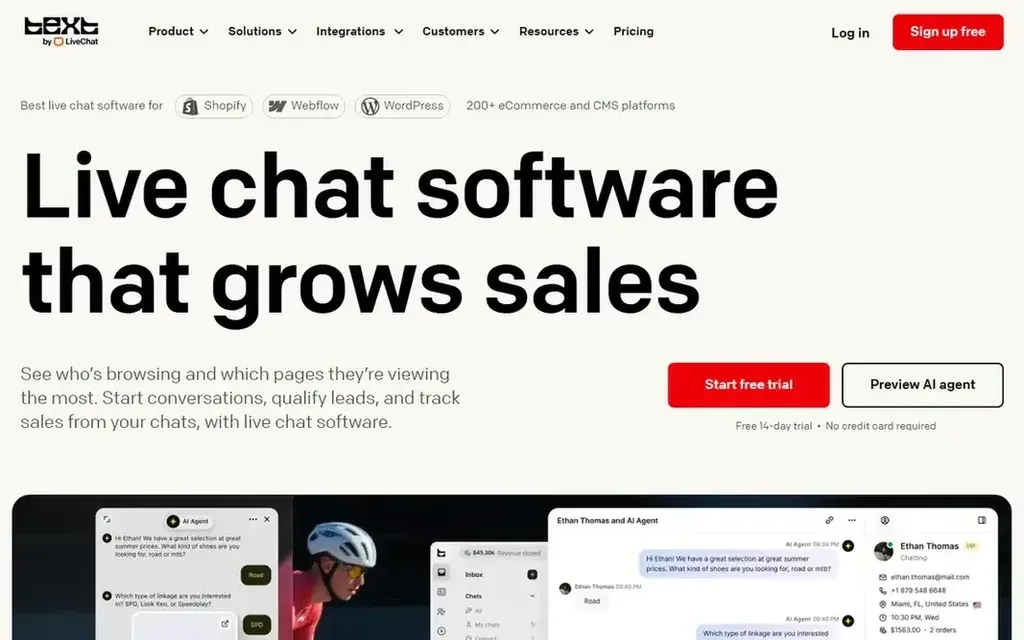
LiveChat is built with live chat with a 24/7 AI agent in mind. LiveChat is live chat software with an AI Agent that answers questions around the clock, based on the vendor, whereas also qualifying leads and tracking sales from chats.
In daily use, if your FAQ volume is largely self-service web content, a bot-first product could be a better fit. In daily use, the product is built around chat conversations, so organizations wanting automation across email and other channels may need extra tools. What you pay to start with LiveChat: $19 per user per month. Trial and free access: Free trial.
Where it is weaker: AI features sit alongside human chat.
- AI Agent answers around the clock
- Established live chat foundation
- FAQ depth relies on configuration
Choose Tidio for chat automation tied to revenue. The revenue-first positioning is less relevant for internal or purely informational support.
What to check first: Revenue framing may not suit every team.
From a buyer's view, Tidio presents AI customer service that turns chats into revenue, with its Lyro AI resolving questions immediately and the rest of the conversation routed toward sales, leads, and bookings the vendor says you can attribute. Also, teams with complex multi-channel requirements may outgrow a chat-centric tool and should compare broader service products. The starting price for Tidio: $24.17 per month. Tidio has a free plan.
Best features of Tidio: Lyro AI resolves questions immediately.
- Focus on leads and bookings
- Links conversations to sales outcomes
- Advanced needs may require more setup
Our selection method
What to check before you buy
- Ask HubSpot Service Hub and Drift for a written quote, since no starting price is shown.
- Test the free plan from Tidio against your real workload before relying on it.
- Take the trial from Chatbot.com, Zendesk Answer Bot and LiveChat and push a live task through it before you pay.
- Read the limits listed for Chatbot.com first: narrower than a full service suite.
- Add up seats, add-ons and usage charges for HubSpot Service Hub before comparing it with cheaper entries.
- Map your must-have features to a specific Drift plan before you compare prices.
FAQ
Which options for chatbot software for FAQ automation have a free plan?
Tidio is the only tool in this list with a free plan. Free plans usually cap users, projects or features, so check the limits on the vendor page. Several others offer a trial instead. Each of the 6 options in this chatbot software for FAQ automation guide has its own card above with the price, free plan and limits.
How are the tools for chatbot software for FAQ automation ordered?
The order follows typical fit for chatbot software for FAQ automation, with Chatbot.com first and Tidio last, then price clarity and free access. It is editorial judgement, not a score, so another team could rank the tools differently.
How do these tools learn my FAQ content?
Most train on website pages, help center articles, or manually added question and answer pairs. The quality of your source content strongly affects answer accuracy, so keep articles current and specific.
When should a bot hand a conversation to a human?
Handoff should trigger when confidence is low, the question is sensitive, or the customer asks for a person. Confirm the escalation rules and routing choices before you buy.
What should FAQ automation software do first?
It should answer typical questions accurately from your own content and hand off anything uncertain to a person. Look for clear reporting on resolved compared with escalated questions so you can boost the knowledge base over time.
Is Chatbot.com the right pick for everyone comparing chatbot software for FAQ automation?
No single tool suits every team. Chatbot.com comes first because it fits fast website-trained FAQ bots, while HubSpot Service Hub suits FAQ automation inside a CRM suite and Drift suits conversational marketing and lead capture. Match the tool to your own size, budget and workflow before deciding.
Sources
- https://www.chatbot.com
- https://www.hubspot.com
- https://www.drift.com
- https://www.zendesk.com
- https://www.livechat.com
- https://www.tidio.com