Best AI Chatbot Apps in 2026: 8 Apps Compared
Looking for the best ai chatbot app? We compared 8 popular chatbot apps on price, free plans, and strengths, so you can find the right fit for daily use.

- Editor's choice
 ChatGPT
Everyday all-round chat and drafting
Starts atFreeVisit chatgpt.comFull review - Great alternative
 Claude
Careful writing and long documents
Starts atFreeVisit claude.comFull review - Also consider
 Gemini
People who live in Google apps
Starts atFreeVisit gemini.google.comFull review
TL;DR:
- ChatGPT and Claude are the strongest general-purpose picks, with ChatGPT broader on tools and Claude often preferred for careful writing.
- Gemini is the natural pick for people already deep in Google apps, while Copilot fits Microsoft 365 households and workplaces.
- Perplexity is the best choice when cited web research matters more than open-ended chat.
- Character.AI and Replika are companion apps, not work assistants, and they should be judged on conversation style, not productivity features.
Quick comparison
| Tool | Best for | Starts at | Free plan? | |
|---|---|---|---|---|
| ChatGPT | Everyday all-round chat and drafting | Free | Yes | Visit |
| Claude | Careful writing and long documents | Free | Yes | Visit |
| Gemini | People who live in Google apps | Free | Yes | Visit |
 Microsoft Copilot | Microsoft 365 users and Windows households | Free | Yes | Visit |
 Poe | Comparing models without many subscriptions | Free | Yes | Visit |
 Perplexity | Research answers with sources | Free | Yes | Visit |
 Character.AI | Character chat and roleplay | Free | Yes | Visit |
 Replika | A single ongoing AI companion | Free | Yes | Visit |
The best AI chatbot apps
We focused on apps that are easy to open on a phone or in a browser, offer a real free tier, and cover general chat, research, or companion conversation.
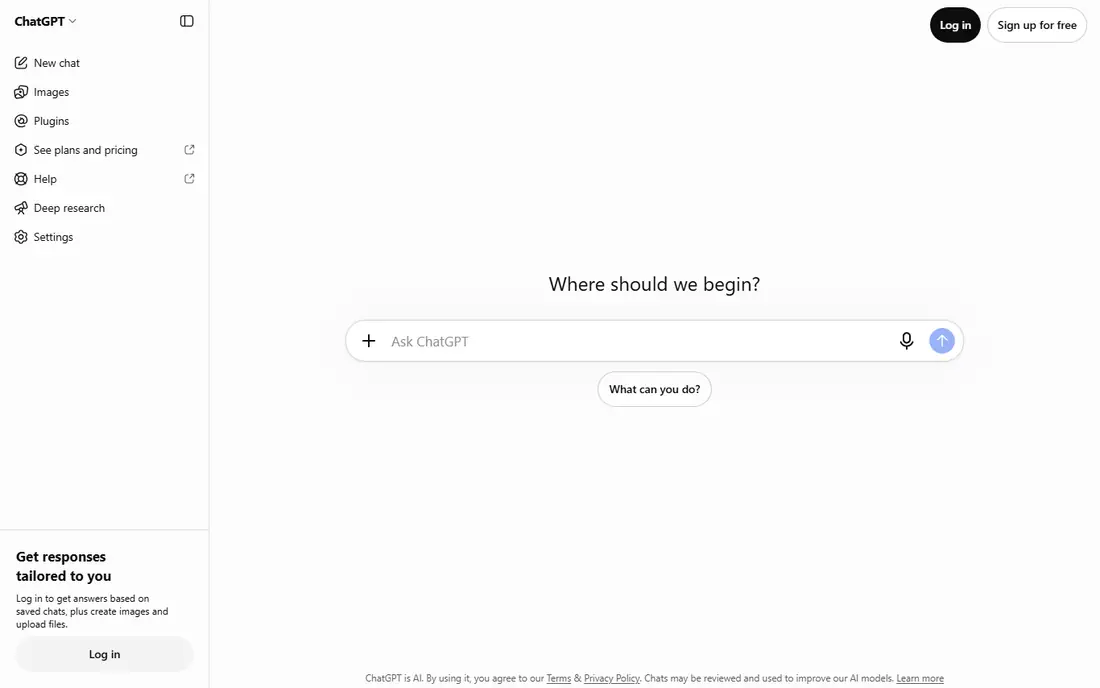
ChatGPT is our default pick for most people, because it handles the widest range of everyday jobs in one app. You can draft an email, summarize a document, brainstorm ideas, plan a trip, or work through a homework problem without switching tools. The free tier now covers unlimited everyday text chats in many cases, which makes it easy to test before paying.
Paying for Plus at $20 per month mainly buys headroom. You get higher limits, deeper research tools, and more room for image generation and coding help. If you rarely hit a limit on the free plan, there is no rush to upgrade, and that is a good test in itself.
- Broad toolset including voice, images, and file uploads
- Plus at $20 per month adds higher limits and deeper research
- Large ecosystem of custom GPTs
- Free tier limits uploads, image creation, and advanced tools
- Model names and limits change often

Claude earns its place for readers who care most about writing quality. Its replies tend to read clean and structured, which helps for reports, essays, cover letters, and long explanations. Projects let you keep files and context together, so a long document does not have to start from scratch in every chat.
The free plan is enough for occasional use, but long or file-heavy sessions can hit limits. Pro at $20 per month, or about $17 per month on annual billing, raises those limits and adds tools like Claude Code. Writers who work in Claude daily will feel that difference quickly.
- Strong, clear writing style
- Projects help organize long work
- Pro at $20 per month adds much higher usage
- Free tier has session limits
- Some advanced tools require a paid plan
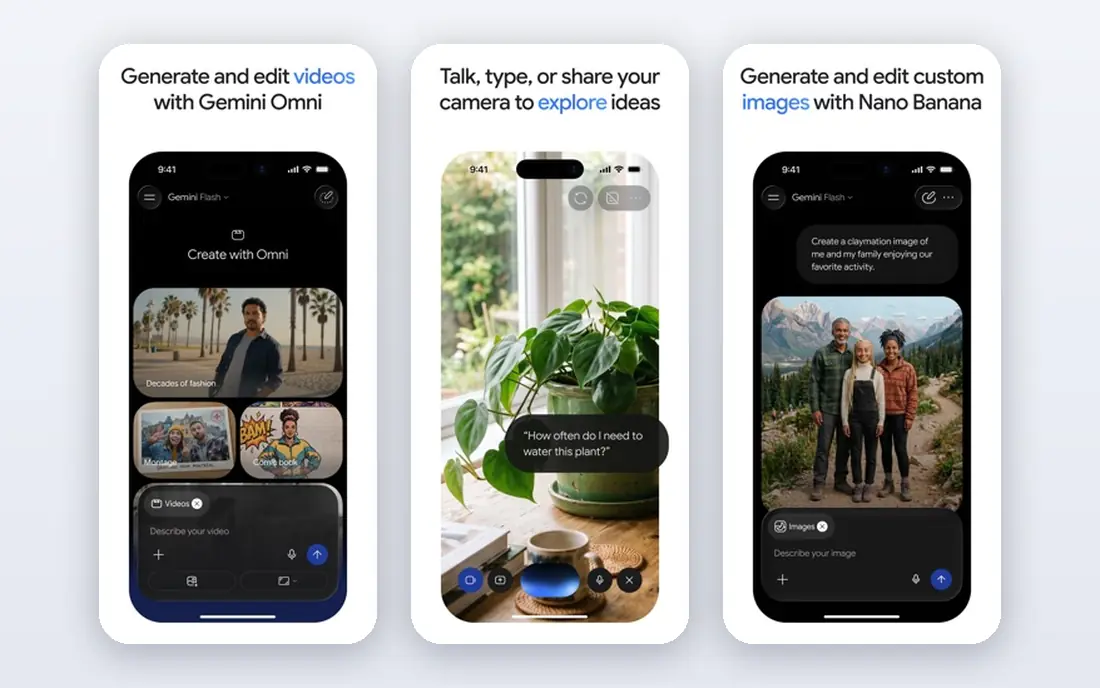
Gemini makes the most sense if your work already lives in Google. It can summarize an email thread, help draft a document, or pull context from Drive files without a long setup. That placement is its main advantage, since a chatbot that already sees your files saves a lot of copying and pasting.
As a pure chatbot, it is good rather than outstanding. People who prioritize writing flair or a broad tool ecosystem may prefer ChatGPT or Claude. For Google households, though, the convenience is real, and the free tier is enough to judge it fairly.
- Deep Gmail, Docs, and Drive integration
- Free tier is genuinely useful
- Google AI Pro at $19.99 per month adds storage and higher limits
- Writing can feel plain next to Claude
- Paid tiers are bundled with storage, which may not suit everyone
Copilot is the mirror image of Gemini. If your day runs through Word, Excel, Outlook, and Teams, Copilot in those apps can draft, summarize, and rework content where you already work. The free chat app is also a solid general assistant for quick questions and web answers.
The pricing change matters. Microsoft no longer sells standalone Copilot Pro to new subscribers, so paying for the fuller experience now means a Microsoft 365 bundle, starting with Premium at $19.99 per month. That bundle is good value if you already pay for Office, and poor value if you only want a chatbot.
- Free chat in Windows, Edge, and mobile apps
- Paid access now comes through Microsoft 365 Premium at $19.99 per month
- Strong Office integration on paid plans
- Standalone Copilot Pro is closed to new subscribers
- Full Office integration requires a paid bundle
Poe is for curious users who like to compare answers. You can run the same prompt through different models, try community bots, or build a simple bot of your own, all under one account. That makes it a useful learning tool and a cheap way to sample models before committing to one provider.
The catch is the points system. Different models cost different amounts, and heavy models drain points fast. If you mainly use one model, its native app will usually give you a smoother experience and clearer limits. Poe wins when variety matters more than depth.
- Access to models from several providers in one app
- Paid plans start at $4.99 per month
- Custom bots and a large bot library
- Point system can be confusing
- Free daily points are limited
- Native apps may offer higher limits for a single model
Perplexity is built for a different job from the rest of this list. It answers questions with web sources attached, so you can open the source and check the claim yourself. That makes it a strong second app for journalists, students, analysts, and anyone who needs to verify a fact before repeating it.
It is less satisfying as a general writing partner. Creative drafts, long planning sessions, and coding help feel more natural in ChatGPT or Claude. Use Perplexity when the question is what is true and where it came from, and use a general chatbot when the job is to create something new.
- Inline citations on answers
- Pro at $20 per month adds deeper research and model choice
- Good for fact-checking and market research
- Weaker for open-ended creative writing
- Free Pro searches are limited each day
Character.AI is a different category, and it should not be compared directly with work assistants. You chat with characters created by other users, build your own persona, or set up group chats with several characters at once. For storytelling, fandom, language practice, and light entertainment, that format is engaging and easy to start.
The limits are also clear. Answers can be inventive rather than accurate, and the app is not designed for reliable research or document work. Paid c.ai+ mainly buys speed, priority access, and fewer ads, not a smarter model, so most casual users can stay on the free plan.
- Huge library of user-made characters
- Character creation needs no code
- C.ai+ at $9.99 per month adds priority access and faster replies
- Not built for work, research, or factual answers
- Free plan includes ads and slower peak-time replies
Replika takes the opposite approach from Character.AI. Instead of many characters, you build one companion, customize its look and personality, and keep talking to the same AI over weeks and months. That continuity appeals to people who want a regular, low-pressure conversation partner.
It is important to keep expectations honest. Replika is a companion app, not a therapist, and it is not a reliable source for facts or medical advice. Check the paid price in your app store before subscribing, since tiers and prices vary, and start with free text chat to see if the style suits you.
- One companion that builds memory over time
- Voice calls and avatar features on paid plans
- Free text chat for testing
- Paid prices vary by app store and are shown at checkout
- Not a substitute for professional support
- Can feel repetitive over time
How we picked these
We compared official pricing pages, app store listings, and feature pages for chatbot apps that are actively available in October 2026. We included general assistants, a research app, a multi-model app, and two companion apps, because readers searching for a chatbot app often mean very different things. We did not claim hands-on testing, and we noted where prices vary by store or bundle.
How to choose the right chatbot app
Start by naming the job you will do most often. For general help, ChatGPT or Claude will cover the most ground. For research with sources, add Perplexity. For work inside Google or Microsoft apps, pick the assistant that already lives in that ecosystem, since integration saves more time than a slightly better chat model.
Test the free plan for a full week on real tasks, not demo prompts. Pay attention to limits, speed at busy times, and how much editing each answer needs. If you hit the same limit every day, that is the signal to pay. If you never hit it, keep the money.
For companion apps, judge them on conversation style and safety controls, not on productivity features. Check age rules, content filters, and privacy settings before subscribing, and keep personal details out of chats with any AI app. A chatbot can be a useful companion or a useful tool, but it is not a person, and it should not replace real support when you need it.
FAQ
What is the best ai chatbot app for most people?
ChatGPT is the safest default, because it covers writing, planning, coding help, voice, and images in one app with a real free tier. Claude is a close alternative if writing quality matters most to you. Try both free plans for a week before paying for either.
What are the best ai chat apps for research?
Perplexity leads for research, because its answers include citations you can open and check. ChatGPT and Gemini also search the web, but Perplexity is built around sources first. For important claims, still open the source itself rather than trusting a summary.
What is the best chatbot app for Google users?
Gemini is the natural pick for Google users, since it works with Gmail, Docs, and Drive. The free tier handles everyday questions, while Google AI Pro at $19.99 per month adds higher limits and storage. If you rarely use Google apps, ChatGPT or Claude will feel more flexible.
What are the best ai chatbot platforms for trying many models?
Poe is the best platform for trying many models under one account, with paid plans from $4.99 per month. It suits curious users and people comparing outputs. If you settle on one model, that model native app usually offers higher limits and a cleaner experience.
What is the best ai chatbot tool for roleplay?
Character.AI is the best choice for roleplay, thanks to its large character library and no-code character builder. Replika suits people who prefer one ongoing companion instead of many characters. Neither app is a good pick for factual work or research.
Is the best ai texting app the same as the best work chatbot?
No. A texting or companion app is built for conversation and entertainment, while a work chatbot is built for drafting, analysis, and research. Character.AI and Replika fit the first group, while ChatGPT, Claude, Gemini, and Copilot fit the second. Pick based on the job, not the download count.