Best AI Automation Tools in 2026: 8 Tools Compared
Compare the best AI automation tools in 2026, from Zapier and Make to n8n and UiPath, with pricing, free plans, and honest trade-offs for small teams today.
- Editor's choice
 Zapier
Small teams and beginners
Starts at$19.99 per monthVisit zapier.comFull review - Great alternative
 Make
Visual workflows at lower cost
Starts at$12 per monthVisit make.comFull review - Also consider
 n8n
Technical teams and self-hosting
Starts at$20 per monthVisit n8n.ioFull review
TL;DR:
- Zapier has the widest app library and the simplest setup for small teams.
- Make and n8n cost less at higher volumes because they bill differently from Zapier.
- UiPath and Automation Anywhere suit larger firms with strict controls and desktop tasks.
- AI steps work best on clean, structured data, so start with one clear workflow.
Quick comparison
| Tool | Best for | Starts at | Free plan? | |
|---|---|---|---|---|
| Zapier | Small teams and beginners | $19.99 per month | Yes | Visit |
| Make | Visual workflows at lower cost | $12 per month | Yes | Visit |
| n8n | Technical teams and self-hosting | $20 per month | Yes | Visit |
 UiPath | Large firms and desktop automation | See website | Free trial | Visit |
 Microsoft Power Automate | Microsoft 365 workplaces | See website | Free trial | Visit |
 Workato | Midsize firms and IT teams | See website | No | Visit |
 Automation Anywhere | Regulated and large operations | See website | Free trial | Visit |
 Pabbly Connect | Budget multi-step workflows | See website | Free trial | Visit |
The best AI automation tools
We compared tools that connect apps, move data, and add AI steps such as drafting, sorting, and summarizing. Our pick for most people is Zapier, because it covers the widest set of apps with the least setup. If you run long workflows or want more control, Make and n8n deserve a close look before you pay.
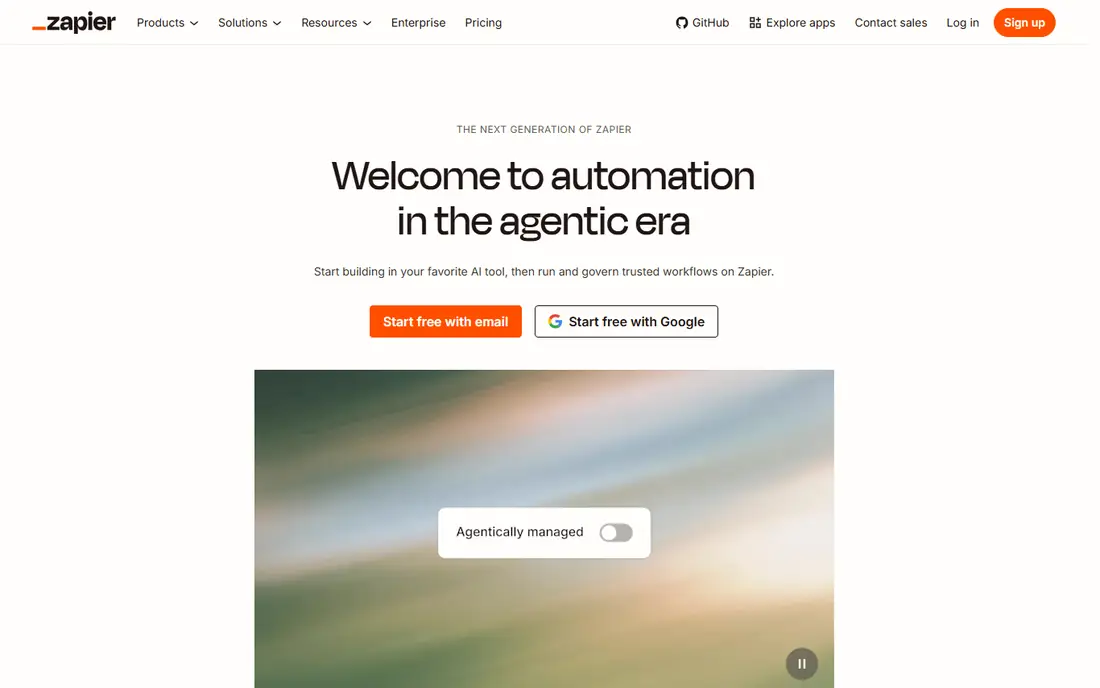
Zapier is the easiest place to start when you want two or more apps to share data without writing code. You pick a trigger, add actions, and test the flow in minutes. Its library covers thousands of apps, so most common pairings, such as forms to spreadsheets or email to a CRM, already exist as templates.
The catch is billing. Zapier counts successful action steps, so a five-step workflow costs several tasks each time it runs. That is fine at low volume, but it can surprise teams that automate frequent jobs. Check the task count on a typical week before you pick a plan, and keep early workflows short.
- Huge app library
- Simple builder
- AI helpers for drafting workflows
- Costs climb fast on long, multi-step workflows
- No self-hosted option

Make shows each workflow as a visual map, which makes it easier to follow data from one step to the next. You can route, filter, and transform records in the same view, and its credit pricing often works out cheaper than per-task billing for multi-step jobs. Small teams that outgrow simple two-step links tend to settle here.
The trade-off is breadth. Make supports many popular apps, but it does not match Zapier for niche tools, so check your must-have apps first. Its visual style also takes a day or two to learn if you only know linear builders. Run your most complex workflow on the free plan before you commit.
- Visual scenario builder
- Generous credit allowance on paid plans
- Strong data tools
- Smaller app library than Zapier
- Learning curve for branching logic
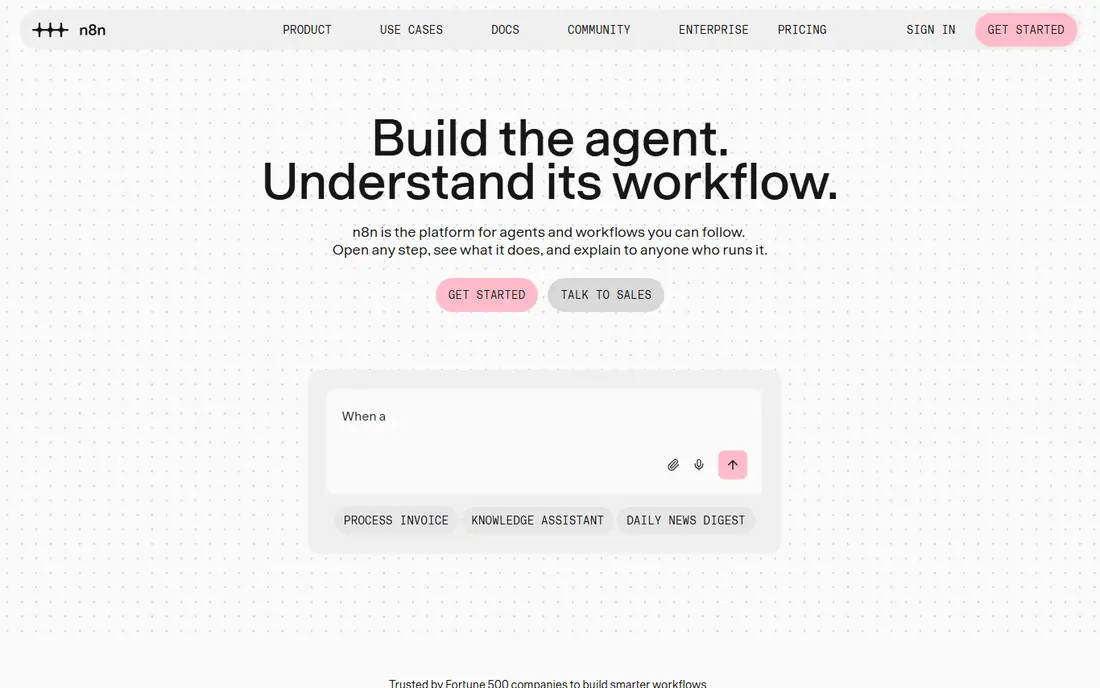
n8n is built for teams that want full control over how workflows run. Its node-based editor supports AI agents, code steps, and custom HTTP calls, and one workflow run counts as one execution no matter how many steps it has. That pricing model favors long, detailed workflows that would be costly elsewhere.
The honest catch is upkeep. The free self-hosted edition is powerful, but you own updates, backups, and security. The cloud version removes that burden, yet it costs more than self-hosting and is billed in euros, so US buyers should check the converted total. It fits best when someone on the team is comfortable with technical setup.
- Self-hosted free edition
- AI agent nodes
- Execution-based billing
- Self-hosting needs server care
- Cloud plans are priced in euros
UiPath goes beyond cloud apps and can also drive desktop software, browsers, and documents. That matters when part of a job still lives in an older system with no API. It adds controls for roles, audit logs, and approvals, which large firms need when automation touches finance or customer records.
For a small team, UiPath is usually more than needed. Pricing is quoted, setup takes longer, and simple links between two web apps are faster elsewhere. Pick it when you have desktop tasks, compliance checks, and a team that will own automation as a program, not as a one-off project.
- Desktop and browser automation
- Strong governance
- Large partner network
- Enterprise pricing and setup
- Heavy for simple app-to-app links
Power Automate is the natural choice if your team already lives in Outlook, Teams, SharePoint, and Excel. Flows can start from email, forms, or file changes, and desktop flows can handle repetitive clicks in Windows apps. It also includes AI features that can draft flows and read documents.
The catch is fit. Outside the Microsoft world, its connector set feels thinner than Zapier or Make, and its plan structure takes care to compare. If most of your work is already in Microsoft 365, the convenience is real. If not, a neutral tool will likely connect more of your stack.
- Deep Microsoft 365 links
- Desktop flows
- AI builder features
- Best value only inside Microsoft tools
- Plan names can confuse buyers
Workato is designed for firms that need automation to be managed, not just built. Its recipes connect cloud apps, databases, and internal systems, and IT teams can set roles, versioning, and monitoring in one place. AI helpers can draft recipes and explain errors, which speeds up work for busy teams.
The main barrier is price and process. Workato is sold by quote and is aimed at midsize and larger firms, so a solo user or tiny team will find simpler tools cheaper. It makes sense when automation is shared across departments and needs review, testing, and clear ownership.
- Recipe-based automation
- Strong enterprise controls
- AI assistants
- Quote-only pricing
- Aimed at larger budgets
Automation Anywhere focuses on business operations that mix documents, data entry, and approvals. Its document tools can read invoices and forms, and its control room gives managers a clear view of what bots ran, what failed, and who approved each step. That visibility helps in regulated work.
Like other enterprise tools, it is not a quick self-serve purchase for a small team. Expect a sales conversation, a setup period, and training. It earns its place when accuracy, audit trails, and document-heavy work matter more than the lowest monthly price.
- Document processing
- Bot management
- Audit and control tools
- Enterprise focus
- Setup support often needed
Pabbly Connect appeals to buyers who want multi-step workflows without paying per step at the same rate as the biggest names. It supports a wide set of common apps and lets you build longer flows for routine jobs such as lead capture, order notices, and sheet updates. For steady, predictable work, that model is easy to budget.
The trade-off is polish. Its app library is smaller than Zapier, and some newer apps may lag behind. Test your exact apps, including any niche CRM or form tool, before you switch. If your core apps are covered, it can be a practical low-cost option for everyday automation.
- One-time style plans in past offers
- Multi-step workflows
- Many app links
- Smaller library than leaders
- Support and docs vary by app
How we picked these
We compared official feature pages, pricing pages, and public documentation, and we checked which billing unit each tool uses: tasks, credits, executions, or a quote. We favored tools that are still actively sold in October 2026, that cover common US business apps, and that explain limits in plain terms. We did not claim hands-on testing. Where a vendor quotes rather than publishes a price, we wrote See website instead of guessing.
Choose by billing unit and by fit, not by feature count
Start with one workflow that you can measure, such as routing new leads to your CRM or sending order updates to your team. Write down the trigger, each step, and how often it runs in a week. That count tells you which billing model fits: per-step billing punishes long flows, while per-run billing favors them. Next, list your must-have apps and check each one on the vendor site, since a missing connector can undo an otherwise good choice. Test error handling too. A good tool should show failed runs, let you retry, and alert you when a flow stops. For AI steps, keep a human check on anything sent to customers or stored as a record. AI drafts, summaries, and classifications save time, but they can also misread names, amounts, or dates. Finally, name one owner for each workflow, even in a small team, so broken flows get fixed instead of quietly failing.
FAQ
What is the best AI automation tool for beginners?
Zapier is the easiest starting point for most beginners because its builder is simple and its app library is very wide. Make is a strong second choice if you plan to build longer workflows and want a visual map of each step.
Is there a free AI automation tool?
Yes. Zapier and Make both offer free plans with monthly limits, and n8n offers a free self-hosted edition if you run your own server. Free plans suit testing and low-volume work, but paid plans are usually needed for frequent or multi-step jobs.
How is AI automation different from regular automation?
Regular automation follows fixed rules, such as copying a form entry to a sheet. AI automation adds steps that interpret text, such as summarizing a message, sorting a ticket, or drafting a reply. Those steps still need review, since AI output can be wrong.
Do I need coding skills to use these tools?
No for most tools here. Zapier, Make, and Pabbly Connect are built for non-coders, and Power Automate and Workato add guided builders. n8n and UiPath reward some technical skill, but they also offer templates for common jobs.
What should I automate first?
Start with a frequent, boring, and low-risk job, such as lead routing, status updates, or file filing. Measure the time it saves for two weeks before you automate anything that touches payments, legal records, or customer promises.