Best AI Automation Tools for Small Business in 2026: 9 Tools Compared
We compared the best AI automation tools for small business in 2026, from Zapier and Make to n8n and Lindy, on price, ease of use and AI power for your team.

- Editor's choice
 Zapier
Easiest general automation
Starts at$19.99 per monthVisit zapier.comFull review - Great alternative
 Make
Best value multi-step workflows
Starts at$9 per monthVisit make.comFull review - Also consider
 n8n
AI agents and self-hosting
Starts atFreeVisit n8n.ioFull review
TL;DR:
- Zapier is the easiest AI automation tool to start with, while Make is far cheaper for multi-step workflows at volume.
- n8n is the best choice for technical teams that want AI agents and self-hosting without per-task fees.
- AI automation tools bill differently: Zapier counts tasks, Make counts operations, and n8n cloud counts full runs.
- Start with one painful repetitive workflow, measure the time saved, and only then expand to more automations.
Quick comparison
| Tool | Best for | Starts at | Free plan? | |
|---|---|---|---|---|
| Zapier | Easiest general automation | $19.99 per month | Yes | Visit |
| Make | Best value multi-step workflows | $9 per month | Yes | Visit |
| n8n | AI agents and self-hosting | Free | Yes | Visit |
 Microsoft Power Automate | Microsoft 365 businesses | $15 per month | Yes | Visit |
 Lindy | AI agents for email and admin | $49.99 per month | Yes | Visit |
 Tidio | AI customer support chat | $29 per month | Yes | Visit |
 ManyChat | Social and WhatsApp automation | $14 per month | Yes | Visit |
 Fireflies.ai | Meeting notes and follow-ups | $10 per seat per month | Yes | Visit |
 HubSpot Breeze | CRM plus AI in one place | Free | Yes | Visit |
The best AI automation tools for small business
AI automation tools connect your apps, handle repetitive admin, answer customers and summarize work, so a small team can operate like a larger one. The tools below cover general workflow automation, AI agents, support chat and meeting help, with honest notes on how each one bills, because billing is where small businesses get surprised.
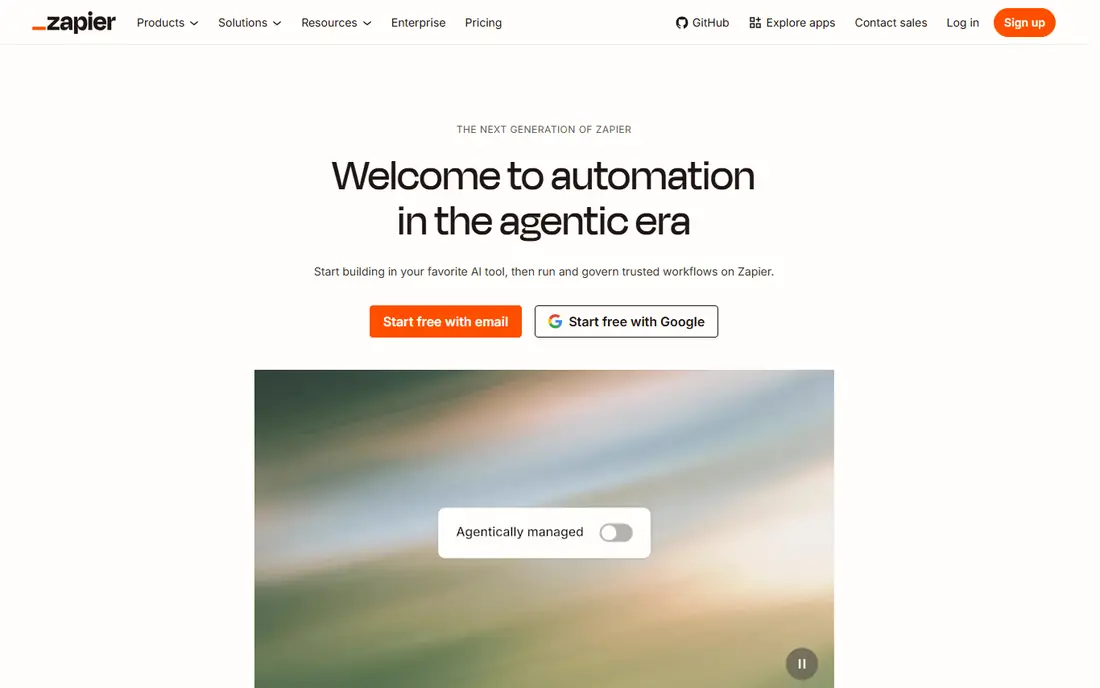
Zapier is the default automation tool for small businesses because it connects more apps than anyone else and its builder is the easiest to learn. You describe a workflow in plain steps, such as when a form is submitted, add the contact to your CRM, create a spreadsheet row and send a follow-up email, and Zapier's AI Copilot can draft those steps from a description. Its free plan covers 100 tasks per month, Starter is $19.99 per month for 750 tasks, and Professional is around $49 per month for 2,000 tasks.
The catch is task billing: each successful action step counts as a task, so a five-step workflow firing 200 times a month uses 1,000 tasks. Busy shops can outgrow Starter quickly. For a non-technical team automating its first workflows, Zapier is still our pick for most people, because ease of use matters more than unit price at low volume.
- Largest app catalog at 8,000-plus apps
- Gentlest builder
- AI Copilot and agents included
- Task-based billing adds up fast
- Expensive at high volume

Make, formerly Integromat, is the value champion for small businesses with multi-step workflows. Its visual canvas shows scenarios as connected modules with routers, iterators and aggregators, which makes complex logic easier to see than a linear list of steps. The free plan gives 1,000 credits per month, and Core costs $9 per month for 10,000 credits, compared with Zapier's $19.99 for 750 tasks, which is why Make often runs several times cheaper at the same volume.
The trade-off is learning curve and catalog size. Make takes a few hours to learn, and its roughly 3,000 apps trail Zapier's 8,000, though common tools are all covered and an HTTP module reaches the rest. If your workflows have many steps or run often, Make is the best AI automation tool for small businesses on value, and it is our pick once volume grows.
- Visual canvas with routers and logic
- 10,000 credits for $9 per month
- AI agents included on paid plans
- Steeper learning curve than Zapier
- Fewer native apps at around 3,000
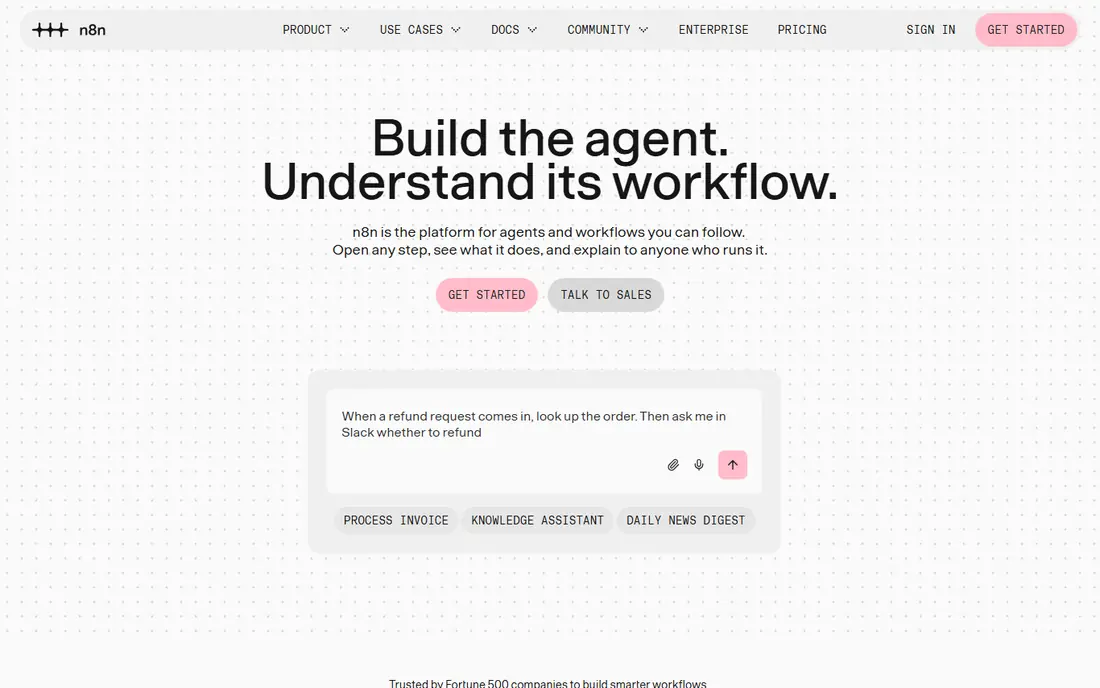
n8n is the most flexible automation tool here, and the favorite of technical small teams building AI agents. It offers more than 1,000 native integrations plus an HTTP node that reaches anything, LangChain-based AI nodes, persistent memory for agents, and custom code nodes for anything the visual builder cannot do. Self-hosting is free apart from server costs, and cloud plans start around $20 to $24 per month for 2,500 executions, billed per full run rather than per step.
The honest limit is skill. n8n expects comfort with APIs, JSON and servers, and free-tier support is community-led. For a team with even one technical person, though, it is unmatched: long AI workflows that would cost hundreds in task fees elsewhere can run for the price of a small server. If you want AI agents with full control, n8n is the pick.
- Self-hosted version is free
- AI agent workflows with memory
- Bills per full run on cloud
- Needs technical comfort
- Community-heavy support on free tiers
Microsoft Power Automate is the natural automation choice for businesses already on Microsoft 365. It connects Outlook, Teams, SharePoint, Excel, Dynamics and hundreds of other apps, with AI Builder for document processing and approval workflows built in. Paid plans start around $15 per user per month, and some Microsoft 365 plans include basic flows, so check your existing license before buying.
The builder feels less friendly than Zapier for a first-time automator, and premium connectors sit behind paid plans. But for a Microsoft-centered business, Power Automate keeps data inside your existing tenant with enterprise security, and approvals and Teams notifications work better here than anywhere else. If your team lives in Microsoft tools, start here.
- Native to Microsoft 365, Teams and SharePoint
- AI Builder included on some plans
- Enterprise security
- Less intuitive than Zapier for beginners
- Premium connectors need paid plans
Lindy builds AI agents that do admin work rather than just moving data between apps: triaging email, scheduling meetings, following up on leads, updating CRMs and drafting replies. You describe the job in plain language, Lindy builds the agent, and it runs on a schedule or trigger. Pricing starts around $49.99 per month on paid plans, with a free plan for trying agents at small scale.
The price is higher than Zapier or Make, and AI agents need oversight: review their actions early, set approval steps for external messages, and check outputs before they reach customers. For a founder drowning in inbox and scheduling work, though, Lindy can return hours a week, and it is the best agent-first pick here for non-technical owners.
- AI agents that handle email, calendars and admin
- Natural language setup
- Works across many apps
- Higher starting price
- Agent behavior needs review and guardrails
Tidio combines live chat, a help desk and an AI agent called Lyro, which answers common customer questions from your help content and hands off to a human when needed. It integrates with Shopify, WordPress and other shop platforms, and it suits small stores and service businesses that get the same questions daily: shipping, returns, booking and pricing. Paid plans start around $29 per month, with Lyro AI conversations billed as an add-on from about $32.50 to $39 per month on some plans.
The billing split is the catch: the AI add-on is a separate meter, so model total cost at your chat volume. For a shop that wants faster answers without hiring support staff, Tidio is still a strong pick, and its free plan lets you test live chat before paying for AI.
- AI agent Lyro answers common questions
- Live chat and help desk in one tool
- Easy shop integrations
- AI conversations billed separately on some plans
- Best for shops and services, not complex support
ManyChat automates conversations on Instagram, Facebook, TikTok and WhatsApp: answering DMs, capturing leads from comments, sending broadcasts and guiding buyers to checkout. Its visual flow builder is friendly, and its free plan covers up to 25 active contacts, with paid plans from $14 per month. For a small business that sells through social channels, it turns DMs from a chore into a sales channel.
The pricing model needs attention, since billing scales with active contacts, and a viral post can push you into a higher tier. Platform rules on messaging also change, so flows need occasional maintenance. If social DMs are a real sales channel for you, ManyChat is the best specialist pick here. If your customers reach you by email, Zapier or Lindy will serve you better.
- Automates Instagram, Facebook, TikTok and WhatsApp DMs
- Visual flow builder
- Good for marketing
- Billed by active contacts, so costs grow with audience
- Platform rules change often
Fireflies.ai joins video meetings, records and transcribes them, then produces summaries, action items and searchable notes that sync to CRMs and task tools. For a small business, that removes the note-taking burden and makes follow-ups automatic: decisions and owners are captured without anyone typing during the call. Pricing starts around $10 per seat per month billed annually, with a free plan for basic use.
The limits are audio quality and credit metering: poor microphones produce poor transcripts, and AI credits on some plans are billed separately from seats. Still, for a team that spends hours in meetings and loses track of follow-ups, Fireflies is the easiest productivity win on this list, and it pays for itself in recovered admin time.
- Records, transcribes and summarizes meetings
- Searchable notes
- CRM and task integrations
- AI credits are a separate meter on some plans
- Accuracy varies with audio quality
HubSpot Breeze is the AI layer across HubSpot's free CRM and its sales, marketing and service hubs. It enriches contacts, drafts emails, summarizes records, scores leads and powers a customer agent that answers routine questions, all on top of the customer data your team already keeps. The CRM itself is free, Starter plans start around $20 per seat per month, and the AI customer agent requires a Professional tier.
The catch is tier creep: the most useful AI features sit behind paid hubs, and a growing team can see costs rise across seats and hubs. But for a small business that wants one system for contacts, deals, marketing and support, with AI built in rather than bolted on, HubSpot Breeze is the best all-in-one pick here, and the free CRM makes it easy to start.
- Free CRM to start
- Breeze AI across sales, marketing and service
- Unified customer data
- AI customer agent needs a Professional tier
- Costs grow as you add hubs and seats
How we picked these
We compared official pricing pages, billing models, app catalogs and AI features for the leading automation tools in October 2026, and favored tools that a small business can actually adopt: free tiers, clear starting prices and real AI features, not just marketing claims. We mixed general workflow tools, AI agents, support chat and meeting tools, because small-business automation spans all of those jobs.
How to choose the right tool
Start with your most painful repetitive job, not with a tool. If it is moving data between apps, trial Zapier for ease or Make for value. If it is inbox and scheduling, trial Lindy. If it is customer questions, trial Tidio or ManyChat depending on channel. If it is meetings, trial Fireflies. If it is everything at once, HubSpot Breeze gives you one system to grow into.
Then check the billing math at your real volume. Count how many times a workflow will run, how many steps it has, and what each run costs on each billing model, because Zapier tasks, Make operations and n8n runs are not comparable at face value. Finally, set guardrails for AI actions: approve external messages, review agent outputs weekly at first, and keep a human in the loop for refunds, promises and customer commitments.
A first automation plan
Pick one workflow, such as new lead to CRM to follow-up email, and build it in a free tier this week. Measure the minutes saved per run and multiply by monthly volume. If the saving beats the subscription cost, expand to a second workflow. That discipline keeps automation profitable, and it stops a small business from paying for ten tools it barely uses.
FAQ
What are the best AI tools for small business automation?
Zapier, Make and n8n are the best general AI automation tools for small businesses. Zapier is easiest, Make is cheapest at volume, and n8n offers the most control for technical teams. Lindy is the best agent-first pick, and Tidio and ManyChat lead for customer messaging.
What is the best AI automation tool for small businesses on a budget?
Make is the best budget pick for multi-step workflows, at $9 per month for 10,000 credits, and n8n self-hosted is free apart from server costs. Zapier's free plan covers 100 tasks per month, which suits very light use, but Make wins once volume grows.
Is Zapier or Make better for small business?
Zapier is better for ease of use and app coverage, with more than 8,000 apps and the gentlest builder. Make is better for value and complex logic, with a visual canvas and far cheaper per-unit pricing. Pick Zapier if your team is non-technical, and Make if your workflows are multi-step or high-volume.
Do AI automation tools replace staff?
No. They remove repetitive admin, data entry and follow-up work, so a small team can handle more customers without hiring. Judgment, relationships and final decisions still need people, and AI agents should have approval steps for anything that reaches customers or moves money.
Is n8n free?
Yes, n8n self-hosted is free, apart from the cost of running a server. Cloud plans start around $20 to $24 per month for 2,500 executions, billed per full run. Self-hosting suits technical teams, while cloud suits teams that want hosting and support handled for them.
How do I start with AI automation?
Start with one repetitive workflow, such as lead capture or appointment reminders, and build it in a free tier. Measure time saved, add approval steps for external messages, and expand only when the first automation proves its value.