The 5 Best Note App for Offline Use in 2026, Ranked
Compare 5 picks for the best note app for offline use, with prices, free plans and who each fits. Details on cost, catches and fit. Built for quick decisions.
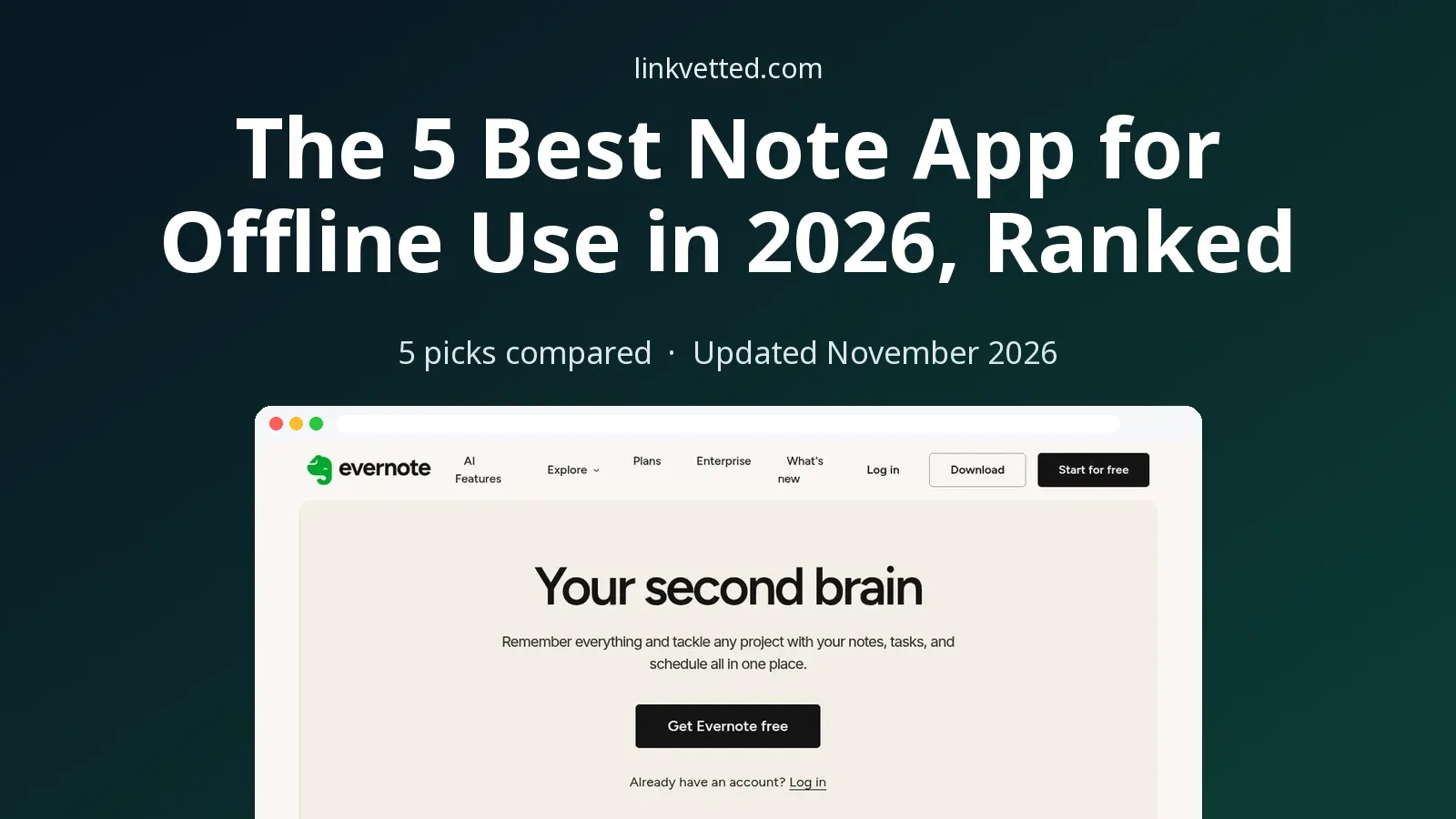
- Editor's choice
 Joplin
Open source local note management
Starts atSee websiteVisit joplinapp.orgFull review - Great alternative
 Obsidian
Private, local-first note taking
Starts at$4 per user a monthVisit obsidian.mdFull review - Also consider
 Evernote
Everyday capture and to-do lists
Starts atSee websiteVisit evernote.comFull review
Direct answer
For open source local note management, Joplin is where this list starts. Listed starting prices: Obsidian from $4 per user a month, Craft from $4.8 a month and Notion from $10 per member per month. Obsidian is the stronger choice for private, local-first note taking, while Evernote suits everyday capture and to-do lists. The remaining 2 options are covered below with prices and limits.
TL;DR:
- This list starts with Joplin, which is built for open source local note management.
- Free plans exist at 4 of 5 tools (Obsidian, Evernote, Craft, Notion).
- Notion fits workspace-style notes and automation.
- Before buying Joplin, weigh this: interface is more utilitarian.
- Obsidian is the lowest-priced starter here at $4 per user per month.
Last checked November 2026. Prices and plan details were read from the vendors' own pages in November 2026; vendors change plans often, so confirm the current price on the vendor site before you buy.
Quick comparison
| Tool | Best for | Starts at | Free plan? | |
|---|---|---|---|---|
| Joplin | Open source local note management | See website | Free trial | Visit |
| Obsidian | Private, local-first note taking | $4 per user a month | Yes | Visit |
| Evernote | Everyday capture and to-do lists | See website | Yes | Visit |
 Craft | Refined notes across devices | $4.8 a month | Yes | Visit |
 Notion | Workspace-style notes and automation | $10 per member per month | Yes | Visit |
The best note app for offline use
LinkVetted put together this guide to note app for offline use for readers who want a clear shortlist without reading every vendor page. It compares 5 tools on starting price, free plans, who each one suits and where each one falls short.
Where Joplin fits: open source local note management. Joplin is an open source note-taking application, which makes it appealing to people who value transparent, community-built software.
It suits users who want their notes organized locally and who are comfortable choosing their own sync and backup approach instead of relying on a vendor-managed service. No starting price is listed for Joplin here; confirm pricing on the vendor site. Free access: Free trial.
Watch-outs: Interface is more utilitarian.
- Decent fit for privacy-minded users
- Open source application
- Setup can require more decisions
Think of Obsidian for private, local-first note taking. Obsidian describes itself as the free and adaptable app for your private thoughts. It is recognised for storing notes as plain local files, which makes it a natural fit for people who want their writing to live on their own device and remain readable outside the app.
What to check first: Fewer built-in collaboration features.
Beyond that, if you need broad live collaboration or a completely managed workspace, Notion or OneNote may serve you better. Obsidian's adaptability means you shape much of the structure yourself, which can overwhelm people who want a guided, ready-made system. On cost, Obsidian starts like this: $4 per user per month. Obsidian offers a free plan.
- Notes stored as local files
- Free and adaptable
- Less guided setup for newcomers

Evernote targets everyday capture and to-do lists. Evernote is a general-purpose note taking app built around capturing and prioritizing ideas, projects and to-do lists. Its homepage emphasizes organization and keeping tasks from falling through the cracks.
Honest limits: Heavier than plain local note files.
If you need notes that live purely on local storage with no account dependency, a local-first tool like Obsidian or Joplin may suit you better. Because Evernote is built around syncing, offline access performs best when your content is already available on the device. Evernote does not show a starting price in this comparison, so check the vendor site for current pricing. You can start on Evernote without paying.
- Decent fit for general productivity
- Familiar cross-device note layout
- Offline behavior depends on synced content
Think of Craft for refined notes across devices. It suits people who want visually refined documents and a unified space for writing and light task management, especially on Apple devices where its design shines.
Points against: Less concentrated on raw local files.
As for the details, if offline-first storage is essential, Obsidian or Joplin are more direct choices. The starting price for Craft: $4.8 per month. A free plan is available with Craft. What works well: modern presentation.
- Tasks and docs in one app
- Notes
- Some features sit behind premium
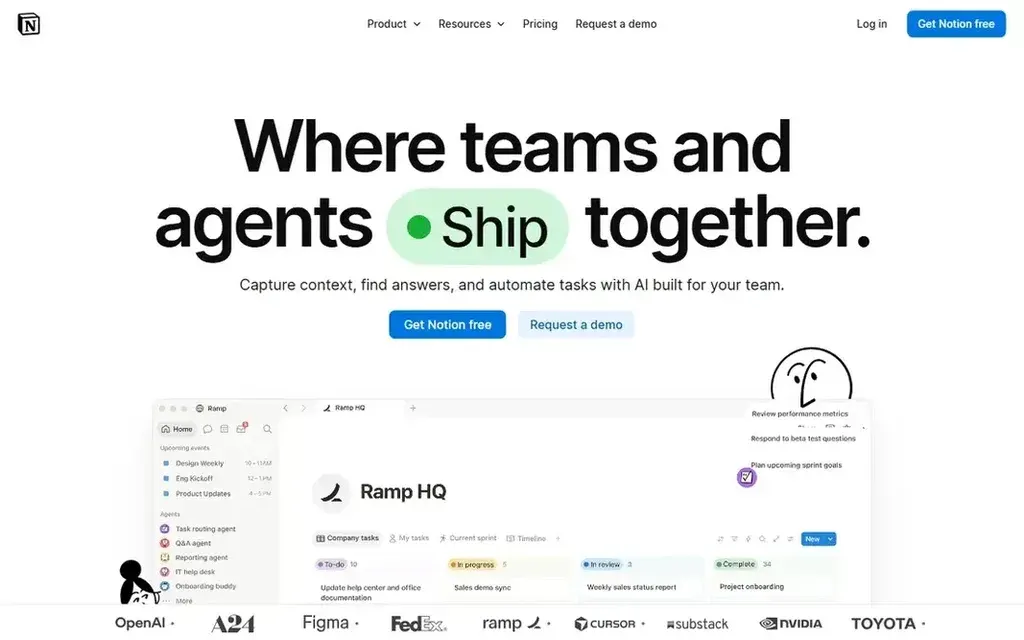
In short, Notion is for workspace-style notes and automation. It suits teams and individuals who want notes, docs and light databases in one connected workspace and who value adaptability and automation over straightforward local note files.
Where it falls short: Offline use is not its primary focus.
In daily use, if you chiefly need notes that work without a connection, a local-first app for example Obsidian or Joplin is a better fit. Starting cost for Notion: $10 per member per month. A free plan is available with Notion.
- Automates repetitive busywork
- Adaptable workspace for teams
- Workspace model brings complexity
Our selection method
Questions to settle before buying
- Get a written quote from Joplin and Evernote; the list shows no starting price for them.
- Look at free plan limits closely: Obsidian, Evernote, Craft and Notion have one, and the caps decide whether it is usable for real work.
- Run a trial of Joplin with real work before paying for a year; your own workflow is the best test.
- Read the limits listed for Joplin first: interface is more utilitarian.
- Total up the real monthly cost of Notion, including add-ons, extra users and usage-based fees.
- Before rolling out Evernote, verify the integrations your workflow depends on.
FAQ
What is the cheapest option for note app for offline use in this list?
On published monthly entry prices, Obsidian is the lowest here at $4 per user per month. Entry price is only part of the cost, because seats, add-ons and billing terms can change the total. All 5 picks in this note app for offline use comparison list a starting price, free plan details and the main limits on their cards above.
Do these tools publish their prices?
Not all of them. Joplin and Evernote publish no starting price, so expect a quote request for those. The rest, Obsidian included, show a starting price, though seats and billing terms still change the final cost.
Which note app is best if I am commonly offline?
Start with Joplin if you need open source local note management. Obsidian is the better match for private, local-first note taking, and Evernote for everyday capture and to-do lists. The best choice depends on budget, team size and workflow.
Can I try these tools before paying?
Often, yes. Obsidian, Evernote, Craft and Notion have a free plan and Joplin offers a free trial. Use your own data and a real task during the test, and check what the free tier or trial limits before you rely on it.
Is Joplin the right pick for everyone comparing note app for offline use?
No single tool suits every team. Joplin comes first because it fits open source local note management, while Obsidian suits private, local-first note taking and Evernote suits everyday capture and to-do lists. Match the tool to your own size, budget and workflow before deciding.
Sources
- https://joplinapp.org
- https://obsidian.md
- https://evernote.com
- https://www.craft.do
- https://www.notion.so