9 Best AI Note Taker Apps in 2026
Compare the best AI note taker apps, from Otter and Fireflies to Fathom and Granola, with pricing, free plans, and the right pick for your meetings today.
- Editor's choice
 Otter.ai
Live transcription and team collaboration
Starts atFrom $8.33 per user per monthVisit otter.aiFull review - Great alternative
 Fireflies.ai
Sales teams that need searchable call libraries
Starts atFrom $10 per seat per monthVisit fireflies.aiFull review - Also consider
 Fathom
Individuals who want a generous free note taker
Starts atFrom $16 per monthVisit fathom.videoFull review
TL;DR:
- Fathom offers the most generous free plan for individuals, with unlimited recordings and transcripts.
- Otter suits live collaboration and in-person notes, while Fireflies suits sales teams that need CRM sync.
- Granola suits people who do not want a bot in the call, while Fellow suits teams that need agendas and action tracking.
- Notta suits multilingual teams on a budget, while tl;dv suits teams that share video clips.
- Always tell attendees you are recording, and check consent rules for your state or country before you start.
Quick comparison
| Tool | Best for | Starts at | Free plan? | |
|---|---|---|---|---|
| Otter.ai | Live transcription and team collaboration | From $8.33 per user per month | Yes | Visit |
| Fireflies.ai | Sales teams that need searchable call libraries | From $10 per seat per month | Yes | Visit |
| Fathom | Individuals who want a generous free note taker | From $16 per month | Yes | Visit |
 Notta | Multilingual teams and file transcription | From $8.17 per user per month | Yes | Visit |
 tl;dv | Teams that share clips and review async | From $18 per seat per month | Yes | Visit |
 Fellow | Teams that run structured meetings with agendas and actions | From $7 per user per month | Yes | Visit |
 Granola | Personal notes without a bot in the call | From $14 per user per month | Yes | Visit |
 Grain | Sales teams that share highlights and coach from calls | See website | Yes | Visit |
 Supernormal | Small teams that want simple, readable meeting notes | See website | Yes | Visit |
The best AI note taker apps
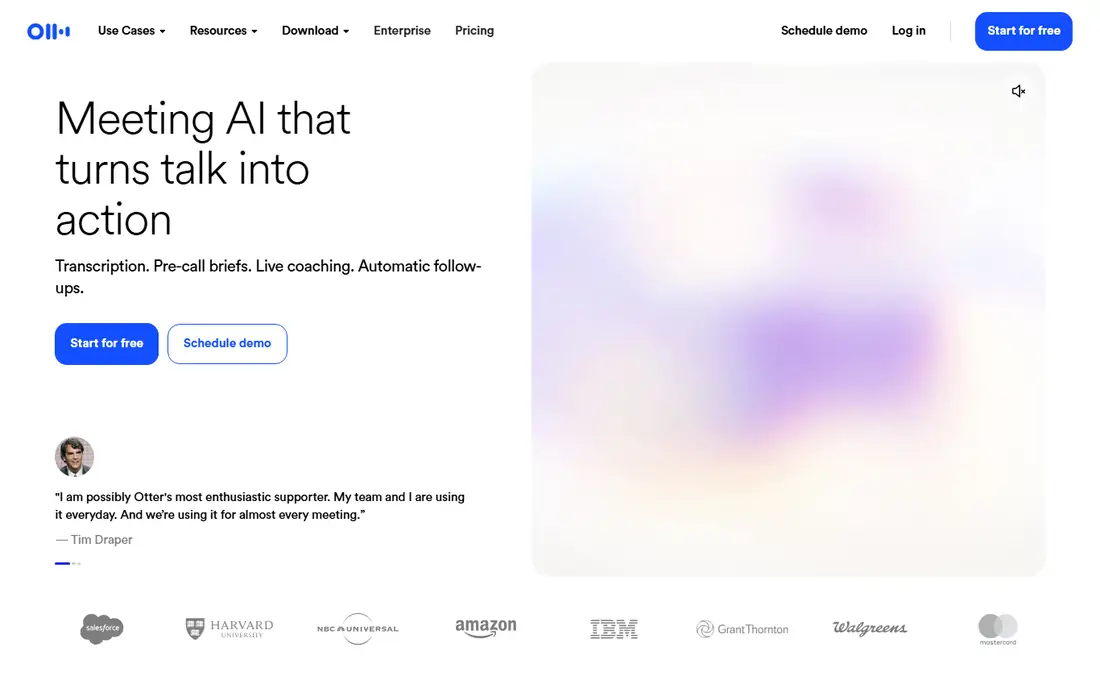
Otter.ai remains a familiar choice because it works live. During a call, you can follow the transcript as people speak, highlight key lines, and add comments, which helps teams that take notes together rather than after the fact. A mobile app also captures in-person conversations when a meeting is not on video. Free accounts cover 300 transcription minutes per month, while Pro from $8.33 per user per month on annual billing raises that to 1,200 minutes. The visible bot can feel intrusive on client calls, and CRM sync sits on higher plans. For live, collaborative notes, Otter is still a strong default.
- Live transcript during calls, speaker labels, mobile in-person recording
- Bot joins meetings, Pro caps monthly minutes, CRM sync needs higher plans
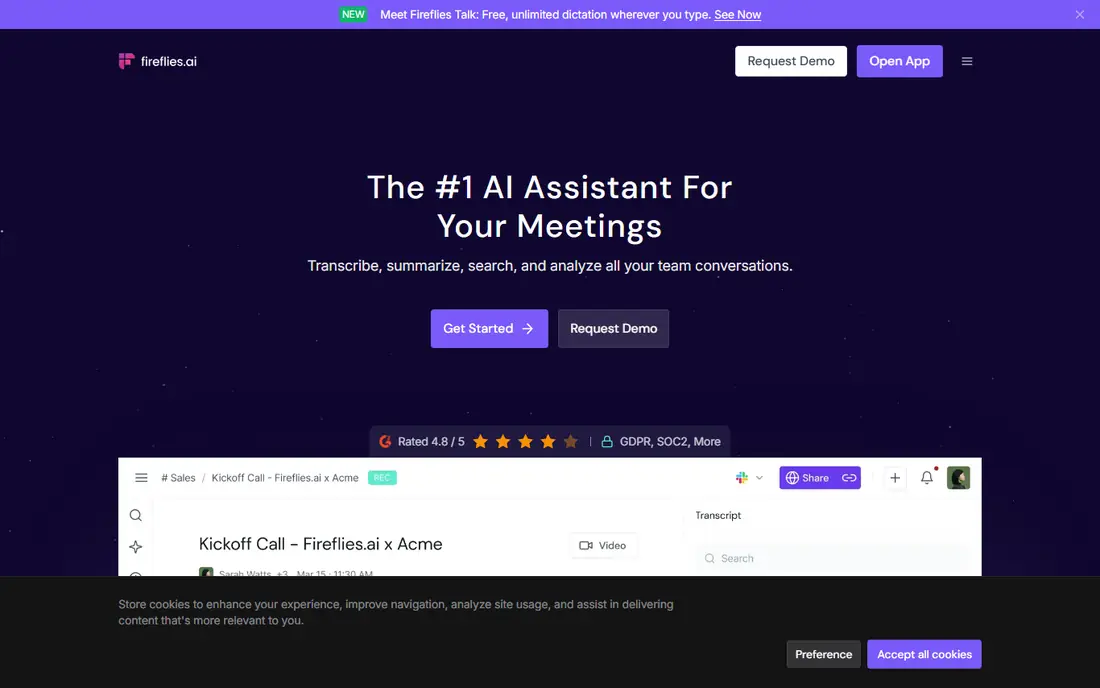
Fireflies.ai suits teams that treat calls as data. It records, transcribes, and summarises meetings, then lets you search across calls by topic, speaker, or keyword. Sales and customer success teams use it to find objections, follow-ups, and coaching moments without replaying full recordings. Free accounts offer unlimited transcription with 800 minutes of storage per seat and limited AI summaries, while Pro from $10 per seat per month on annual billing expands summaries and storage. A bot still joins each call, so tell attendees in advance. For searchable team call libraries, Fireflies is hard to beat.
- Unlimited transcription on paid plans, many integrations, AI summaries and topic tracking
- Bot joins meetings, storage limits on free plan, summary limits on free plan
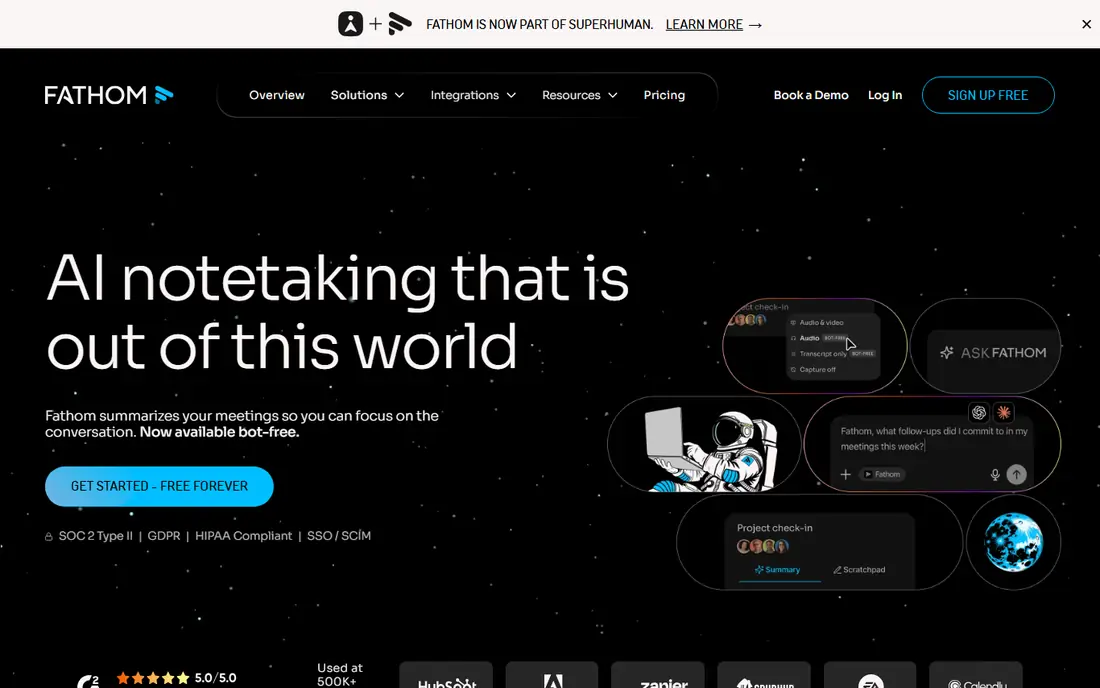
Fathom is the best free starting point for solo users. The free plan covers unlimited recordings, transcriptions, and storage on Zoom, Meet, and Teams, with summaries included up to a monthly limit. That generosity makes it easy to test in real meetings without a trial clock ticking. Premium from $16 per month on annual billing adds more AI summaries, team libraries, and CRM sync. Fathom covers fewer niche platforms than Fireflies, and its mobile app is iPhone-focused for in-person notes. For individuals and small teams, the free plan alone covers most meeting needs.
- Unlimited free recordings and transcripts, clean summaries, CRM options on paid plans
- Advanced summaries limited on free plan, fewer platforms than some rivals
Notta suits teams that work across languages or handle many recorded files. It transcribes meetings and uploads in many languages, translates summaries, and syncs notes to tools like Notion and HubSpot. Consultants and researchers use it when interviews and webinars arrive as audio files, not just live calls. Free accounts cover 120 minutes per month, while Pro from $8.17 per user per month on annual billing expands minutes and features. Accuracy varies by language and audio quality, so check transcripts for names and numbers. For budget multilingual work, Notta offers strong value.
- Wide language support, file uploads, affordable paid plans
- Free tier is small at 120 minutes, recording limits per session on free plan
tl;dv is built for teams that do not all attend every meeting. Record a call, highlight key moments, and share short clips with timestamped notes, so colleagues can catch up in minutes rather than replaying an hour. Integrations with task tools help turn highlights into assigned work. Free accounts cover unlimited recordings with limited AI notes and three-month history, while Pro from $18 per seat per month on annual billing expands AI features and history. That entry price is higher than Otter or Notta. For distributed teams that rely on async review, tl;dv saves real meeting time.
- Easy clip sharing, timestamped highlights, good async collaboration
- Higher entry price, AI notes limited on free plan
Fellow goes beyond transcription by tying notes to the meeting itself. Build an agenda, capture notes and decisions in the same doc, and assign action items with owners and due dates that sync to task tools. That structure helps managers who run recurring one-to-ones and team meetings. Free accounts cover a small number of AI notes for small teams, while Team pricing from $7 per user per month on annual billing expands AI and integrations. Value depends on team adoption: if only one person uses agendas, much of the benefit fades. For teams that want meetings to end with clear owners, Fellow is a strong pick.
- Agendas and action tracking, bot or desktop recording, strong integrations
- Free AI notes are limited, best value needs team adoption
Granola records from your own device, so no third-party bot appears in the attendee list. That matters on sensitive client calls, interviews, and internal reviews where a bot feels intrusive. Notes, summaries, and action items still arrive after the call, with integrations for docs and CRM tools on paid plans. Free history is limited to 30 days, while Business pricing from $14 per user per month expands history and integrations. Enterprise admin features are thinner than Fellow or Fireflies. For individuals who value a bot-free call, Granola offers the calmest experience in this list.
- No bot joins, works from device audio, clean personal summaries
- Free history is limited, fewer enterprise controls than larger rivals
Grain focuses on the moments that matter in a call. Highlight a key exchange, build a short reel, and share it with a colleague or manager for coaching or handover. Sales teams use it to show real customer language, rather than summarised notes, when a deal needs review. That focus means Grain is less of a general meeting archive than Fireflies or Fathom. Pricing requires checking the current vendor page, and free use covers core highlights. Pair Grain with a full note taker if you also need complete transcripts and team libraries.
- Highlight reels, desktop capture, CRM workflows
- Pricing is not as transparent, narrower focus than all-round note tools
Supernormal keeps meeting notes simple. It records, transcribes, and produces readable summaries with action items, without asking teams to learn a large platform. Small teams that want notes in the inbox after each call, rather than a new system to manage, often settle here quickly. Advanced CRM workflows and coaching features are thinner than in Fireflies or Grain, and pricing should be checked on the vendor site. For teams that value simplicity over depth, Supernormal delivers the core job well: you leave the meeting, and the notes are already written.
- Clean summaries, easy sharing, straightforward setup
- Fewer advanced integrations, pricing varies by plan
How we picked these
We prioritised tools that record Zoom, Meet, or Teams, produce usable summaries, and offer a free plan or trial in October 2026. We included bot and bot-free options, sales-focused tools, and agenda-led tools, because meeting needs differ by role. Tools that had shut down or offered only raw transcription without AI summaries were left out. Consent and privacy shaped the list too. Every tool here requires you to inform attendees in normal use, and several offer controls for data retention. Check your local consent rules, tell participants at the start of the call, and avoid recording meetings that involve sensitive personal data unless you have a clear lawful basis.
Buying guide: choose a note taker that fits your meetings
Decide bot or bot-free first
Bot tools work across devices and platforms, but the bot is visible to attendees. Bot-free tools feel less intrusive but usually rely on your device audio. Test both styles on a real client call before you roll one out to a team.
Check summary quality on your own calls
Run the same meeting through two tools and compare action items, names, and decisions. Accuracy varies by accent, audio quality, and jargon, and a tool that shines on a demo call may struggle on your noisiest weekly standup.
Plan for storage and sharing
Check how long transcripts are kept, who can access them, and whether you can export notes to docs or task tools. A note taker that traps notes inside one app creates extra work when a colleague needs a summary in another system.
FAQ
What is the best AI note taker app?
Fathom suits individuals who want a generous free plan, Otter suits live collaboration, and Fireflies suits sales teams with CRM needs. Granola suits bot-free personal notes, while Fellow suits teams that need agendas and action tracking. Pick by meeting style, not by which tool has the longest feature list.
Are AI note takers free?
Several offer free plans, including Fathom with unlimited recordings, Fireflies with limited storage, Otter with 300 minutes per month, and Notta with 120 minutes per month. Paid plans add more minutes, summaries, storage, and integrations. Start free, measure your monthly meeting minutes, and pay only when free limits block real work.
Which AI note taker does not use a bot?
Granola records from your device without sending a bot into the meeting, which suits sensitive or client-facing calls. Fellow also offers desktop recording alongside bot recording. Most other tools in this list use a visible bot, so tell attendees in advance and check consent rules before you record.
Do AI note takers work on Zoom, Meet, and Teams?
Otter, Fireflies, Fathom, tl;dv, and Fellow cover all three major platforms, while Granola works from device audio across apps. Notta covers the major platforms plus Webex and file uploads. Check your exact platform and plan before you subscribe, since some features vary by meeting app.
Are meeting transcripts private?
Vendors publish privacy and security pages, and several offer SOC 2 controls, data retention settings, and opt-outs for model training. Still, transcripts contain sensitive work discussion, so limit access, set retention, and avoid recording personal or health details unless you have a clear need and consent. Review the vendor policy for your plan before you store transcripts long term.
Sources
https://www.otter.ai https://www.fireflies.ai https://www.fathom.video https://www.notta.ai https://www.tldv.io https://www.fellow.app https://www.granola.ai https://www.grain.com https://www.supernormal.com