Best Video Production Companies Software (2026): 5 Picks Checked on Vendor Pages
Best video production companies software: 5 tools compared on price, free plans and fit. Fit and flaws are laid out for each entry. Read the profiles.
- Editor's choice
 Frame.io
Review and approval workflows
Starts atPricing on requestVisit frame.ioFull review - Great alternative
 Vimeo
Hosting and sharing finished video
Starts atPricing on requestVisit vimeo.comFull review - Also consider
 Adobe Premiere Pro
Wide professional editing workflows
Starts atPricing on requestVisit adobe.comFull review
Direct answer
Frame.io comes first here, mainly for review and approval workflows. Vimeo fits hosting and sharing finished video; Adobe Premiere Pro fits wide professional editing workflows. Free plan facts and limits for all 5 tools follow. None of these vendors publish plan prices, so pricing is on request for every option.
TL;DR:
- This list starts with Frame.io, which is built for review and approval workflows.
- Only Vimeo offers a free plan among these 5 tools.
- Frame.io, DaVinci Resolve and the 3 others all sell by quote; expect sales conversations before you see a price.
- DaVinci Resolve fits editing, color, VFX, and audio together.
- One limit worth knowing about Final Cut Pro: tied to Apple hardware.
Last checked November 2026. Pricing on request: vendors did not publish plan prices when this guide was last checked (November 2026), so ask each vendor for a written quote.
Quick comparison
| Tool | Best for | Starts at | Free plan? | |
|---|---|---|---|---|
| Frame.io | Review and approval workflows | Pricing on request | Not stated | Visit |
| Vimeo | Hosting and sharing finished video | Pricing on request | Yes | Visit |
| Adobe Premiere Pro | Wide professional editing workflows | Pricing on request | Not stated | Visit |
 Final Cut Pro | Mac and iPad editors | Pricing on request | Not stated | Visit |
 DaVinci Resolve | Editing, color, VFX, and audio together | Pricing on request | Not stated | Visit |
Our 5 picks for video production companies software
If you are comparing video production companies software, this page covers 5 tools in one place: what each is best for, what it costs to start, whether it has a free plan, and the main limit to know about.
Frame.io is designed for review and approval workflows. Frame.io centralizes files, feedback, and people on one secure product so teams can deliver creative work quicker.
Frame.io does not replace an editor or finishing tool, so it fits best alongside one. Beyond that, small teams with straightforward projects may find the added layer unnecessary and can manage feedback inside their editing software. Check the vendor site for Frame.io pricing; none is listed in this comparison. Free access: Not stated.
Points against: Not an editing application.
- Centralizes files, feedback, people
- Built to accelerate creative delivery
- Brings another tool to handle
Vimeo is built with hosting and sharing finished video in mind. Teams that require frame-accurate review and feedback on works in progress should look at a dedicated review system instead.
As for the details, Vimeo does not edit or finish footage, so it complements instead of replaces an editor. No starting price is listed for Vimeo here; confirm pricing on the vendor site. A free plan is available with Vimeo.
Drawbacks to consider: Restricted production tooling.
- Streaming in HD
- Discovery of films and shorts
- Not an editing application
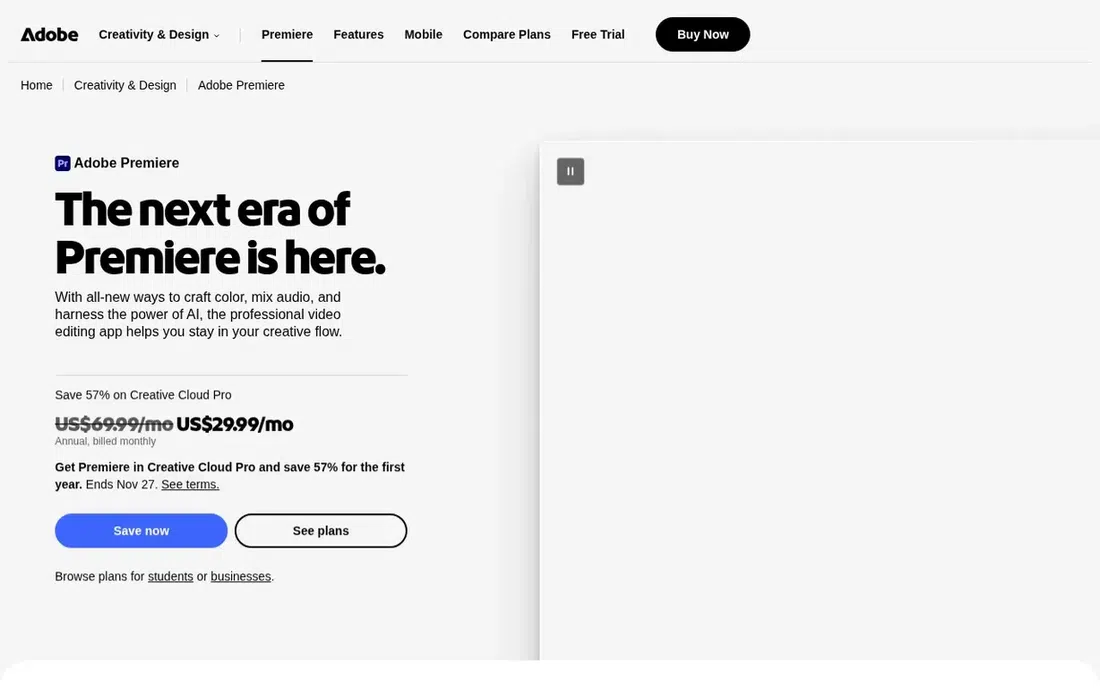
Adobe Premiere Pro makes the most sense for wide professional editing workflows. Editors who chiefly need color grading or audio finishing may prefer a tool built around those disciplines, and Mac-focused editors may want to compare native alternatives before committing.
Adobe Premiere Pro is professional video editing and postproduction software for editing and trimming footage, adding effects, mixing audio, and extending video. In practice, the feature set is deep, which can slow newcomers and straightforward projects. No starting price is listed for Adobe Premiere Pro here; confirm pricing on the vendor site. Free options: Not stated.
Watch-outs: Subscription-based access. Where Adobe Premiere Pro stands out: Audio mixing built in; effects in one app.
- Editing, trimming
- Suits many different postproduction tasks
- Can feel dense for beginners
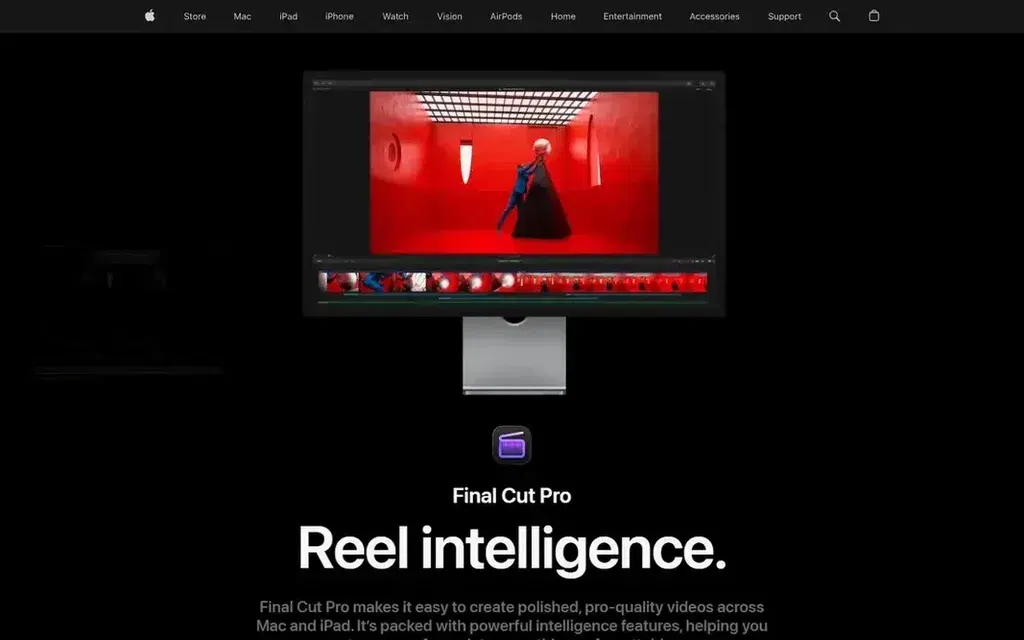
In short, Final Cut Pro is for Mac and iPad editors. Final Cut Pro is Apple's professional editing application, packed with feature-rich intelligence features that make pro-quality video creation and editing simpler on Mac and iPad.
Where it is weaker: Workflow differs from track-based editors.
More specifically, editors who require deep color or audio finishing in the same application may prefer a suite that bundles those modules, or may pair Final Cut Pro with dedicated tools. This comparison lists no price for Final Cut Pro; ask the vendor. Free access: Not stated.
- Runs on Mac and iPad
- Pro-quality creation and editing focus
- Tied to Apple hardware
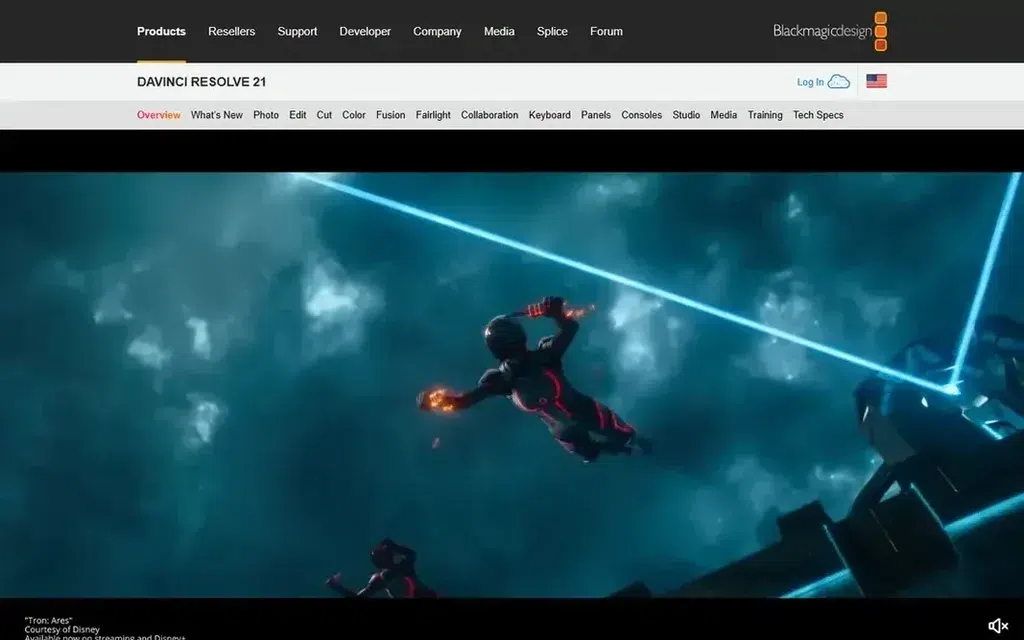
In short, DaVinci Resolve is for editing, color, VFX, and audio together. DaVinci Resolve from Blackmagic Design brings professional video editing, color correction, visual effects, and audio post production together in a single application.
Teams that only need fast cuts may find a more straightforward editor quicker to adopt. As for the details, since it handles so plenty of disciplines, the interface can feel overwhelming at first and advanced color and audio work rewards proper training. DaVinci Resolve shows no starting price here, so confirm the cost on the vendor site. On free options: Not stated.
The main drawbacks: Numerous modules to learn.
- Editing and color correction in one application
- Available for Mac, Windows, Linux
- Advanced work benefits from capable hardware
Our selection method
Questions to settle before buying
- Ask each vendor, from Frame.io to DaVinci Resolve, for a written quote; none of them publishes a starting price.
- Test the free plan from Vimeo against your real workload before relying on it.
- Before choosing Frame.io, weigh its main limit: not an editing application.
- Ask Final Cut Pro about contract length, onboarding fees and user minimums before you sign.
- See whether Adobe Premiere Pro offers onboarding or training, and whether it is included in the price.
FAQ
Which options for video production companies software have a free plan?
Vimeo is the only tool in this list with a free plan. Free plans usually cap users, projects or features, so check the limits on the vendor page. All 5 picks in this video production companies software comparison list a starting price, free plan details and the main limits on their cards above.
How are the tools for video production companies software ordered?
The order follows typical fit for video production companies software, with Frame.io first and DaVinci Resolve last, then price clarity and free access. It is editorial judgement, not a score, so another team could rank the tools differently.
Do these tools publish their prices?
No. None of the tools, from Frame.io to DaVinci Resolve, shows a fixed starting price here, so budget time for quotes.
Can I try these options before paying?
Often, yes. Vimeo has a free plan. Use your own data and a real task during the test, and check what the free tier or trial limits before you rely on it. For the full picture, the cards above cover all 5 entries of this video production companies software list, including price, free plan and limits.
Sources
- https://frame.io
- https://vimeo.com
- https://www.adobe.com/products/premiere.html
- https://www.apple.com/final-cut-pro
- https://www.blackmagicdesign.com/products/davinciresolve