Best Video Production Companies Software for Remote Teams for 2026: Our 6 Vetted Picks
6 best video production companies software for remote teams, compared on pricing, free plans and best-fit use. Includes honest limits for each tool. Start here.
- Editor's choice
 Ziflow
Automatic proofing across file types
Starts at$199 a month billed annuallyVisit ziflow.comFull review - Great alternative
 Vimeo
Hosting and sharing finished videos
Starts atSee websiteVisit vimeo.comFull review - Also consider
 Adobe Premiere Pro
Professional editing for remote editors
Starts atSee websiteVisit adobe.comFull review
Direct answer
For automatic proofing across file types, Ziflow is where this list starts. Listed starting prices: Ziflow from $199 a month billed annually and Wipster from $9.95 per month. Vimeo is better for hosting and sharing finished videos, and Adobe Premiere Pro is better for professional editing for remote editors. The other 3 tools in the list cover narrower or pricier cases.
TL;DR:
- This list starts with Ziflow, which is built for automatic proofing across file types.
- Frame.io fits centralized review and asset management.
- 2 of 6 tools offer a free plan: Ziflow, Vimeo.
- Before buying Adobe Premiere Pro, weigh this: needs capable local hardware.
Last checked November 2026. Prices and plan details were read from the vendors' own pages in November 2026; vendors change plans often, so confirm the current price on the vendor site before you buy.
Quick comparison
| Tool | Best for | Starts at | Free plan? | |
|---|---|---|---|---|
| Ziflow | Automatic proofing across file types | $199 a month billed annually | Yes | Visit |
| Vimeo | Hosting and sharing finished videos | See website | Yes | Visit |
| Adobe Premiere Pro | Professional editing for remote editors | See website | Not stated | Visit |
 Wipster | Video review and approval | $9.95 per month | Free trial | Visit |
 Filestage | Structured proofing for regulated teams | See website | Not stated | Visit |
 Frame.io | Centralized review and asset management | See website | Not stated | Visit |
Video Production Companies Software for Remote Teams profiles
This LinkVetted guide covers 6 video production companies software for remote teams. Each profile lists a starting price, free plan details, strengths and drawbacks, so you can drop poor fits quickly.
Ziflow serves automatic proofing across file types. Teams that only review video may find it heavier than needed.
Beyond that, Ziflow's breadth means setup can take effort, and video-specific features may be less specialized than dedicated video review tools. Pick it when automatic, multi-format proofing is a priority. Price to start with Ziflow: $199 per month billed annually. Ziflow includes a free tier.
Drawbacks to consider: Can be complicated to configure.
- Links up with other tools
- Automatic review workflows
- Video review is one part of a broader product
Vimeo is built with hosting and sharing finished videos in mind. Vimeo is a video hosting and sharing system where teams can publish and stream finished content in HD without ads. For everyday use, Vimeo is not aimed at frame-accurate review or approval workflows, so it complements instead of replaces dedicated proofing tools.
It also lacks editing and post-production features. For everyday use, remote teams frequently use it to present final cuts to clients or share portfolios, thanks to steady playback and a clean viewing experience. Check the vendor site for Vimeo pricing; none is listed in this comparison. Free access exists with Vimeo.
Downsides: Not a dedicated review tool.
- Ad-free playback
- Discovery of films and shorts
- Limited production features
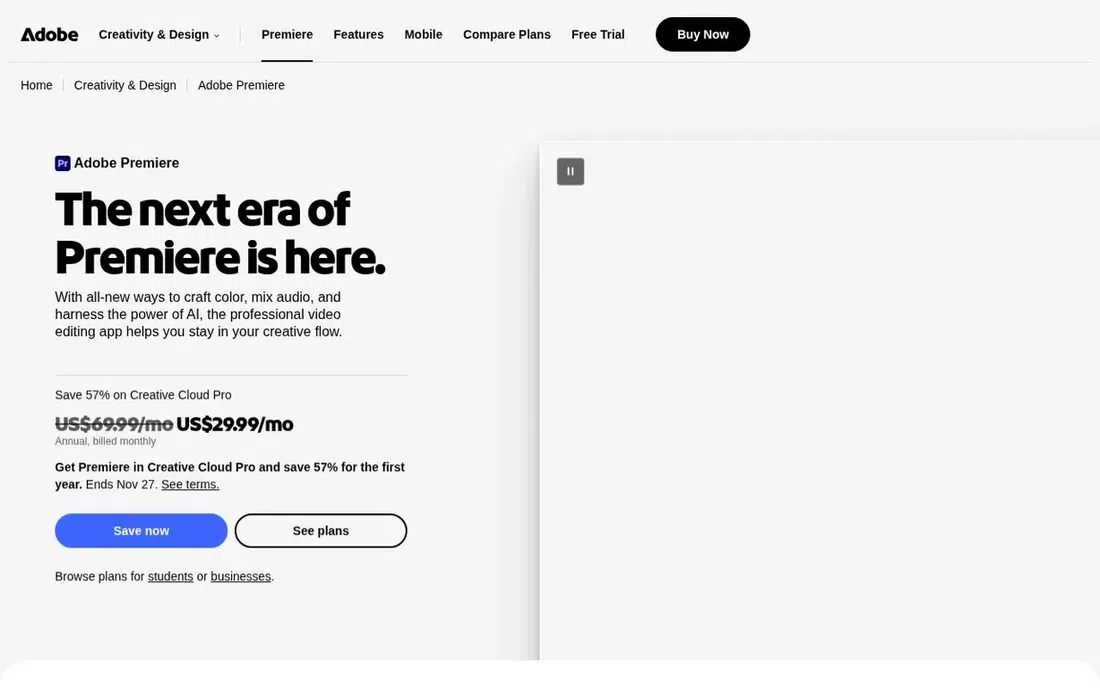
Pick Adobe Premiere Pro if this describes you: professional editing for remote editors. Adobe Premiere Pro is professional video editing software for trimming, effects, audio mixing, and post-production. Its wide toolset makes it a typical choice for teams producing everything from short-form content to long-form projects.
Drawbacks to consider: Subscription-based access.
In daily use, Premiere Pro demands capable hardware and steady local storage, which can be a hurdle for remote setups with restricted bandwidth. Choose it when editing depth matters more than integrated review. Pricing for Adobe Premiere Pro is not stated here, so ask the vendor for current figures. Free options: Not stated.
- Plugs into Creative Cloud
- Wide format support
- Needs capable local hardware
Wipster is a good fit for video review and approval. Wipster is an online video review, approval, and collaboration product. It lets teams share media, collect feedback, and handle reviews so finished work moves quicker.
From a buyer's view, teams with complicated proofing needs across plenty of file types may need broader tools. Consider it when video feedback is the primary collaboration challenge. Remote producers and editors use it to gather comments from stakeholders in one place, reducing scattered email threads and version confusion. Wipster concentrates on review and approval instead of editing or asset management, so it fits best alongside a NLE and storage option. Starting cost for Wipster: $9.95 per month. Trial and free access: Free trial.
Points against: Centred on review, not editing.
- Collects time-coded feedback
- Accelerates delivery
- May need workflow adjustments
Pick Filestage if this describes you: structured proofing for regulated teams. Filestage is online proofing software built to take control of review and approval processes for creative and marketing teams, including those in regulated industries. It helps remote teams standardize feedback and sign-off across content types.
The main drawbacks: Needs process setup.
For everyday use, video producers who require auditable approval steps commonly find it handy for keeping stakeholders aligned. It also benefits from clear internal processes to be effective. Choose it when compliance and multi-format approval workflows matter more than video-only collaboration. Filestage shows no starting price here, so confirm the cost on the vendor site. Trial and free access: Not stated.
- Online proofing workflows
- Supports regulated industries
- Broader proofing focus may dilute video-specific features
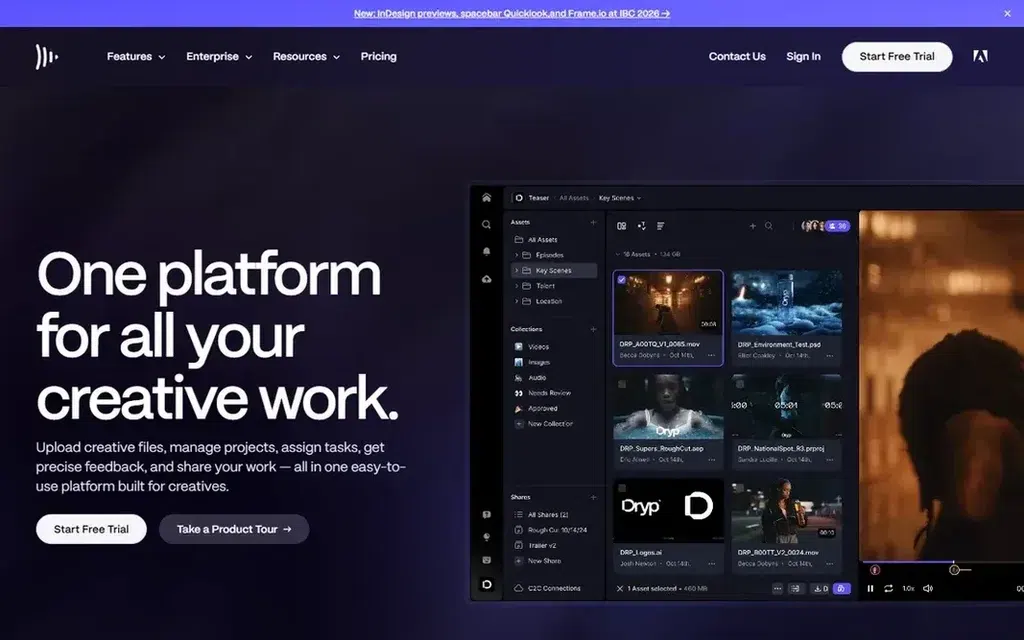
Pick Frame.io if this describes you: centralized review and asset management. Frame.io is a cloud-based collaboration system that brings files, feedback, and people together in one secure workspace. It is built for creative teams that need to share cuts, collect time-coded comments, and handle versions without chasing emails.
Watch-outs: Needs dependable internet.
Consider it when feedback loops and version control are the central bottleneck. The product concentrates on review and asset management instead of editing itself, so teams still need a NLE for cutting footage. Frame.io shows no starting price here, so confirm the cost on the vendor site. Free access: Not stated.
- Centralizes files and feedback
- Secure collaboration product
- May overlap with editing software features
How we compared the tools
LinkVetted looked at what each vendor publishes: pricing, plan limits, feature coverage for video production companies software for remote teams and stated drawbacks. No hands-on testing is claimed. Seat minimums, billing terms and add-ons can move the real cost, so the starting prices here are a guide and not a quote. The sequence is a judgement call: typical use case first, then pricing transparency, then free access. Use the profiles to check fit.
Questions to settle before buying
- Get a written quote from Vimeo, Adobe Premiere Pro, Filestage and Frame.io; the list shows no starting price for them.
- Check what the free option really includes: Ziflow and Vimeo offer a free plan, and usage caps differ.
- Take the trial from Wipster and push a live task through it before you pay.
- Read the limits listed for Ziflow first: can be complicated to configure.
- Let daily users try Adobe Premiere Pro on real work; their feedback beats any feature checklist.
- Ask Wipster how an export works before you move any records in; an easy exit lowers the risk.
FAQ
Is Ziflow the right pick for everyone comparing video production companies software for remote teams?
No single tool suits every team. Ziflow comes first because it fits automated proofing across file types, while Vimeo suits hosting and sharing finished videos and Adobe Premiere Pro suits professional editing for remote editors. Match the tool to your own size, budget and workflow before deciding.
What is the cheapest option for video production companies software for remote teams in this list?
On published monthly entry prices, Wipster is the lowest here at $9.95 per month. Entry price is only part of the cost, because seats, add-ons and billing terms can change the total. For the full picture, the cards above cover all 6 entries of this video production companies software for remote teams list, including price, free plan and limits.
How are the video production companies software for remote teams ordered?
The order follows typical fit for video production companies software for remote teams, with Ziflow first and Frame.io last, then price clarity and free access. It is editorial judgement, not a score, so another team could rank the tools differently.
Can I try these tools before paying?
Often, yes. Ziflow and Vimeo have a free plan and Wipster offers a free trial. Use your own data and a real task during the test, and check what the free tier or trial limits before you rely on it.
Sources
- https://www.ziflow.com
- https://vimeo.com
- https://www.adobe.com/products/premiere.html
- https://www.wipster.io
- https://filestage.io
- https://frame.io