Top 6 Software to Fix Audio Speech in Videos for 2026 (Prices and Free Plans)
Best software to fix audio speech in videos in 2026: 6 tools with starting prices, free plans and limits. Short, factual notes on every option. Choose faster.

- Editor's choice
 DaVinci Resolve
All-in-one video and audio post-production
Starts atSee websiteVisit blackmagicdesign.comFull review - Great alternative
 Cleanvoice
Automatic removal of speech disfluencies
Starts at$11 a monthVisit cleanvoice.aiFull review - Also consider
 Descript
Text-based editing of audio and video
Starts at$16 per person per monthVisit descript.comFull review
Direct answer
Our first pick is DaVinci Resolve, best for all-in-one video and audio post-production. Listed starting prices: Cleanvoice from $11 a month and Descript from $16 per person per month. For a different need, Cleanvoice covers automatic removal of speech disfluencies and Descript covers text-based editing of audio and video. All 6 tools are compared below on price, free plan and limits.
TL;DR:
- Number one here is DaVinci Resolve, a fit for all-in-one video and audio post-production.
- 2 of 6 tools offer a free plan: Descript, Auphonic.
- Auphonic is the one to check for automatic audio post-production.
- Descript comes with a trade-off: restricted advanced video editing features.
Last checked November 2026. Prices and plan details were read from the vendors' own pages in November 2026; vendors change plans often, so confirm the current price on the vendor site before you buy.
Quick comparison
| Tool | Best for | Starts at | Free plan? | |
|---|---|---|---|---|
| DaVinci Resolve | All-in-one video and audio post-production | See website | Not stated | Visit |
| Cleanvoice | Automatic removal of speech disfluencies | $11 a month | Free trial | Visit |
| Descript | Text-based editing of audio and video | $16 per person per month | Yes | Visit |
 Adobe Premiere Pro | Professional video editing with audio repair | See website | Not stated | Visit |
 Adobe Audition | Dedicated audio editing and restoration | See website | Not stated | Visit |
 Auphonic | Automatic audio post-production | See website | Yes | Visit |
Software to Fix Audio Speech in Videos, one by one
This LinkVetted guide covers 6 software to fix audio speech in videos. Each profile lists a starting price, free plan details, strengths and drawbacks, so you can drop poor fits quickly.
Pick DaVinci Resolve if this describes you: all-in-one video and audio post-production. For more straightforward, automatic speech cleanup, Cleanvoice or Auphonic might be more straightforward, but Resolve gives you deep control for those willing to learn.
Drawbacks to consider: Complicated interface for beginners.
On top of that, DaVinci Resolve is a good match for professionals and enthusiasts who want a complete post-production option without switching between applications. It contains the Fairlight audio page, which provides advanced audio editing and repair tools. Pricing for DaVinci Resolve is not stated here, so ask the vendor for current figures. Free access: Not stated.
- Free version available
- Integrated video and audio editing
- High system requirements
Cleanvoice makes the most sense for automatic removal of speech disfluencies. Cleanvoice is a good match for podcasters and video creators who want a quick, automatic way to clean up speech audio with minimal effort.
The main drawbacks: Restricted manual control.
It aims to deliver studio-quality sound without hours of editing. Cleanvoice pricing: $11 per month. Free plan details: Free trial. Main advantages: click-based interface.
- Automatic background noise reduction
- Straightforward
- Primarily for podcast and video audio
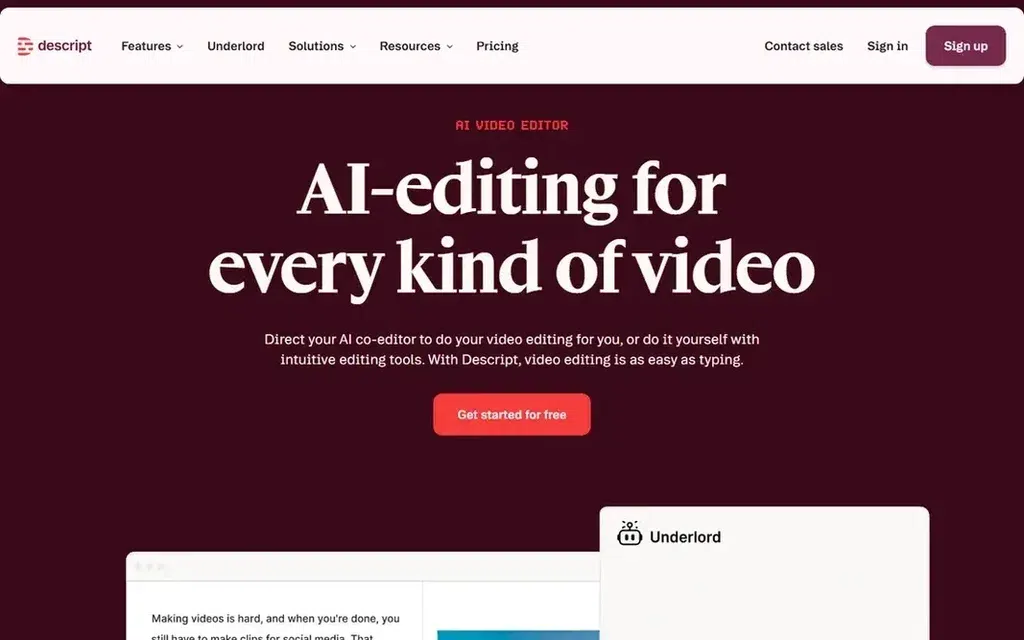
Descript is designed for text-based editing of audio and video. Descript is an AI video and audio editor that makes editing as simple as editing text.
More specifically, Descript may lack some advanced video editing features found in traditional NLEs, and its AI features need an internet connection. For complicated video projects with heavy visual effects, Adobe Premiere Pro or DaVinci Resolve might be better, but for speech-focused editing, Descript excels. The starting price for Descript: $16 per person per month. Descript has a free plan.
Trade-offs to know: Restricted advanced video editing features.
- Edit audio by editing text
- AI-powered speech cleanup
- Needs internet for some features
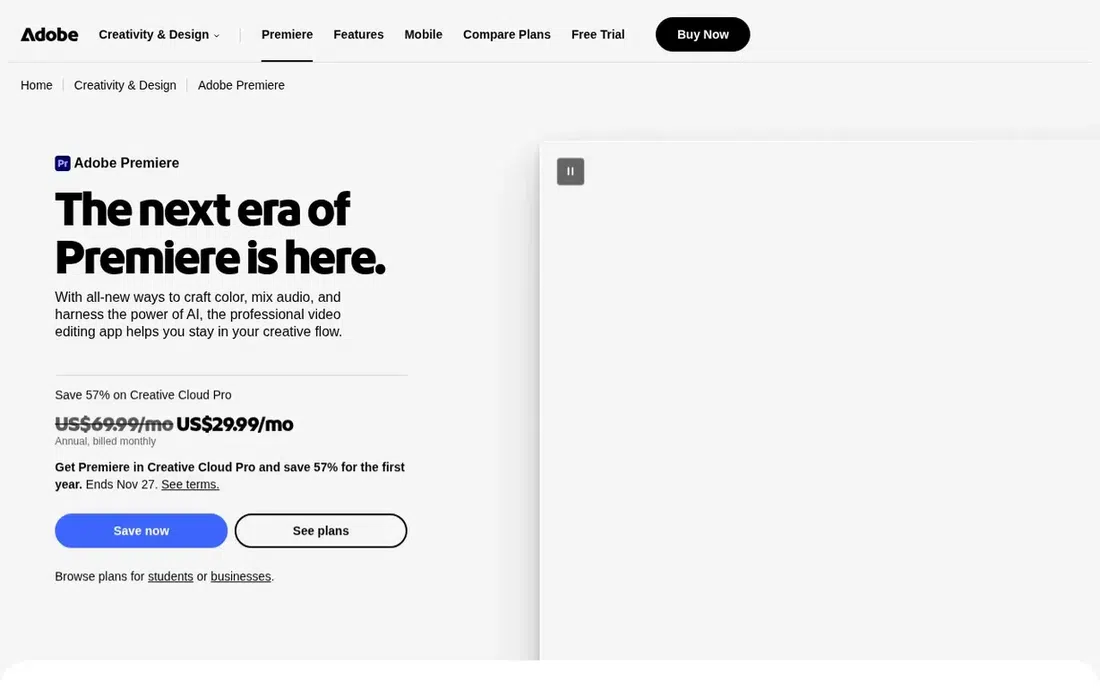
For professional video editing with audio repair, Adobe Premiere Pro is a natural candidate. For more straightforward, AI-driven speech cleanup, consider Descript or Cleanvoice, which automate plenty of tasks and are simpler to learn.
No starting price is listed for Adobe Premiere Pro here; confirm pricing on the vendor site. Free access: Not stated.
Watch-outs: Steep ramp-up time for beginners.
- Smooth integration with other Adobe tools
- Full video and audio editing
- Needs subscription
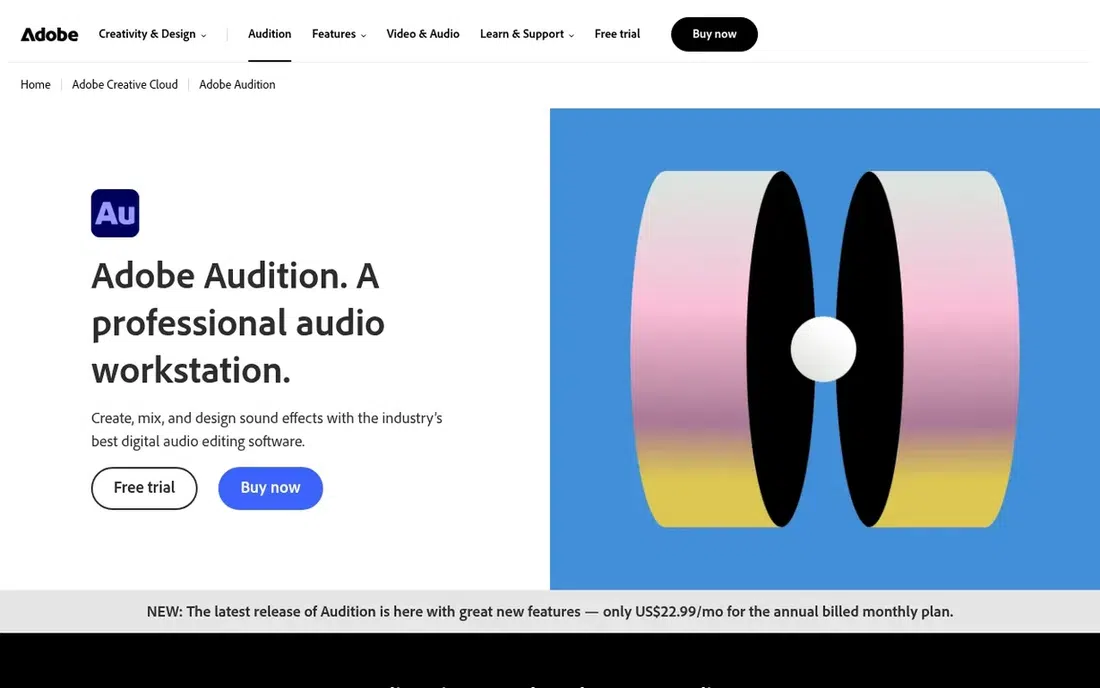
Adobe Audition targets dedicated audio editing and restoration. Audition is well-suited for audio engineers and video editors who require precise control over audio fixes. In practice, for an all-in-one video and audio option, Premiere Pro or DaVinci Resolve may be more convenient, though they may not offer the same depth in audio restoration.
Worth adding: Adobe Audition is a professional audio recording and editing software with a comprehensive toolset for mixing, editing, and creating audio content. It comes with multitrack, waveform, and spectral display views, making it well suited to detailed audio repair and speech enhancement. Adobe Audition does not show a starting price in this comparison, so check the vendor site for current pricing. Free access: Not stated.
Where it is weaker: Subscription required.
- Advanced audio restoration tools
- Deep integration with Premiere Pro
- Audio-only, no video editing
Auphonic is designed for automatic audio post-production. For integrated audio and video editing, Premiere Pro or DaVinci Resolve are more thorough, but Auphonic gives you a specialized, automatic option for audio cleanup.
On top of that, Auphonic processes audio files and can also manage video files by extracting audio. Pricing for Auphonic is not stated here, so ask the vendor for current figures. Free access exists with Auphonic.
Honest limits: Processing time varies. Where Auphonic stands out: Web-based.
- Automatic leveling and noise reduction
- Supports various audio formats
- Restricted video editing integration
What went into this list
LinkVetted used vendor pricing pages and product documentation as the base, then compared plans, free access and documented limits for 6 tools. Where a price is missing, the vendor does not list one publicly or ties it to a quote. Always confirm before budgeting. The order reflects how well each tool fits the most common buying scenario for software to fix audio speech in videos, then price clarity, then free plan access. It is a starting point, not a verdict.
What to confirm before you sign up
- Get a written quote from DaVinci Resolve, Adobe Premiere Pro, Adobe Audition and Auphonic; the list shows no starting price for them.
- Look at free plan limits closely: Descript and Auphonic have one, and the caps decide whether it is usable for real work.
- Run a trial of Cleanvoice with real work before paying for a year; your own workflow is the best test.
- Before choosing DaVinci Resolve, weigh its main limit: high system requirements.
- Confirm you can export your data from Auphonic, so leaving later does not mean losing records.
- Map your must-have features to a specific DaVinci Resolve plan before you compare prices.
FAQ
Do these tools publish their prices?
Not all of them. DaVinci Resolve, Adobe Premiere Pro, Adobe Audition and Auphonic publish no starting price, so expect a quote request for those. The rest, Cleanvoice included, show a starting price, though seats and billing terms still change the final cost.
Can I use Descript to fix audio in videos?
It also comes with AI features for speech cleanup. It is well suited to podcasters and video creators who prefer a text-based approach.
What is the difference between Auphonic and Adobe Audition?
Auphonic is an automatic web-based audio post-production service that concentrates on fast, automatic cleanup. Auphonic is more straightforward, whereas Audition supplies greater control.
What is the best software to fix audio speech in videos?
DaVinci Resolve is the pick this page puts first, mainly for all-in-one video and audio post-production. If your situation differs, Cleanvoice suits automatic removal of speech disfluencies, and Descript suits text-based editing of audio and video. Compare price and limits before you decide.
Is DaVinci Resolve the right pick for everyone comparing software to fix audio speech in videos?
No single tool suits every team. DaVinci Resolve comes first because it fits all-in-one video and audio post-production, while Cleanvoice suits automated removal of speech disfluencies and Descript suits text-based editing of audio and video. Match the tool to your own size, budget and workflow before deciding.
Which options for software to fix audio speech in videos have a free plan?
Descript and Auphonic offer a free plan in this list. Free plans usually cap users, projects or features, so check the limits on the vendor page. One other tool offers a trial instead.
Sources
- https://www.blackmagicdesign.com/products/davinciresolve
- https://cleanvoice.ai
- https://www.descript.com
- https://www.adobe.com/products/premiere.html
- https://www.adobe.com/products/audition.html
- https://auphonic.com