Top 6 Software for Analysis for 2026 (Prices and Free Plans)
6 products for the best software for analysis, ranked by fit, with starting costs and free tiers. Read the caveats before you buy. Skim the table first.
- Editor's choice
 Databricks
Unified data, analytics, and AI work
Starts atSee websiteVisit databricks.comFull review - Great alternative
 Alteryx
Automating data workflows before analysis
Starts at$250 per user a monthVisit alteryx.comFull review - Also consider
 Tableau
Visual exploration and dashboard sharing
Starts at$15 per user a monthVisit tableau.comFull review
Direct answer
Databricks leads the list, best for unified data, analytics, and AI work. Listed starting prices: Alteryx from $250 per user a month and Tableau from $15 per user a month. Alternatives: Alteryx for automating data workflows before analysis, and Tableau for visual exploration and dashboard sharing. All 6 tools are compared below on price, free plan and limits.
TL;DR:
- Top of the list is Databricks, which targets unified data, analytics, and AI work.
- Domo fits governed data and business insights.
- Tableau has the lowest monthly starting price in this list: $15 per user per month.
- Tableau stands alone as the one tool in this list with a free plan.
Last checked November 2026. Prices and plan details were read from the vendors' own pages in November 2026; vendors change plans often, so confirm the current price on the vendor site before you buy.
Quick comparison
| Tool | Best for | Starts at | Free plan? | |
|---|---|---|---|---|
| Databricks | Unified data, analytics, and AI work | See website | Not stated | Visit |
| Alteryx | Automating data workflows before analysis | $250 per user a month | Free trial | Visit |
| Tableau | Visual exploration and dashboard sharing | $15 per user a month | Yes | Visit |
 Looker | Governed metrics and embedded analytics | See website | Not stated | Visit |
 Qlik Sense | End-to-end data integration and analytics | See website | Not stated | Visit |
 Domo | Governed data and business insights | See website | Free trial | Visit |
The best software for analysis
Short on time? The summary and table above give the quick view of 6 tools for software for analysis, and the profiles that follow give the detail behind each entry.
Databricks is designed for unified data, analytics, and AI work. Databricks gives you a unified system for data, analytics, and AI.
Watch-outs: Wide system needs deliberate setup.
On top of that, teams without data engineering support may prefer a more straightforward analytics product and add a data product later. In daily use, the product assumes engineering capability, and business analysts may find it less approachable than a dedicated BI tool. Databricks does not show a starting price in this comparison, so check the vendor site for current pricing. On free options: Not stated.
- Unified data and AI system
- Governance built into the product
- Needs data engineering skills
Think of Alteryx for automating data workflows before analysis. Alteryx automates data workflows so teams can cut manual work and deliver insights quicker. It integrates with warehouses for example Snowflake and Databricks and with BI tools.
Best features of Alteryx: Automates repetitive data workflows.
Downsides: Workflow design takes some learning. As for the details, Alteryx centers on workflow automation instead of presentation, so teams still need a visualization or reporting layer. More specifically, organizations with straightforward, one-off data needs may not justify the design effort a workflow system needs. The starting price for Alteryx: $250 per user per month. On free options: Free trial.
- Links up with warehouses and BI tools
- Cuts manual preparation work
- Focused on preparation, not final dashboards
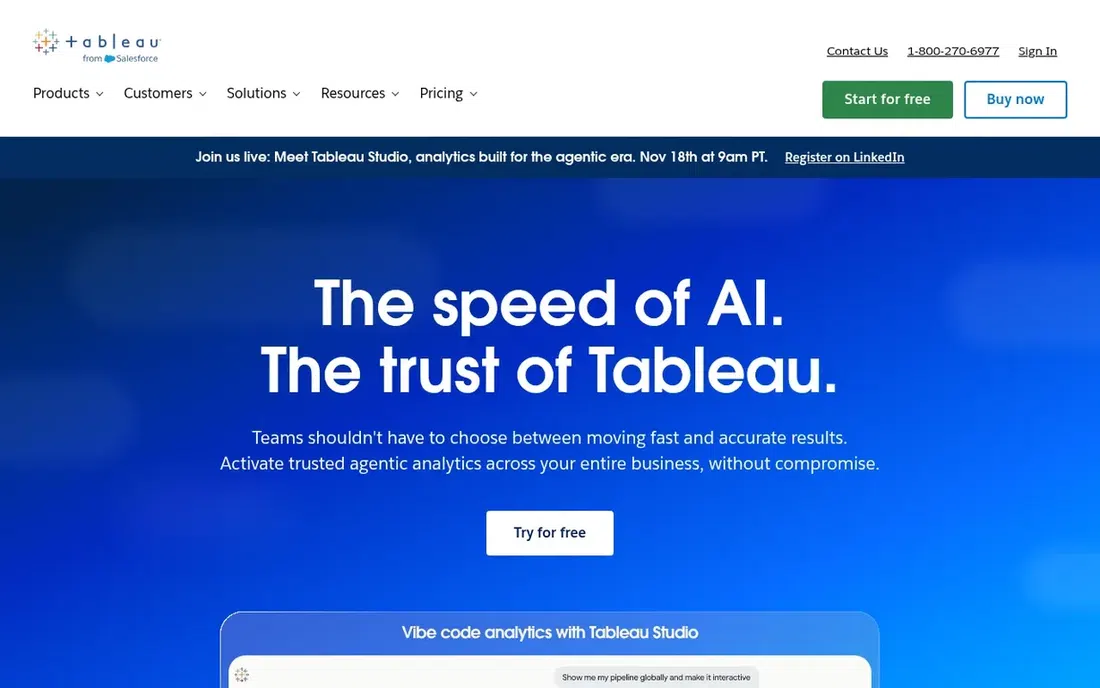
Tableau was built for visual exploration and dashboard sharing. From a buyer's view, users link to databases, drag-and-drop fields to build charts, and share results with a click.
Organizations that require a centrally governed semantic layer may prefer a product built around that model. What you pay to start with Tableau: $15 per user per month. Tableau includes a free tier.
Limits to weigh: Complicated models can need additional preparation.
- Drag-and-drop visualization building
- Links to almost any database
- Advanced governance takes setup
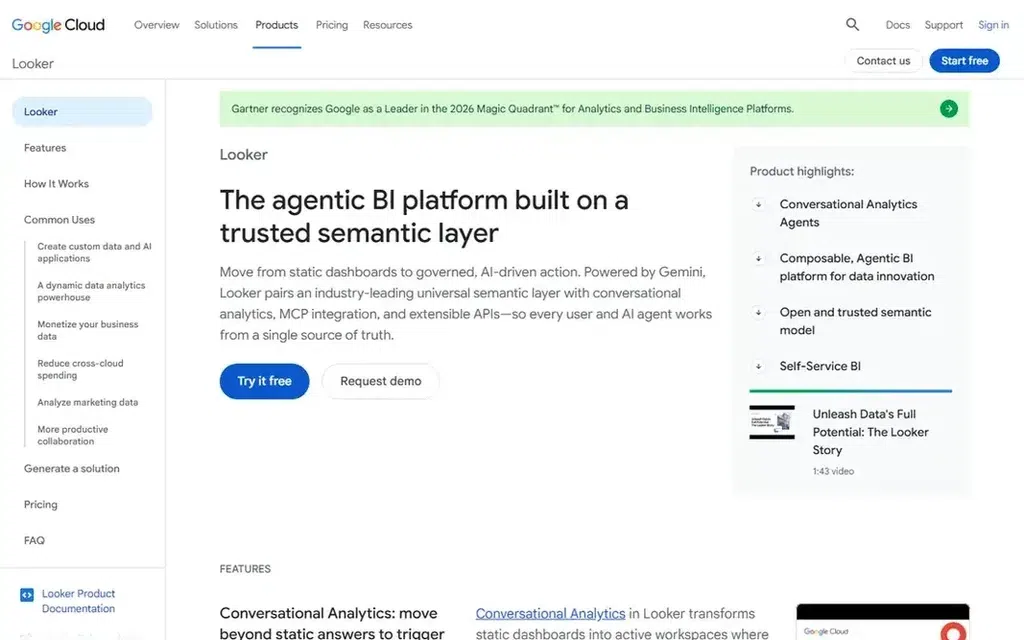
Where Looker fits: governed metrics and embedded analytics. The semantic layer demands deliberate modeling work before users see value, which can slow early rollout.
In practice, teams that primarily want fast, freeform visual exploration may find a simpler visualization tool quicker to adopt. This comparison lists no price for Looker; ask the vendor. Free options: Not stated.
Downsides: Semantic modeling needs upfront effort.
- Trusted semantic layer for metrics
- AI agents assist analysis
- Less suited to ad hoc visual play
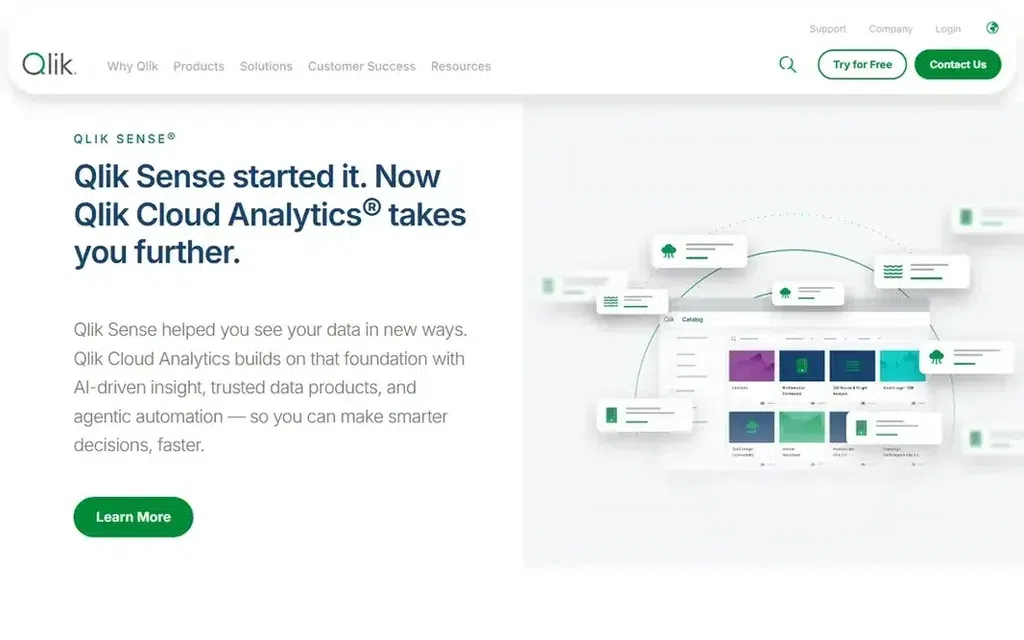
Qlik Sense is built with end-to-end data integration and analytics in mind. The breadth of the system means more configuration and governance decisions at the start.
Teams that only need statistical modeling or a single dashboard layer may find a narrower tool a better match. No starting price is listed for Qlik Sense here; confirm pricing on the vendor site. As for free access: Not stated.
Watch-outs: Wide scope can mean longer setup.
- Data fabric approach to integration
- End-to-end insight delivery
- Feature depth varies by module
Domo makes the most sense for governed data and business insights. The broad product surface means onboarding and governance planning take effort.
Watch-outs: Wide feature set takes time to learn.
It suits organizations that want governed data and reporting in one place for business users. No starting price is listed for Domo here; confirm pricing on the vendor site. Free plan details: Free trial.
- Links data from plenty of sources
- Accelerates business-critical insights
- Governance setup needs planning
How the list was put together
LinkVetted looked at what each vendor publishes: pricing, plan limits, feature coverage for software for analysis and stated drawbacks. No hands-on testing is claimed. Prices and plan limits come from vendor pages and can change, so confirm them on the vendor site before you buy. Tools are placed by general fit for software for analysis, with price clarity and free access as tie-breakers. A different team can reasonably rank them differently.
Pre-purchase checklist
- Confirm the entry price on the vendor page. For Databricks, Looker, Qlik Sense and Domo that means a quote rather than a fixed price.
- Test the free plan from Tableau against your real workload before relying on it.
- Run a trial of Alteryx and Domo with real work before paying for a year; your own workflow is the best test.
- Before choosing Databricks, weigh its main limit: needs data engineering skills.
- Add up seats, add-ons and usage charges for Tableau before comparing it with cheaper entries.
- Make sure Qlik Sense lets you export your data in a format another tool can read.
FAQ
Is Databricks the right pick for everyone comparing software for analysis?
No single tool suits every team. Databricks comes first because it fits unified data, analytics, and AI work, while Alteryx suits automating data workflows before analysis and Tableau suits visual exploration and dashboard sharing. Match the tool to your own size, budget and workflow before deciding.
Which tool is a good match for visual dashboards?
Start with Databricks if you need unified data, analytics, and AI work. Alteryx is the better match for automating data workflows before analysis, and Tableau for visual exploration and dashboard sharing. The best choice depends on budget, team size and workflow.
Do these tools publish their prices?
Not all of them. Databricks, Looker, Qlik Sense and Domo publish no starting price, so expect a quote request for those. The rest, Alteryx included, show a starting price, though seats and billing terms still change the final cost.
Can I try these tools before paying?
Often, yes. Tableau has a free plan and Alteryx and Domo offer a free trial. Use your own data and a real task during the test, and check what the free tier or trial limits before you rely on it.
Which options for software for analysis have a free plan?
Tableau is the only tool in this list with a free plan. Free plans usually cap users, projects or features, so check the limits on the vendor page. Several others offer a trial instead. Each of the 6 options in this software for analysis guide has its own card above with the price, free plan and limits.
Sources
- https://www.databricks.com
- https://www.alteryx.com
- https://www.tableau.com
- https://looker.com
- https://www.qlik.com
- https://www.domo.com