Best AI Analysis Software for Enterprise Teams in 2026: 8 Tools Compared
We compared the best ai analysis software for enterprise teams in 2026, covering dashboards, AI answers, governance, and pricing for large teams today.
- Editor's choice
 Microsoft Power BI
Microsoft-centric enterprises
Starts at$14 per user per monthVisit microsoft.comFull review - Great alternative
 Tableau
Visual analysis at scale
Starts atSee websiteVisit tableau.comFull review - Also consider
 ThoughtSpot
Plain-language business questions
Starts atSee websiteVisit thoughtspot.comFull review
TL;DR:
- Enterprise AI analysis works best when AI answers sit on governed data, not on scattered spreadsheets.
- Tools differ mainly in who asks questions, since some suit analysts and others suit business users with plain-language questions.
- Pricing is often per user plus platform fees, so model the cost for analysts, viewers, and data teams separately.
- Governance, access controls, and audit trails matter as much as chart quality in a large company.
- A pilot on one real business question, with real data, reveals more than a vendor demo on sample data.
Quick comparison
| Tool | Best for | Starts at | Free plan? | |
|---|---|---|---|---|
| Microsoft Power BI | Microsoft-centric enterprises | $14 per user per month | Yes | Visit |
| Tableau | Visual analysis at scale | See website | Free trial | Visit |
| ThoughtSpot | Plain-language business questions | See website | Free trial | Visit |
 Databricks | Data and AI teams on one platform | See website | Free trial | Visit |
 Snowflake | Cloud data with AI analysis | See website | Free trial | Visit |
 Google Looker | Google Cloud data teams | See website | Free trial | Visit |
 Qlik Sense | Associative analysis and apps | See website | Free trial | Visit |
 Alteryx | Analyst-led data prep and analysis | See website | Free trial | Visit |
The best ai analysis software for enterprise teams
These tools help large teams analyze data with AI help, from plain-language questions to governed dashboards. We compared official feature pages, pricing pages, and public documentation.

Power BI is the natural pick for companies already running Microsoft 365 and Azure. Analysts build reports in Power BI Desktop, share them through the service, and business users ask questions in plain language with Copilot help where licensed. Integration with Teams, Excel, and SharePoint also helps reports reach people where they already work.
Licensing is the main headache. Pro covers many users, but larger deployments often need Premium capacity or Fabric capacity for scale, AI features, and governance. Teams should map who needs to create, who only views, and which AI features are licensed before budgeting. For Microsoft shops, the integration still makes Power BI hard to beat.
- Deep Microsoft 365 and Azure integration
- Copilot features for summaries and questions
- Free desktop tool for building reports
- Full enterprise features need Premium capacity
- Licensing can be confusing across Pro, Premium, and Fabric tiers
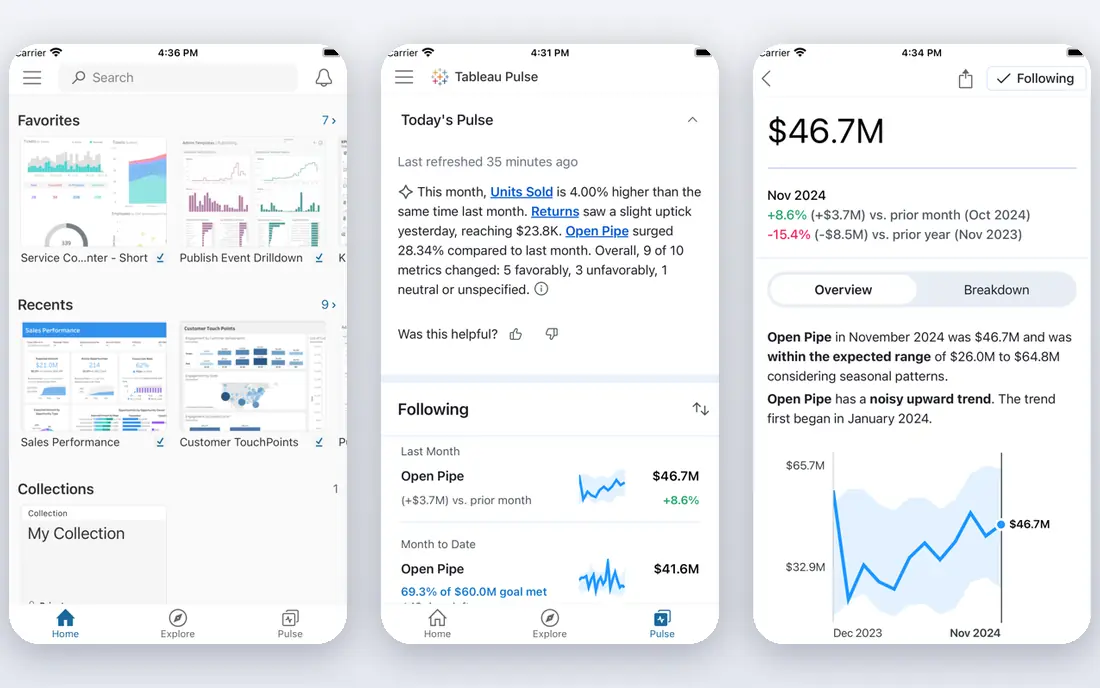
Tableau remains a leader for visual analysis, letting analysts explore data by dragging fields onto charts and drilling into patterns without writing code for every view. Its dashboard design and sharing tools suit enterprises that publish polished reports to hundreds of viewers. AI features, including natural-language questions and explanations, add help for business users who do not want to learn query syntax.
Cost is the catch. Role-based licensing for creators, explorers, and viewers adds up, and AI features sit in higher tiers for many customers. Teams should trial Tableau with their own data and count each role type before signing. For visual-first analysis at scale, Tableau is still a top choice.
- Strong visual exploration and dashboard design
- Wide data connector range
- Large analyst community
- Pricing is role-based and can be costly at scale
- AI features vary by licence tier
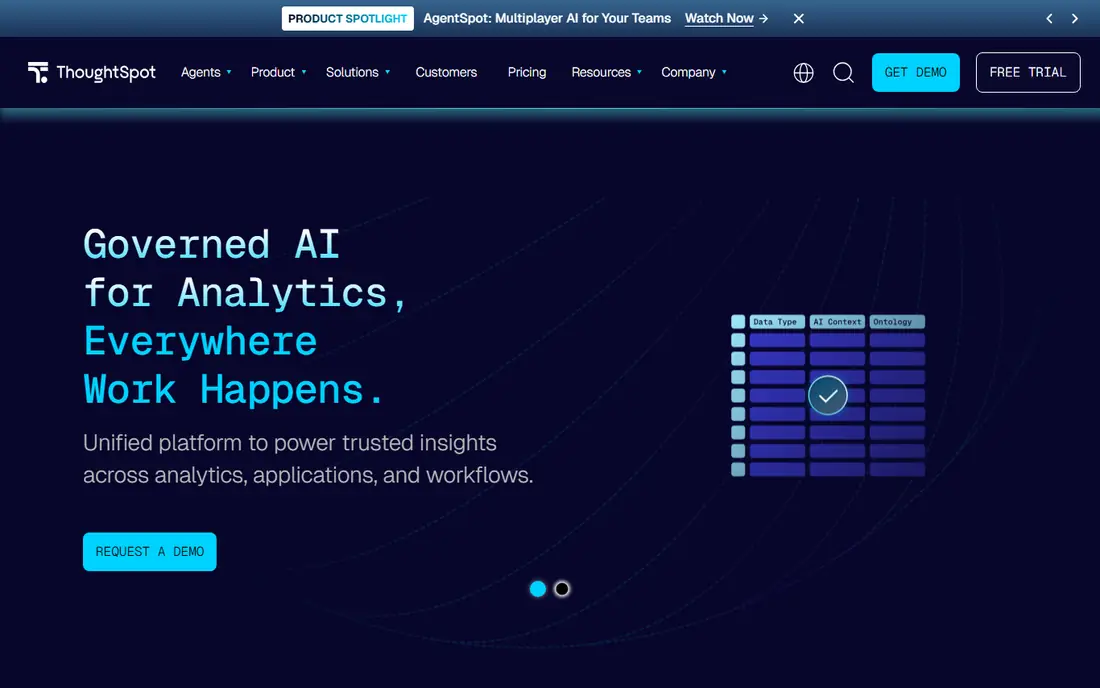
ThoughtSpot is built for business users who want answers without waiting for an analyst. Users type a question in plain language, such as sales by region last quarter, and get a chart or table with the underlying data shown. AI features can suggest questions, explain changes, and build summaries, which helps teams explore data on their own.
The quality depends on data modelling. If measures, joins, and definitions are messy, plain-language answers will be messy too, so data teams still play a key role. ThoughtSpot also feels different from a traditional dashboard tool, which can take analysts time to adjust to. For companies that want self-service analysis for many business users, it is a strong pick.
- Search-style questions in plain language
- AI answers with sources
- Strong for business users without analyst help
- Needs well-modelled data to answer well
- Analyst features differ from traditional BI tools
Databricks suits enterprises where analysis starts with large, messy data and ends with AI models, not just dashboards. Data teams can ingest, clean, and model data, run notebooks, and build AI features on the same lakehouse platform, then share results through dashboards and AI tools. Unity Catalog adds governance for tables, models, and access.
The platform is powerful but technical. Business users alone will struggle without data engineers and analysts to model data and manage costs, since usage-based pricing scales with compute. For enterprises with a real data team and AI ambitions beyond dashboards, Databricks is a leading platform.
- Lakehouse platform for data, AI, and analysis
- Strong for large and messy datasets
- Governance through Unity Catalog
- Needs data engineering skill
- Pricing is usage-based and needs careful cost control
Snowflake is a cloud data platform that enterprises use as a central store for analytics, with AI features for analysis, document questions, and natural-language queries. Teams can analyze structured and semi-structured data in one place, share data securely, and apply governance controls across departments. That central model suits large companies tired of scattered data copies.
Pricing is usage-based for compute and storage, so costs rise with heavy queries and large data volumes. Teams should set budgets, monitor usage, and model AI feature costs separately. For enterprises that want a governed cloud data home with AI analysis on top, Snowflake is a major contender.
- Cloud data platform with AI analysis features
- Strong governance and sharing
- Scales for large enterprise workloads
- Usage-based pricing needs cost monitoring
- AI features depend on data quality and setup
Looker, now part of Google Cloud, suits teams that want one governed definition for each metric, so sales, finance, and marketing all see the same number. Analysts model data in LookML, define measures once, and business users explore through dashboards and plain-language questions. Integration with BigQuery and Google Cloud AI tools helps teams already on that stack.
LookML takes learning, and smaller teams may find it heavy compared with drag-and-drop BI tools. Pricing is also quote-based for many enterprise deals. For Google Cloud enterprises that care about metric consistency, Looker is a strong choice.
- Strong semantic modelling with LookML
- Google Cloud and BigQuery integration
- Governed metrics for consistent answers
- Modelling skill needed
- Best value inside Google Cloud
- Licence pricing is quote-based
Qlik Sense uses an associative engine that lets users explore freely and see which selections relate to other data, including data that is excluded by a filter. That approach helps analysts find patterns they might miss in a fixed dashboard, and it supports guided apps for business users who need a structured path. AI features can suggest insights and explain drivers behind a change.
Building polished apps takes analyst skill, and pricing varies by deployment type. Teams should trial Qlik with a real use case and check cloud versus client-managed options. For exploration-led analysis, Qlik Sense offers a distinct and useful approach.
- Associative engine shows related and unrelated data clearly
- Strong for guided apps and exploration
- AI insights and explanations
- Pricing is quote-based for many deals
- App design takes analyst skill
Alteryx suits analyst teams that spend most of their time preparing and blending data before analysis. Its visual workflows let analysts join, clean, and transform data, run statistical and spatial analysis, and build models without writing a full code pipeline. AI features can help build and explain workflows, which speeds up routine prep.
It is not primarily a dashboard publishing tool, so many teams pair Alteryx with Power BI, Tableau, or Qlik for final reports. Server and licence costs also need careful budgeting. For enterprises where data prep is the bottleneck, Alteryx is a practical pick.
- Visual workflows for data prep, blending, and analysis
- AI features for workflow help
- Strong for analysts without heavy coding
- Enterprise pricing and server costs add up
- Less of a pure dashboard tool than Power BI or Tableau
How we picked these
We compared official product pages, pricing pages, and documentation for AI analysis tools still sold to enterprises in October 2026. We favored tools with governed data models, AI question or insight features, and enterprise access controls, and we wrote See website where pricing was not published rather than repeating third-party estimates.
How to choose for an enterprise team
Start with the question owners, the data, and the governance, in that order.
Decide who asks the questions
If business users need answers without analysts, ThoughtSpot and AI features in Power BI or Tableau matter most. If analysts lead the work, Databricks, Alteryx, and Looker give more modelling and prep power. A tool that fits the wrong audience will sit unused, no matter how good its charts look.
Check governance before AI
AI answers are only safe when the data underneath is governed. Ask how each tool handles row-level access, metric definitions, audit logs, and data lineage, and test those controls with a sensitive dataset. A plain-language answer that leaks restricted data is a failure, not a feature.
Model total cost by role
Count creators, explorers, viewers, and data engineers separately, and add platform, capacity, and AI feature costs. Usage-based platforms need a monthly budget and alerts, while per-user platforms need a role count that matches real use. A pilot with real users gives a far better cost estimate than a licence quote alone.
FAQ
What is AI analysis software for enterprise teams?
It is business intelligence and data software with AI features that help teams ask questions, explain changes, and build reports faster. Good tools keep AI answers tied to governed data, show sources, and respect access controls, so business users can trust the results.
Can business users trust AI answers?
Only when the data is well modelled and the tool shows its sources. Teams should check AI answers against known reports during a pilot, require source data for key decisions, and keep human review for financial, legal, and safety decisions.
Do we still need data analysts if we buy AI analysis software?
Yes, in most enterprises. Analysts model data, define metrics, check AI outputs, and build the reports that business users rely on. AI reduces routine work, but it does not replace data modelling, governance, or judgment about what a result means.
How much does enterprise AI analysis software cost?
Costs vary from per-user licences to usage-based cloud pricing, and AI features often sit in higher tiers. Power BI Pro is listed at $14 per user per month, while most other enterprise tools here use quote-based pricing. Model total cost by role and usage before signing.
Should we pick one platform or several?
Many enterprises use one governed data platform, such as Snowflake or Databricks, plus one or two BI tools for different audiences. That mix works when metrics are defined once and shared, but it fails when each tool defines the same metric differently, so governance must come first.