8 Best AI Photo to Video Tools in 2026: Animators Compared
Compare the best AI photo to video tools for animating photos, product clips, and social videos, with free credits, motion quality, prices, and watermark notes.
- Editor's choice
 Runway
Directed clips and editing
Starts atSee websiteVisit runwayml.comFull review - Great alternative
 Pika
Short effect driven clips
Starts atSee websiteVisit pika.artFull review - Also consider
 Kling
Value and human motion
Starts atSee websiteVisit klingai.comFull review
TL;DR:
- Kling and Pika offer the best value for social clips, with daily or monthly free credits and low paid entry prices.
- Runway and Adobe Firefly suit commercial work where editing tools, control, and licensing terms matter more than the lowest price.
- Luma Dream Machine excels at cinematic camera moves, but its paid plans cost more than most rivals here.
- Always test a tool on your own photo first, since motion quality, face handling, and watermarks vary a lot by image.
Quick comparison
| Tool | Best for | Starts at | Free plan? | |
|---|---|---|---|---|
| Runway | Directed clips and editing | See website | Yes | Visit |
| Pika | Short effect driven clips | See website | Yes | Visit |
| Kling | Value and human motion | See website | Yes | Visit |
 Luma Dream Machine | Cinematic camera moves | See website | No | Visit |
 Hailuo | Expressive character motion | See website | Yes | Visit |
 PixVerse | Stylized social effects | See website | Yes | Visit |
 Adobe Firefly | Commercially safe clips | See website | Yes | Visit |
 HeyGen | Talking photo avatars | See website | Yes | Visit |
The best AI photo to video tools
These tools animate a still photo into a short video clip, using a text prompt to guide motion, camera moves, and style.
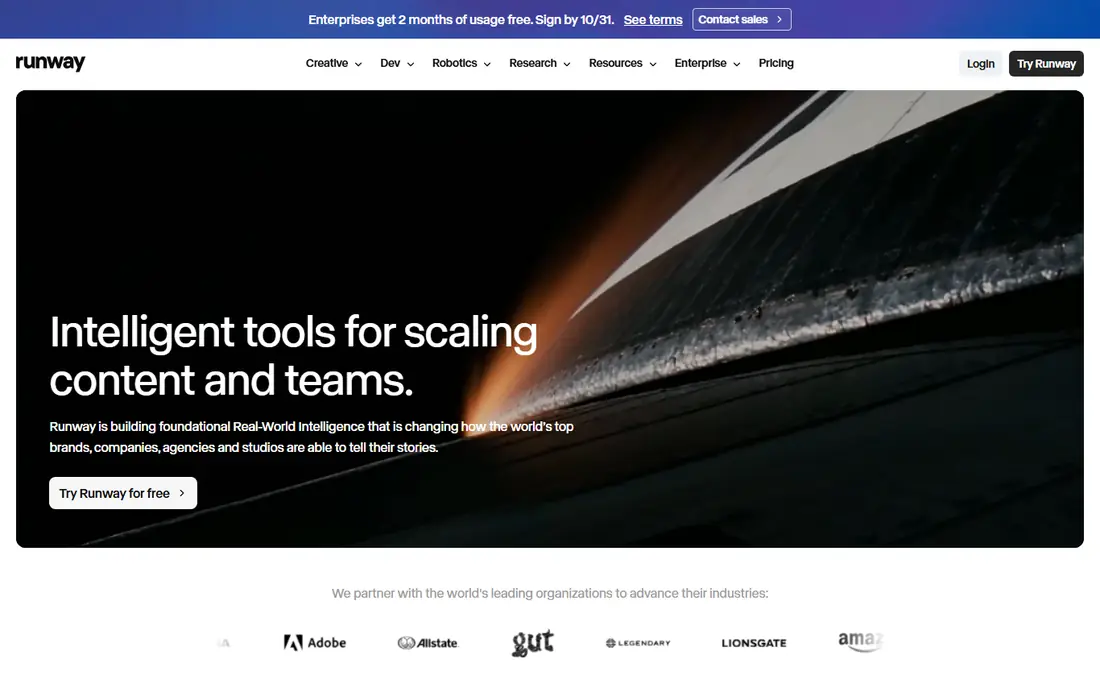
Runway is the most complete tool here for creators who want to direct a shot, not just animate a photo. You upload a starting image, describe the motion and camera move, and then extend, restyle, or clean up the result in the same workspace. That editing layer matters when a first generation is close but not quite right.
The strength is control and commercial clarity. Paid plans offer clearer ownership terms than many free tools, which matters for client work. The catch is credit math. Higher resolution and longer clips use more credits, so a busy month can cost more than the headline plan price suggests. Test with the free credits on a representative photo before subscribing.
- Strong image to video control
- Editing and extension tools
- Clear paid plan terms
- Credit costs rise with resolution and length
- Learning curve is higher
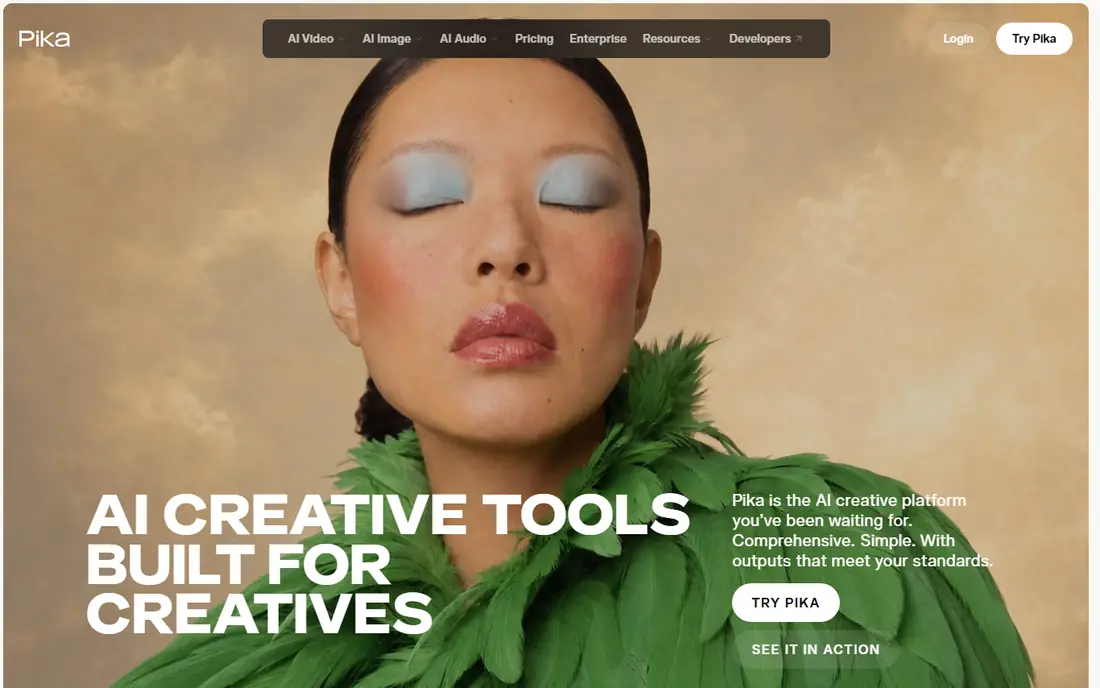
Pika is the budget pick for social creators who want quick, fun animations. Effects such as object transformations, playful motion, and stylized looks are easy to apply, and generations are fast enough for daily posting. The free tier is useful for testing, and the paid entry price is among the lowest in this list.
The limits are resolution and length. Free clips are watermarked and capped at lower resolution, and paid clips are still short, so Pika suits Shorts, Reels, and TikTok more than long scenes. If you need a cheap way to animate product photos or memes, Pika is a good start. If you need long, cinematic shots, look at Kling or Runway.
- Low paid entry price
- Fast social effects
- Free tier allows commercial use at lower resolution
- Free exports are watermarked at low resolution
- Clip length is short
- Control is limited
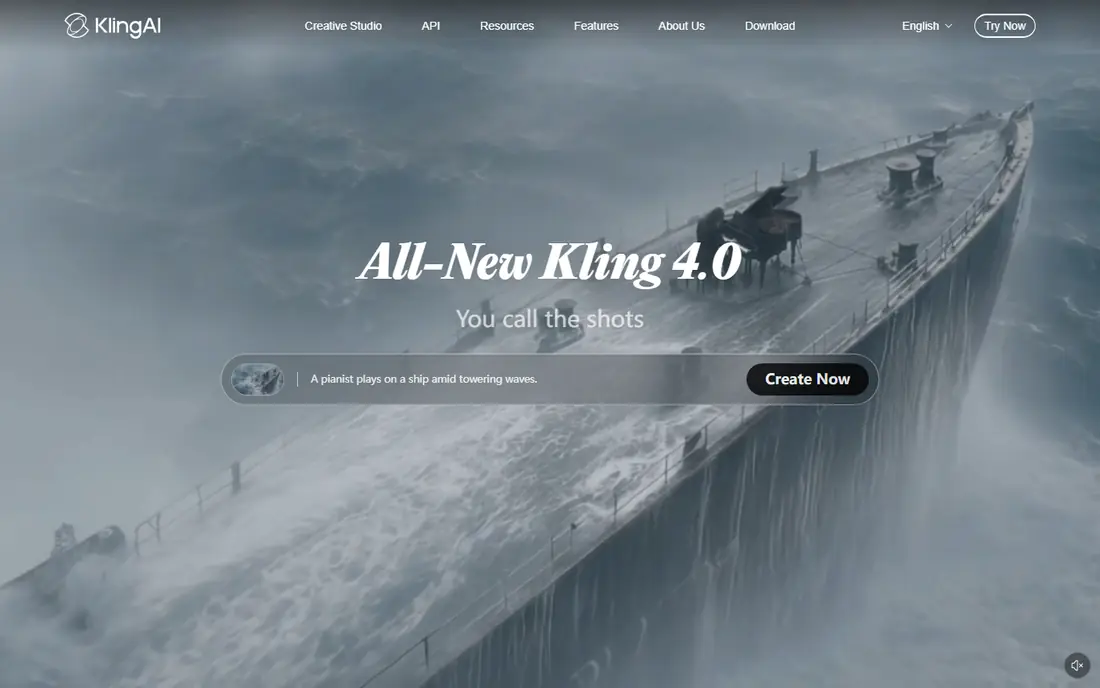
Kling, from Kuaishou, is a strong all rounder for animating people and products. It handles character motion, lip sync, and camera moves well for its price, and daily free credits let you test prompts without paying. Paid plans offer more credits and higher quality models, which helps creators who post often.
The trade off is that free output is watermarked and limited for commercial use, and the newest models may sit on higher tiers. Still, for YouTube and social creators who want realistic motion at a fair price, Kling is one of the best values here. Test face handling on your own photos, since results vary by lighting and pose.
- Strong human motion and lip sync
- Daily free credits
- Good value paid plans
- Free clips carry a watermark
- Higher end models need higher plans
- Interface can feel busy
Luma Dream Machine is known for smooth, cinematic camera moves and natural motion from a single photo. You can push in, orbit, or pan around a scene, and the Ray models handle light and depth in a way that suits product shots and scenic photos. Paid plans also give access to other models inside Luma, which adds flexibility.
The catch is price. Luma lists no free individual plan, and its paid entry price is higher than Pika or Kling. Credit use at 1080p is also steep, so a few retries can eat a monthly allowance quickly. If cinematic quality is your top priority and you can budget for credits, Luma is worth it. If you need many cheap drafts, start elsewhere.
- Smooth cinematic motion
- Multi model access
- High resolution output on paid plans
- No free plan listed
- Higher paid entry price
- Credits burn fast at 1080p
Hailuo, from MiniMax, is popular for expressive character animation. Faces move with more nuance than many rivals, which helps for portrait photos, character art, and social clips where expression carries the joke or the story. Multi reference features let you guide a shot with more than one image, which helps consistency across clips.
The limit is free access. Trial credits are limited, and paid plans vary by promotion, so check the current price before you commit. Commercial use terms also need a careful read, especially for client work. For creators who animate people and characters often, Hailuo offers a good balance of quality and price.
- Expressive faces and character motion
- Multi reference shots
- Budget friendly paid plans
- Free credits are limited
- Trial covers Hailuo models only
- Commercial terms need checking
PixVerse suits social creators who want effects fast. Its library includes viral style effects, transitions, and stylized looks that work well for TikTok and Reels, and daily free credits let you try new effects without paying. Generation is quick, which helps when you test many ideas in one session.
The trade off is depth. PixVerse is less suited to precise, directed scenes than Runway or Kling, and free clips carry a watermark. Paid plans raise resolution and remove watermarks, but still cap some features. If your goal is fun, shareable effects from photos, PixVerse is a strong pick. If you need controlled camera work, choose a more directed tool.
- Daily free credits
- Large effect library
- Fast social clip generation
- Free clips are watermarked
- Standard plan caps resolution
- Less control than Runway
Adobe Firefly is the safest pick for brands and agencies that worry about licensing. Adobe positions Firefly as trained on licensed content, which gives businesses more confidence using generated video in client work. It offers daily free generations, and paid plans add credits for higher volume, with integration into Adobe Creative Cloud apps.
The limit is clip length and style range. Firefly clips are short, usually around five seconds, and its motion can feel more restrained than Kling or Hailuo. For product ads, social posts, and brand work where licensing matters, that trade off is worth it. For experimental or long form video, pair Firefly with a more flexible generator.
- Commercially safe training approach
- Daily free generations
- Integrates with Adobe apps
- Clips are short
- Paid plans needed for higher volume
- Less wild than some rivals
HeyGen is different from the other tools here. Instead of animating a scene, it turns a photo into a talking avatar that speaks from text or audio, with lip sync and gestures. That makes it ideal for explainers, training videos, product introductions, and social posts where a presenter face helps, without filming a real person each time.
The limit is scope. HeyGen is not the best tool for animating a scenic photo, a product scene, or a cinematic camera move. Avatar quality also depends heavily on the starting photo, so use a clear, front facing image for best results. If you need a presenter video from a photo, HeyGen is the most direct pick on this list.
- Photo to talking avatar videos
- Lip sync from text or audio
- Good for explainers
- Not a general scene animator
- Avatar quality depends on photo
- Paid plans for longer videos
How we picked these
We compared official feature pages, pricing pages, and public comparisons for AI photo to video tools that work in October 2026. We looked for true image to video mode, motion quality, clip length and resolution, free credits, watermark and commercial use rules, and pricing transparency. We favoured tools with a free tier or trial, and we noted where free output is watermarked or non commercial. We did not run hands on tests, so our view rests on published features, pricing, and public user feedback.
How to get better results from AI photo to video tools
A good starting photo and a clear prompt matter more than the tool you pick.
Start with a clear photo and a simple prompt
Use a sharp, well lit photo with a clear subject and uncluttered background. Describe one main motion and one camera move, such as a slow push in while the subject smiles, rather than asking for many actions at once. Generate two or three versions of the same prompt, since results vary, and pick the best take rather than retrying endlessly.
Check rights, watermarks, and face use before you publish
Confirm whether free clips can be used commercially and whether they carry a watermark. Never animate a photo of a real person without their permission, and be careful with photos of children, since AI animation of minors raises serious safety and consent issues. For client work, keep records of the tool, plan, and licence terms for each clip you publish.
FAQ
What is the best free AI photo to video tool?
Pika, Kling, PixVerse, and Hailuo all offer free credits, with Pika standing out for commercial use at lower resolution. Free clips are usually watermarked, short, and limited to non commercial use on some tools, so check the terms before publishing. For regular use, a low cost paid plan is usually better value.
Can AI photo to video tools make long videos?
Most tools in this list make clips of about five to ten seconds, which you can stitch together in a video editor for a longer piece. Some tools offer longer generations or extension features, but longer clips use more credits and motion quality can drift. Plan longer videos as a series of short shots.
Which AI photo to video tool is best for commercial use?
Runway and Adobe Firefly are the safest picks for commercial work because of clearer paid plan terms and, for Firefly, a licensed training approach. Pika free tier allows commercial use at lower resolution, while several other free tiers block commercial use. Always check the current terms on the plan you actually buy.
Do AI photo to video tools work with any photo?
They work best with clear, well lit photos of a single subject. Low light, cluttered backgrounds, hands, and complex poses often produce errors. Portrait photos, product shots, and scenic images tend to animate more cleanly than crowded group photos or blurry snapshots.
Is it safe to animate photos of people?
Only animate photos you own or have permission to use, and never animate photos of children or of real people without consent. AI tools can be misused to create misleading videos of real people, so use them for your own photos, licensed images, or avatars you have created, and label AI generated content where platforms require it.