Best AI Tools to Animate Photo into Video in 2026: 7 Tools Compared
Best ai tools to animate photo into video in 2026 compared: seven tools that turn still photos into moving clips, with motion, quality, and pricing reviewed.
- Editor's choice
 Runway
Cinematic clips
Starts atSee websiteVisit runwayml.comFull review - Great alternative
 Pika
Creative motion
Starts atSee websiteVisit pika.artFull review - Also consider
 Luma Dream Machine
Smooth motion
Starts atSee websiteVisit lumalabs.aiFull review
TL;DR:
- Runway, Pika, and Luma suit high-quality photo-to-video clips with camera motion and style control.
- Kling and Hailuo suit longer, more dynamic clips, while PixVerse suits quick social videos.
- Kaiber suits music visuals from a single photo.
- Test motion prompts on your own photo first, since faces, hands, and text often show artefacts.
Quick comparison
| Tool | Best for | Starts at | Free plan? | |
|---|---|---|---|---|
| Runway | Cinematic clips | See website | Yes | Visit |
| Pika | Creative motion | See website | Yes | Visit |
| Luma Dream Machine | Smooth motion | See website | Yes | Visit |
 Kling | Dynamic clips | See website | Yes | Visit |
 Hailuo | Longer clips | See website | Yes | Visit |
 PixVerse | Quick social clips | See website | Yes | Visit |
 Kaiber | Music visuals | See website | Yes | Visit |
The best ai tools to animate photo into video
We compared motion quality, prompt control, clip length, pricing, and ease of use to find tools that turn still photos into believable video.

Runway is a strong pick for photo-to-video work that needs a cinematic feel, with controls for camera motion, subject movement, and style. You can upload a photo, describe the motion, and get a short clip that feels more like a film shot than a simple zoom. Editing tools also help you trim and combine clips into a longer sequence.
Credits are the main limit, since high-quality generations use them quickly. Test a short version of your prompt first, then refine motion wording before you spend credits on a final clip. For paid projects, check commercial terms on your plan.
- Strong motion controls
- Camera moves
- Editing tools
- Credits run out fast
- Best quality needs paid plans
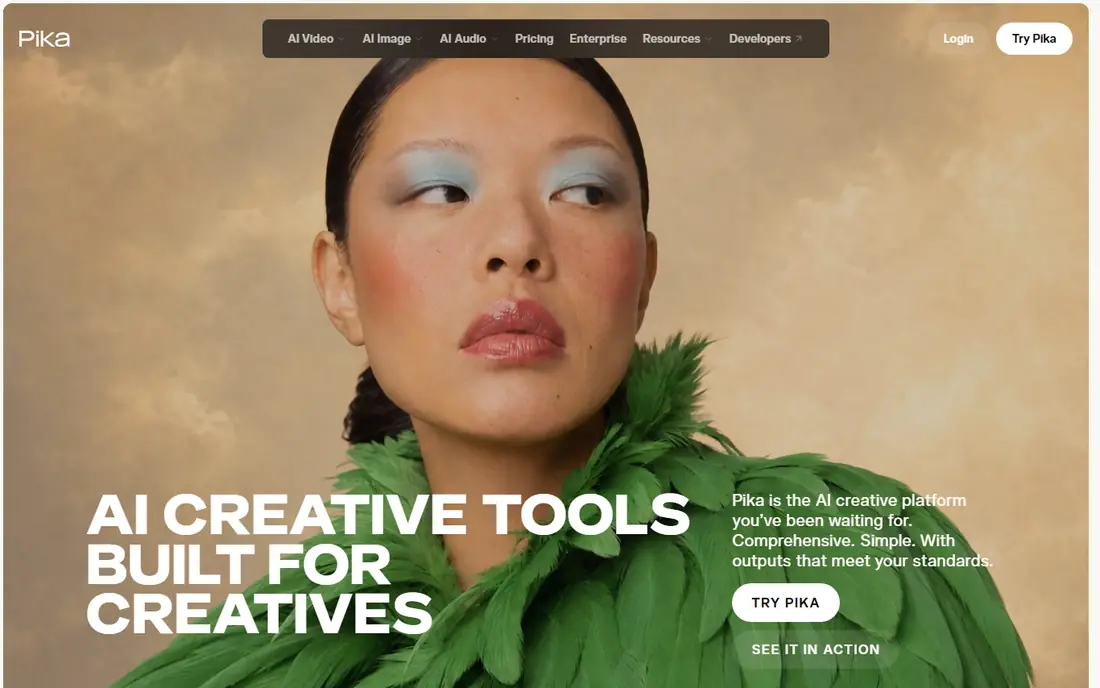
Pika suits creators who want playful, creative motion from a photo, from subtle movement to stylised effects. Prompts are easy to write, and the community feed offers ideas for motion styles that work well. That ease makes it a good first tool for social content and experiments.
Complex motion can distort faces and hands, so keep movements simple for portraits. Start with a gentle prompt, such as a head turn or a smile, then try stronger motion once you know how the tool handles your photo.
- Fun effects and motion
- Easy prompts
- Social sharing
- Faces can distort on complex motion
- Clip length is limited

Luma Dream Machine is known for smooth motion that avoids the jerky feel some early video tools produced. Camera moves, such as slow pushes and pans, look natural, and subject motion often stays coherent across a short clip. That smoothness helps for travel photos, product shots, and portraits.
Free credits limit longer testing, so plan your prompts before you generate. If a clip fails, change one element at a time, such as motion strength or camera direction, rather than rewriting the whole prompt at once.
- Smooth, natural motion
- Good camera controls
- Fast generations
- Free credits are limited
- Some prompts need retries
Kling suits dynamic scenes where you want more movement than a simple pan, such as a person walking, a scenic view coming alive, or a product rotating. Its clips can feel more active than tools focused on gentle motion, which helps for ads and short films. Longer clip options also give editors more material to work with.
Access, pricing, and queue times vary by region and plan, so check the current terms for your location. Test with your own photos, since results for faces and text can differ from demo clips that use ideal source images.
- Dynamic motion
- Longer clips
- Strong realism for scenes
- Access and pricing vary by region
- Queue times can vary
Hailuo, from MiniMax, is useful when you want a longer clip or more scene motion from a single photo. It handles scenic views, objects, and stylised portraits well, and prompt controls let you shape motion direction and intensity. For creators who need several seconds of usable footage, that length matters.
The platform and plans change often, so check current credit limits and commercial terms before a paid project. As with other tools, keep face motion gentle for portraits and review the full clip for artefacts before you publish.
- Longer generation options
- Good scene motion
- Prompt controls
- Interface and plans change often
- Quality varies by prompt
PixVerse suits quick social videos, where speed matters more than cinematic control. Templates and effects help you turn a photo into a shareable clip in minutes, which is useful for marketing, memes, and short-form content. Mobile use also helps creators who work on phones.
For film or client work, PixVerse offers less fine control than Runway or Luma. Check watermark and export rules on free plans, since a watermark can make a clip unusable for a brand post. Upgrade only after you test templates on your own photos.
- Fast social clips
- Effects and templates
- Easy mobile use
- Less cinematic control
- Watermark or limits on free plans
Kaiber focuses on stylised video, especially music visuals and artistic motion from photos and prompts. If you want a photo to morph into a dreamlike sequence for a song or a brand film, Kaiber offers style controls that realistic tools do not prioritise. Storyboarding tools also help plan longer sequences.
Realism is not the main goal here, so portraits may look artistic rather than lifelike. That is a feature for music videos, but a limit for product or documentary work. Test a short clip with your music tempo in mind before you commit credits to a full track.
- Music-driven visuals
- Style controls
- Storyboarding tools
- Best for stylised visuals, not realism
- Credits limit long projects
How we picked these
We compared official feature pages, pricing pages, demo clips, and public reviews for photo-to-video tools. We looked for image-to-video support, motion quality, prompt controls, clip length, and export options. We favoured tools with a public track record in 2026 and clear terms for commercial use, and we weighed cinematic control against speed for social content.
How to get a clean photo-to-video result
Start with a high-quality photo. Sharp focus, good light, and a clear subject give the model more to work with, while blurry or crowded photos often produce artefacts. Crop to your final aspect ratio first, so the tool does not guess framing for you.
Write motion prompts with care
Describe one main motion, not five at once. For example, ask for a slow camera push and a gentle head turn, rather than a run, a spin, and a scene change in one clip. Simple prompts usually produce cleaner results, and you can combine clips in an editor for a longer sequence.
Check faces, hands, and text closely
Watch the full clip at normal speed, not just the first second. Faces can warp, hands can blur, and background text can shift, especially on longer or faster motion. If a clip has a flaw, try a simpler prompt or a different seed before you spend more credits.
Respect consent and disclosure
Only animate photos you own or have permission to use, especially for portraits and talking-head clips. For commercial or public posts, disclose AI-generated video where a platform or client requires it, and keep the original photo for comparison. Clear consent protects you and the people in your images.
FAQ
What are the best ai tools to animate photos into videos for beginners?
The best ai tools to animate photos into videos for beginners include PixVerse, Pika, and Luma Dream Machine, since they offer simple prompts and free credits. Start with gentle motion, test on your own photo, and upgrade only after you find a style you like.
What are the best ai tools to animate photos into video for realistic clips?
Runway, Luma Dream Machine, and Kling are strong best ai tools to animate photos into video for realistic clips, with smoother motion and camera controls. Keep motion simple for portraits, and review faces and hands closely before you publish a realistic clip.
What is the best ai tool to animate a photo into video for social media?
PixVerse and Pika suit social media, with fast generation and effects for short-form clips. Runway also works for higher-quality social ads if you have credits. Check watermark rules on free plans before you post to a brand account.
Can I animate a photo into video for free?
Yes, most tools in this list offer free credits or trials, including Runway, Pika, Luma, Kling, Hailuo, PixVerse, and Kaiber. Free plans limit clip length, quality, or exports, so they suit testing and short posts rather than long client projects.
How long can AI photo-to-video clips be?
Clip length varies by tool and plan, from a few seconds on free plans to longer clips on paid plans. Many creators generate several short clips and join them in an editor for a longer video. Check current length limits on the vendor site, since they change often.
Is it legal to animate a photo of another person?
Animating a photo of another person needs their permission, especially for commercial use or talking-head videos. Laws on likeness and deepfakes vary by region, so get written consent and avoid misleading edits. When in doubt, use your own photos or licensed images.