Top 5 AI Art App for Dark Themes for 2026 (Prices and Free Plans)
Searching for the best AI art app for dark themes? Here are 5 options with prices and free plans. Every tool lists pros and cons. Budget notes included.
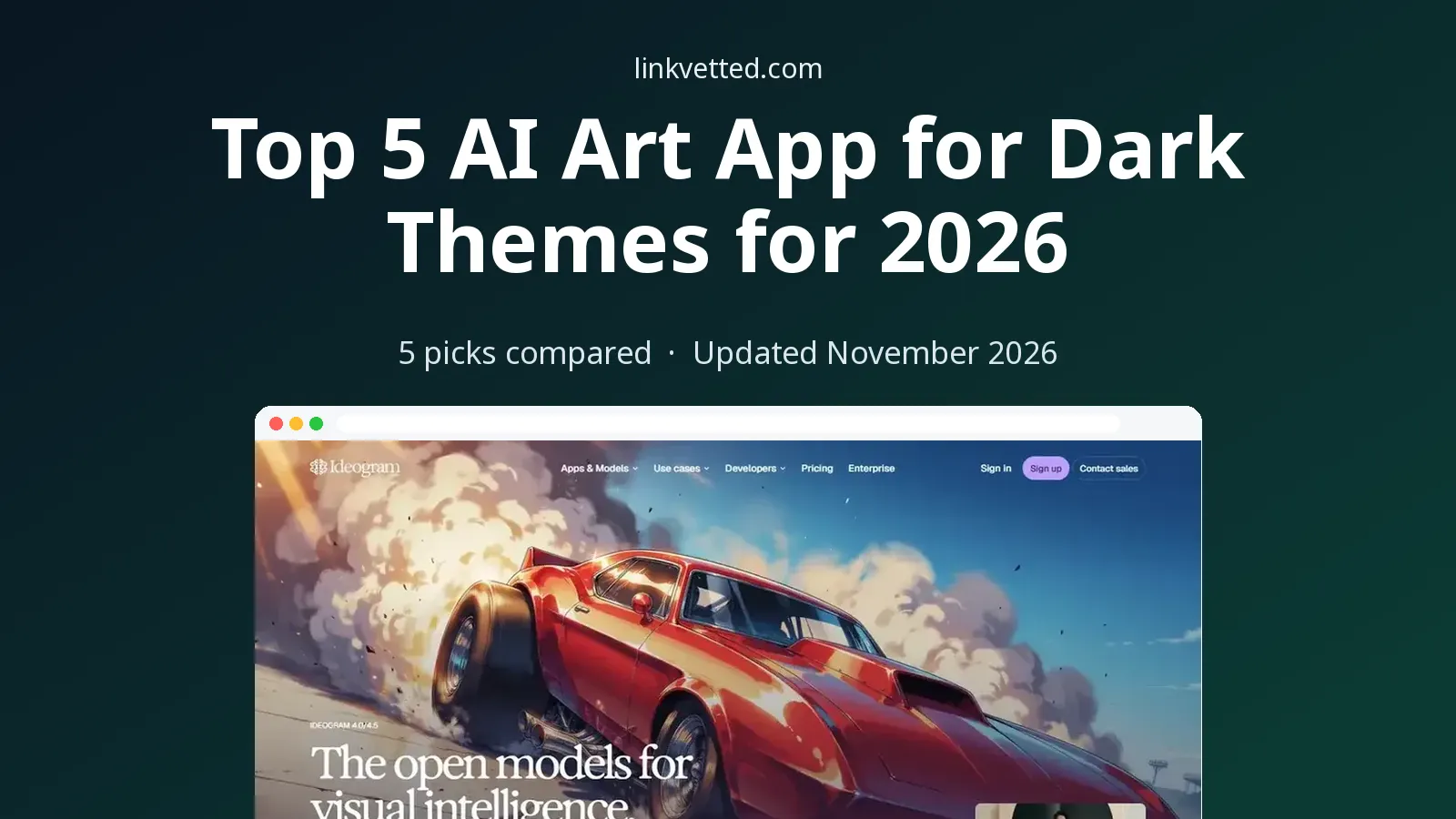
- Editor's choiceKrea AI
Live experimental dark art
Starts at$5 a monthVisit krea.aiFull review - Great alternative
 DreamStudio
Focused creative production product
Starts atSee websiteVisit dreamstudio.aiFull review - Also consider
 Ideogram
Text-heavy dark poster designs
Starts at$20 per monthVisit ideogram.aiFull review
Direct answer
For live experimental dark art, Krea AI is where this list starts. Listed starting prices: Krea AI from $5 a month and Ideogram from $20 per month. DreamStudio is better for focused creative production system, and Ideogram is better for text-heavy dark poster designs. The remaining 2 options are covered below with prices and limits.
TL;DR:
- The list opens with Krea AI, aimed at live experimental dark art.
- Canva is the one to check for designers adding dark art to layouts.
- The lowest published monthly entry price here is $5 per month, from Krea AI.
- Krea AI stands alone as the one tool in this list with a free plan.
- Check the limits for Ideogram before you commit: interface geared toward power users.
Last checked November 2026. Prices and plan details were read from the vendors' own pages in November 2026; vendors change plans often, so confirm the current price on the vendor site before you buy.
Quick comparison
| Tool | Best for | Starts at | Free plan? | |
|---|---|---|---|---|
| Krea AI | Live experimental dark art | $5 a month | Yes | Visit |
| DreamStudio | Focused creative production product | See website | Not stated | Visit |
| Ideogram | Text-heavy dark poster designs | $20 per month | Not stated | Visit |
 Midjourney | Cinematic dark and moody art | See website | Not stated | Visit |
 Canva | Designers adding dark art to layouts | See website | Not stated | Visit |
Our 5 AI art app for dark themes
LinkVetted put together this guide to AI art app for dark themes for readers who want a clear shortlist without reading every vendor page. It compares 5 tools on starting price, free plans, who each one suits and where each one falls short.
Krea AI
Best for: Live experimental dark art
Krea AI is built with live experimental dark art in mind. It suits artists who want to experiment rapidly with dark-theme concepts and refine visuals in a live, responsive environment.
Watch-outs: May need a more solid GPU setup.
Krea AI starts at: $5 per month. A free plan is available with Krea AI.
- Live generation focus
- A decent match for rapid iteration
- Feature set still evolving
DreamStudio is designed for focused creative production platform. It suits artists and small teams who want a focused workspace for dark-theme generation without the overhead of a full design suite.
Also, pick a broader suite if your dark-theme project spans design and publishing. Check the vendor site for DreamStudio pricing; none is listed in this comparison. Free plan details: Not stated.
Downsides: Narrower than full design suites.
- Simplified generation workspace
- Aimed at iterative art
- Fewer layout features
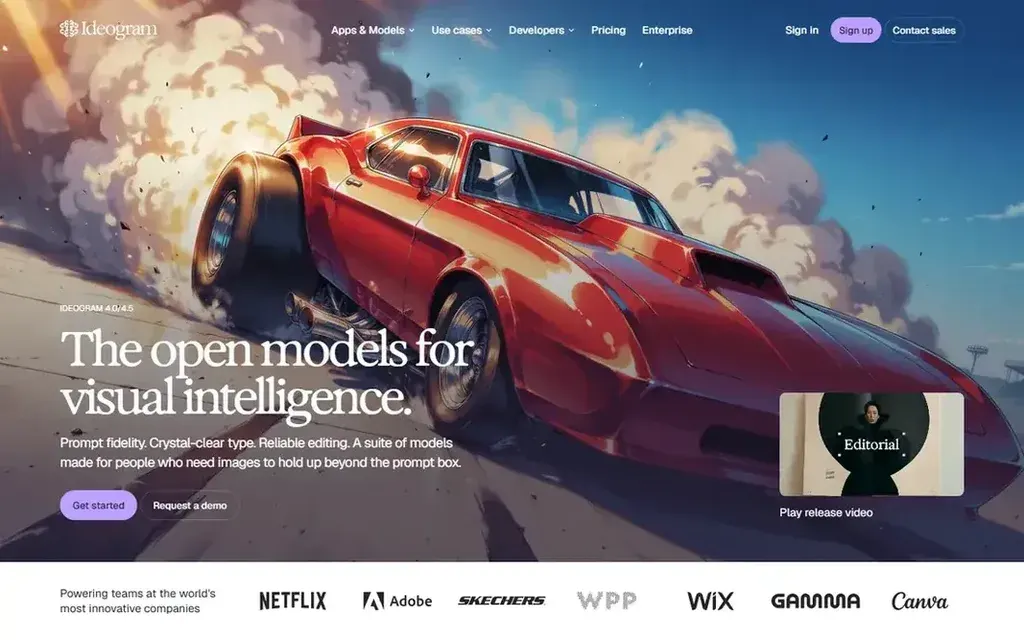
Ideogram serves text-heavy dark poster designs. Ideogram is a system offering purpose-built AI apps and access to major image and video models through one API, built on its own open model.
In practice, if you want one straightforward generator with minimal setup, a narrower tool may suit you better. For everyday use, Ideogram's range of apps and models can be a lot to navigate for a single dark-art project. Ideogram cost at the entry level: $20 per month. Free plan details: Not stated.
Where it falls short: Interface geared toward power users.
- Capable typography handling
- Several AI apps in one product
- Model variety can overwhelm
Where Midjourney fits: cinematic dark and moody art. It suits artists and designers who want dramatic lighting, deep shadows, and cinematic moods in dark-theme work, and who are comfortable iterating on prompts to refine a look.
Pick something else if you need tight integration with layout, text, or vector design in the same workspace. This comparison lists no price for Midjourney; ask the vendor. Trial and free access: Not stated.
What to check first: Ramp-up time for prompts.
- Rich atmospheric output
- Prompt-driven workflow
- Restricted built-in editing
Canva serves designers adding dark art to layouts. Canva is an online visual suite for creating social posts, presentations, posters, videos, and logos.
Drawbacks to consider: Generative art is one part of suite.
In practice, Canva's strength is layout and templates instead of deep generative control, so specialized dark-art prompting may feel restricted. As for the details, choose a dedicated generator if the image itself is the final product. This comparison lists no price for Canva; ask the vendor. On free options: Not stated.
- Simple layout and export
- All-in-one visual suite
- Less deep prompt control
How these tools were picked
We compared the tools on published pricing, free plan or trial availability, feature coverage for AI art app for dark themes, and the limits each vendor documents. Figures are shown as the vendors publish them. Billing terms, seat minimums and add-ons can change the real cost. The ranking is editorial: typical fit first, then clear pricing, then free access. If your needs are unusual, read the profiles rather than relying on position.
Questions to settle before buying
- Confirm the entry price on the vendor page. For DreamStudio, Midjourney and Canva that means a quote rather than a fixed price.
- Look at the free plan from Krea AI closely: its caps decide whether it is usable for real work.
- Before choosing Krea AI, weigh its main limit: feature set still evolving.
- Add up seats, add-ons and usage charges for Ideogram before comparing it with cheaper entries.
- Check how data leaves Midjourney: formats, limits and whether exports are available on every plan.
FAQ
Can I use these tools for dark-theme posters with text?
Ideogram is particularly suited to text-heavy designs, whereas Canva helps place art into finished layouts. For pure moody imagery, Midjourney or Krea AI may fit better.
What is the cheapest option for AI art app for dark themes in this list?
On published monthly entry prices, Krea AI is the lowest here at $5 per month. Entry price is only part of the cost, because seats, add-ons and billing terms can change the total.
Which AI art app for dark themes have a free plan?
Krea AI is the only tool in this list with a free plan. Free plans usually cap users, projects or features, so check the limits on the vendor page.
Is Krea AI the right pick for everyone comparing AI art app for dark themes?
No single tool suits every team. Krea AI comes first because it fits real-time experimental dark art, while DreamStudio suits focused creative production platform and Ideogram suits text-heavy dark poster designs. Match the tool to your own size, budget and workflow before deciding.
Can I try these tools before paying?
Often, yes. Krea AI has a free plan. Use your own data and a real task during the test, and check what the free tier or trial limits before you rely on it.
Sources
- https://www.krea.ai
- https://dreamstudio.ai
- https://ideogram.ai
- https://www.midjourney.com
- https://www.canva.com