Best AI Generated Art App in 2026: 8 Apps Compared
Compare the best AI generated art apps for illustration, posters and brand visuals, with pricing, text handling and commercial use explained. See details.

- Editor's choice
 Midjourney
Artistic and cinematic stills
Starts at$10 per monthVisit midjourney.comFull review - Great alternative
 Adobe Firefly
Brand-safe commercial art
Starts at$9.99 per monthVisit firefly.adobe.comFull review - Also consider
 Leonardo AI
Creator production volume
Starts at$12 per monthVisit leonardo.aiFull review
TL;DR:
- Midjourney still leads on pure visual style, while Adobe Firefly leads on commercial safety and Adobe workflow.
- Ideogram is the strongest pick when readable text inside an image matters, such as posters and logos.
- Leonardo AI gives creators a good free tier and production tools for game assets and product visuals.
- ChatGPT Images is the easiest option if you already pay for a chat plan and want quick edits in conversation.
- Check commercial terms on free tiers, because some plans keep images public or limit commercial use.
Quick comparison
| Tool | Best for | Starts at | Free plan? | |
|---|---|---|---|---|
| Midjourney | Artistic and cinematic stills | $10 per month | No | Visit |
| Adobe Firefly | Brand-safe commercial art | $9.99 per month | Yes | Visit |
| Leonardo AI | Creator production volume | $12 per month | Yes | Visit |
 Ideogram | Text, posters and logos | $20 per month | Yes | Visit |
 ChatGPT Images | Chat-based edits and ideas | $20 per month | Yes | Visit |
 Canva | Finished social and marketing assets | See website | Yes | Visit |
 NightCafe | Easy community art creation | See website | Yes | Visit |
 Recraft | Editable vectors and brand assets | $12 per month | Yes | Visit |
The best ai generated art apps
AI art apps differ more than their home pages suggest. Some excel at mood and style, others at readable text, vectors or safe commercial use. These eight cover the main jobs, from a single illustration to a full set of marketing visuals.
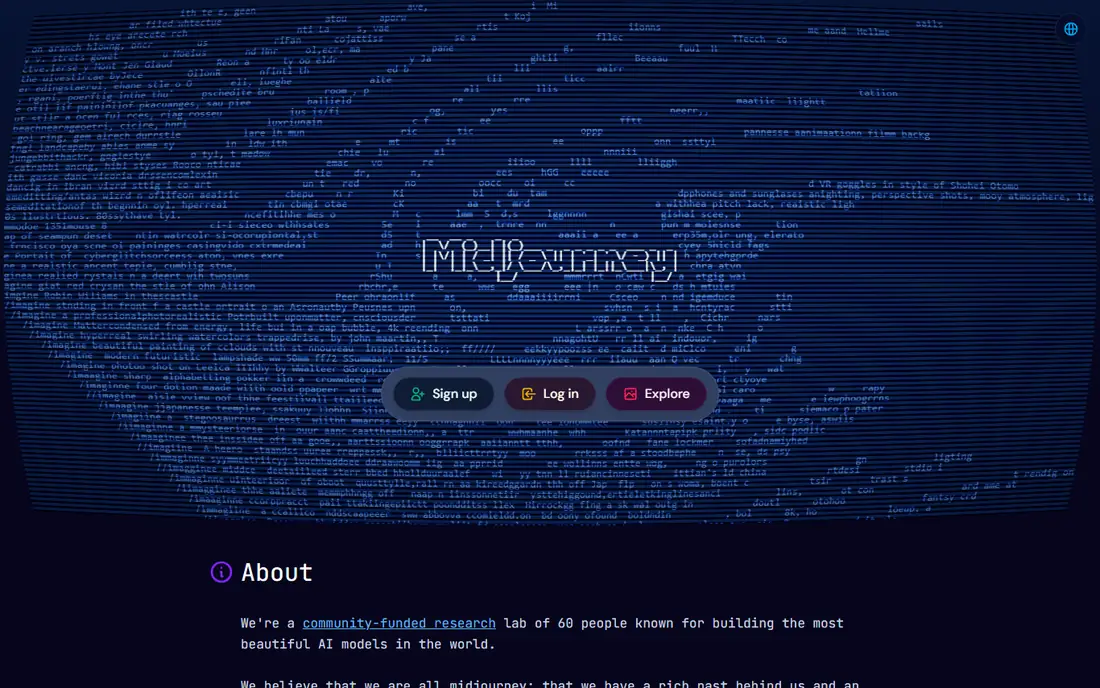
Midjourney remains our pick when the image itself is the point. Concept art, book covers, mood boards and cinematic stills come out with a consistent sense of light, color and composition that many general tools still chase. Plans start at 10 dollars per month for Basic, with higher tiers at 30, 60 and 120 dollars per month for more fast GPU time and features.
The main drawbacks are access and cost. There is no free tier, so you pay before you can judge the style on your own prompts, and the Discord-based workflow is less familiar than a simple web app for some users. If you need one subscription for beautiful stills and you can work in that workflow, Midjourney is hard to beat.
- Distinctive, art-directed look
- Strong for concept art and mood boards
- Clear plan ladder for heavier use
- No free tier
- Discord-based history can feel awkward for new users
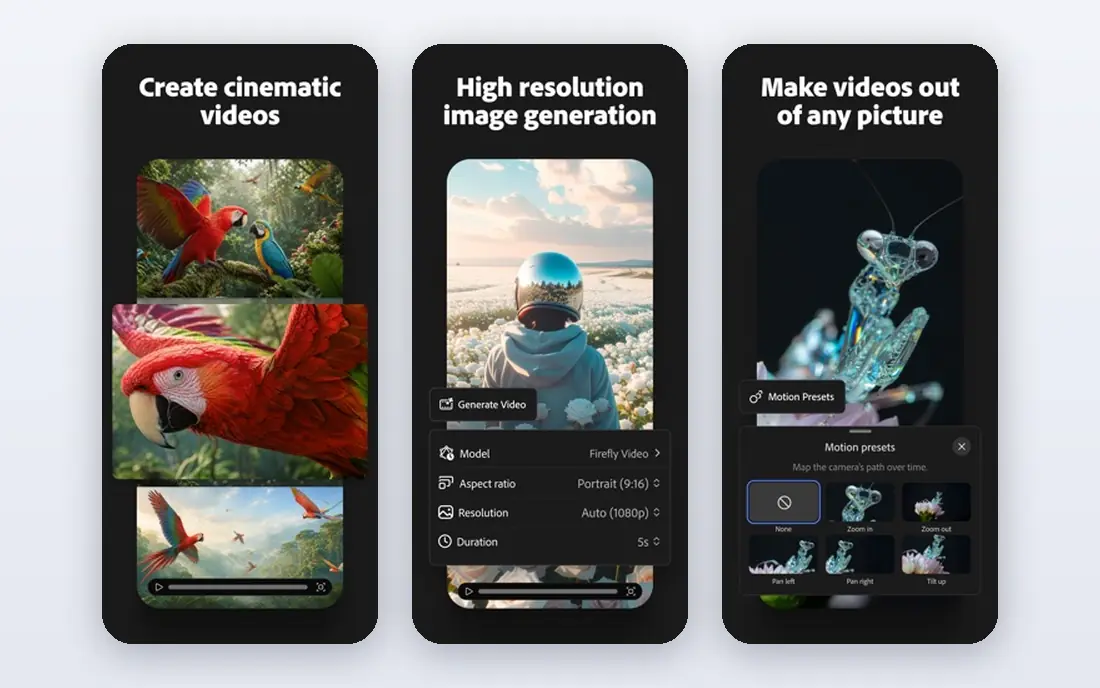
Adobe Firefly is the safest choice for client and brand work. Its models are trained on licensed content, and Adobe offers commercial indemnification on paid plans, which matters when an image will appear in an ad, product page or publication. Plans start at 9.99 dollars per month, with higher tiers at 19.99, 49.99 and 199.99 dollars per month, and a free tier offers limited generations.
Firefly also fits naturally into Photoshop and Express, so you can generate, fill and expand inside tools you already use. The trade-off is range: it does not offer as many outside models as a general hub. For brand teams that need clear rights and a familiar Adobe workflow, that focus is a strength, not a limit.
- Commercially safe Adobe models with indemnification on paid plans
- Fits Photoshop and Express
- Free limited generations
- Model choice is narrower than general hubs
- Higher tiers rise steeply in price
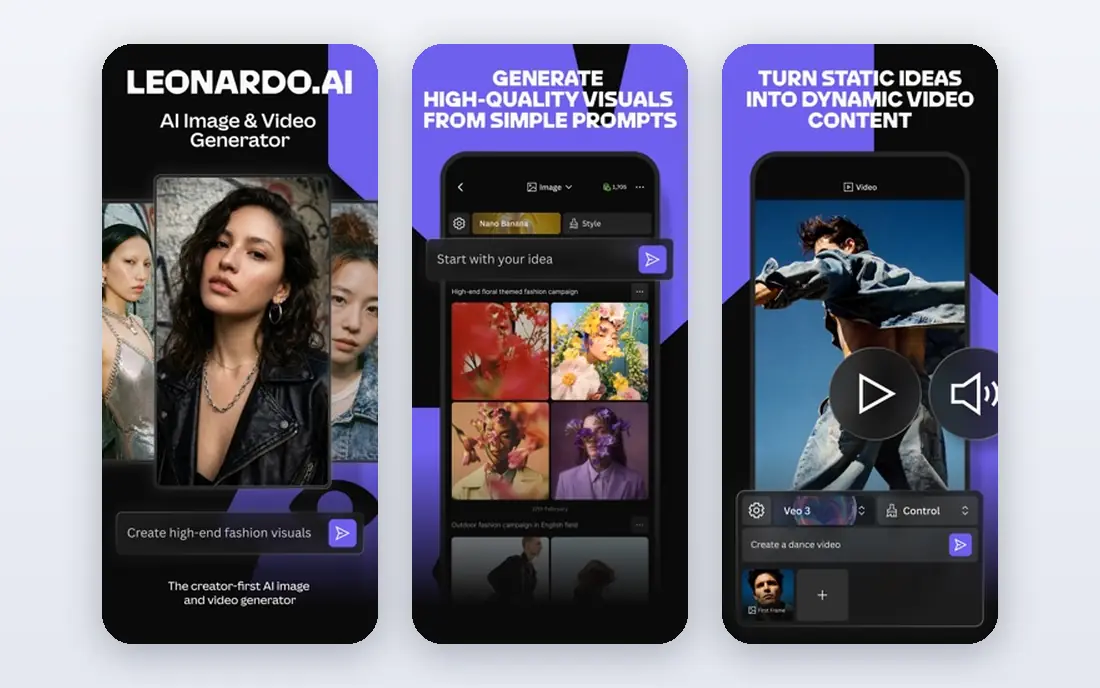
Leonardo AI is a production workspace, not only a prompt box. Creators can train custom models, use a canvas editor, build game assets and product mockups, and generate in volume with a token system. The free tier offers daily tokens, and paid plans start at 12 dollars per month, with higher tiers at 30 and 60 dollars per month in published listings.
Token pricing is the learning curve. You need to understand how image size, model choice and generation count draw on your balance, or a busy week can use tokens faster than expected. Once that is clear, Leonardo gives strong value for creators who generate often and want control over style and output.
- Free daily tokens for regular practice
- Canvas editor and custom model training
- Good for game assets and mockups
- Token math takes time to learn
- Top output can need more prompt tuning than Midjourney
Ideogram solves the problem that frustrates many AI art users: text that looks right. Posters, logos, social graphics and ads with short headlines come out with far fewer spelling errors than on general models. That makes it the practical pick for marketing visuals where a misspelled word ruins the image, even if the picture itself looks good.
Published listings put Plus at 20 dollars per month, or 15 dollars per month on annual billing, with a free tier offering weekly credits. For pure illustration or cinematic art, Midjourney may still win on style. For any image where words must be correct, Ideogram should be your first test.
- Best readable text in posters and logos
- Strong for memes, ads and social graphics
- Free weekly credits
- Paid plans start higher than some rivals
- Less suited to pure fine-art stills
ChatGPT Images, inside ChatGPT, is the easiest AI art option for many people because it lives where they already write and brainstorm. You can describe an image, ask for a change, fix a detail and iterate in plain language, without learning a separate editor. Free access is limited, and Plus costs 20 dollars per month in published listings, which also covers the wider ChatGPT plan.
The catch is control and capacity. Usage caps can vary with demand, and the chat interface is not a full production hub with batch tools and custom models. For quick ideas, social images and edits to a photo or illustration, it is excellent. For high-volume brand production, pair it with Firefly, Leonardo or Recraft.
- Easy edits in conversation
- Good instruction following
- Useful if you already pay for ChatGPT Plus
- Caps vary with demand
- Less of a production workspace than Leonardo
Canva is less about raw image generation and more about finished work. You can generate an image, place it in a template, add text, adjust layout and export a social post, ad or presentation without leaving the editor. That end-to-end path is why small teams and solo creators use it daily, even when a specialist art tool makes a stronger single image.
Free access includes a limited number of AI uses per month in published listings, and Pro is listed at 144 dollars per year. If you need many AI images a month, check the current AI allowance before you commit. If you need finished assets fast, Canva is the most practical app on this list.
- Templates, brand kits and editing in one place
- Easy to turn an image into a finished post or ad
- Free tier for basic use
- AI generation allowances are limited on free plans
- Heavy AI use may need a higher plan
NightCafe is a friendly entry point for people who want to make art without learning prompt engineering first. You pick a style and model, write a short prompt, and get results you can share, refine and enter into community challenges. The community side helps beginners learn what works, because you can see prompts and results from other creators.
Free credits are limited, so regular users will need a paid plan, and the price should be checked on the vendor site. NightCafe is less suited to strict brand production, where rights, vectors and exact style control matter. For fun, learning and casual art, it is an easy and enjoyable start.
- Simple creator flow for beginners
- Community challenges and sharing
- Multiple models in one place
- Free credits run out fast for heavy users
- Less production control than Leonardo or Firefly
Recraft fills a gap that raster art tools leave open: editable vectors. Logos, icons, illustrations and brand assets come out in forms a designer can adjust, recolor and scale, rather than as a fixed pixel image. That matters for print, packaging and brand systems, where a flat image is only a starting point. Published listings put plans from 12 dollars per month, with a free tier for testing.
Recraft is narrower than a general hub, and it will not replace Midjourney for cinematic stills. For designers and brand teams who need clean, editable assets, it is a strong specialist pick. Test vector export early, because that is the feature that justifies the subscription.
- Editable vector graphics, icons and illustrations
- Brand-consistent assets
- Free tier for testing
- Narrower than a general creative hub
- Raster art fans may prefer Midjourney
How we picked these
We compared official pricing pages and published October 2026 price checks for AI image tools, plus feature pages for text handling, vectors, commercial terms and editing. We favored tools that remain available as apps or web apps, offer a real free tier or a clear paid path, and serve a distinct job rather than duplicating the same general model. Where a vendor price was not clearly published, we used See website. We also weighed ease of use, because a powerful model that frustrates a beginner is not the best app for most readers.
How to choose an AI art app for your project
Start with the output you need, not the model name. If the image must carry readable text, test Ideogram first. If it must be print-ready and editable, test Recraft. If rights and client safety matter, test Firefly. If mood and style matter most, test Midjourney. Run the same three prompts in each tool, including one with text, one with a person and one with a product, and judge the results side by side.
Then check the terms that affect real work: commercial use on your plan, whether free-tier images are public, image resolution, and how many generations your plan allows per month. Keep a simple prompt log, because small changes in wording change results more than switching tools sometimes does. Finally, remember that AI images can still contain errors in hands, text and logos, so review every image before you publish it.
FAQ
What is the best AI generated art app for free?
Leonardo AI, Adobe Firefly, Ideogram and Canva all offer free tiers, but each limits generations or credits. Leonardo is a good free starting point for regular practice, while Firefly is better if you want brand-safe images inside Adobe tools.
Which AI art app is best for posters with text?
Ideogram is the strongest pick for posters, logos and ads where text must read correctly. Canva is also useful, because you can place generated art into a template and add your own text with full control.
Can I use AI generated art commercially?
In many cases, yes on paid plans, but terms vary by tool and tier. Adobe Firefly is the clearest option for commercial safety, with indemnification on paid plans. Always read the current terms for your plan before using an image in client work.
What is the best app for AI generated art on a phone?
Canva, ChatGPT and NightCafe all work well on mobile, with simple prompt and editing flows. Midjourney and Leonardo also work through web and mobile access, but their full production features are easier on a larger screen.
Is Midjourney worth 10 dollars per month?
If you need distinctive, art-directed stills often, yes. The Basic plan gives a low-cost way to test the style, and higher tiers add fast GPU time for heavier use. If you only need occasional images, a free tier tool or a chat plan you already pay for may be enough.
How do I get better AI art results?
Write specific prompts with subject, setting, light and style, then iterate on one detail at a time. Test the same prompt in two tools, keep the versions that work, and avoid changing every word at once. For text, use Ideogram or add text in Canva after generation.