Best App for AI Generated Images in 2026: 9 Apps Compared
Compare the best app for AI generated images, from Midjourney and Adobe Firefly to Leonardo, Ideogram, and Canva, with prices, free tiers, and honest limits.

- Editor's choice
 Midjourney
Artistic images
Starts at$10 per monthVisit midjourney.comFull review - Great alternative
 Adobe Firefly
Commercial-safe images
Starts at$9.99 per monthVisit firefly.adobe.comFull review - Also consider
 ChatGPT
Images in chat
Starts atFreeVisit chatgpt.comFull review
TL;DR:
- Midjourney still leads for striking, artistic images, but it has no free tier.
- Adobe Firefly is the safest pick for commercial work, with models built for licensed use.
- Ideogram leads for readable text in posters and logos, while Leonardo offers the most generous free tier.
- ChatGPT and Canva are best if you already pay for them, since image tools come with the plan.
Quick comparison
| Tool | Best for | Starts at | Free plan? | |
|---|---|---|---|---|
| Midjourney | Artistic images | $10 per month | No | Visit |
| Adobe Firefly | Commercial-safe images | $9.99 per month | Yes | Visit |
| ChatGPT | Images in chat | Free | Yes | Visit |
 Leonardo AI | Free daily generation | Free | Yes | Visit |
 Ideogram | Text in images | Free | Yes | Visit |
 Canva | Finished social designs | Free | Yes | Visit |
 Google Gemini | Photo edits in chat | Free | Yes | Visit |
 Dream by WOMBO | Quick mobile art | Free | Yes | Visit |
 Starryai | Mobile art styles | Free | Yes | Visit |
The best apps for ai generated images
The best app for AI generated images depends on the job. A poster needs readable text, a client project needs clear commercial rights, and a phone doodle needs speed. This list covers all three, with prices and free tiers so you can test before paying. All prices are in US dollars and change often, so confirm on the vendor pricing page before you subscribe.
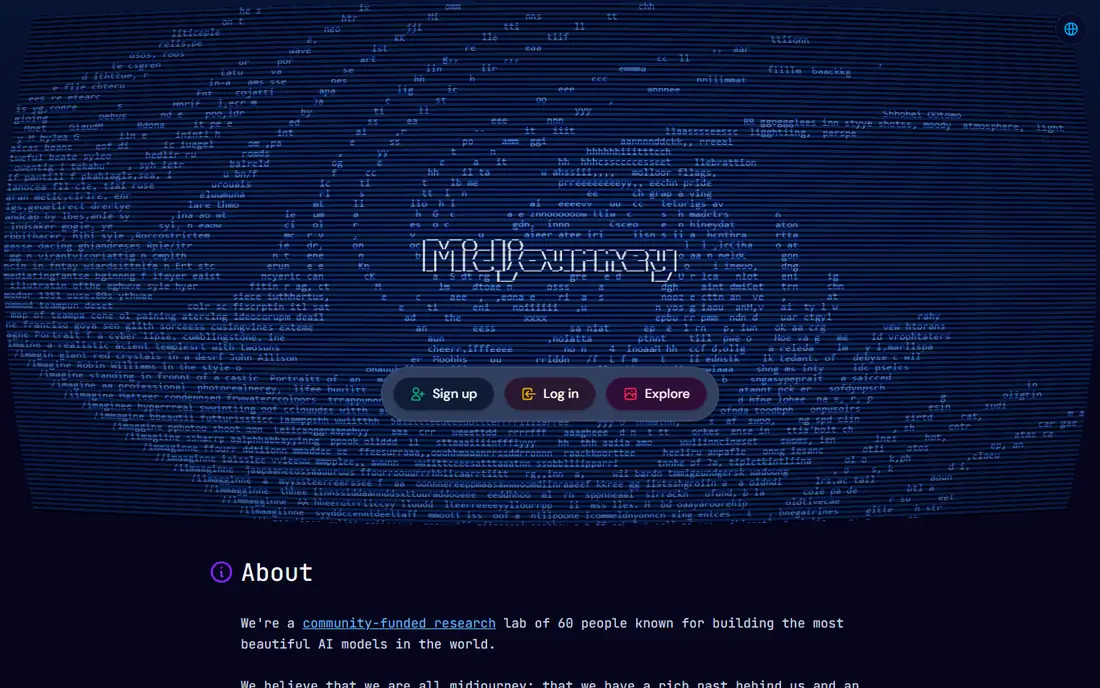
Midjourney remains the pick for pure look. Its images have a consistent, polished feel that suits concept art, book covers, mood boards, and stylized brand imagery. Plans start at $10 per month, with higher tiers at $30, $60, and $120 per month, and annual billing lowers the monthly cost. Fast mode gives quick generations, while relax mode trades speed for lower cost on higher plans.
The limits are real. There is no free tier, so you pay to test it, and much of the workflow still runs through Discord, which can confuse new users. Commercial use also has rules tied to plan and company revenue, so read the terms if you plan client work. If the look matters most and you generate often, Midjourney is worth the cost. If you generate rarely, a free-tier rival is smarter.
- Distinct, polished image style
- Strong community and prompt sharing
- Fast and relax modes
- No free tier
- Discord-based history can confuse new users
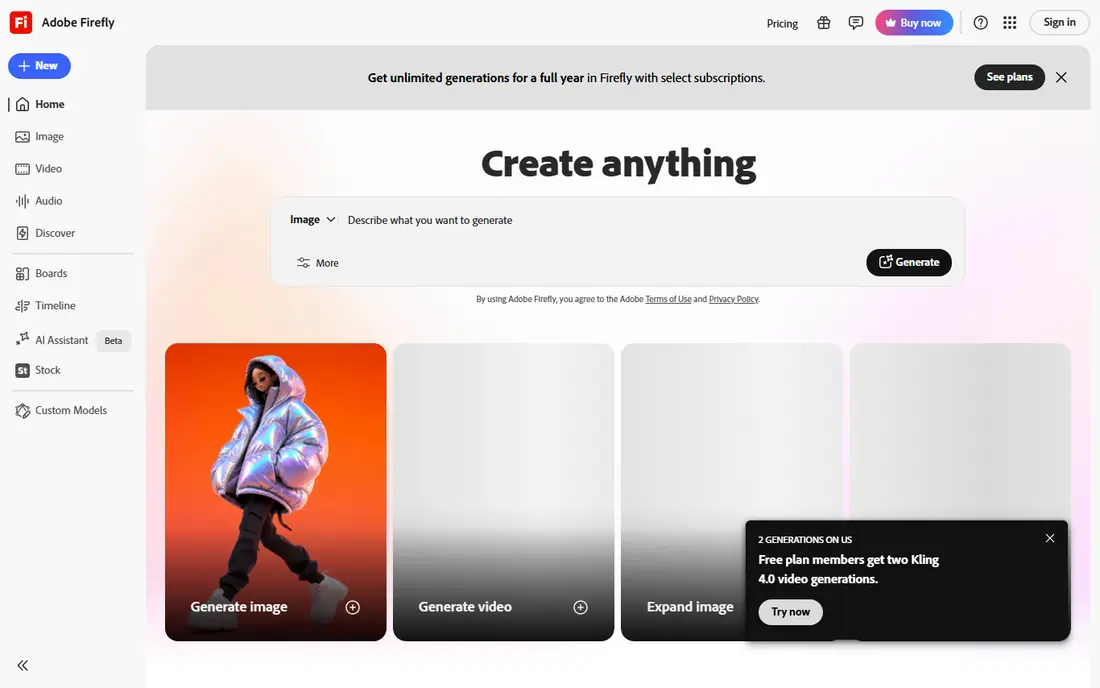
Adobe Firefly is our pick for client and brand work. Adobe positions Firefly models as commercially safe, which matters when an image will appear on a product page, an ad, or a client invoice. The free tier offers limited generations, and paid plans start at $9.99 per month, with higher tiers for more credits. Integration with Photoshop, Express, and other Adobe tools also helps, since you can generate, edit, and export in one workflow.
Credit math is the catch. Unused credits on many plans do not roll over, so a quiet month still costs the same. Higher tiers, up to $199.99 per month, suit teams with steady volume, not occasional users. For a business that needs images it can defend, Firefly is still the clearest choice, and the free tier lets you test style before paying.
- Models built for commercial use
- Works with Photoshop and Express
- Credit-based plans
- Credits reset monthly on many plans
- Higher tiers get costly
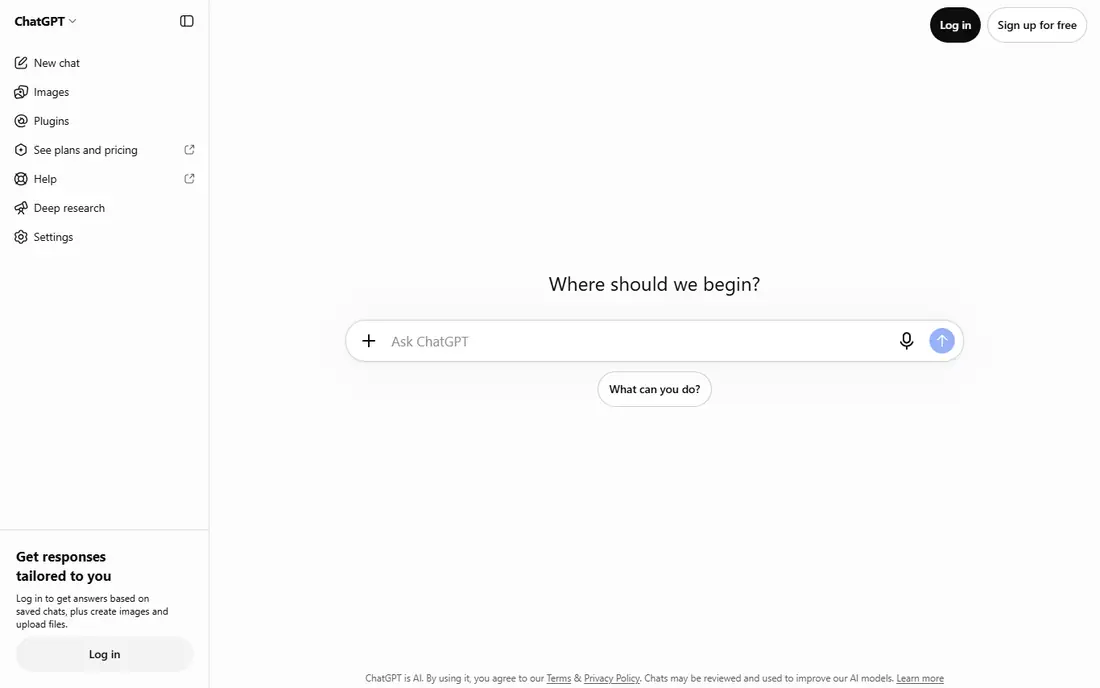
ChatGPT is the best app for AI generated images if you already use it for writing or brainstorming. You can describe an image, see a result, then ask for changes in plain language, such as a different background or a warmer color palette. That conversational loop is easier than learning a new editor, and it works well for social posts, blog headers, and quick mockups. The free tier includes limited images, while Plus is $20 per month.
Limits vary with demand, so free users may hit caps at busy times. ChatGPT also lacks the fine control of a dedicated image editor, and it is not the best choice for large print files or strict brand work. Still, for everyday images inside a chat you already use, it is hard to beat for convenience.
- Easy conversational edits
- Strong prompt understanding
- Image tools in a plan many people already pay for
- Free image limits vary with demand
- Plus costs $20 per month for fuller access
Leonardo AI offers one of the most usable free tiers in this category, with daily tokens that let you generate regularly without paying. Paid plans start at $12 per month, with higher tiers for more tokens and private generations. The platform also supports custom model training, which helps game artists, product designers, and creators who want a consistent style across many images.
Token math is the learning curve. Different image sizes and models cost different amounts, so a beginner can burn tokens faster than expected. Free creations may also be public, which matters for unreleased work. Read the rights and privacy settings before generating client material. For volume on a free or low budget, Leonardo is our pick.
- Generous free daily tokens
- Custom model training
- Canvas editor for edits
- Token math takes learning
- Free creations may be public
Ideogram leads when an image must contain words. Posters, logos, memes, and social graphics need text that spells correctly and sits cleanly in the design, and Ideogram handles that task better than most rivals. The free tier offers slow weekly credits, while paid plans start at about $20 per month, with annual billing lowering the cost. Prompt controls for style, aspect ratio, and text emphasis are straightforward.
Free images may appear in a public explore feed and cannot always be deleted, so do not use the free tier for secret client work. Paid plans add priority credits and private options that suit professional use. If your main job is posters, ads, or any image where text must be right, start with Ideogram before trying a more artistic tool.
- Best readable text in posters and logos
- Easy prompt controls
- Commercial use on paid plans
- Free slow credits are limited
- Free images may appear in a public feed
Canva is the best platform for AI generated images when the end product is a finished design, not just a raw image. You can generate an image, drop it into a template, add text, adjust colors, and export for Instagram, a flyer, or a presentation. The free tier includes a limited number of AI uses per month, while Pro is listed at $144 per year. Brand kits on paid plans help teams keep colors and fonts consistent.
Control is the limit. Canva's image tools are simpler than Midjourney or Leonardo, so fine art direction and custom model training are weaker. Heavy AI users may also need an AI allowance or higher plan. For small businesses and social teams that need finished posts fast, Canva is still the most practical all-in-one choice.
- Templates, text, and images in one editor
- Brand kits
- Easy export for social and print
- Heavy AI use may need a higher plan
- Image control is less deep than dedicated tools
Google Gemini, including its Nano Banana image editing, is a strong pick for editing photos by description. You can upload a photo and ask for a style change, a background swap, or a new element, then refine the result in chat. That workflow suits casual users who want a better photo, not a new artwork from scratch. The Gemini app is free to start, with paid Google plans from about $4.99 per month for higher limits.
Style control is less deep than in a dedicated art tool, and output limits vary by plan. For text-heavy posters, Ideogram still leads, and for pure art, Midjourney still leads. For quick, free photo edits inside a Google account you already use, Gemini is an easy and useful pick.
- Strong photo editing by description
- Good text in images
- Free in the Gemini app
- Higher limits need a paid Google plan
- Style control is less deep than Midjourney
Dream by WOMBO is built for phones and speed. You type a prompt, pick a style, and get an image in seconds, which suits social posts, wallpapers, and quick ideas. The free tier is usable, and a premium plan adds higher resolution and extra features. It is one of the least intimidating apps on this list, since there is no Discord server, token bank, or complex editor to learn.
Fine control is limited, so you cannot direct every detail the way you can in Leonardo or Midjourney. Resolution and commercial rights also need a check on the current plan before client use. For fun, fast mobile art, Dream by WOMBO is a good pick, and it pairs well with Canva when you need to turn an image into a finished post.
- Fast mobile generations
- Many art styles
- Simple prompt entry
- Less control over fine details
- Premium features needed for full resolution
Starryai offers a clean mobile path to AI art, with style choices that help beginners get a good result without prompt engineering. You pick a style, enter a prompt, and generate, then save or share the result. Free daily credits let you test styles over several days, and paid plans add more credits and higher resolution. The app suits wallpapers, gifts, and social images.
Credit limits are the main catch, since free users will hit a ceiling quickly if they generate often. Commercial use also needs a paid plan and a check of the current terms. Starryai will not replace Midjourney for serious art direction, but for a simple phone app that makes attractive images fast, it earns its place.
- Simple mobile workflow
- Distinct art styles
- Free daily credits
- Free credits are limited
- Larger or commercial use needs a paid plan
How we picked these
We compared official pricing pages, free tiers, and feature pages, and we favored apps that are still available in the United States and produce usable images from a text prompt or photo edit. We required a clear price or free tier, a working official homepage, and a distinct job, whether that is art, text, commercial safety, or finished design. Apps that only offered an API with no consumer app, or that hid pricing entirely, did not make the list.
How to choose the right image app
Match the app to the output, not to the hype. For art and mood, try Midjourney. For client work, try Firefly. For posters with words, try Ideogram. For volume on a budget, try Leonardo. For finished social posts, try Canva. Testing two apps with the same prompt is the fastest way to see which style fits your eye.
Check rights before commercial use
Free tiers often limit commercial rights or make images public, so read the terms before using an image for a client, a product, or an ad. Paid plans usually add private generations and clearer commercial rights, but the details vary by vendor. When in doubt, generate client work on a paid plan with terms you have read.
FAQ
What is the best app for AI generated images?
Midjourney is best for artistic quality, Adobe Firefly is best for commercial safety, and Ideogram is best for readable text. The right pick depends on whether you need art, client-safe images, or posters with words.
What are the best apps for AI generated images on a phone?
Dream by WOMBO, Starryai, Canva, and Google Gemini all work well on phones, with simple prompts and fast results. Midjourney and Leonardo also work on mobile browsers, but they suit users who want more control.
What is the best platform for AI generated images for business use?
Adobe Firefly and Canva are the strongest business platforms, since they pair generation with editing, brand tools, and clearer commercial terms. Midjourney and Ideogram also work for business use on paid plans, but check revenue and rights rules first.
Is there a free AI image app?
Yes. Leonardo, Ideogram, Firefly, ChatGPT, Canva, Gemini, Dream by WOMBO, and Starryai all offer free tiers or free starts. Free tiers limit credits, resolution, or privacy, so test style for free and pay when you need volume or private generations.
Can I sell images made with AI?
It depends on the app, the plan, and the terms in force when you generate. Some free tiers limit commercial use or make images public, while paid plans often allow it. Read the vendor terms and keep a record of the plan you used for client work.