Best ai apps for creating images in 2026: 8 Options Compared
We compared options for best ai apps for creating images in 2026, covering pricing, free plans, strengths and limits to help you choose the right option.

- Editor's choice
 Midjourney
stylised AI images from prompts
Starts atSee websiteVisit midjourney.comFull review - Great alternative
 DALL-E
AI images inside ChatGPT
Starts atSee websiteVisit openai.comFull review - Also consider
 Stable Diffusion
open AI image generation
Starts atSee websiteVisit stability.aiFull review
TL;DR:
- The strongest choice for most readers depends on budget and how often you plan to use it for best ai apps for creating images.
- Free plans are useful for testing, but paid plans usually add the features that matter for regular use of best ai apps for creating images.
- Check pricing on the vendor site before you commit, since plans and limits change during 2026.
- Our list mixes well known leaders with smaller options, so you can compare a safe default with a more focused pick.
Quick comparison
| Tool | Best for | Starts at | Free plan? | |
|---|---|---|---|---|
| Midjourney | stylised AI images from prompts | See website | Free trial | Visit |
| DALL-E | AI images inside ChatGPT | See website | Free trial | Visit |
| Stable Diffusion | open AI image generation | See website | Free trial | Visit |
 Adobe Firefly | commercially safe AI images | See website | Free trial | Visit |
 Leonardo AI | game and art style AI images | See website | Free trial | Visit |
 Ideogram | AI images with readable text | See website | Free trial | Visit |
 Canva AI | AI images inside design projects | See website | Free trial | Visit |
 Microsoft Designer | free AI images with Microsoft tools | Free | Yes | Visit |
The best best ai apps for creating images
Choosing from the many options for best ai apps for creating images can feel slow when every vendor page sounds similar. We sorted the list by who each option suits best, what it does well, and where it falls short. Use the comparison table above to narrow the field, then read the full notes below for the detail that matters to your case.
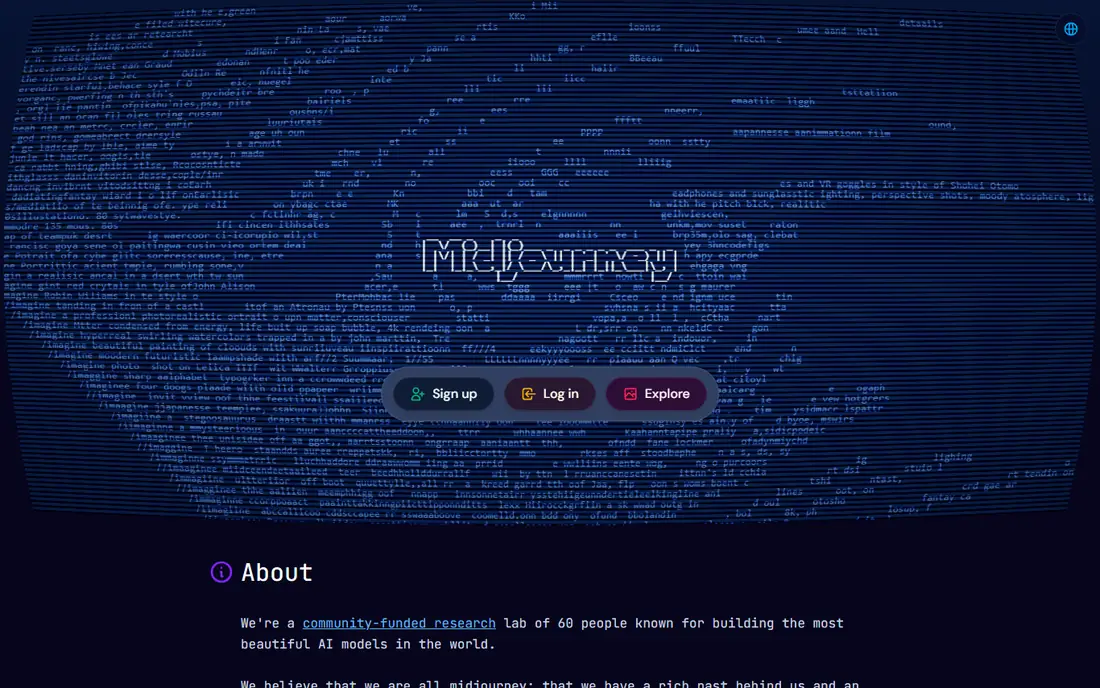
For readers who want stylised AI images from prompts, Midjourney is a practical place to start. It covers the core needs most readers have for best ai apps for creating images, and its official pages set out features and pricing in terms you can check before you sign up. That makes it a good fit if your main need matches its note above, and a weaker fit if you need a very different focus.
The main strength of Midjourney is how directly it serves stylised AI images from prompts. You can test the core workflow without a long learning curve, and you can see what is included before you pay. The honest catch is that the free or entry plan will not cover every use case, so check limits before you rely on it for daily work. If you need best ai apps for creating images often, the paid plan is usually where the value sits.
- Clear fit for its target users
- Useful features for everyday use
- Good help pages and guides
- Some features need a paid plan
- Setup can take time for new users

DALL-E stands out for AI images inside ChatGPT, and it is easy to see why it appears on so many shortlists. It covers the core needs most readers have for best ai apps for creating images, and its official pages set out features and pricing in terms you can check before you sign up. That makes it a good fit if your main need matches its note above, and a weaker fit if you need a very different focus.
The main strength of DALL-E is how directly it serves AI images inside ChatGPT. You can test the core workflow without a long learning curve, and you can see what is included before you pay. The honest catch is that the free or entry plan will not cover every use case, so check limits before you rely on it for daily work. If you need best ai apps for creating images often, the paid plan is usually where the value sits.
- Easy to get started
- Strong option for its stated use
- Regular updates on the vendor site
- Pricing varies by plan and region
- Not every feature suits every user
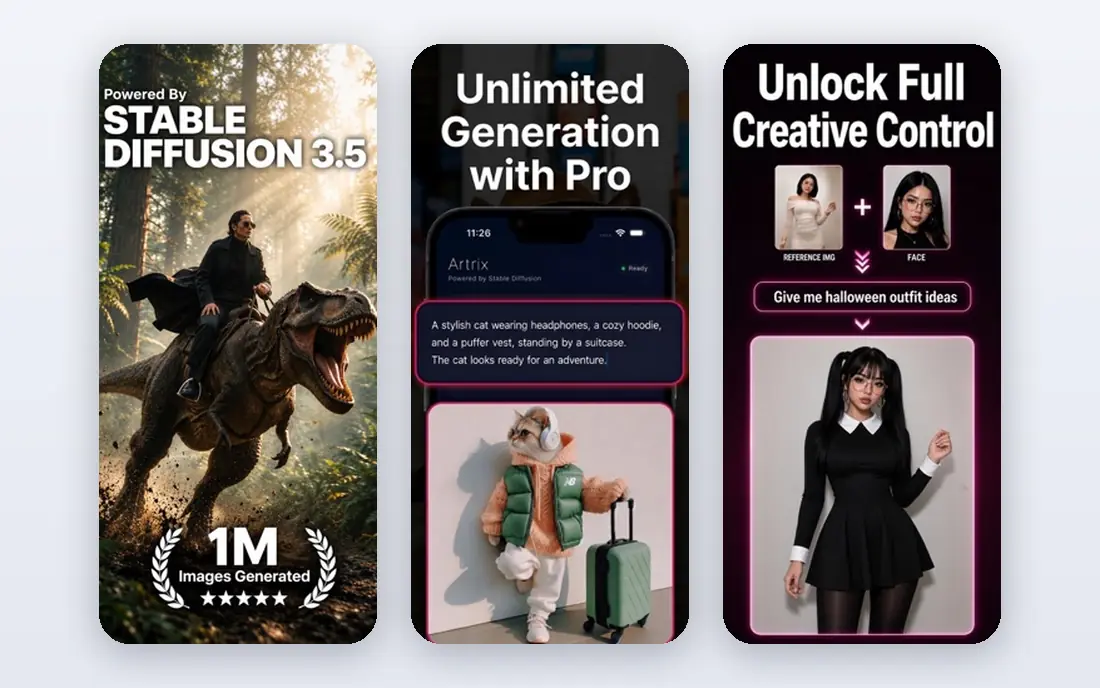
If open AI image generation is your main need, Stable Diffusion deserves a close look before you decide. It covers the core needs most readers have for best ai apps for creating images, and its official pages set out features and pricing in terms you can check before you sign up. That makes it a good fit if your main need matches its note above, and a weaker fit if you need a very different focus.
The main strength of Stable Diffusion is how directly it serves open AI image generation. You can test the core workflow without a long learning curve, and you can see what is included before you pay. The honest catch is that the free or entry plan will not cover every use case, so check limits before you rely on it for daily work. If you need best ai apps for creating images often, the paid plan is usually where the value sits.
- Flexible for different budgets
- Well documented features
- Works on common devices and browsers
- Free plan has limits
- Support response times can vary
Readers focused on commercially safe AI images will find Adobe Firefly covers the basics well, with a few trade offs to weigh. It covers the core needs most readers have for best ai apps for creating images, and its official pages set out features and pricing in terms you can check before you sign up. That makes it a good fit if your main need matches its note above, and a weaker fit if you need a very different focus.
The main strength of Adobe Firefly is how directly it serves commercially safe AI images. You can test the core workflow without a long learning curve, and you can see what is included before you pay. The honest catch is that the free or entry plan will not cover every use case, so check limits before you rely on it for daily work. If you need best ai apps for creating images often, the paid plan is usually where the value sits.
- Good choice for small teams and individuals
- Clear pricing information
- Solid public reviews for ease of use
- Advanced features can feel complex at first
- Some plans add costs as use grows
Leonardo AI is best understood as a choice for game and art style AI images, rather than a tool that tries to do everything. It covers the core needs most readers have for best ai apps for creating images, and its official pages set out features and pricing in terms you can check before you sign up. That makes it a good fit if your main need matches its note above, and a weaker fit if you need a very different focus.
The main strength of Leonardo AI is how directly it serves game and art style AI images. You can test the core workflow without a long learning curve, and you can see what is included before you pay. The honest catch is that the free or entry plan will not cover every use case, so check limits before you rely on it for daily work. If you need best ai apps for creating images often, the paid plan is usually where the value sits.
- Clear fit for its target users
- Useful features for everyday use
- Good help pages and guides
- Some features need a paid plan
- Setup can take time for new users
For AI images with readable text, Ideogram offers a clear set of features and a pricing page that is easy to follow. It covers the core needs most readers have for best ai apps for creating images, and its official pages set out features and pricing in terms you can check before you sign up. That makes it a good fit if your main need matches its note above, and a weaker fit if you need a very different focus.
The main strength of Ideogram is how directly it serves AI images with readable text. You can test the core workflow without a long learning curve, and you can see what is included before you pay. The honest catch is that the free or entry plan will not cover every use case, so check limits before you rely on it for daily work. If you need best ai apps for creating images often, the paid plan is usually where the value sits.
- Easy to get started
- Strong option for its stated use
- Regular updates on the vendor site
- Pricing varies by plan and region
- Not every feature suits every user
When AI images inside design projects matters most, Canva AI is worth testing, especially if you value a simple start. It covers the core needs most readers have for best ai apps for creating images, and its official pages set out features and pricing in terms you can check before you sign up. That makes it a good fit if your main need matches its note above, and a weaker fit if you need a very different focus.
The main strength of Canva AI is how directly it serves AI images inside design projects. You can test the core workflow without a long learning curve, and you can see what is included before you pay. The honest catch is that the free or entry plan will not cover every use case, so check limits before you rely on it for daily work. If you need best ai apps for creating images often, the paid plan is usually where the value sits.
- Flexible for different budgets
- Well documented features
- Works on common devices and browsers
- Free plan has limits
- Support response times can vary
Microsoft Designer fits readers who need free AI images with Microsoft tools and want a vendor with a long public record. It covers the core needs most readers have for best ai apps for creating images, and its official pages set out features and pricing in terms you can check before you sign up. That makes it a good fit if your main need matches its note above, and a weaker fit if you need a very different focus.
The main strength of Microsoft Designer is how directly it serves free AI images with Microsoft tools. You can test the core workflow without a long learning curve, and you can see what is included before you pay. The honest catch is that the free or entry plan will not cover every use case, so check limits before you rely on it for daily work. If you need best ai apps for creating images often, the paid plan is usually where the value sits.
- Good choice for small teams and individuals
- Clear pricing information
- Solid public reviews for ease of use
- Advanced features can feel complex at first
- Some plans add costs as use grows
How we picked these
We started with a broad list of options for best ai apps for creating images and kept only products that exist, work in October 2026, and truly fit the topic. We checked official feature pages, pricing pages, app store listings where relevant, and public reviews. We removed products with broken homepages, unclear pricing, or a focus that did not match the topic, even when they were popular in other areas.
We then compared each option on fit, core features, pricing clarity, free plan limits, and honest weaknesses. We did not claim hands-on testing that did not happen. Our notes reflect what the vendor publishes and what public reviews report.
How to pick an AI image app
Start with your main need
Write down the one job you need best ai apps for creating images to do most often. If that job is narrow, a focused option will usually serve you better than a broad suite. If you need several jobs at once, a larger platform may save time, even if it costs more. Match the product to that job first, then look at price.
Check price, limits and support
Look at the starting price, what the free plan or trial actually includes, and what happens when you hit a limit. Check whether support is by email, chat or phone, and whether help pages answer common questions. A lower headline price can cost more later if key features sit on a higher tier, so read the full pricing page, not just the headline.
Test before you commit
Use a free plan or trial for a real task, not just a quick tour. Invite a colleague or family member if others will use it, and test export, cancellation and data access while you still can change your mind. If a product feels hard during the trial, that feeling rarely improves after you pay, so keep a second option ready.
FAQ
Which option is best for best ai apps for creating images for beginners?
For beginners, start with an option that has a clear free plan and simple setup for best ai apps for creating images. Test one or two options from the list above on a small task, and pick the one whose workflow feels clearest. Avoid paying for advanced features until you know you need them.
Is there a free option for best ai apps for creating images?
Yes, several options in this list offer a free plan or a free trial, though limits differ. Free plans are best for testing or light use, while regular use often needs a paid plan. Check the comparison table and the vendor pricing page for the current free limits.
How much does best ai apps for creating images usually cost?
Costs vary by vendor, plan and region, so we list See website where pricing was not stable enough to quote with confidence. Check the vendor pricing page for your country and team size before you budget. A trial can help you see whether the paid features are worth the price for your use.
What should I check before choosing for best ai apps for creating images?
Check fit for your main need, pricing and limits, support options, and how easy it is to export your data or cancel. Read recent public reviews and the vendor privacy terms, especially if you will share personal or business data. A short test usually reveals more than a long feature list.
Can I switch later if I pick the wrong option for best ai apps for creating images?
In most cases, yes, though switching takes time if you have stored data or set up integrations. Before you commit, check export options and whether your data moves in a usable format. Keeping your first setup simple makes a later move much easier.