Best AI Tools for Creating Presentations in 2026: 8 Tools Compared
Compare the best AI tools for creating presentations, from prompt-to-deck builders to PowerPoint and Google Slides add-ons, with prices and export options.
- Editor's choice
 Gamma
Fast prompt-to-deck creation
Starts at$10 per monthVisit gamma.appFull review - Great alternative
 Beautiful.ai
Corporate on-brand decks
Starts at$12 per monthVisit beautiful.aiFull review - Also consider
 Canva
Templates plus AI design
Starts atSee websiteVisit canva.comFull review
TL;DR:
- Gamma is the fastest prompt-to-deck option for most people, with web sharing, analytics and PDF or PowerPoint export on paid plans.
- Beautiful.ai suits corporate teams that need slides to stay balanced and on brand as content changes.
- Plus AI and SlidesAI are the best picks if you want AI inside PowerPoint or Google Slides, rather than learning a new deck tool.
- Check export limits before you pay, since some tools charge extra for PowerPoint files, high-resolution downloads or team brand controls.
Quick comparison
| Tool | Best for | Starts at | Free plan? | |
|---|---|---|---|---|
| Gamma | Fast prompt-to-deck creation | $10 per month | Yes | Visit |
| Beautiful.ai | Corporate on-brand decks | $12 per month | No | Visit |
| Canva | Templates plus AI design | See website | Yes | Visit |
 Pitch | Team pitch decks | See website | Yes | Visit |
 Plus AI | AI inside PowerPoint and Slides | $10 per user per month | No | Visit |
 SlidesAI | AI inside Google Slides | $10 per month | Yes | Visit |
 Visme | Data and chart-heavy decks | $12.25 per month | Yes | Visit |
 Prezi | Non-linear zooming decks | $7 per month | No | Visit |
The best AI tools for creating presentations
AI presentation tools promise a full deck from a prompt, an outline or a document, but they differ in design quality, editing control and export options. We compared official pricing pages, feature pages and current availability, and we left out tools that have shut down. Note that Tome, once popular for narrative decks, shut down in 2025, so it does not appear here.
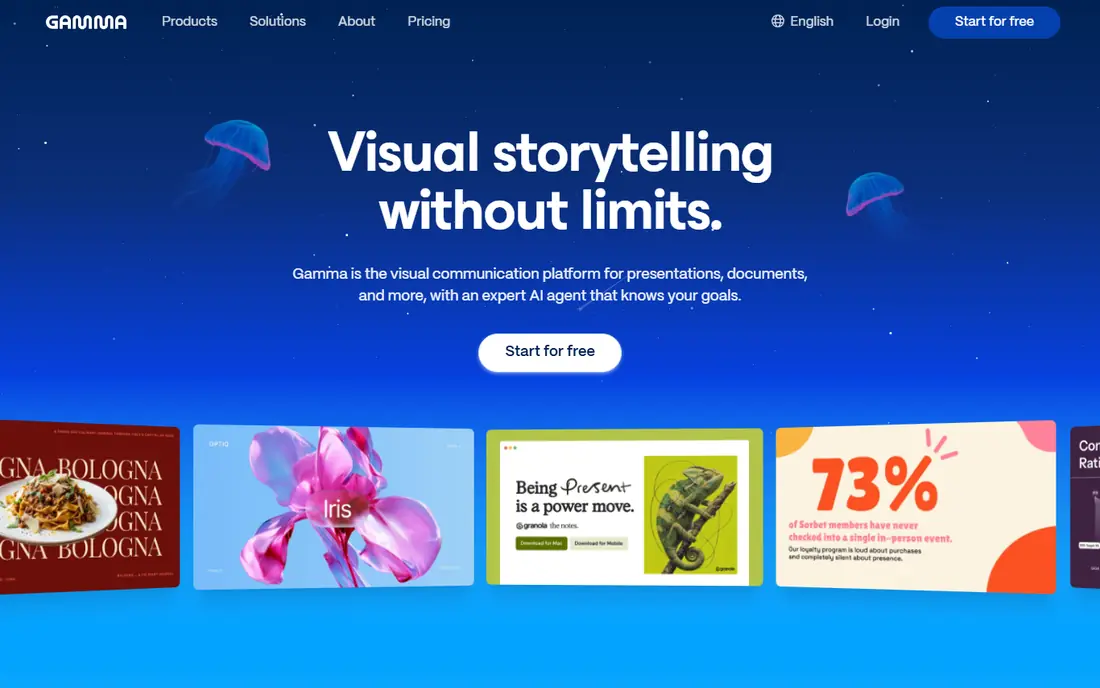
Gamma is our pick for most people who want a deck quickly. Type a topic, paste an outline or upload a document, and Gamma builds a full set of slides with layout, images and structure in under a minute in most cases. The web-native format also lets you share a link, track views and embed interactive elements, which suits internal updates, sales decks and online pitches.
The trade is familiarity. Teams that live in PowerPoint may miss the classic slide-by-slide editing model, though Gamma does export to PDF and PowerPoint on paid plans. The free tier offers a one-time credit allowance rather than unlimited generation, so test it with a real deck before you rely on it for weekly work. For speed and polish, Gamma is hard to beat.
- Very fast full-deck generation
- Web-native decks with analytics
- PDF and PowerPoint export on paid plans
- Web format feels different from classic PowerPoint
- Free credits are limited to a one-time allowance

Beautiful.ai is built around a simple idea: slides should stay well designed even when you add text, swap an image or change a chart. Its Smart Slides adjust layout automatically, so a deck does not fall apart after a last-minute edit. Team plans add brand controls, shared templates and fonts, which helps larger companies keep every deck consistent.
The cost is flexibility and price. There is no free plan, only a trial period, and the Pro plan starts at $12 per month in published summaries, with team pricing higher. Creative users who want full control over every element may find the smart layout rules restrictive. For corporate teams that value consistency over total freedom, Beautiful.ai is the safer choice.
- Smart slides stay balanced as you edit
- Team brand controls
- Clean professional design
- No free plan, only a trial
- Less flexible for creative or non-linear layouts
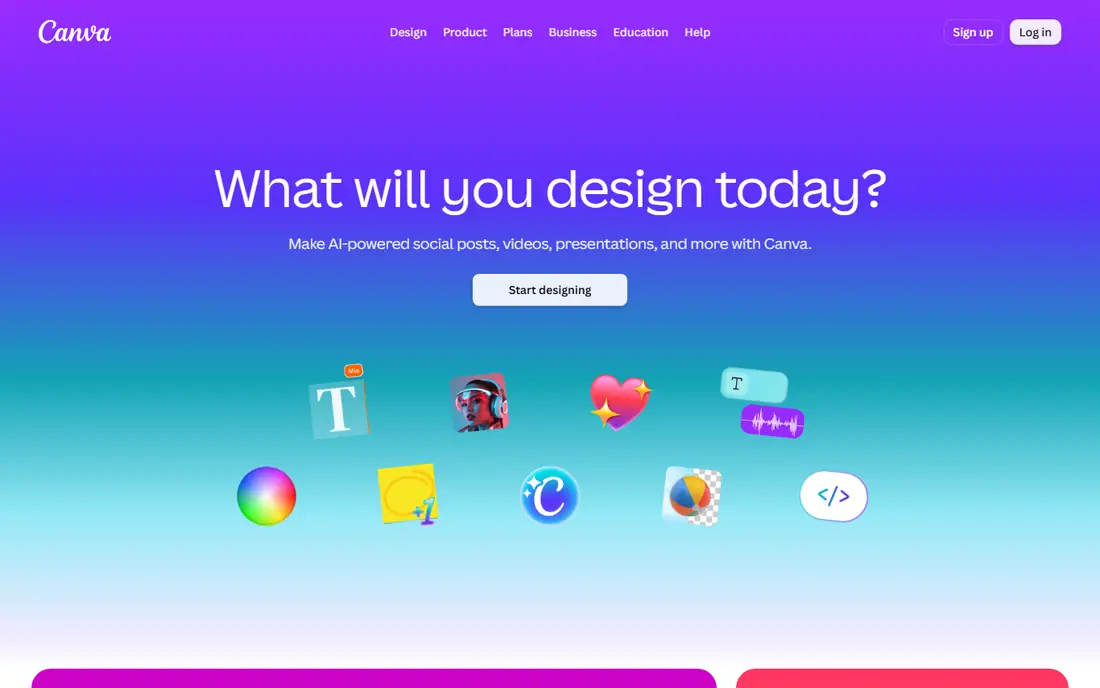
Canva is the best all-round design tool on this list, even if it is not the most AI-first presentation builder. Its template library covers pitch decks, lessons, reports and social posts, and the editor is easy for non-designers. AI features help generate text, images and layouts, but you will still edit slide by slide more than with Gamma.
The free plan is generous for basic decks, though premium templates, stock assets and some export options require a paid plan. Canva suits small businesses and creators who want one tool for flyers, social posts and presentations, rather than a dedicated deck builder. If presentations are your main job, compare Canva with Gamma or Beautiful.ai before you commit.
- Huge template library
- Easy drag-and-drop editing
- Presentation, social and print design in one account
- AI deck generation is less complete than Gamma
- Premium elements and exports sit behind paid plans
Pitch is designed for teams that send decks to investors, partners or clients and want to know what happened next. Shared links show per-slide analytics, so you can see where readers spent time and where they dropped off. Collaboration features, templates and brand controls also suit startup teams that revise a pitch deck often.
Solo users may find Pitch more tool than they need, and pricing details vary by plan and region, so check the current page for your team size. For a founder preparing a fundraising deck, or a sales team sharing the same core deck with many prospects, Pitch offers a focused workflow that general design tools do not match.
- Built for collaborative pitch decks
- Per-slide analytics on shared links
- Template library for startups
- Paid pricing varies by region and plan
- Less suited to solo users who only need a quick deck
Plus AI is the right pick if you do not want to leave PowerPoint or Google Slides. It adds AI generation and editing inside the tools your team already uses, so you keep familiar file formats, sharing settings and templates. That matters in companies where PowerPoint files are the standard and web-only decks cause friction.
The trial lets you test the workflow, but there is no ongoing free plan, and the Basic plan starts at $10 per user per month on annual billing in published summaries. Results also depend on the quality of your prompt or source document, so a vague outline will still need editing. For teams tied to Microsoft or Google workflows, Plus AI is the least disruptive AI option.
- Works inside PowerPoint and Google Slides
- Generates decks from prompts or documents
- Keeps your existing workflow
- No free plan, only a trial
- Output quality depends on your source outline and template
SlidesAI turns text into a Google Slides deck with minimal setup. Paste an outline or a block of text, choose a theme, and SlidesAI builds slides you can edit in Google Slides like any normal deck. That native output is a strength for teachers, students and Google Workspace teams who share and comment in Slides every day.
Design depth is the limit. Themes and layouts are more restrained than the AI-native builders, and the free plan caps how many presentations you can create per year. The Pro plan starts at $10 per month on annual billing in published summaries. If your workflow already lives in Google Slides, SlidesAI is a quick and affordable upgrade.
- Native Google Slides output
- Fast text-to-slides conversion
- Simple pricing for solo users
- Design options are narrower than Gamma or Beautiful.ai
- Free plan limits presentations per year
Visme suits decks where data does the talking. It offers chart tools, infographics, data widgets and an AI designer that can start a deck from a prompt, then lets you refine charts and layouts in detail. Reports, quarterly reviews, training decks and data-heavy proposals all benefit from that focus, since charts stay editable rather than becoming static images.
The editor is broader than a pure presentation tool, so new users may need a short learning period. The free plan covers basic creation, while the Starter plan starts at $12.25 per month in published summaries. If your decks are mostly charts, tables and reports, Visme is a stronger pick than a general AI deck builder.
- Strong charts, infographics and data tools
- AI designer for quick starts
- Good for reports and training decks
- Interface has more to learn than Gamma
- Some export and download options sit on paid plans
Prezi takes a different path from slide-by-slide decks. It uses a large canvas that you zoom into and out of, which helps audiences see how parts of a story connect to the whole. That style suits keynote talks, lessons and pitches where the overall structure matters as much as each point, and it can make a presentation feel more memorable than a standard deck.
The zoom effect needs restraint, since constant movement can distract from the message. Prezi also requires a shift in thinking if you are used to PowerPoint, and current listings show paid plans from $7 per month without a free plan. Use Prezi when the story structure is the point, and use a classic deck builder when a simple, linear flow is enough.
- Zooming canvas stands out in live talks
- Good for big-picture stories
- Templates for structured narratives
- No free plan on current listings
- Zoom style can distract if overused
- PowerPoint habits do not transfer directly
How we picked these
We compared official pricing pages, feature pages and export options for AI presentation tools that are available today. We favored tools with a clear AI generation workflow, usable free tiers or trials, and export options that fit real work, including PDF, PowerPoint or Google Slides. We excluded tools that have shut down and general design tools without a real AI deck workflow, since they do not solve the same problem.
How to choose an AI presentation tool for your next deck
Start with where the deck will live. If the final file must be PowerPoint, Plus AI or Beautiful.ai will cause less friction than a web-only builder. If the deck will be shared as a link, Gamma offers speed, analytics and interactive elements that a static file cannot match. If your team already works in Google Slides, SlidesAI keeps everything in one place without a new file format to manage.
Next, test with a real outline, not a demo topic. Feed each shortlisted tool the same rough notes and compare the first draft for structure, accuracy and editing effort. Check whether facts are invented, whether charts match your numbers, and how long it takes to fix layout problems. Finally, confirm export limits, including PowerPoint files, PDF quality, branding controls and whether AI credits reset monthly or run out after a one-time allowance.
FAQ
Which AI tool is best for creating presentations?
Gamma is the best overall pick for speed and polish, especially for web-shared decks. Beautiful.ai suits corporate teams that need consistent branding, while Plus AI and SlidesAI suit teams tied to PowerPoint or Google Slides. The best tool depends on where your deck will live and how much editing control you want.
Can AI create a full presentation from a prompt?
Yes, tools such as Gamma, Beautiful.ai, Plus AI and SlidesAI can build a full draft from a prompt, outline or document. You should still check every fact, number and claim, since AI tools can invent details or misread source material. Treat the first draft as a starting point, not a finished deck.
Is there a free AI presentation tool?
Gamma, Canva, Pitch, SlidesAI and Visme all offer free plans with limits, such as credit caps, watermarked exports or fewer templates. Beautiful.ai, Plus AI and Prezi offer trials rather than ongoing free plans. Free tiers are useful for testing, but regular presenters usually need a paid plan for exports and full features.
Can I export AI presentations to PowerPoint?
Most tools on this list offer PowerPoint export, but the details vary. Gamma and Beautiful.ai export to PowerPoint on paid plans, while Plus AI and SlidesAI work natively in PowerPoint or Google Slides. Check the current pricing page for export limits before you pay, especially if PowerPoint files are required for work.
Do AI presentation tools replace designers?
No, they replace the blank-page stage and routine layout work, not judgment about story, audience and accuracy. A designer still adds value for high-stakes decks, complex brand systems and custom visuals. For everyday internal decks, sales updates and class presentations, AI tools save time while leaving you in charge of the message.