Best AI-Powered Design Tools for Presentations in 2026: 8 Tools Compared
Looking for the best AI-powered design tools for presentations? We compare 8 AI presentation tools, covering deck generation, templates, pricing and exports.

- Editor's choice
 Gamma
Fast prompt-to-deck
Starts at$9 per monthVisit gamma.appFull review - Great alternative
 Beautiful.ai
Corporate on-brand decks
Starts at$14.50 per monthVisit beautiful.aiFull review - Also consider
 Canva
All-round design value
Starts at$12 per monthVisit canva.comFull review
TL;DR:
- Gamma is the fastest prompt-to-deck tool for most people, with a free tier based on credits.
- Beautiful.ai suits corporate teams that need slides to stay balanced and on brand as content changes.
- Canva offers the best value for teams that already use it for other design work, with a generous free plan.
- Always test exported PowerPoint files before committing, since layout and fonts can shift between tools.
Quick comparison
| Tool | Best for | Starts at | Free plan? | |
|---|---|---|---|---|
| Gamma | Fast prompt-to-deck | $9 per month | Yes | Visit |
| Beautiful.ai | Corporate on-brand decks | $14.50 per month | Free trial | Visit |
| Canva | All-round design value | $12 per month | Yes | Visit |
 Pitch | Collaborative team decks | $13 per month | Yes | Visit |
 Plus AI | PowerPoint and Slides editing | $10 per month | Free trial | Visit |
 SlidesAI | Google Slides generation | $10 per month | Yes | Visit |
 Presentations.AI | Quick deck generation | $20 per month | Yes | Visit |
 Prezi | Non-linear zoomable decks | $7 per month | Yes | Visit |
The best AI-powered design tools for presentations
AI presentation tools turn a prompt, outline or document into a structured deck, then adjust layout, images and formatting for you. We compared tools that are live in October 2026, with attention to generation quality, editing control, export options and cost. Tome is excluded because it shut down in 2025.
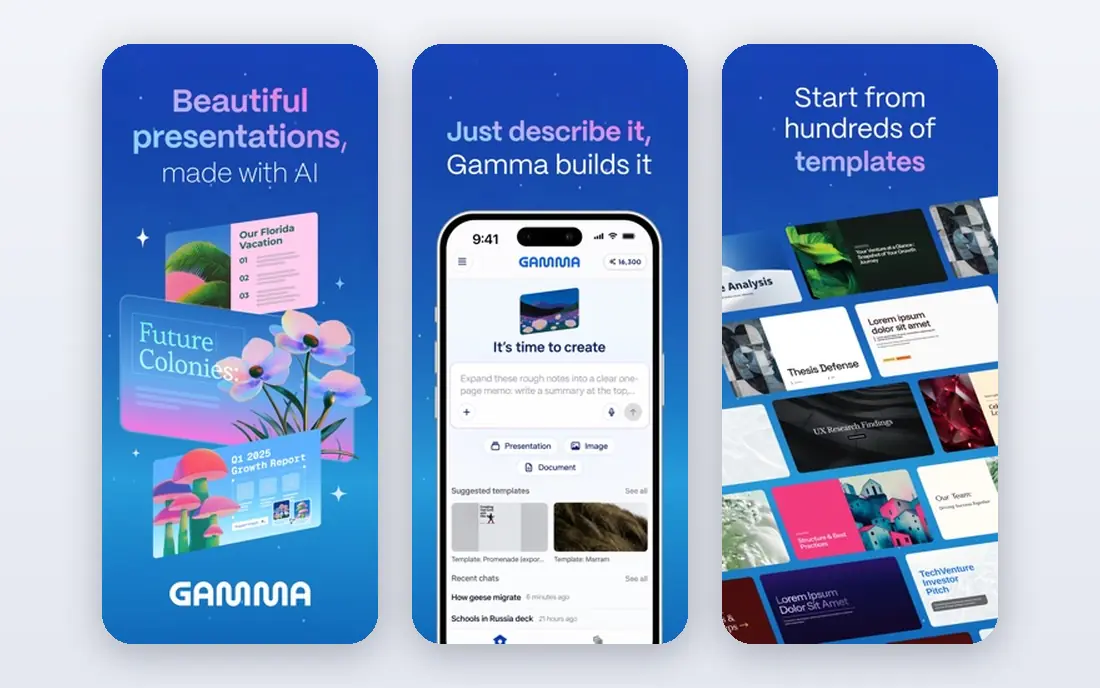
Gamma turns a prompt or pasted text into a polished, web-native deck in under a minute, with layouts that adapt as you edit. Its free tier gives one-time credits, enough to test several decks, while paid plans add monthly credits and longer prompts. Sharing a live web link, with analytics, suits teams that present online rather than by emailing files.
The web format can feel unfamiliar to PowerPoint users, and exported files may need cleanup for strict corporate templates. Free credits also run out, so regular users need a paid plan. For speed and modern design, Gamma is our pick for most people starting a deck from scratch.
- Fast generation from a prompt
- Modern web decks
- PDF and PowerPoint export
- Free credits do not refill
- Web format differs from classic slides

Beautiful.ai uses Smart Slides that reformat automatically when you add or remove content, so decks stay balanced without manual resizing. Team plans add brand controls, locked templates and shared libraries, which help consulting firms and corporate teams keep every deck on brand. PowerPoint import and export support existing corporate workflows.
There is no free plan, only a 14-day trial that requires a card, so testing takes a little more commitment. Creative users may also find the structured templates less flexible than Gamma or Canva. For teams where consistency matters more than freeform design, Beautiful.ai is a strong choice.
- Smart Slides stay balanced as you edit
- Brand controls on team plans
- PowerPoint export
- No free plan, only a trial
- Less flexible for creative layouts
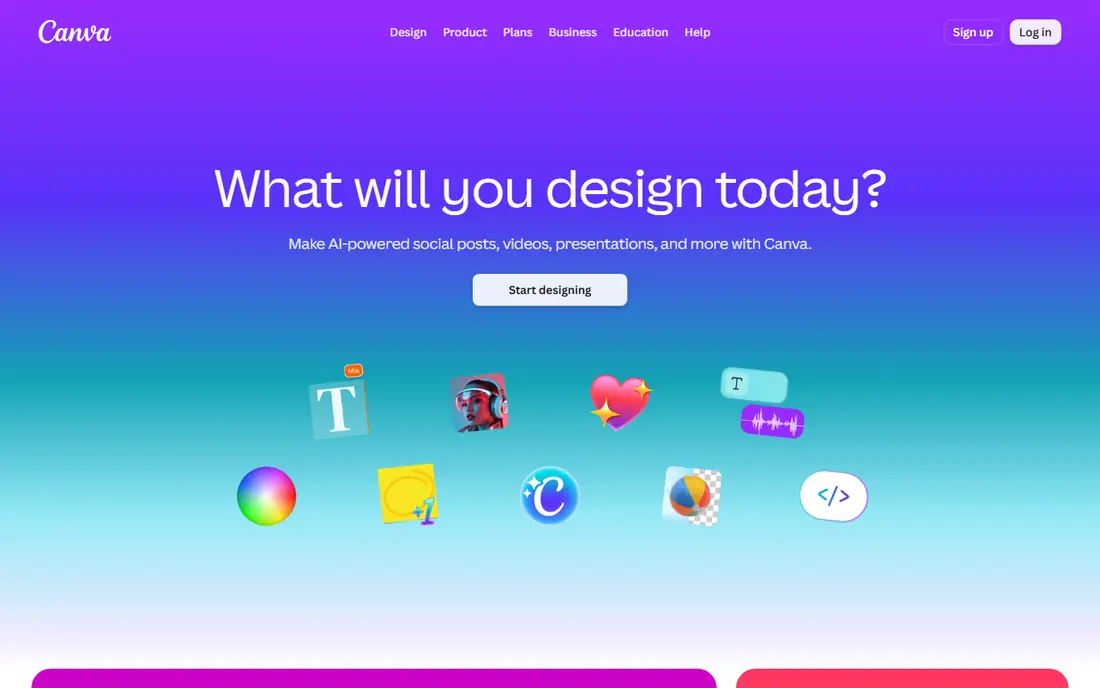
Canva combines presentation design with a full design platform, so teams that already use it for social posts, documents and marketing get presentations at no extra tool cost. Its free plan covers many templates and basic AI uses, while Pro adds far more AI allowance and premium assets. Export to PowerPoint, PDF and video covers most sharing needs.
Canva is less of a prompt-to-deck tool than Gamma, since much of the work still involves picking templates and editing slide by slide. AI features also sit partly behind Pro. For teams already in Canva, it offers the best overall value, even if it is not the fastest way to generate a deck from a prompt.
- Generous free plan
- Huge template library
- PowerPoint and PDF export
- AI generation is less deck-focused than Gamma
- Pro AI uses need a paid plan
Pitch is built for teams that share decks by link and track how viewers engage with each slide. Its free tier supports small teams with a one-time AI credit allowance, while paid plans add monthly credits and more control. Templates and collaboration tools suit startups and sales teams that iterate on pitch decks together.
AI generation is useful but less central than in Gamma, and credit limits can slow heavy users. Pitch also works best when teams adopt its sharing and analytics workflow, not just its editor. For collaborative pitch decks with viewer insight, Pitch is a practical choice.
- Free tier for small teams
- Link sharing with analytics
- Template library
- AI credits are limited on lower plans
- Fewer AI features than Gamma
Plus AI works as an add-in for PowerPoint and Google Slides, generating slides inside the editor you already use. That matters for corporate users who must keep a company template, since the deck stays in a familiar format from the start. It also helps rewrite and expand outlines without leaving the presentation.
There is no free plan, only a trial, and results depend heavily on the template and prompt you provide. It is less of a standalone design tool than Gamma or Beautiful.ai. For teams that must deliver in PowerPoint or Slides, Plus AI offers the most direct path.
- Works inside PowerPoint and Google Slides
- Keeps existing templates
- Outline tools
- No free plan, only a trial
- Output quality depends on your template
SlidesAI turns text into Google Slides presentations, with a free tier that covers a limited number of presentations per year. Its workflow is simple, paste text or an outline, pick a theme, and generate slides. That simplicity suits teachers, students and small teams that live in Google Workspace.
Design control is narrower than Gamma or Canva, and it only works in Google Slides. PowerPoint users will need to export and adjust. For Google Slides users who want a fast first draft, SlidesAI is a useful and affordable tool.
- Google Slides native
- Free tier for a few decks a year
- Simple text-to-slides flow
- Limited design control
- Google Slides only
Presentations.AI generates decks from a prompt or outline, with a free Starter tier that includes credits and a slide limit. Paid plans add far more credits and longer decks, which suits users who generate many presentations each month. Its focus on speed makes it a good option for internal updates and reports.
The paid entry price is higher than Gamma or SlidesAI, and team collaboration features are less developed than Pitch. For individual users who want quick generation and are willing to pay for credits, it is a solid option. Teams should compare its collaboration tools before committing.
- Fast generation
- Free Starter tier
- Up to 20 slides on free tier
- Higher entry price than rivals
- Fewer team features than Pitch
Prezi takes a different approach, with zoomable, non-linear presentations that move across a canvas rather than slide by slide. That format suits storytelling, teaching and pitches where the big picture matters. Its entry price is low, and a free Basic tier includes credit-capped AI use for testing.
The format does not fit every corporate setting, where linear PowerPoint decks remain the norm. AI credits on lower plans also limit heavy use. For presenters who want a more visual, story-led format, Prezi offers a distinct alternative to standard slide tools.
- Zoomable non-linear format
- Low entry price
- Credit-capped AI on free tier
- Format suits fewer corporate settings
- AI credits limited on lower plans
How we picked these
We compared official pricing pages and October 2026 AI presentation comparisons for tools that generate or design slides with AI. We favored tools with live free or trial access, clear export options and active development. We excluded Tome because it shut down in April 2025, and we did not treat older reviews that still list it as current.
How to choose an AI presentation tool
Start with your delivery format. If you must deliver PowerPoint files to a client, test Plus AI, Beautiful.ai or Canva exports first. If you share links and present online, Gamma and Pitch offer more modern sharing and analytics. Format mismatch is the most common reason teams abandon a tool.
Next, check credit limits against your real volume. Free tiers based on one-time credits run out fast for regular users, while monthly credit plans suit steady use. Estimate decks per month, slides per deck and whether you need image generation, since those factors drive cost.
Finally, test editing control. AI generation is only the first draft, and you will edit text, images and layout before presenting. A tool that generates well but edits poorly will cost more time than a slower tool with a better editor. Run the same prompt through two tools and edit both results before you choose.
FAQ
What are the best AI-powered presentation design tools?
Gamma is best for fast prompt-to-deck generation, Beautiful.ai for corporate on-brand decks, and Canva for all-round design value. Pitch suits collaborative teams, while Plus AI and SlidesAI suit PowerPoint and Google Slides users. The best tool depends on your format, volume and editing needs.
What are the best AI-powered design tools for presentations for free?
Gamma, Canva, Pitch, SlidesAI, Presentations.AI and Prezi all offer free tiers, usually based on credits or limits. Free tiers are best for testing and occasional decks, not heavy daily use. Check credit refills and export limits before relying on a free plan.
Is Tome still available?
No, Tome shut down in April 2025, and its decks were deleted. Older articles that still list Tome are out of date. Gamma, Beautiful.ai and Pitch are the closest current alternatives for narrative and collaborative decks.
Can AI tools export to PowerPoint?
Yes, most tools on this list export to PowerPoint, including Gamma, Beautiful.ai, Canva, Pitch and Plus AI, which works inside PowerPoint itself. Export quality varies, so test fonts, images and layout with your own template. Always review an exported file before sending it to a client.
Do AI presentation tools replace designers?
No, they speed up first drafts and routine layouts, but human judgment still matters for story, accuracy and brand fit. AI can suggest structure and images, yet it can also invent facts or use off-brand visuals. Review every slide for accuracy and tone before presenting.