Best AI Apps for Images in 2026: 8 Tools Compared
Compare the best AI apps for images in 2026, from Midjourney and Firefly to Ideogram and Leonardo, with pricing, free plans and honest limits for creators.
- Editor's choice
 Midjourney
Stylised artwork and concept art
Starts at$10 per monthVisit midjourney.comFull review - Great alternative
 Adobe Firefly
Adobe users and commercial-safe stills
Starts atFreeVisit firefly.adobe.comFull review - Also consider
 Ideogram
Posters, logos and readable text
Starts atFreeVisit ideogram.aiFull review
TL;DR:
- Midjourney still leads for striking, stylised artwork, while Ideogram leads when readable text in the image matters.
- Adobe Firefly is the sensible pick for people already inside Creative Cloud, and Leonardo AI offers one of the most generous free tiers.
- Credit and GPU-time pricing makes cost hard to compare, so test each tool with your own prompts before paying.
- Check commercial-use terms and privacy settings before generating client work, especially on free plans where images may be public.
Quick comparison
| Tool | Best for | Starts at | Free plan? | |
|---|---|---|---|---|
| Midjourney | Stylised artwork and concept art | $10 per month | No | Visit |
| Adobe Firefly | Adobe users and commercial-safe stills | Free | Yes | Visit |
| Ideogram | Posters, logos and readable text | Free | Yes | Visit |
 Leonardo AI | Everyday generation with a free tier | Free | Yes | Visit |
 Canva | Social graphics and templates | See website | Yes | Visit |
 ChatGPT | Editing and generating images by chat | See website | Yes | Visit |
 Google Gemini | Fast image edits inside Google tools | See website | Yes | Visit |
 DreamStudio | Open-model generation by credit | See website | No | Visit |
The best AI apps for images
AI image tools now cover text-to-image generation, photo-style edits, upscaling and design templates. The best choice depends on whether you need art, marketing graphics, readable text or quick edits.
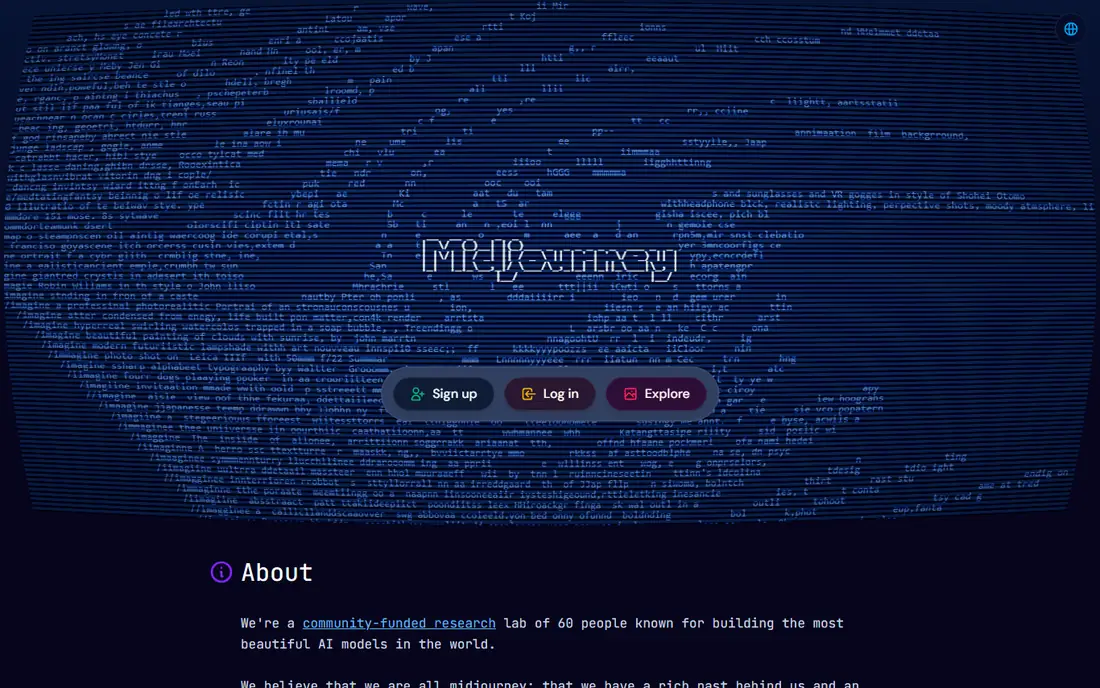
Midjourney turns short text prompts into detailed images, and it remains a favourite for concept art, mood boards, editorial illustration and brand visuals with a strong look. The web app now lets you generate without Discord, and paid plans range from Basic at $10 per month to Mega at $120 per month, with annual billing cutting the monthly rate by about 20 percent. Standard at $30 per month adds unlimited Relax mode images, which is the plan most regular creators should compare first.
The main limits are cost structure and privacy. There is no free plan, and Basic gives a fixed amount of Fast GPU time with no Relax fallback, so heavy users can burn through it fast. Private Stealth mode needs the Pro plan, so check the gallery settings before generating anything sensitive or client-confidential.
- Distinctive, high-quality style
- Strong community
- Fast iteration on the web app
- No free tier
- GPU-time pricing takes time to learn

Adobe Firefly is both a standalone web app and the AI engine inside Photoshop, Illustrator and Express. The free tier gives limited daily generations, while paid standalone plans start at $9.99 per month for Standard, with 2,000 generative credits, and rise to $199.99 per month for Premium. On paid plans, standard image features such as Generative Fill are unlimited, and credits are mainly spent on premium work such as video and partner models.
Firefly makes most sense for people who already pay for Creative Cloud or who need images they can use commercially with clearer training and indemnity terms. The credit math still needs care, since video generations cost far more than stills, and unused credits do not roll over. If you only need stills, compare the standalone Standard plan against what your Creative Cloud plan already includes before buying twice.
- Free tier to try
- Fits Photoshop and Express workflows
- Commercially safer training approach
- Credit system is confusing
- Video and partner models burn credits fast
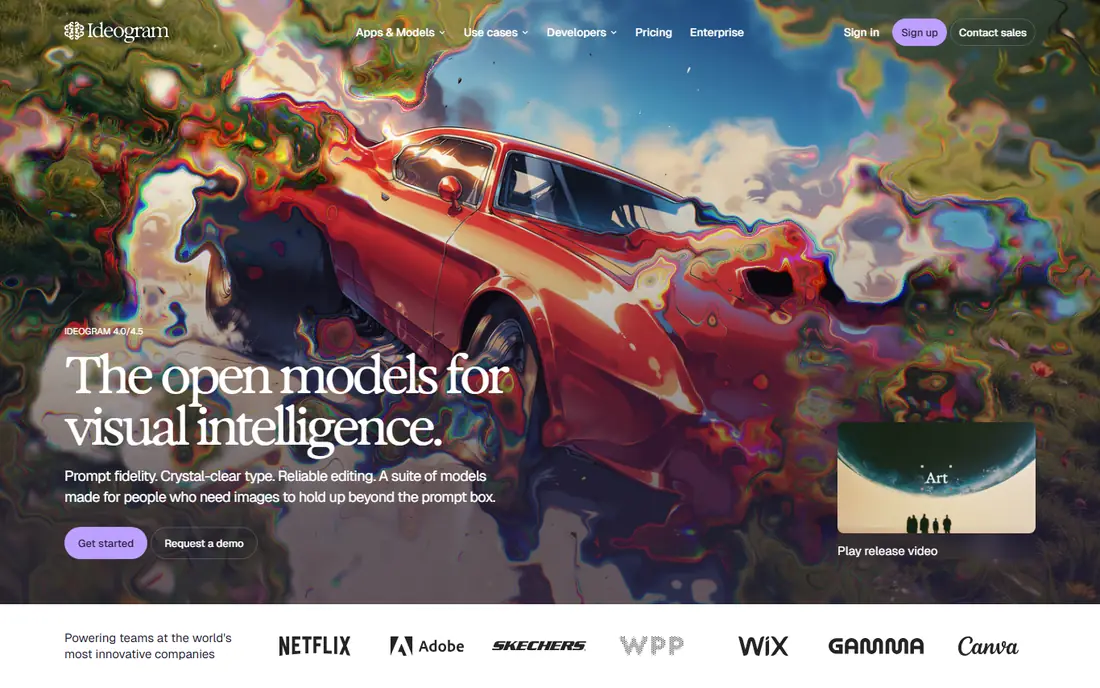
Ideogram built its name on one stubborn problem: getting words right inside an image. Where other tools garble signs, posters and packaging text, Ideogram usually renders readable type, which makes it the first tool to try for social graphics, posters, logos and product mockups that include words. A free plan gives weekly slow credits for eligible accounts, while Plus starts at $20 per month and Pro at $60 per month, with annual billing lowering both.
The free tier is thin and generations are public by default, so do not test client work there. Paid plans add private generation, priority credits and larger queues. Ideogram is less dominant for painterly or highly photographic art, so pair it with Midjourney or another generalist tool if your work spans both worlds.
- Best-in-class readable text
- Good design sense
- Magic Prompt helps beginners
- Free tier is limited and public
- Weaker on pure painterly art
Leonardo AI offers a broad creative workspace with multiple models, image editing, upscaling and custom model training. The free plan gives 150 Fast Tokens per day, which is enough for regular testing and small projects, while paid plans start at $12 per month for Essential, $30 per month for Premium and $60 per month for Ultimate. Paid plans add private generation, more concurrent jobs and relaxed generation on selected models.
The interface has more panels, model choices and settings than a beginner may want, so allow a few sessions to learn it. Token costs also vary with model, resolution and quality settings, so the monthly token count does not convert neatly into a fixed number of images. For budget-conscious creators who generate daily, Leonardo is one of the strongest free-to-paid paths in this list.
- Generous daily free tokens
- Many models
- Custom model training on paid plans
- Busy interface
- Token costs vary by model and setting
Canva is the practical pick when the finished graphic matters more than the raw generation. Its AI image tools sit inside a full design editor with templates for social posts, presentations, posters and ads, so you can generate an image, add text, adjust layout and export in one workflow. The free plan covers basic design and some AI features, while Pro adds the fuller AI, brand and asset libraries.
The trade-off is control. Canva is easier than a specialist generator, but it gives less fine control over model, style and output detail. Teams that need consistent brand templates and fast social output will value that speed, while artists chasing a specific look will likely prefer Midjourney or Leonardo for the base image and Canva for layout.
- Templates and editing in one place
- Easy for non-designers
- Huge asset library
- Less control than specialist generators
- Best features sit behind Pro
ChatGPT image generation works through conversation, which suits people who think in revisions rather than single prompts. You can describe an image, ask for a change, fix a detail and keep iterating in the same thread, and the model handles complex prompts and reference images well. A free tier exists with limits, and paid plans add higher limits and faster access.
That conversational ease has limits. ChatGPT is not the best tool for a consistent house style across hundreds of images, and heavy image users should check current plan limits before relying on it for production work. It shines for one-off marketing images, mockups, storyboards and quick visual ideas that need several rounds of tweaks.
- Conversational edits
- Strong prompt understanding
- Useful for iterations
- Pricing and limits vary by plan
- Less stylistic control than Midjourney
Google Gemini generates and edits images from text and reference images, and it is particularly handy for editing an existing photo or product shot: change a background, adjust an object or restyle a scene while keeping the subject recognisable. Integration with Google tools makes it easy to move from a prompt to a document, presentation or shared drive file.
Gemini can feel more restrained in style than Midjourney, and its limits and pricing tiers shift as Google updates its AI plans, so check the current plan page before committing. For everyday business images, product variations and quick edits, it is a strong, low-friction option, especially for teams already using Google Workspace.
- Strong editing and consistency
- Fits Google Workspace
- Free tier to try
- Output style can feel safe
- Plan limits change often
DreamStudio is Stability AI's web app for generating images with its open models, including Stable Diffusion variants. It suits users who want model choice, API access and a credit-based approach rather than a fixed subscription, and it pairs well with self-hosted or developer workflows. Pricing is usage-based, so cost depends on the model, resolution and number of outputs.
The experience is less guided than Canva or Gemini, and beginners may miss the templates and prompt help found elsewhere. That is the point for its audience: control over models and settings, plus a path into the Stability API for apps and automation. Check the current credit rates on the pricing page, since model costs vary.
- Access to Stability models
- Pay-as-you-go style
- Good for developers and tinkerers
- Less polished than consumer apps
- Pricing depends on model and settings
How we picked these
We compared official pricing pages, feature documentation and public reviews for tools that generate or edit images from text or reference images in October 2026. We favoured tools that are actively maintained, that cover distinct needs such as art, text, design and editing, and that offer a usable free tier or a clear paid entry point. Where pricing varies by credits or GPU time, we report the entry price and note the meter.
How to choose without wasting credits
Start with the job, not the model. If the image must contain readable words, test Ideogram first. If the look matters most, test Midjourney. If the image must slot into a template, test Canva. Run the same three prompts in two or three tools and compare the results at the size you will actually publish, since a thumbnail can hide flaws that show up at full size.
Then check the fine print. Confirm commercial-use rights, whether free-plan images are public, whether your prompts are used for training, and how credits or GPU time are counted. A cheap plan that burns credits on retries can cost more than a pricier plan with a slower unlimited mode. Finally, keep a simple prompt log for client work, so you can reproduce a winning image instead of paying to rediscover it.
FAQ
What is the best AI app for images with text?
Ideogram is the strongest pick for readable text in posters, logos and social graphics. Midjourney and other generalist tools have improved, but Ideogram still handles signs, packaging and typography more reliably in our comparison.
Is there a free AI image app worth using?
Yes. Leonardo AI, Ideogram, Adobe Firefly, Canva, ChatGPT and Gemini all offer free tiers or free access with limits. Leonardo has one of the most generous daily allowances, while Ideogram is best if your free images need text.
Can I use AI images commercially?
It depends on the tool and plan. Many paid plans allow commercial use, while free plans may limit rights or make images public. Read the terms for the plan you buy, and avoid generating trademarked characters or logos for client work without permission.
Why do AI image prices vary so much?
Some tools charge a flat subscription, others charge for GPU time or credits, and costs rise with resolution, model choice and video. Compare the cost of your typical output, not just the headline monthly price.
Which AI image app is best for beginners?
Canva is easiest for finished graphics, Gemini and ChatGPT are easiest for conversational edits, and Leonardo is a good middle ground for learning generation. Start free, learn prompting, and only pay when you hit a real limit.