Best AI Platform for Creating Worksheets in 2026: 8 Platforms Compared
Compare the best AI platform for creating worksheets in 2026, with free tiers, differentiation, answer keys, standards support, and classroom privacy features.
- Editor's choice
 MagicSchool AI
All in one teacher prep
Starts atSee websiteVisit magicschool.aiFull review - Great alternative
 Diffit
Differentiated reading and worksheets
Starts atSee websiteVisit diffit.meFull review - Also consider
 Eduaide.AI
Lesson plans and worksheets together
Starts atSee websiteVisit eduaide.aiFull review
TL;DR:
- MagicSchool AI suits teachers who want worksheets plus dozens of other prep tools in one place.
- Diffit is the strongest pick for differentiation, since it can level the same reading or worksheet for different students.
- TeachTools and Canva for Education appeal to privacy conscious and visual teachers, with print ready output and low or no cost.
- Eduaide, QuestionWell, Brisk Teaching, and Wizer cover lesson planning, source based questions, browser based work, and interactive delivery.
- Always review AI generated questions and answer keys before class, since errors in facts, maths, or reading level can slip through.
Quick comparison
| Tool | Best for | Starts at | Free plan? | |
|---|---|---|---|---|
| MagicSchool AI | All in one teacher prep | See website | Yes | Visit |
| Diffit | Differentiated reading and worksheets | See website | Yes | Visit |
| Eduaide.AI | Lesson plans and worksheets together | See website | Yes | Visit |
 QuestionWell | Source based question sets | See website | Yes | Visit |
 TeachTools | Privacy first print worksheets | $2 per month | Yes | Visit |
 Brisk Teaching | Google Workspace teachers | See website | Yes | Visit |
 Wizer | Interactive student worksheets | Free | Yes | Visit |
 Canva for Education | Visual printable worksheets | Free | Yes | Visit |
The best AI platform for creating worksheets
A good worksheet platform does more than generate questions. It should offer answer keys, varied question types, clear print output, and controls for reading level and standards. This list focuses on tools built for teachers, rather than general chatbots with an education prompt.

MagicSchool AI is the broadest tool on this list. Its worksheet generator sits inside a platform with dozens of other teacher tools, so a worksheet can become a quiz, a warm-up, or a rubric without switching apps. Standards alignment is a clear strength, with pickers for common core, NGSS, and state lists.
The free tier allows a limited number of generations per week, so heavy users will need a paid plan. That limit is reasonable for trying the tool, but teachers who generate daily should check paid pricing and district licensing before building a full workflow around it.
- Worksheet generator plus rubrics, lesson plans, and parent emails
- Standards picker for many states
- Shared library for reuse
- Free tier limits generations per week
- Large tool library can feel busy at first
Diffit answers a real classroom problem: one class, many reading levels. It can take a topic or passage and produce leveled versions, vocabulary lists, and question sets, so students work on the same ideas at a level they can access. That saves the time teachers once spent rewriting the same lesson three times.
Differentiation is only useful if the leveled text is accurate and age appropriate, so review each version before printing. Diffit offers a free basic plan, with paid plans for higher limits, so start free and check whether the reading levels match your students before paying.
- Levels the same content for different reading levels
- Generates summaries, vocabulary, and questions
- Strong for mixed ability classes
- Free plan has limits
- Output still needs teacher review for accuracy and tone
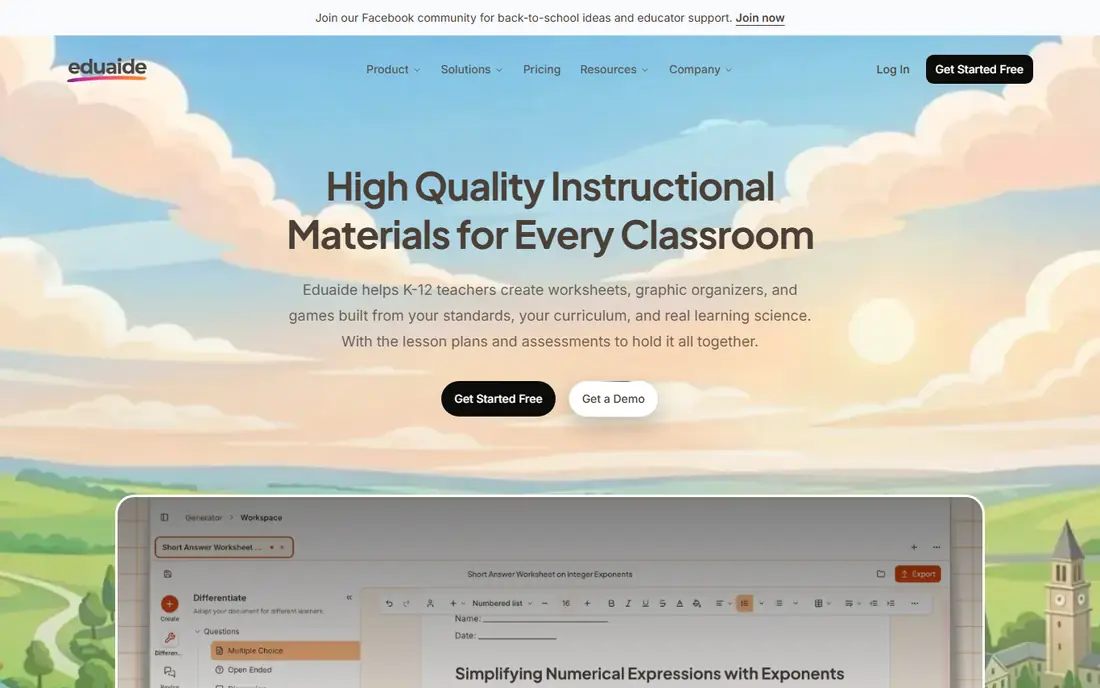
Eduaide.AI suits teachers who want planning and worksheet creation in the same workflow. It can generate lesson plans, worksheets, rubrics, and feedback, and it exports to Google Docs and Forms for editing and delivery. That range helps when a worksheet is only one part of a larger lesson.
As with any broad library, quality varies by resource type. Test the worksheet types you use most, such as maths practice, reading comprehension, or science questions, before relying on the full library. The free tier is enough for that test, and paid plans add higher limits.
- More than 100 resource types
- Lesson plans, worksheets, and feedback tools in one place
- Export to Google Docs and Forms
- Free tier is limited
- Some resource types are stronger than others
QuestionWell is built for a specific job: turn a source into a set of questions. Teachers paste a reading, link a video, or add a website, and the tool drafts questions from that material. That keeps assessments tied to what students actually studied, rather than generic questions on a topic.
The catch is source dependence. A weak or biased source will produce weak questions, and open ended answers still need teacher judgement. Use QuestionWell as a drafting assistant, edit the questions to match your learning goals, and check the answer key against the source before class.
- Turns readings, videos, and websites into question sets
- Good for assessments and revision
- Export options for classroom use
- Question quality depends on source quality
- Answer keys need checking for open ended items
TeachTools takes a different approach from most AI worksheet tools. It focuses on privacy, with no student accounts and no data collection for basic worksheet generation, and it produces print ready PDFs with answer keys. For schools with strict privacy rules, that design is a real advantage.
The free tier is tight, at 3 generations per month, so regular users will need the paid plan, which starts from $2 per month. That low price makes it easy to test, and the paid plan suits teachers who mainly need print worksheets rather than a full lesson platform.
- No signup needed for basic use
- Print ready PDFs with answer keys
- Privacy first design with no student accounts needed
- Free tier allows only 3 generations per month
- Smaller tool library than larger platforms
Brisk Teaching is a browser extension for educators, which means it works where teachers already read and plan. It can turn a web page, document, or video into a worksheet or quiz, and it integrates with Google Classroom and Docs. For schools that run on Google Workspace, that fit is hard to beat.
The limit is ecosystem. Teachers outside Google Workspace will get less value, and some districts require IT approval for extensions. Check your school policy, test it on a real lesson, and confirm how student data is handled before rolling it out to a whole class.
- Works inside Chrome where teachers already work
- Creates worksheets and quizzes from web pages and docs
- Free for educators
- Browser based, so it suits Google Workspace users best
- School IT approval may be needed
Wizer, formerly known for interactive worksheets, suits teachers who want students to complete work digitally rather than on paper. It supports varied question types, auto grading, and a library of ready made activities that teachers can adapt. Students can work on phones, which helps for homework and revision.
If your main need is a clean printed sheet, a print focused tool like TeachTools or Canva may be better. Wizer earns its place for digital delivery, instant feedback, and classes where devices are already part of daily work. Its free tier is generous enough to test with a real class.
- Students complete worksheets on phones or computers
- Auto grading for many question types
- Large library of ready made activities
- Interactive focus means print output is secondary
- Some advanced features need a paid plan
Canva for Education is free for verified K-12 teachers and schools, which makes it the lowest cost visual option here. Teachers can design worksheets with templates, images, and layouts that look polished, and they can reuse designs for posters, slides, and handouts. That visual strength matters for younger students and for subjects where layout helps learning.
Canva is not a specialist worksheet generator in the same way as Diffit or QuestionWell. Its AI features help with design and text, but teachers still need to write or check most questions themselves. Use Canva when visual quality and print output matter most, and pair it with a specialist generator when question drafting is the bottleneck.
- Free for verified K-12 teachers
- Strong visual design tools
- Templates for worksheets, posters, and presentations
- AI worksheet generation is less specialised than Diffit or MagicSchool
- School verification is required
How we picked these
We compared teacher focused worksheet platforms, official feature and pricing pages, and independent comparisons of AI worksheet generators. We favoured tools that generate worksheets with answer keys, offer varied question types, and provide a free plan or free educator tier. We excluded general chatbots that do not offer worksheet specific output, printing, or classroom controls.
We weighed differentiation, standards alignment, privacy, print quality, and interactive delivery, since different teachers prioritise different features. A tool that is best for print may not be best for digital homework, and this list reflects that trade-off.
What to check before choosing a worksheet platform
Check answer keys and reading level
Generate a worksheet on a topic you know well, then check every answer and the reading level. AI tools can make maths errors, misread a source, or pitch a text too high or too low. A quick check before class prevents a confusing lesson.
Check privacy and school policy
Ask what student data the tool collects, whether student accounts are needed, and whether the tool meets your district privacy rules. Tools that need no student accounts, like TeachTools for print work, simplify this check. For digital tools, confirm data handling with your IT team.
Check export and reuse
Make sure you can export to PDF, Google Docs, or your learning platform, and that you can edit and reuse worksheets next term. A tool that locks your work inside its own format will cost time later, even if generation feels fast now.
FAQ
What is the best AI tool for creating worksheets?
MagicSchool AI is a strong all round choice, Diffit is best for differentiation, and TeachTools is best for privacy first print work. The best tool depends on whether you need print, digital delivery, differentiation, or a full lesson platform.
What are the best AI tools for creating worksheets for free?
Canva for Education is free for verified K-12 teachers, Wizer has a free tier for interactive work, and MagicSchool, Diffit, Eduaide, and QuestionWell offer free plans with limits. TeachTools offers 3 free generations per month, with paid plans from $2 per month.
Can AI worksheets be aligned to standards?
Yes, several tools here offer standards pickers, including MagicSchool AI for common core, NGSS, and state standards. Alignment still needs teacher review, since an AI tool may label a question with a standard without fully matching its depth or wording.
Are AI generated worksheets accurate?
Mostly, but not always. Check facts, maths, answer keys, and reading level before use. Errors are more likely in niche topics, multi step maths, and source based questions where the tool misreads the original material.
Do students need accounts to use these worksheets?
It depends on the tool. Print worksheets need no student accounts. Interactive platforms like Wizer may need student access through a link or class code. Check your school privacy policy before asking students to create accounts.
Can I edit an AI generated worksheet?
Yes. Most tools here export to PDF, Google Docs, or Forms, or allow editing inside the platform. Editing is an important step, since it lets you fix errors, adjust difficulty, and add your own examples and vocabulary.