Best App to Create AI Videos in 2026: 8 Apps Compared
Compare the best app to create AI videos in 2026, from cinematic text-to-video to avatars and marketing clips, with prices, credits and honest limits.
- Editor's choice
 Google Veo
Realism and native audio
Starts at$19.99 per monthVisit gemini.google.comFull review - Great alternative
 Runway
Camera control and editing
Starts at$15 per monthVisit runwayml.comFull review - Also consider
 Kling
Value and longer clips
Starts at$6.99 per monthVisit klingai.comFull review
TL;DR:
- Google Veo through Gemini is our pick for realism and native audio, while Runway suits creators who want camera control and editing in one place.
- Kling offers strong value for longer clips, and Pika suits fast social clips with playful effects.
- HeyGen and Synthesia are better than text-to-video tools for training and presenter videos, because avatars keep the presenter consistent.
- Credit plans burn fast, so test a tool on a short clip and check clip length, watermark, and commercial rights before buying credits.
Quick comparison
| Tool | Best for | Starts at | Free plan? | |
|---|---|---|---|---|
| Google Veo | Realism and native audio | $19.99 per month | Yes | Visit |
| Runway | Camera control and editing | $15 per month | Yes | Visit |
| Kling | Value and longer clips | $6.99 per month | Yes | Visit |
 Pika | Fast social clips | $8 per month | Yes | Visit |
 HeyGen | Avatar marketing videos | $24 per month | Yes | Visit |
 Synthesia | Training and presenter videos | $18 per month | Free trial | Visit |
 Luma Dream Machine | Motion-heavy scenes | $9.99 per month | Yes | Visit |
 InVideo AI | Stock-based first drafts | $20 per month | Yes | Visit |
The best app to create AI videos
AI video apps turn a text prompt, a photo, or a script into video clips, avatars, or full marketing videos. The best choice depends on whether you need cinematic shots, a talking presenter, or a fast social clip, and on how credits and commercial rights work.
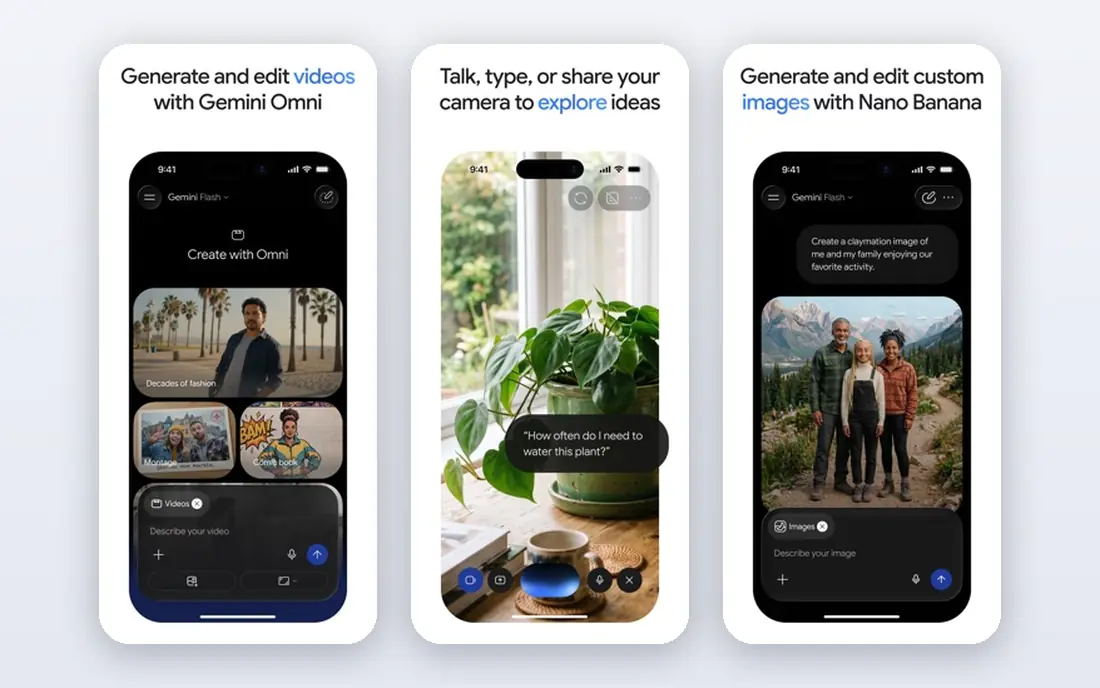
Google Veo, now available through Gemini and Google's Flow filmmaking tool, is the strongest all-round AI video model for realism in 2026. It generates dialogue, sound effects, and ambience in sync with the visuals, which sets it apart from models that need a separate audio step. Text-to-video and image-to-video both work well, and reference images help keep a character or product consistent across clips.
The limits are cost and length. Each generation is short, often around eight seconds, and credits or API costs add up quickly for longer projects. Veo clips also carry an invisible watermark that survives cropping, which is a safety feature but worth knowing for commercial work. For creators who want the best-looking short clips with sound, Veo is the default pick, but budget for credits before planning a long video.
- Strong realism and prompt accuracy
- Native dialogue and sound effects
- Available in Gemini and Flow
- Credits burn fast at scale
- Clips are short per generation
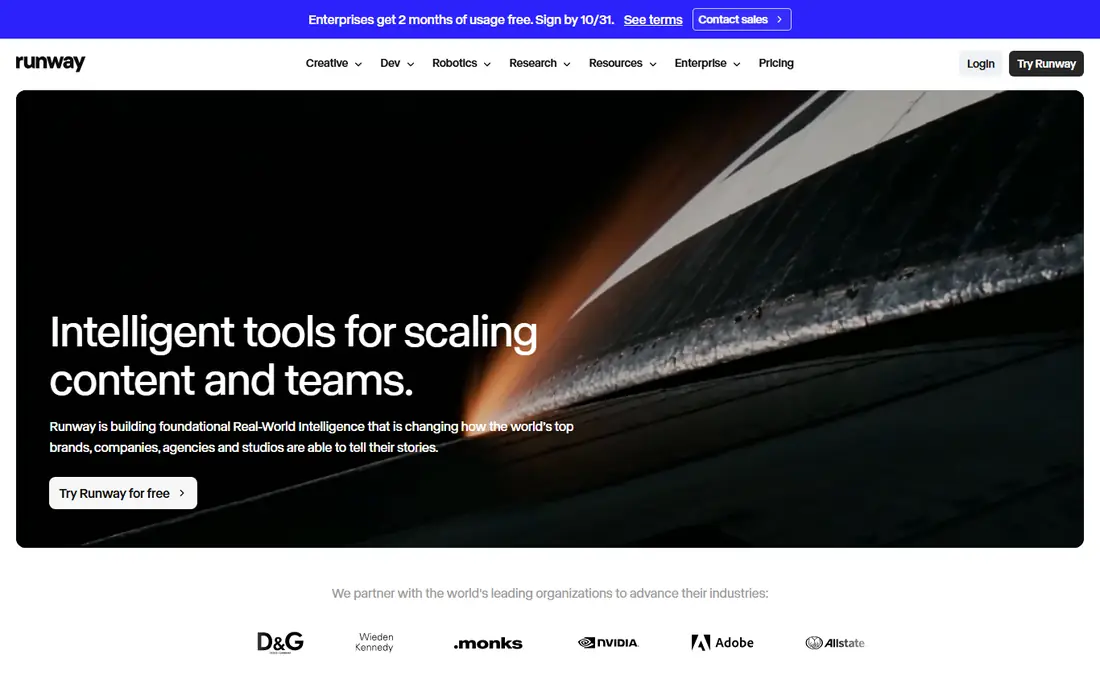
Runway is the most mature creator platform on this list, combining generation with editing tools that help turn clips into a finished video. Camera controls for pan, zoom, orbit, and dolly give creators more direction than a simple prompt, and image-to-video is strong for turning a product photo into a moving shot. The timeline editor and asset library also help organize a project without leaving the app.
Free credits are limited to a one-time amount, and paid plans use monthly credits that can run out quickly on longer projects. Runway suits creators who want control and a professional workflow, and who are willing to pay for credits or an unlimited plan for heavier use. For a single quick clip, a free tier tool may be enough, but for a series, Runway's editing depth pays off.
- Camera movement controls
- Strong image-to-video
- Editing tools and asset library
- Credits burn fast
- Best features need a paid plan
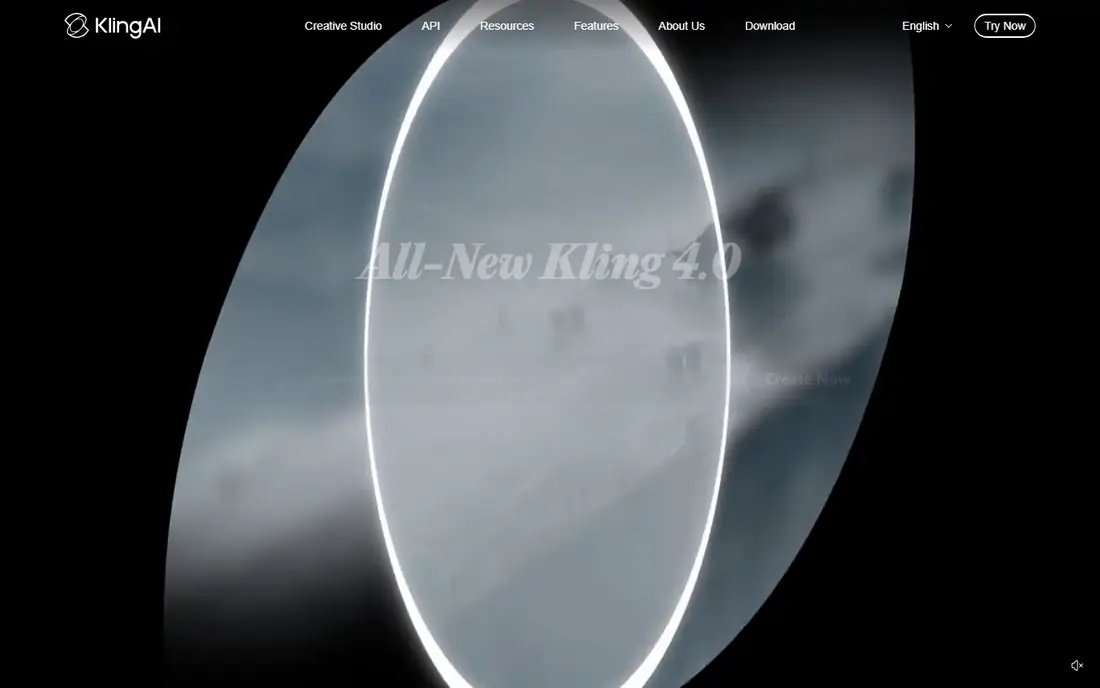
Kling is the value pick for creators who want good motion and longer output without a high monthly price. The entry plan is low, daily free credits let you make one or two short videos a day, and extensions can chain clips into longer sequences. Human motion is a particular strength, which helps for dance, sport, and everyday movement that other models render less naturally.
The trade-off is complexity. Credit costs vary by model, resolution, and length, so budgeting takes care, and the interface can feel busy for new users. Kling suits creators who generate often and want to keep costs down, and who are happy to learn the credit system. If you want the simplest pricing, Runway or Veo may feel clearer, even at a higher price.
- Low entry price
- Daily free credits
- Good human motion
- Longer clips via extensions
- Credit math can be confusing
- Interface and limits vary by plan
Pika is built for fast, playful social clips rather than long cinematic projects. The interface is simple, generations are quick, and effects help turn a photo or short prompt into a shareable clip for TikTok, Reels, or Shorts. For creators who post often and need a quick visual idea, that speed matters more than maximum realism.
Clips are short, and the free plan does not include commercial use, so business users need a paid plan and should check rights before using a clip in an ad. Pika also lacks the deep editing and avatar features of Runway, HeyGen, or Synthesia. Use Pika for fun, fast social content, and choose a more serious tool for training, ads, or long-form video.
- Simple interface
- Fast generations
- Playful effects for social video
- Short clips
- Limited commercial use on the free plan
HeyGen is the best pick for marketing and explainer videos that need a consistent presenter without filming. You write a script, choose an avatar and voice, and HeyGen generates a talking-head video that can be translated into other languages. That workflow suits product demos, social ads, and short explainers where a real presenter would take days to film.
The free plan is limited to a few watermarked videos per month, so serious use needs a paid plan, and avatar quality varies by tier. HeyGen also suits scripted, presenter-led content far better than cinematic B-roll, so pair it with a text-to-video tool if you need both. For teams that publish presenter videos regularly, the time saved on filming is the main value.
- Realistic avatars and voice
- Video translation
- Fast marketing and explainer videos
- Free plan gives few watermarked videos
- Avatar realism varies by plan
Synthesia is built for learning and development teams that need training videos in many languages without a studio. Script-to-video is simple, stock avatars and voices cover many languages, and updates are easy, because you edit text rather than refilming a presenter. That makes it practical for onboarding, compliance, and product training that changes often.
The free tier is a trial rather than a lasting free plan, and Synthesia is not the right tool for cinematic shots or playful social effects. It also works best for scripted presenter content, not for open-ended creative video. For corporate training and internal communications, Synthesia is a strong, focused pick, and its per-minute pricing should be checked against your video volume.
- Stock avatars and voices for training
- Multilingual videos
- Easy script-to-video flow
- Trial only on the free tier
- Less suited to cinematic or social clips
Luma Dream Machine, also known as Ray, is a strong choice for motion-heavy scenes where movement, camera flow, and realism matter. It handles dynamic prompts well, from flowing water to moving crowds, and image-to-video helps turn a still into a moving shot. For creators who want striking B-roll or artistic clips, Luma offers a good balance of quality and price.
Pricing and plan limits should be checked on the vendor site, because they have changed over time and free tiers carry limits and watermarks in some cases. Clips are also short per generation, so longer videos need stitching and editing. Luma suits creators who generate many short, dynamic clips and edit them elsewhere, rather than users who want a full avatar or training platform.
- Strong motion and photorealism
- Image and text to video
- Good for dynamic scenes
- Pricing and limits vary
- Clips are short per generation
InVideo AI takes a different approach from pure generation tools. You give it a prompt, script, or URL, and it builds a first draft from stock footage, text, and voiceover, which you then edit by chat. That workflow suits marketers and small businesses who need a finished-looking video quickly, without prompting a cinematic model clip by clip.
The catch is that first drafts are starting points, not final videos. Stock choices, pacing, and voiceover often need human fixes, and the free plan adds watermarks and limits. InVideo AI fits users who want a fast draft for ads, social posts, or explainers, and who are willing to edit the result. For pure AI-generated footage, Runway, Veo, or Kling will give more original visuals.
- Prompt or script to first draft
- Stock footage and voiceover
- Chat-based editing
- Drafts need human editing
- Free plan has watermarks and limits
How we picked these
We compared official pricing pages, free tiers, clip lengths, and public comparisons of AI video tools, with attention to whether a tool is still available in 2026. We excluded OpenAI Sora, because its consumer app closed in April 2026 and its API ended in September 2026, so any list that still recommends it is out of date. We favored tools that cover different jobs, from cinematic generation to avatars and stock-based drafts, rather than listing near-identical text-to-video models.
We did not claim hands-on generation testing for every model, and we did not treat a vendor's sample video as a guarantee of your results. Prompt quality, model version, and credit settings all affect output, so test each tool on your own prompt and check watermark, resolution, and commercial rights before using a clip in paid work.
How to choose an AI video app without wasting credits
Start with the video type. Cinematic B-roll favors Veo, Runway, Kling, or Luma, presenter videos favor HeyGen or Synthesia, and fast marketing drafts favor InVideo AI. Then check the three limits that matter most, which are clip length per generation, watermark on the free or paid tier, and commercial rights for ads and client work. A tool that looks cheap can cost more if you need many generations to get one usable clip.
Prompts, rights, and editing
Write prompts with subject, action, camera, lighting, and setting, and generate a short test before buying a large credit pack. Check the tool's terms for commercial use, model training on your uploads, and watermark removal, especially for client work. Plan to edit generated clips in a video editor, because even the best model output usually needs trimming, captions, and audio mixing before it is ready to publish.
FAQ
What is the best AI video app for beginners?
Pika and InVideo AI are the easiest starting points, because Pika is simple for short social clips and InVideo AI builds a first draft from a prompt. Runway and Veo give better quality and control, but they need more prompt practice and credit management. Start free, test on a short clip, and upgrade only when you know which workflow you use most.
Can AI video apps make long videos?
Most text-to-video models generate short clips, often under 20 seconds per generation, so long videos are built by stitching clips together in an editor. Kling extensions can chain clips into longer sequences, and avatar tools such as HeyGen and Synthesia can make longer presenter videos from a script. Plan for editing time, because a long AI video is rarely a single generation.
Are AI-generated videos free for commercial use?
It depends on the plan and the tool, so check terms before using a clip in an ad or client project. Free plans often add watermarks or exclude commercial use, while paid plans usually allow it with limits. Also check whether the tool watermarks clips invisibly, and whether your uploads are used for model training.
Is Sora still available in 2026?
No, OpenAI closed the Sora consumer app in April 2026 and ended the Sora API in September 2026, so it should not be on a current buying list. Google Veo, Runway, and Kling cover similar cinematic use cases, while HeyGen and Synthesia cover presenter videos. Any roundup that still lists Sora as available is out of date.
How much do AI video apps cost per month?
Entry prices on this list range from about $7 to $24 per month, but credit limits mean the real cost depends on how many clips you generate. Free tiers help for testing, yet they carry watermarks, limits, or no commercial rights in many cases. Compare credits per month, clip length, and resolution, not just the monthly price, before choosing.