Best App to Make Resume Free in 2026: 8 Tools Compared
Looking for the best app to make resume free? We compare 8 tools with a genuine free plan so you can build and download a strong resume at no cost today.
- Editor's choice
 Canva
Design led resumes
Starts atFreeVisit canva.comFull review - Great alternative
 FlowCV
Simple, free PDF export
Starts atFreeVisit flowcv.comFull review - Also consider
 Novoresume
One page resumes
Starts atFreeVisit novoresume.comFull review
TL;DR:
- FlowCV, OpenResume, and Google Docs are the safest free starting points because they let you build and export a resume without a paywall at download.
- Canva is best for design led resumes, but its multi column layouts can confuse some applicant tracking systems, so keep a plain version too.
- Novoresume, Kickresume, and Teal offer strong free tiers with limits on pages, templates, or AI credits, so check those limits before you invest time.
- Every tool in this list has a genuine free plan, not just a free trial that expires, which is the test we applied to the whole list.
- A clean single column layout with standard headings still parses best in most hiring systems, whatever tool you choose.
Quick comparison
| Tool | Best for | Starts at | Free plan? | |
|---|---|---|---|---|
| Canva | Design led resumes | Free | Yes | Visit |
| FlowCV | Simple, free PDF export | Free | Yes | Visit |
| Novoresume | One page resumes | Free | Yes | Visit |
 Kickresume | AI help on a free plan | Free | Yes | Visit |
 Teal | Job tracking plus resumes | Free | Yes | Visit |
 OpenResume | Open source, no account needed | Free | Yes | Visit |
 Google Docs | Plain, reliable resumes | Free | Yes | Visit |
 VisualCV | Online resume hosting | Free | Yes | Visit |
The best apps to make a resume for free
We tested the free plan question that matters most: can you actually download a usable resume without paying? The tools below passed that test, with their limits stated honestly.
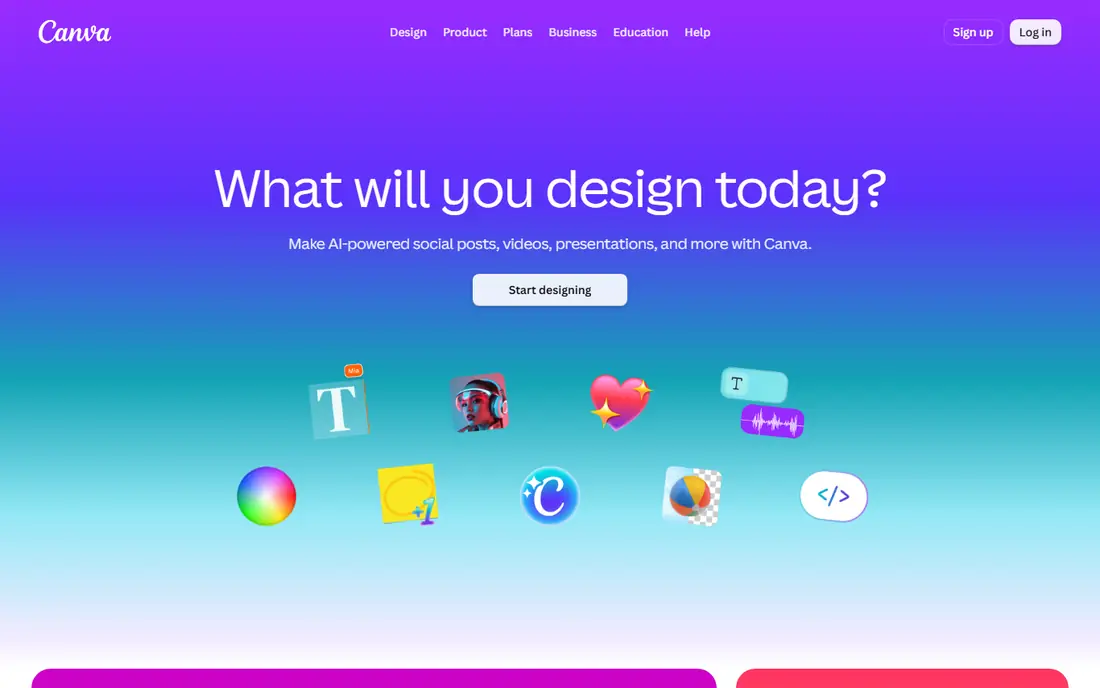
Canva is the easiest way to make a resume that looks polished in an afternoon. Hundreds of free templates cover creative, corporate, and student styles, and the editor lets you move sections, change fonts, and add color without design skill. Export to PDF is included on the free plan, which is why it earns a place here despite its paid tier. The honest catch is applicant tracking. Heavily designed two column templates can be misread by older hiring systems, so use a simple single column template for corporate applications and save the bold design for creative roles or direct email. Our pick for most people is to build the content in Canva, then keep a plain copy ready as well.
- Large free template library
- Easy drag and drop editing
- Free PDF export
- Some layouts parse poorly in tracking systems
- Best features sit in the paid Pro plan
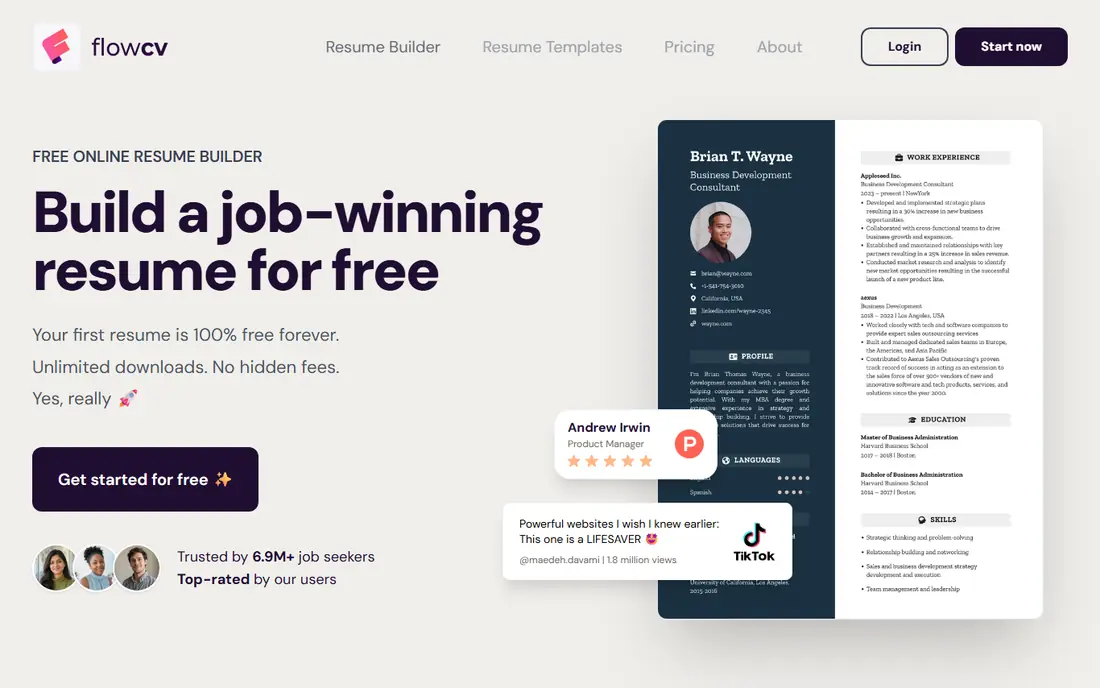
FlowCV is our pick for job seekers who want a free resume with no surprises at download. The free plan produces a clean PDF without a watermark, and the layouts are deliberately simple, which helps hiring systems read your headings, dates, and job titles correctly. You can edit sections, reorder them, and preview the result in real time. The limit is scope: the free plan covers one resume project at a time, so tailoring many versions takes more juggling than in Teal. For a single strong resume, that limit rarely matters. If you need one good document fast, start here.
- Free PDF downloads without a watermark
- Clean, tracking friendly layouts
- Quick to use
- One resume project on the free plan
- Limited design flair
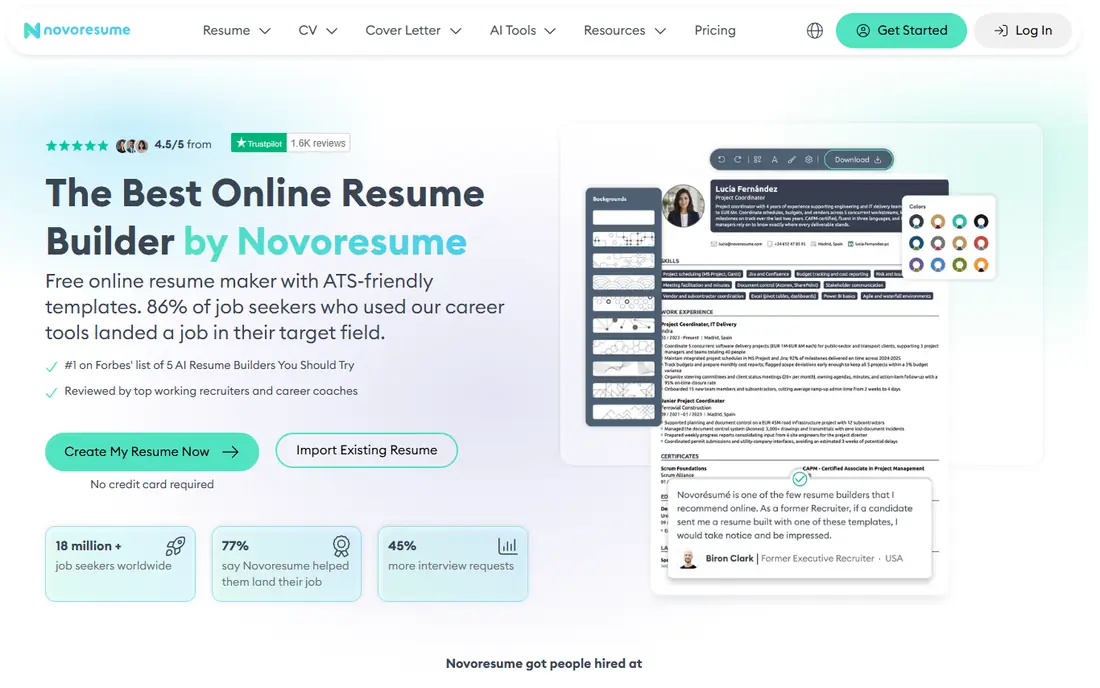
Novoresume suits people who want guidance as they write, not just a blank template. The editor offers content suggestions, checks layout as you type, and warns you when a resume spills past one page. That structure helps new graduates and career changers who are unsure how much detail to include. The free plan is genuine but narrow: one version of a one page resume. If you need two or three tailored versions for different roles, you will either pay or rebuild. For a single focused application, Novoresume is one of the strongest free options available.
- Free basic plan with real PDF download
- Helpful content tips
- Clean templates
- Free plan limited to one one page version
- Extra pages need a paid plan
Kickresume is a good fit if writing the bullets is harder than formatting them. Its AI writer can draft experience statements from a job title and a few notes, and you can import a LinkedIn profile to fill in the basics. The free plan includes a small set of basic templates with downloads, so you can finish a real resume without paying. The trade off is template choice. The most polished designs sit behind the paid plan, and the free tier limits some sections. Start with a basic template, focus on clear results in each bullet, and upgrade only if a specific premium design matters for your field.
- Free plan includes basic templates and downloads
- AI writing help
- LinkedIn import
- Free templates are limited
- Premium templates and features require payment
Teal stands out because it treats the resume as part of a job search, not a one off document. The free plan lets you build resumes, track applications, and save job postings in one place, which helps when you are applying to many roles at once. Its keyword tools can also highlight gaps between your resume and a job description. Free AI credits run out quickly, so use them for the hardest sections and write the rest yourself. The dashboard also takes a little time to learn. For active job seekers juggling ten or more applications, Teal is the most useful free tool in this list.
- Free resume builder with job tracking
- Multiple resumes
- Useful keyword tools
- AI credits are limited on the free plan
- Interface has a learning curve
OpenResume is the quiet, dependable option. It is open source, it does not force you into an account before you start, and its templates are plain in a good way: hiring systems can read them easily. If you distrust tools that lock your document behind a login, this is a refreshing change. You give up the polish of Canva and the job tracking of Teal, and template variety is modest. For a straightforward resume that you own and can export freely, that trade is worth it. It is also a smart choice for students who need a resume today with no setup friction.
- Free and open source
- No account required to start
- Clean single column layouts
- Fewer templates than Canva
- No built in job tracking
Google Docs is not a resume app in the strict sense, and that is its strength. Its built in resume templates are simple, the document is yours, and you can export to PDF or Word without paying or hitting a template limit. Sharing a draft with a mentor for comments takes seconds. What you miss is guidance: no keyword scoring, no AI bullets, and no tailored section prompts. Pair Docs with a job description and a checklist of your results, and it will serve you well. For many applicants, a clean Docs resume beats a flashy builder that charges at download.
- Completely free with a Google account
- Reliable export
- Easy sharing and comments
- Templates are basic
- No resume specific guidance or keyword checks
VisualCV adds something the others do not: a hosted online resume with a shareable link, plus basic analytics showing when it is viewed. That is handy for freelancers, portfolio based roles, and anyone who wants to link a resume from a personal site or email signature. The free plan is limited, so read its current limits before building a long document, and expect the paid plan to cost more than simpler builders. Use VisualCV when an online version matters, and keep a PDF from FlowCV or Docs as your application copy.
- Free plan with online hosting
- Analytics on views
- Multiple template styles
- Free plan is restrictive on downloads and features
- Paid plan is pricey
How we picked these
We compared official pricing pages and free plan terms, with one hard rule: a tool only made the list if its free plan lets you build and download a usable resume without paying. We excluded builders whose free tier only exports plain text, since a plain text file is not a proper resume for most applications. We also favored tools that are still maintained, work in a browser or as an app, and offer layouts that hiring systems can read.
How to choose a free resume tool
Start with the job, not the template. For corporate, government, or large company roles, pick a single column layout from FlowCV, OpenResume, or Google Docs, and use standard headings such as Experience, Education, and Skills. For creative roles, Canva or VisualCV can carry more design, but keep the file readable and avoid tiny text or graphics that hide your job titles. Next, test the download before you invest an hour. Build a short sample with two jobs, export the PDF, and open it on a phone to check spacing and fonts. If a watermark appears or the PDF is blocked, switch tools early. Then tailor the top third of the resume to each role: a short summary, the most relevant experience first, and keywords drawn from the job posting in natural language. Finally, proofread outside the builder. Copy the text into a plain document and read it aloud, since builders can hide typos behind nice design. Ask a friend or mentor to scan it for six seconds and tell you your last role and top skill. If they cannot, simplify the layout.
FAQ
What is the best app to make a resume for free?
FlowCV is our top free pick for a clean PDF with no watermark, while Canva is best for design and Teal is best for tracking many applications. The best app to make a resume for free depends on whether you need design, tracking, or a plain tracking friendly file. Try the download test in this guide before committing to one tool.
Can I really make a resume for free?
Yes, with the tools in this list, provided you accept free plan limits such as one resume project or a small template set. Builders that only export plain text on a free plan are not counted as truly free here. Always export a sample early to confirm the PDF is usable.
Are free resume templates safe for applicant tracking systems?
Simple single column templates are the safest choice, since most hiring systems parse standard headings and plain text well. Multi column, heavily graphic designs can confuse older systems and misorder your experience. When in doubt, submit the plain version.
Should I use AI to write my resume?
AI can help draft bullets and tighten wording, but the facts, results, and dates must come from you. Review every AI sentence for accuracy and remove claims you cannot support in an interview. A resume with invented achievements will cause more harm than a plain, honest one.
How long should my resume be?
One page suits most early career applicants, while two pages suit experienced professionals with a long relevant record. Keep each bullet focused on a result, such as a task completed or a process improved, rather than a list of duties. Cut older or unrelated roles first when space is tight.