Platform to Make an App in 2026: The 5 Best Options Side by Side
5 options for the best platform to make an app, with entry costs, free tiers and the buyer each one serves. Strengths and gaps are listed per tool. Start here.
- Editor's choice
 Mendix
Governed workflows and agentic enterprise apps
Starts atSee websiteVisit mendix.comFull review - Great alternative
 Retool
Internal tools and admin panels
Starts at$10 per builder a monthVisit retool.comFull review - Also consider
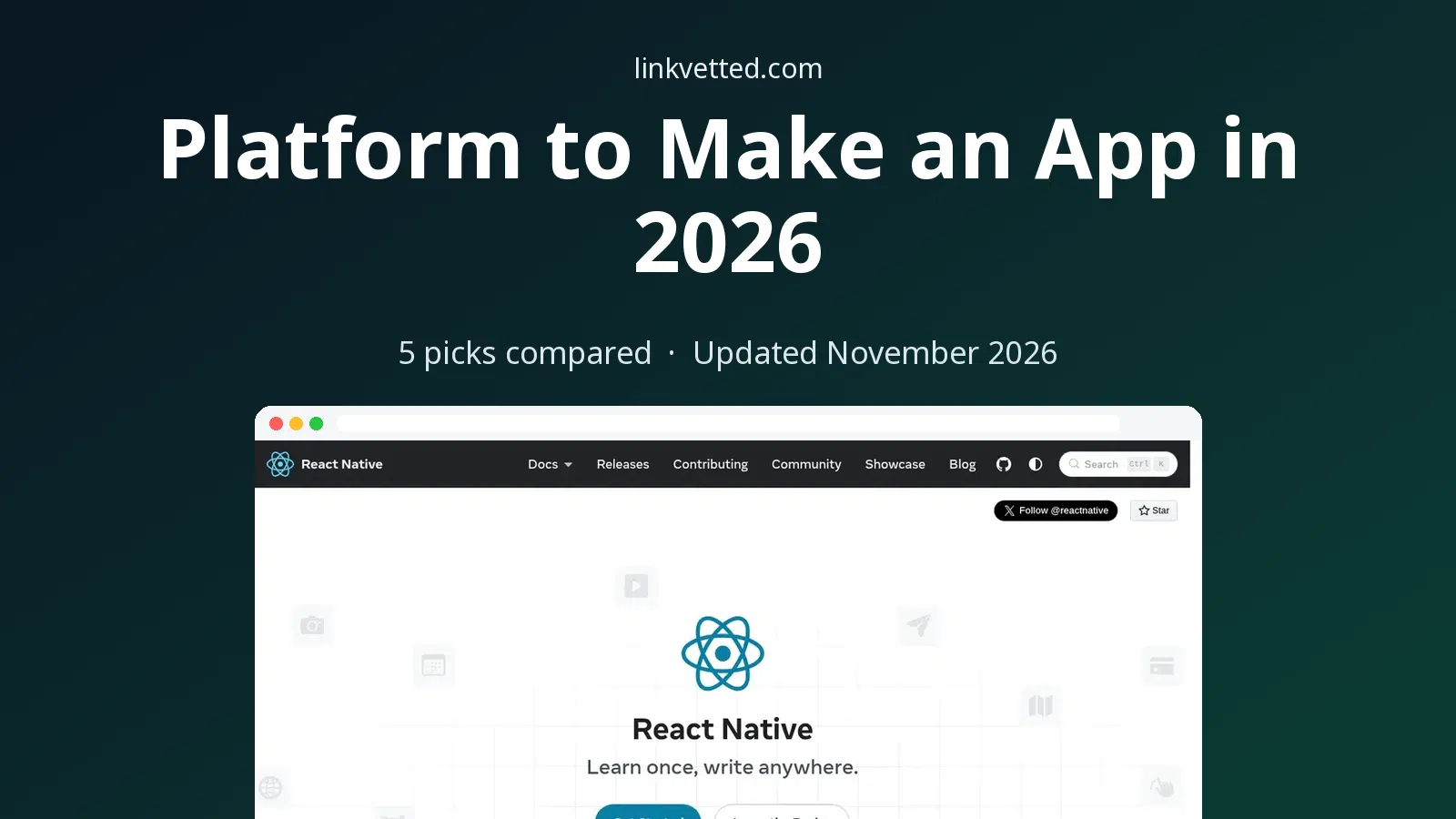
 React Native
JavaScript teams building mobile apps
Starts atSee websiteVisit reactnative.devFull review
Direct answer
Mendix is the first pick on this list for governed workflows and agentic enterprise apps. Listed starting prices: Retool from $10 per builder a month. Look at Retool for internal tools and admin panels, and at React Native for JavaScript teams building mobile apps. The full list of 5 tools follows, with prices and free plan facts.
TL;DR:
- Mendix takes the first slot, best suited to governed workflows and agentic enterprise apps.
- Mendix comes with a trade-off: enterprise focus layers on complexity.
- Flutter suits cross-platform apps from one codebase.
- Starting prices begin at $10 per builder per month with Retool.
- A free plan is available from 2 of the 5 tools: Retool, Microsoft Power Apps.
Last checked November 2026. Prices and plan details were read from the vendors' own pages in November 2026; vendors change plans often, so confirm the current price on the vendor site before you buy.
Quick comparison
| Tool | Best for | Starts at | Free plan? | |
|---|---|---|---|---|
| Mendix | Governed workflows and agentic enterprise apps | See website | Not stated | Visit |
| Retool | Internal tools and admin panels | $10 per builder a month | Yes | Visit |
| React Native | JavaScript teams building mobile apps | See website | Not stated | Visit |
 Microsoft Power Apps | Low-code internal business apps | See website | Yes | Visit |
 Flutter | Cross-platform apps from one codebase | See website | Not stated | Visit |
The 5 tools in detail
LinkVetted put together this guide to platform to make an app for readers who want a clear shortlist without reading every vendor page. It compares 5 tools on starting price, free plans, who each one suits and where each one falls short.
Think of Mendix for governed workflows and agentic enterprise apps. Organizations balancing innovation with oversight frequently evaluate it alongside other enterprise low-code systems.
The main drawbacks: Enterprise focus brings complexity.
Its enterprise orientation means more setup and platform-specific training, which can slow small projects. Check the vendor site for Mendix pricing; none is listed in this comparison. Trial and free access: Not stated.
- One product for apps and workflows
- Supports modernization efforts
- Needs platform training
For internal tools and admin panels, Retool is a natural candidate. It is geared toward internal tools instead of consumer-facing products, so refined public apps or complicated custom interfaces may need a different stack.
Where it is weaker: Custom front-end work may be restricted.
If you are shipping a customer app, pair a framework like Flutter or React Native with your backend instead. On cost, Retool starts like this: $10 per builder per month. You can start on Retool without paying.
- Build
- Connects to databases
- Geared toward internal, not consumer apps
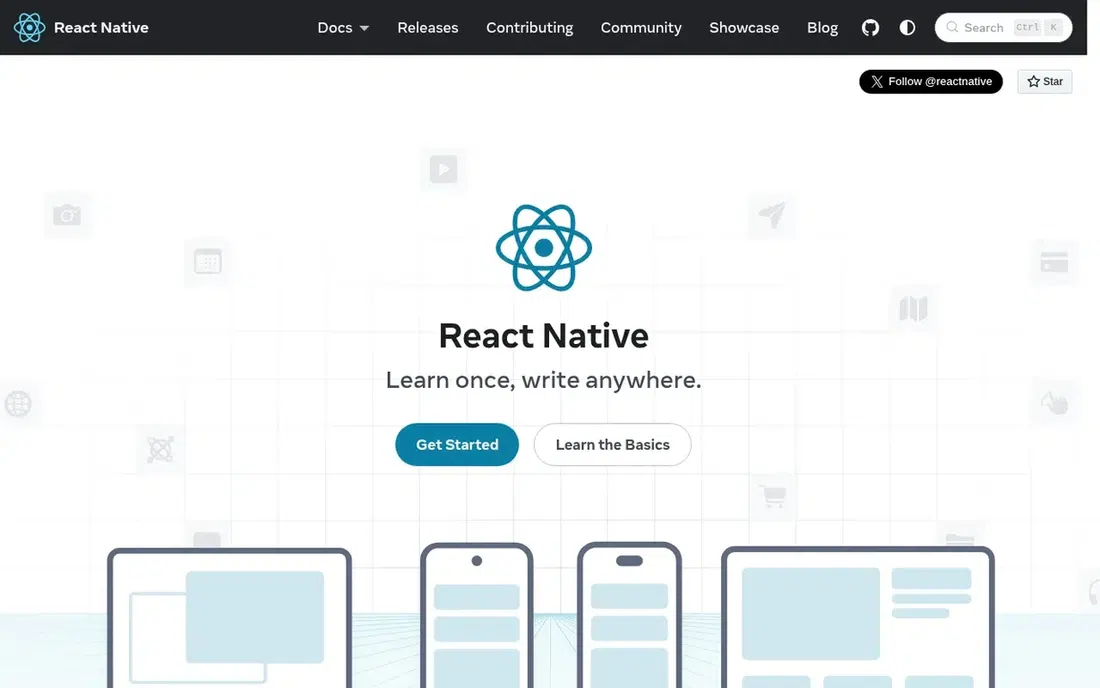
React Native serves JavaScript teams building mobile apps. React Native follows a learn once, write anywhere model, letting developers apply JavaScript and React knowledge to build mobile apps.
The main drawbacks: Native modules may still be needed.
Strengths: Learn once.
Some features still need native modules or platform-specific code, and build tooling can differ between targets. On top of that, if you need one codebase spanning desktop and embedded screens plus mobile, Flutter spans more targets from day one, so weigh that before committing. Pricing for React Native is not stated here, so ask the vendor for current figures. Free plan details: Not stated.
- Uses JavaScript and React skills
- Backed by a wide ecosystem
- Tooling setup can vary by target
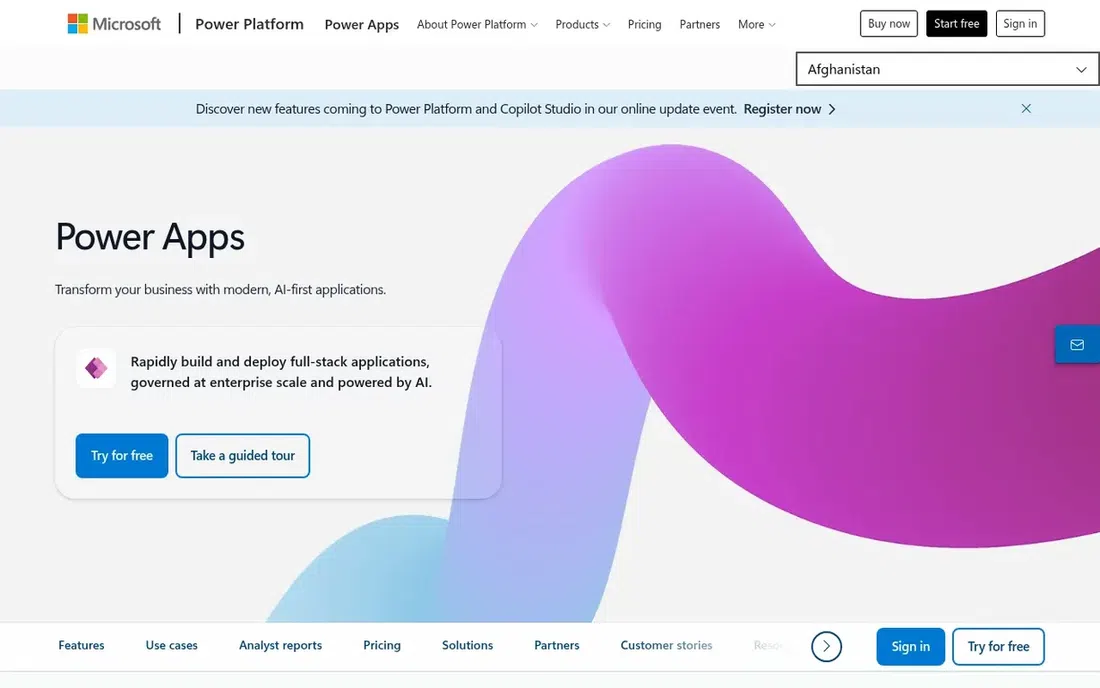
Microsoft Power Apps is designed for low-code internal business apps. Since it is tuned for business apps, highly custom consumer experiences or heavy graphics work can outgrow it. The best value comes from staying within the Microsoft ecosystem.
As for the details, if you are building a customer-facing mobile product, a code-first framework like Flutter or React Native is typically a better starting point. Microsoft Power Apps is a low-code app builder for creating custom business apps that simplify processes and boost productivity across an organization. This comparison lists no price for Microsoft Power Apps; ask the vendor. A free plan is available with Microsoft Power Apps.
What to check first: Best value inside the Microsoft ecosystem.
- Geared toward simplifying processes
- Low-code builder for business apps
- Complicated custom apps may hit limits
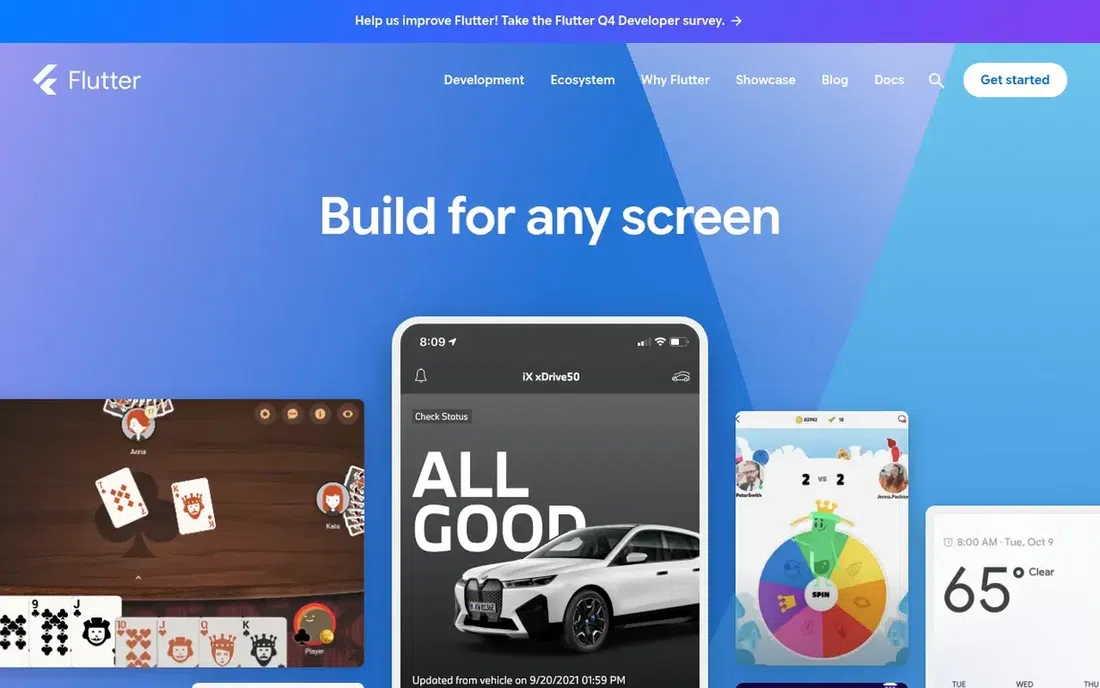
For cross-platform apps from one codebase, Flutter is a natural candidate. Flutter is a framework that transforms the app development process by letting you build, test and deploy apps for mobile, web, desktop and embedded targets from a single codebase.
Where it is weaker: Bigger app footprints are typical.
Where it shines: Single codebase for plenty of targets.
For everyday use, if your team is already deep in JavaScript or needs tight platform-specific integrations, React Native or a native approach may suit you better. The tradeoff is that Flutter uses Dart, so developers coming from JavaScript or native mobile stacks face a ramp-up time, and apps can carry additional size compared to lean native builds. Flutter does not show a starting price in this comparison, so check the vendor site for current pricing. On free options: Not stated.
- Built-in testing and deployment flow
- Spans mobile, web
- Needs learning Dart
Our selection method
LinkVetted looked at what each vendor publishes: pricing, plan limits, feature coverage for platform to make an app and stated drawbacks. No hands-on testing is claimed. Plan names, prices and limits change often. Treat the figures here as a starting point and verify them with the vendor. We ordered the tools by general fit, then by how clearly pricing is shown, then by free access. A buyer with unusual needs may reorder them.
Questions to settle before buying
- Confirm the entry price on the vendor page. For Mendix, React Native, Microsoft Power Apps and Flutter that means a quote rather than a fixed price.
- Look at free plan limits closely: Retool and Microsoft Power Apps have one, and the caps decide whether it is usable for real work.
- Read the limits listed for Mendix first: enterprise focus layers on complexity.
- Test how quickly React Native answers a pre-sales question; it hints at how support will feel later.
- Test the integrations you rely on with Retool before committing; some connectors sit on upper tiers.
FAQ
Which system is a good match for building a mobile app?
Mendix is the pick this page puts first, mainly for governed workflows and agentic enterprise apps. If your situation differs, Retool suits internal tools and admin panels, and React Native suits JavaScript teams building mobile apps. Compare price and limits before you decide.
What is the cheapest option for platform to make an app in this list?
On published monthly entry prices, Retool is the lowest here at $10 per builder per month. Entry price is only part of the cost, because seats, add-ons and billing terms can change the total. Each of the 5 options in this platform to make an app guide has its own card above with the price, free plan and limits.
Which options for platform to make an app have a free plan?
On this list, Retool and Microsoft Power Apps include a free plan. Caps on seats, usage or features are common, so test the free plan against your real workload. All 5 picks in this platform to make an app comparison list a starting price, free plan details and the main limits on their cards above.
Can I try these tools before paying?
Often, yes. Retool and Microsoft Power Apps have a free plan. Use your own data and a real task during the test, and check what the free tier or trial limits before you rely on it. For the full picture, the cards above cover all 5 entries of this platform to make an app list, including price, free plan and limits.
Do these tools publish their prices?
Not all of them. Mendix, React Native, Microsoft Power Apps and Flutter publish no starting price, so expect a quote request for those. The rest, Retool included, show a starting price, though seats and billing terms still change the final cost.
Sources
- https://www.mendix.com
- https://retool.com
- https://reactnative.dev
- https://powerapps.microsoft.com
- https://flutter.dev